

How to Convert Slides
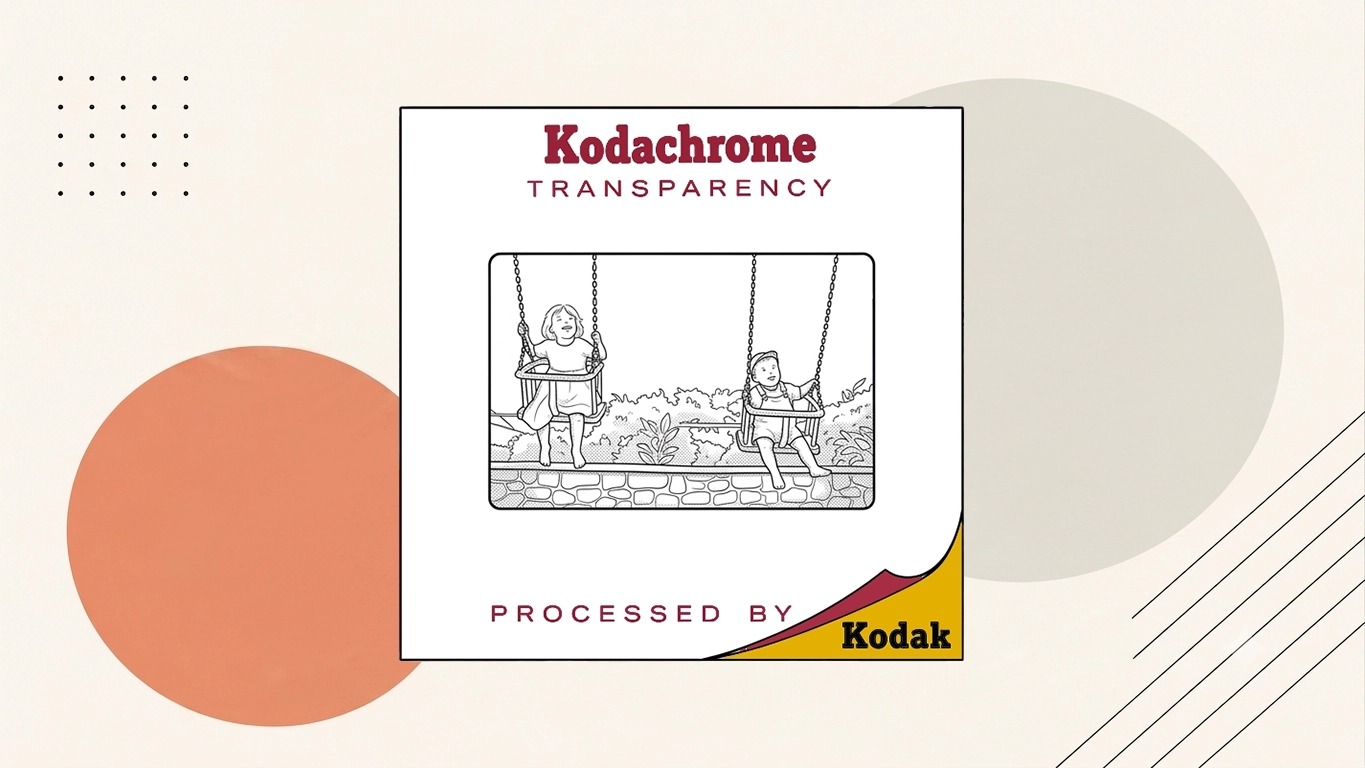
Convert Slides to Digital
Q. How should I organise or prepare my slides before sending them for conversion?
Keep slides in their existing boxes, trays or numbered groups if their order matters. Remove only loose surface dust if it can be done safely; there is no need to remount or extensively clean them before sending.
Q. How much does it usually cost to digitise slides?
For 35mm slides, we carefully inspect and prepare the originals before scanning each image individually at high resolution. The resulting files are checked, rotated and cropped where necessary, with colour and exposure adjustments applied to produce a more consistent collection. Digital download and USB delivery are available, alongside higher-resolution options for customers wanting greater flexibility for printing, restoration or long-term preservation. Our published prices for standard 35mm slides typically start at 89p each for 1–100 slides, reducing to 79p for 101–200, 69p for 201–400, 59p for 401–700 and 49p for 701–1,000. Our published prices however are a general guide, and we always try to help our customers by applying bigger discounts for volume. At the end of the day, we're a company that values our interactions with customers, respects their memories and really loves to make people happy with the experience of dealing with Supaphoto as you can read in our reviews.
Q. How much does it cost to digitise slides?
For 35mm slides, we carefully inspect and prepare the originals before scanning each image individually at high resolution. The resulting files are checked, rotated and cropped where necessary, with colour and exposure adjustments applied to produce a more consistent collection. Digital download and USB delivery are available, alongside higher-resolution options for customers wanting greater flexibility for printing, restoration or long-term preservation. Our published prices for standard 35mm slides typically start at 89p each for 1–100 slides, reducing to 79p for 101–200, 69p for 201–400, 59p for 401–700 and 49p for 701–1,000. Our published prices however are a general guide, and we always try to help our customers by applying bigger discounts for volume. At the end of the day, we're a company that values our interactions with customers, respects their memories and really loves to make people happy with the experience of dealing with Supaphoto as you can read in our reviews.
Q. How does the image quality differ between professional and DIY slide conversions?
For customers, professional slide conversion almost always produces better results than DIY attempts. In practice, with advanced scanners and expert technicians, we preserve detail, colour, and sharpness that home methods often lose. Supaphoto Ltd ensures your digital files faithfully represent your originals.
Q. How do you ensure the safety of my original slides during the conversion process?
For customers, we take the utmost care in handling your original slides. In practice, they are scanned by trained professionals using gloves to prevent fingerprints or damage. Generally, our process involves strict protocols to ensure that each slide is returned in the condition it was received.
Q. How are my digital slide files delivered to me after conversion?
For customers, your digitised slides can be delivered on a USB stick, via secure cloud storage, or on DVD. Supaphoto Ltd will provide your files in the way that's most convenient for you, ensuring safe delivery and easy access.
Q. How do I transfer old slides to digital?
Generally, a professional scanning service is the quickest, easiest way to turn old slides into digital files. Supaphoto Ltd also offers a scanning service for photos and negatives – all at a reasonable price and with a quick turnaround.
Q. How do you protect my original slides throughout the conversion process?
Generally, every slide is handled with the utmost care by trained professionals. Supaphoto Ltd uses gloves to prevent fingerprints or marks, and each slide is scanned under controlled conditions. For customers, your originals are returned to you exactly as we received them, handled with care throughout.
Q. How do you handle privacy and confidentiality during the conversion process?
Generally, we take privacy and confidentiality very seriously. In many cases, all our staff are trained to handle sensitive material with the utmost discretion. For this service, the digital files are stored securely and only accessible to the technicians working on your project. In this situation, this level of security and privacy is a significant advantage of using a professional service like ours.
Q. How can I convert my slides to digital?
In many cases, whether handled professionally or at home, converting slides to digital involves scanning each one individually. At Supaphoto Ltd, our equipment allows us to scan large batches quickly while still optimising colour, resolution, and sharpness for every image.
Q. How do I prepare slides for digitisation?
In practice, preparing slides involves cleaning and sorting them. In this situation, this can be tedious and risky if you're not careful. Supaphoto Ltd handles all these preparatory steps for you, ensuring that each slide is treated with professional attention.
Q. How should I prepare my slides for conversion?
Supaphoto Ltd recommends that you gently clean the slides with a soft, lint-free cloth to remove any dust or debris. Generally, if they are in slide carousels or boxes, you can leave them as is. In many cases, our technicians will handle them appropriately. In this situation, this preparation step is crucial for achieving the best scanning results and is an area where our expertise can guide you effectively.
Q. How do you handle colour correction and other enhancements?
Supaphoto Ltd uses advanced software for colour correction and enhancements. In this situation, this process includes adjusting brightness, contrast, and saturation to bring the images as close to their original state as possible. For customers, our technicians are skilled in these processes, ensuring a natural and faithful enhancement. This meticulous attention to detail is commonly lacking in DIY conversions, where software limitations and expertise can affect the final outcome.
Q. How long does it take to digitise slides?
The time can vary based on the quantity and condition of the slides. But Supaphoto Ltd offers a quick and efficient service, usually completing orders within 7 days, thanks to professional-grade equipment and experienced staff.
Q. How long does it take to convert a batch of slides?
The time it takes to convert a batch of slides depends on the number of slides and the condition they are in. For customers, generally, a batch of 100 slides can take anywhere from a few days to a week. In practice, our professional service streamlines this process, ensuring efficiency without compromising on quality, a balance that's challenging to achieve with DIY methods.
Q. How long does it normally take to convert a batch of slides?
The turnaround time depends on the size and condition of your collection, but usually, 100 slides take around three to seven days to complete. Supaphoto Ltd's streamlined process balances speed with the highest level of accuracy and quality.
Q. How do I transfer 35mm slides to my computer?
While you can scan slides at home using a flatbed or slide scanner, it's usually simpler and more effective to let Supaphoto Ltd handle it. Supaphoto Ltd scans all formats and include free restoration and colour correction with every order.
Transferring Slides to Digital
Q. How does the process of transferring slides to digital work?
At Supaphoto, the process of transferring slides to digital begins with a detailed inspection and gentle cleaning of each slide to remove any dust or surface particles. We then use professional-grade scanners to capture each image in high resolution, ensuring every colour, texture, and fine detail is preserved. The resulting digital files are colour corrected and optimised before being saved to USB, DVD, or provided as a digital download. Finally, your original slides are returned safely in the same order they were received.
Q. How much does it cost to scan slides?
For 35mm slides, we carefully inspect and prepare the originals before scanning each image individually at high resolution. The resulting files are checked, rotated and cropped where necessary, with colour and exposure adjustments applied to produce a more consistent collection. Digital download and USB delivery are available, alongside higher-resolution options for customers wanting greater flexibility for printing, restoration or long-term preservation. Our published prices for standard 35mm slides typically start at 89p each for 1–100 slides, reducing to 79p for 101–200, 69p for 201–400, 59p for 401–700 and 49p for 701–1,000. Our published prices however are a general guide, and we always try to help our customers by applying bigger discounts for volume. At the end of the day, we're a company that values our interactions with customers, respects their memories and really loves to make people happy with the experience of dealing with Supaphoto as you can read in our reviews.
Q. How do I scan slides to digital?
To scan slides to digital, we work from the original slide, capture its usable content and prepare the resulting file for modern playback or storage.
Q. How do you handle slides that have developed mould or water damage?
Over time, slides stored in damp conditions can develop mould, mildew, or warping. Before scanning, we gently clean and stabilise affected slides using film-safe tools. If damage is significant, we capture the cleanest possible image and can apply digital restoration techniques to reduce the appearance of marks or discolouration. Our goal is to recover as much detail as possible while protecting your original film.
Q. How does professional transfer slides to digital? work?
Professional slide digitisation involves cleaning and inspecting the slides, scanning them with equipment suited to transparencies and checking the resulting files for focus, colour and exposure.
Q. How to scan transparencies?
To scan transparencies, the original needs to be played or scanned with compatible equipment and captured into a digital file.
Q. How secure is my order during and after digitisation?
Your slides are handled exclusively by our in-house technicians using secure equipment. We never outsource our work. Once scanning is complete, your digital files are stored on encrypted servers, and backups are deleted upon request to protect your privacy.
Slide Scanning Service
Q. How long does slide scanning service usually take?
Most standard Supaphoto orders are usually completed in around 7 days after the originals arrive. Larger quantities, damaged media, restoration work or specialist formats can take longer, and any significant additional time should be confirmed once the order has been assessed.
Q. How long does it take to scan slides?
Most standard Supaphoto orders are usually completed in around 7 days after the originals arrive. Larger quantities, damaged media, restoration work or specialist formats can take longer, and any significant additional time should be confirmed once the order has been assessed.
Q. How to clean slides before scanning?
A slide is clean slides before scanning by using compatible playback or scanning hardware and recording the output digitally.
Q. How do you protect my original slides during the scanning process?
Every order is handled by trained technicians using archival-grade gloves and equipment. We never bend, peel, or force slides from their mounts. Once scanning is complete, your slides are carefully repackaged and returned in the same order and condition as they arrived.
Q. How does professional slide scanning service work?
For How does professional slide scanning service work, we work from the original slide, capture its usable content and prepare the resulting file for modern playback or storage.
Q. How do I package and send my slides safely?
Place your slides in protective sleeves, magazines, or plastic containers and cushion them with bubble wrap inside a sturdy box. Include your signed order form and send them to our logistics centre:.
Q. How does slide scanning work?
The slide Scanning process involves converting your mounted 35mm slides or film transparencies into high-resolution digital images. At Supaphoto, we use professional slide scanners that capture each image in exceptional detail and accurate colour. Every slide is cleaned, scanned individually, and adjusted for exposure, contrast, and sharpness. Once complete, your digital slide images are delivered via USB, online download link, or DVD — ready for viewing, sharing, or printing.
Q. How are fragile or very old slides handled?
We How are fragile or very old slides handled by working directly from the slide , brushing gently and using a dedicated machine to convert them to digital.
Q. How to scan slides at home vs professionally — what’s the difference?
While it's possible to scan slides yourself with a flatbed scanner or slide attachment, the results are often lower quality due to dust, scratches, and limited resolution. Professional slide scanning services like Supaphoto use dedicated high-resolution film scanners and calibrated colour systems that preserve the full tonal range of your original transparencies. The result is a clearer, sharper, and more colour-accurate image — ideal for archiving, printing, or restoration.

