Convert Mini DV to DVD to Save Your Memories

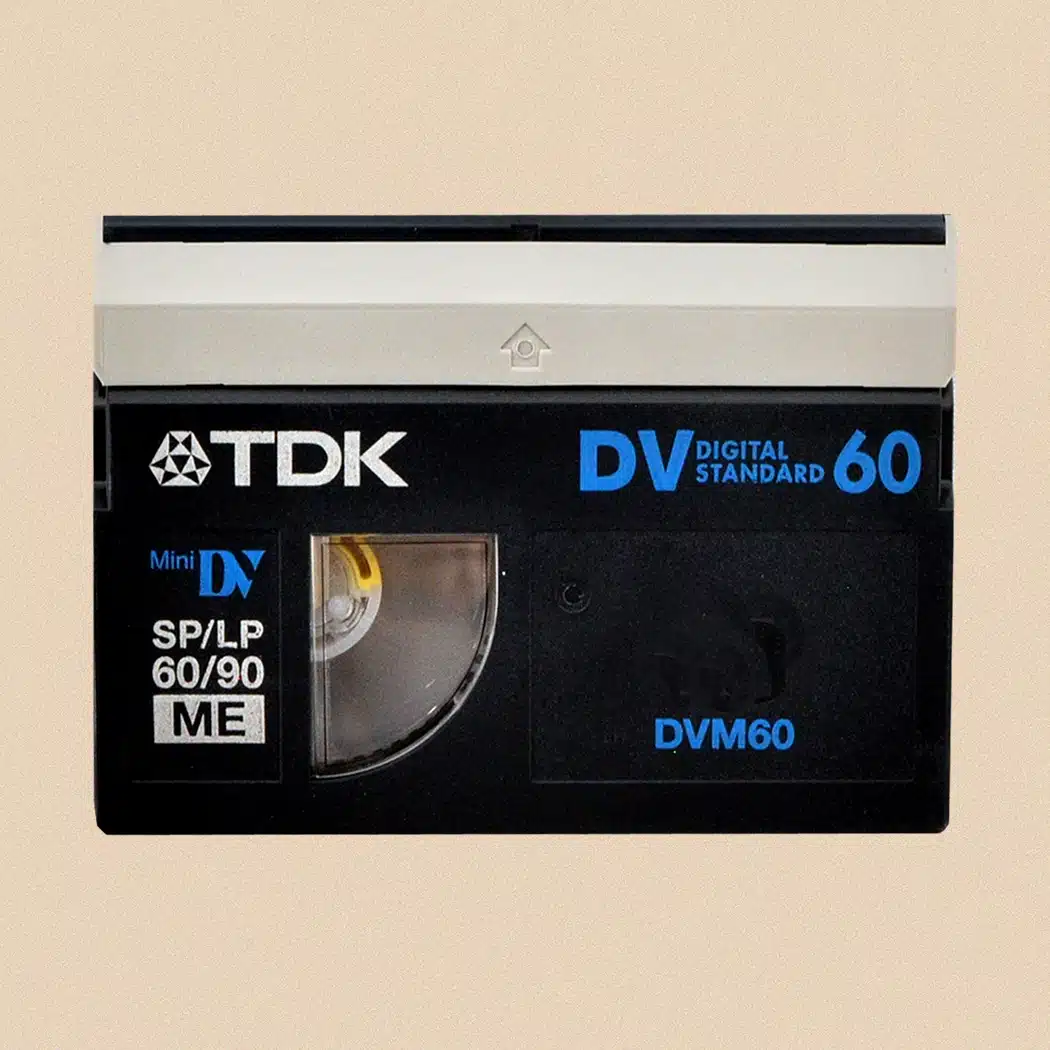
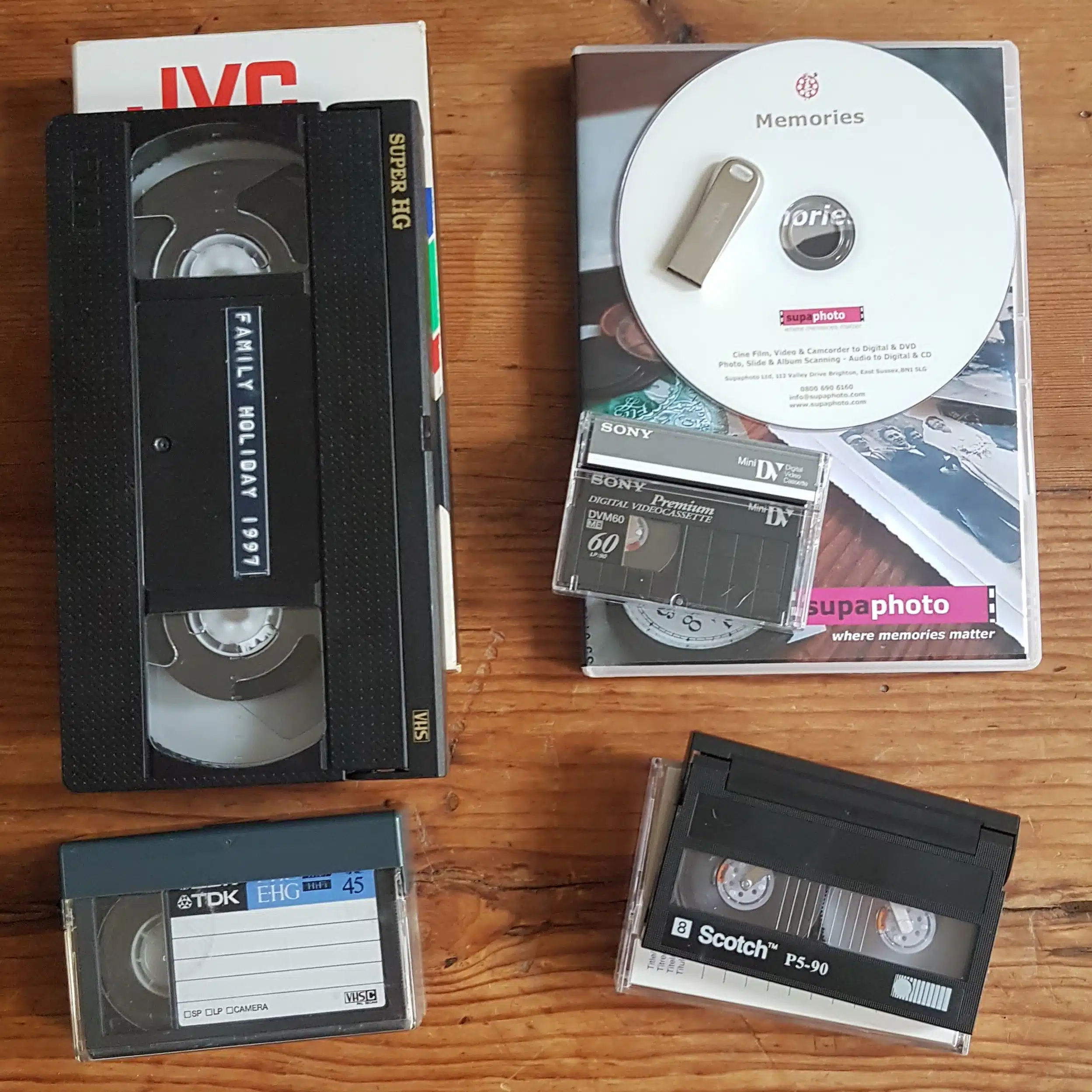
Many of our favourite family moment are stored on Mini DV tapes – a small and lightweight format.
Convert your Mini DV tapes to DVDs in quickly with us and you’ll be able to both safeguard them but also watch and share with your family.
To digitally convert to other video formats, see our Mini DV to Digital and Mini DV to USB pages.
Or call us now for some friendly advice
Freephone 0800 690 6160
Ask About Bulk Discounts too.
 5.0verified by TrustindexTrustindex verifies that the company has a review score above 4.5, based on reviews collected on Google over the past 12 months, qualifying it to receive the Top Rated Certificate.
5.0
verified by TrustindexTrustindex verifies that the company has a review score above 4.5, based on reviews collected on Google over the past 12 months, qualifying it to receive the Top Rated Certificate.
About Our Service - The Supaphoto© Way
Thousands of Families Have Trusted Supaphoto
Our customers span from private individuals to institutions and TV production companies
Posted on Google Chas Button0 days ago
Trustindex verifies that the original source of the review is Google.
I was looking for a company that might be able to convert an old VHS video tape that had been sitting in the draw for nearly 38 years but wasn’t sure that anywhere did this kind of work anymore. How wrong was I? Supaphoto proved to be a lifesaver and have managed to not only preserve the video itself but also a very precious and personal memory that was on that tape and in turn created an incredible digital version for me to watch over and over. Top quality old fashioned customer service and I can’t recommend Supaphoto highly enough. Thanks for everything!Posted on Google Zoe2 days agoI have had excellent service from Supaphoto. They worked hard to retrieve footage from my ancient ciné film. Emile is incredibly knowledge and very good at communicating updates and progress. I don't hesitate in recommending them, and they would definitely be my go-to business for any future film requirements.Posted on Google
 Williteverbethesameagain5 days agoExcellent service all roundPosted on Google
 Chris Toepker5 days agoSupaphoto was terrific in taking my mini dv to digital. Everything was made clear about the process, the timing and the costs. They were very accommodating to my schedule and communicative about progress. I have more tapes to do, and they'll be doing them for sure.Posted on Google
 JENNIFER PARKER5 days agoSupaphoto have done an absolutely wonderful job digitally converting my old film and photo album. They took such care and time getting everything just right. If you need a company that you can trust to take care of those important and irreplaceable memories I would highly recommend them. I will most definitely use their services again. Thank you to everyone at Supaphoto.Posted on Google
 Deborah Russell5 days agoSupaphoto converted a single audio cassette into a digital file for me. Excellent service, friendly, professional and quick! Would definitely recommend.Posted on Google
 Maria Macari Fusciardi6 days agoI have used Supaphoto for several years and they always surpass my expectations. Phillipe and his team provide a friendly and professional service, having most recently converted some of my cine films from the 1940s into mp4 copies on both an external drive and CD discs. They have continually kept in touch to assist with any queries I have and I would recommend them unreservedly.Posted on Google
 Aonnoy Sengupta7 days agoI honestly cannot thank Supaphoto enough for the incredible job they have done recovering our old video tapes and cassettes. My mum recently passed away, and having the opportunity to revisit these precious memories of her and our family means more to us than words can ever express. When they sent us a sample and we finally got to watch the footage, it was such an emotional and special experience. Seeing those moments again felt like being given a little piece of our past back, at a time when we needed it most. The care, effort and attention they put into their work are truly commendable. They have done far more than simply recover old tapes; they have helped preserve memories that are now absolutely priceless to us. I am genuinely grateful for their excellent service, professionalism and the care they have taken with something so personal and irreplaceable. I would wholeheartedly recommend them to anyone looking to preserve their family memories. Thank you for helping us hold on to moments that we will treasure for the rest of our lives.Posted on Google
 Jon Dyer8 days agoUnfortunately the latest roll of film i gave them was too old and pdeteriorated to be able to do anything with.But have had great previous service and will certainly use again. Fast friendly service.😄Posted on Google
 H Gray12 days ago1980s vhs video converted to digital. Very pleased with the result and done in a few days. Will definitely use Supaphoto again.Verified by TrustindexTrustindex verified badge is the Universal Symbol of Trust. Only the greatest companies can get the verified badge who has a review score above 4.5, based on customer reviews over the past 12 months. Read more





How our Mini DV to Digital Conversion Service Works
The best thing you could ever do for your family in three simple steps.
1. Package Up Your Memories
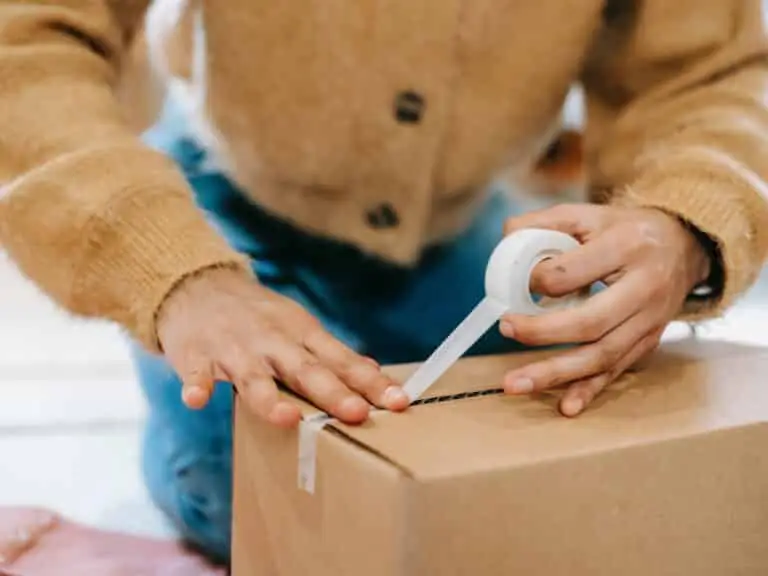
Simply pack your beloved memories and send the Mini DV tapes to us. Use either our courier collection and return service or send it to us directly. Ask for your step by step welcome pack now.
2. Lovingly Converted
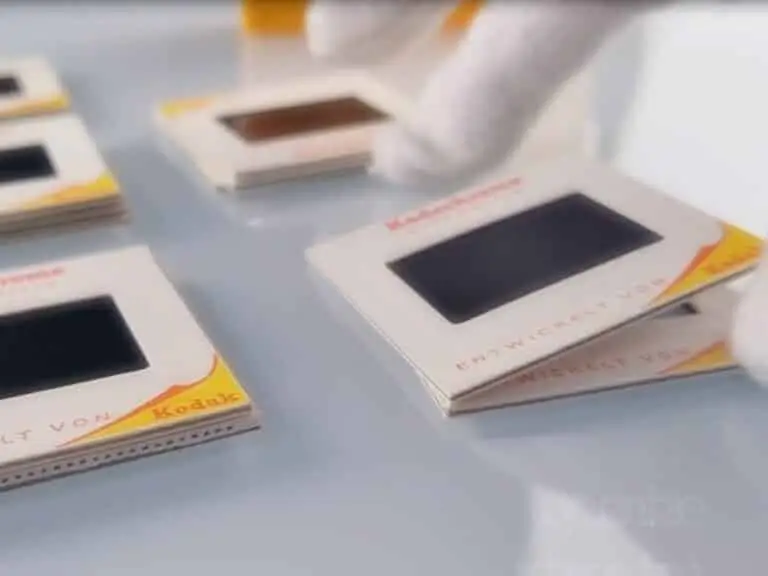
We love what we do. Our dedicated team will digitise your old Mini DV to DVD. We’ve saved millions of memories over 20 years. And don’t worry, you’ll get regular updates along the way.

3. Share & Enjoy With Your Family
This is where the magic begins, We’ll return your original media. Once the videos in digital format are ready, you’ll be able to relax and let those memories flood in.
From start to finish, we track your video tapes carefully so you always know their status and when they’ll be ready for return.
What's Included?
You’ll receive everything needed to safeguard your memories.
Yes, where collection is applicable, we’ll organise for an easy to understand pre-paid address label to be sent to you. Could not be more simple. There’s also a section in there for you to add notes.
We know how precious your memories are. It can feel like a big decision. The Supaphoto Welcome Guide explains the process in step by step simple terms. It will also include useful contact details for peace of mind.
We loe what we do. Our dedcated team will digitise every item by hand. We’ve saved millions of memories over 20 years. And don’t worry, you’ll get regular updates along the way.
This is where the magic begins. We’ll return all of your original media. Once preserved, you can access your files via our easy cloud download service, on a memory stick or a lovely DVD. Finally, just relax and let those memories flood in!.
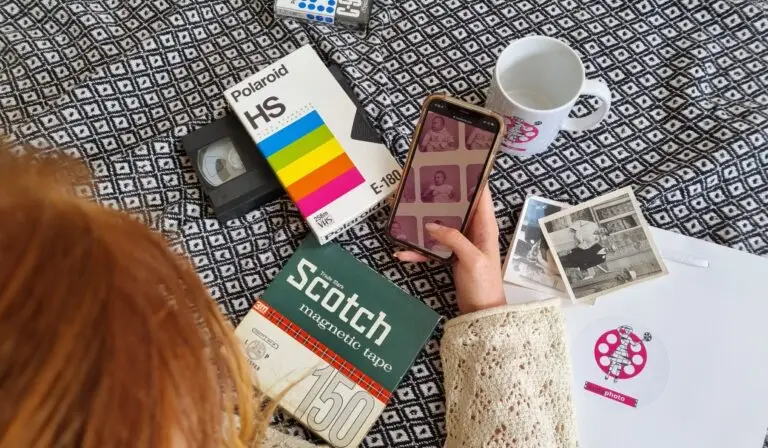
How to Choose the Best Conversion for your Old Mini DV
Choose what you get back. Sit back and soak it in!
We take your video tapes and convert your Mini DV to DVD. It’s so easy to play it on any DVD player or other disc drive.
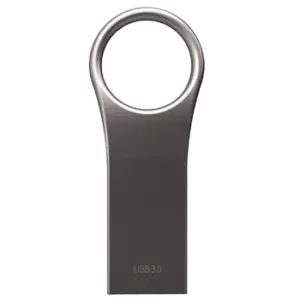
Your converted mini DV Tapes on a memory stick. Just Plug into your computer (or TV) and play, save or copy them.
Mini DV converted to Digital and uploaded to the cloud for easy access by you and your family.
What you‘ll get: Your tapes transferred to DVD.
What to order: Just ask for the DVD option to get all your conversions.
Ideal for: Watching on your telly or a computer with disc drive.
What you’ll get: All of your videos on one or more memory sticks.
What to Order: One USB stick is normally enough or upgrade to a safer SSD version.
Ideal For: Watching on a computer or most TVs (with USB slots).
What you’ll Get: Conversions as computer files.
What to Order: Just order a cloud download option. It’s simple.
Ideal For: Quick access and sharing with the family.
How to Choose the Best Conversion for your Old Mini DV
Choose what you get back. Sit back and soak it in!
Mini DV converted to Digital and uploaded to the cloud for easy access by you and your family.
What you‘ll get: Conversions as computer files.
What to order: Just order a cloud download option. It’s simple.
Ideal for: Quick access and sharing with the family.
Your converted mini DV Tapes on a memory stick. Just Plug into your computer (or TV) and play, save or copy them.
What you’ll get: All of your videos on one or more memory sticks.
What to Order: One USB stick is normally enough or upgrade to a safer SSD version.
Ideal For: Watching on a computer or most TVs (with USB slots).
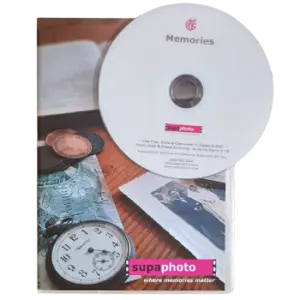
Transfer Mini DV to DVD
We take your video tapes and convert your Mini DV to DVD. It’s so easy to play it on any DVD player or other disc drive.
What you’ll get: Your tapes transferred to DVD.
What to Order: Just ask for the DVD option to get all your conversions.
Ideal For: Watching on your television or a computer with disc drive.
The UK’s Favourite Video to DVD Converter
The video alongside shows how our MiniDV transfer service works and includes sample transfers so you can see the type of results that may be possible from older recordings. It gives you a useful overview of the journey from original cassette through to a finished DVD that is much easier to watch and share.
Every MiniDV tape is handled in our fully equipped, professional-grade studio. Before transfer, we carry out a pre-assessment and inspection to check the cassette, assess its condition and choose the most suitable playback equipment.
Rather than relying on one deck for every recording, we can test tapes on different compatible machines where appropriate. This helps us identify the playback setup that produces the strongest available picture and sound. Our equipment is carefully maintained so that ageing recordings are transferred using machines kept in good working order.
Quality control is built into the process. We carry out checks before capture and again after transfer, helping us identify playback issues and decide whether another attempt could improve the result. If you would prefer a file-based version rather than disc delivery, our MiniDV digital transfer service provides an alternative way to preserve the same type of recordings.
For additional background, our guide to preserving family video recordings explains why older footage is worth safeguarding, while our article on camcorders and their tapes through the years gives useful context for mixed family video collections.
Approximately 96% of tapes are successfully digitised, while almost 100% can be transferred irrespective of their condition. Careful inspection, equipment choice and repeated quality checks all help give each MiniDV tape the best practical chance of a successful transfer to DVD.
See also our Prices and FAQs further below.
What you can Expect From Us & Advantages
Sending MiniDV tapes away for transfer means trusting someone with recordings that may be impossible to replace. Supaphoto combines more than 20 years of trusted experience with experienced video technicians and careful UK-based processing. Our service is supported by over 600 genuine five-star customer reviews, alongside work with television broadcasters and programmes including the BBC’s The Repair Shop, as well as museums and institutions.
Your MiniDV tapes are digitised here in the UK, giving you reassurance about where your originals are being handled. We provide order updates and tracking throughout the process, and if you have a question, you can speak to a real person rather than depending entirely on automated support.
The service is designed to stay simple and fuss-free from start to finish. We aim for a fast turnaround, return your original tapes with the completed order, and do not charge for blank or untransferable items. If your collection contains other legacy video formats, our wider video-to-DVD transfer service provides a useful alternative for different tape types.
There is no compulsory expensive annual cloud-storage subscription. DVD gives you a familiar physical format for viewing, while optional cloud hosting is available if you would also like convenient online access and storage. Customers wanting additional treatment can choose an optional advanced service for superior outcomes.
Our guide to preserving family video recordings explains why older footage is worth safeguarding, while our video transfer learning zone covers wider questions about formats, playback and preservation.
The overall aim is straightforward: careful UK handling, experienced technicians, clear communication and an easy route from old MiniDV tape to a watchable DVD.
We are really proud to be an ongoing technical partner to the TV Production Company behind for the BBC’s Repair Shop and have worked on multiple programmes.
See more examples of references below.
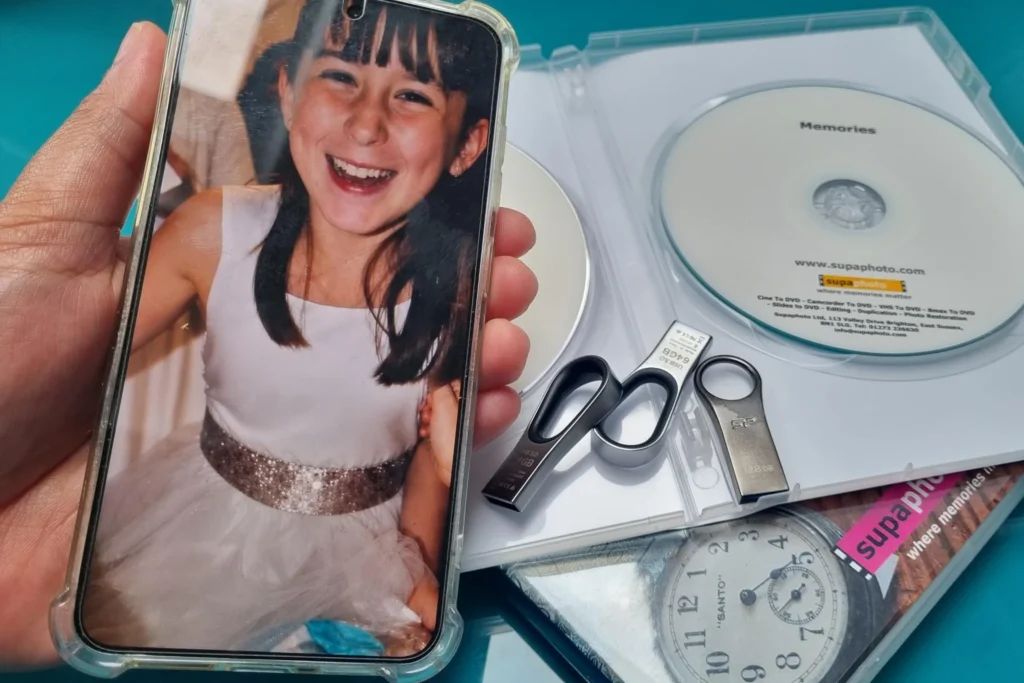
Digitised in the UK
Your VHS Tapes are hand digitised right here in the UK for your peace of mind.
Advanced Service
Studio grade equipment and AI software to enhance and even recover mould affected tapes.
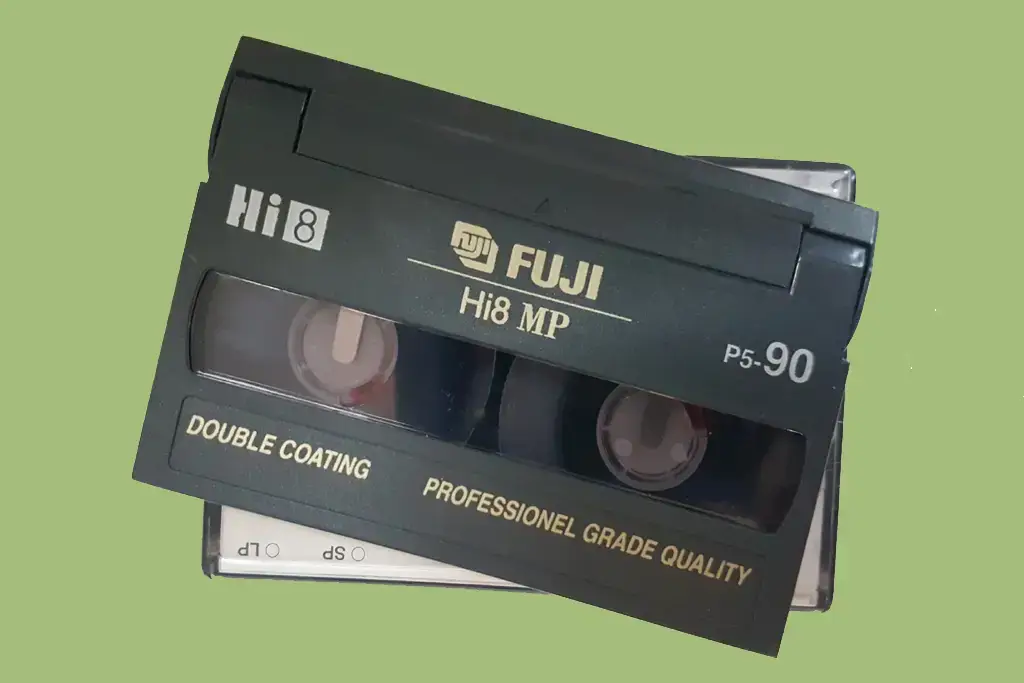
Free Blanks
Free tape inspection & no charge for blanks or tapes that begin with TV when requested.
Originals Returned
For peace of mind, we’ll return your VHS tapes.
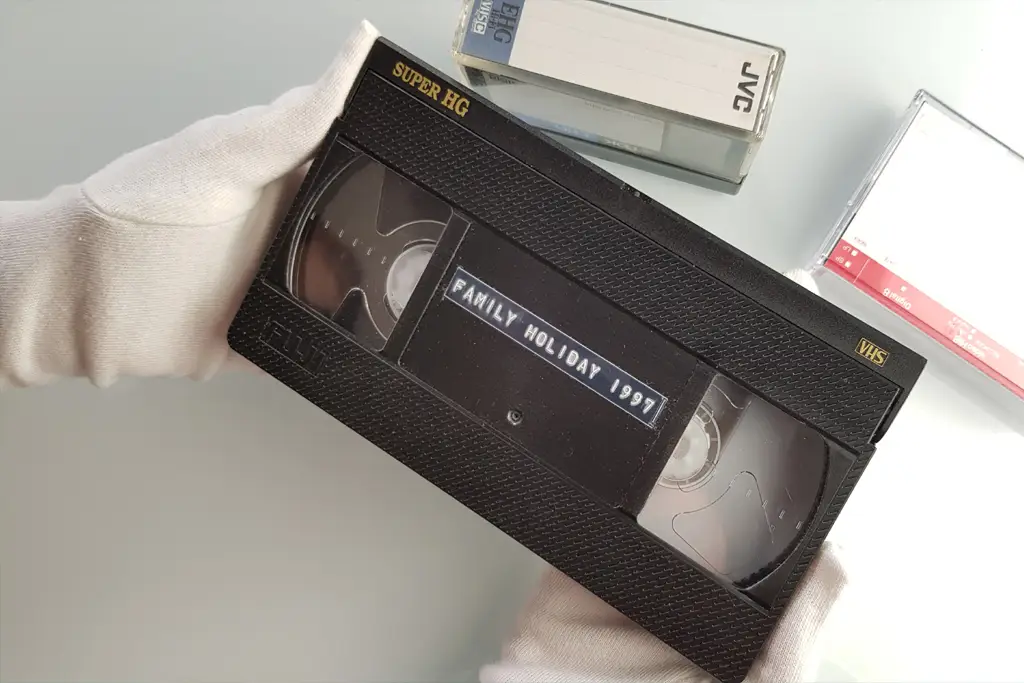
Security & Updates
We take security very seriously at Supaphoto with updates along the way and tracking.

Professional Studio Grade Technology
We use professional-grade VHS decks and high end capture hardware for faithful, accurate transfers.
Nothing beats reliving old memories but remade for today
We take technical quality seriously at Supaphoto. We deliver great results with our video capture process as you can see from the example frame below an old video from over 25 years ago. This enhancement technology can sharpen film. remove excess harsh noise while recovering true authentic detail, stabilise the film & more.
Now with our REVIVAL AI process and treatment, we can now super charge the quality of your VHS Tape prior to converting to DVD if this appeals.
VHS tapes can deteriorate over time, with picture quality fading, sound weakening, and the tape becoming damaged or difficult to play. Transferring them to DVD helps protect your memories in a more convenient format before the original tape wears out.
For more information, watch our video transfer service and examples video

Before
Pre Treatment

After
Post Treatment
Don’t Just Take our Word For it...
“Just had my photo albums scanned by Supaphoto, cannot praise them enough”
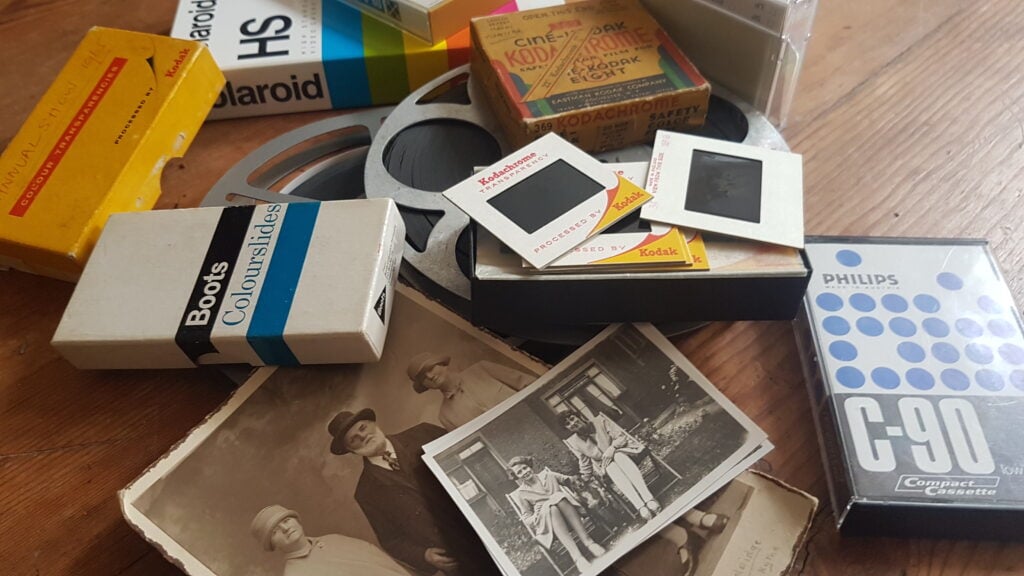
Photo for illustration purposes only.
Sir Richard Attenborough – Just One of Our Proudest Moments
We were so proud to be chosen by the University of Sussex to preserve some of film director Sir Richard Attenborough’s photographs.
Over the years, we’ve also scanned thousands of photo from prestigious photo albums going back to the 1900’s for British politicians to thousands of everyday family photo collections for families throughout the UK.
We were chosen to undertake cine film conversion work for the TV Production Company behind the BBC’s Repair Shop!
Other projects include digitalising Sir Richard Attenborough’s personal collection of images, converting early footage of Virgin Airways promotional films and digitalisation work relating to Windsor Castle, The Mary Rose and the late Queen Elizabeth II.
Our Mini DV Tape Transfer Prices
At Supaphoto we take pleasure in doing things in the right way and growing our business slowly through referrals.
Mini DV Transfer Prices to MP4 Digital Files or DVD(s)
1 Tape: £34.99
2 – 5 Tapes: £29.99 each
6 Tapes Onwards: £26.99 each
Prices typical Mini DV Tapes include for 2 hour of capture, plenty for most tapes! – If you have videos that exceed 2 hour, costs are limited to just £9.99 extra per hour, per item.
What Do I Want Back? – Choose from one of the following options:
i) Mp4 Digital Files as Download from Supaphoto Cloud for easy viewing & sharing with family £29.99
ii) Mp4 Digital Files on a Master USB Stick £29.99
iii) Conversion to a new DVD in a nice presentation case £29.99
Optional Extras:
– Back-up Version on Master USB Memory Stick: £24.99
– Back-up Version of DVD in Presentation Case: £19.99
– Extra copy of DVD in Presentation Case: £19.99
Free Doorstep Collection & Safe Return & Signed-For Delivery
We’re easy to deal with at Supaphoto. Contact Us Now to receive your free welcome pack. We’ll liaise with you to collect your package free of charge. We safely return items with signed-for delivery for extra peace of mind too.
Want to Order? – How Can I contact You?
Simple! Just Call us on freephone 0800 690 6160 or drop us a line.
More Questions?
See FAQs directly below
All Prices are Inclusive of VAT



FAQs
We’ve made life easy for you by compiling the the most commonly asked questions that we’ve been asked over the years in one place!
How can I view my films?
Could not be easier! Either plug a simple USB into your TV and view as a slideshow or watch on PC, laptop, ipad or mobile phone.
Is it easy to share with my family?
It’s so easy. Just forward the link we’ll send you or share your USB memory stick.
Which media output is best?
Digital files are easy to play and share on PCs, laptops, ipads and phones. Start your own home movie editing projects too. A back-up DVD also makes sense.
No Upfront Payment? – When do I pay?
We never charge upfront unlike other companies. Why? Because there’s always a small chance that you may have non-chargeable blank tapes.
Would I be charged for blank tapes?
Don’t worry. We NEVER charge for blank tapes!
How long does it take?
Typically 5-10 working days or less.
Do you offer an advanced service?
Yes. It delivers more vivid colours, better contrast, sharper pictures and image stabilisation. It takes longer but and costs relatively little more.
My video looks very poor in places. Can it still be transferred?
Yes definitely! We’ll always review and advise you first though.
New! AI Cinematic Video Restoration Service
Our new AI REVIVAL restoration system leverages intelligent temporal data to deliver cleaner, more faithful videos. Whether you have tapes, DVDs or video files, we’ll can transform them into beautiful HD even higher resolution videos.
Do you collect / Can we visit your studio?
Yes we collect throughout the whole of the UK! Alternatively, you may visit us too so that we can go through the variables together. Just call or email us in advance to make an appointment at a suitable time please.
Do you send the originals back?
Yes indeed – It’s important that you always keep your originals safe.
Can You Upscale to HD/4K High Definition?
Yes! We can optional offer this service. Just ask!
Can I view and save them on a Free Online Cloud Gallery?
Yes indeed and you can share them with your family thereafter.
Where can I read reviews about your service?
We always treat tapes as if they were our own. Read our reviews for yourself
Why should I do it?
All videos slowly deteriorate over time. The sooner you do it – the better.
My tape has mould on it. Can you still transfer it?
Yes. We have a dedicated service for such tapes.
I also have a DVD that is scratched and does not play. Can you still help?
Yes. we also have a disc repair and recovery service. Just let us know.
What’s your security like?
Rest assured that we take security of handling very seriously and have an insurance policy to match.
I have a lot of videos – Can I get a bulk discount?
Just contact us to see how we can help.
What delivery service do you recommend?
We always advise sending by Royal Mail Special Delivery which is still the safest option in UK today.
I still have questions – How Can I contact You?
Call us for some friendly help on freephone 0800 690 6160 or drop us a line.
Where can i learn more about video conversion options?
If you’re still unsure which Video Transfer service is best for you, read our comprehensive guide to video tape formats and conversion options.
Bulk Discount?
Got a large order? We’ll always do our best to help you. Just give us a call and we’ll see what we can do.!
More Help & Guidance
Benefits of Choosing a MiniDV to DVD Service
MiniDV recordings are digital, but watching the original tapes still depends on having compatible legacy playback equipment. Converting them to DVD gives you a familiar physical format that can be played on suitable DVD players and computers without needing the original camcorder.
A professional transfer also removes the need to source an ageing MiniDV camera, suitable cables and capture equipment for what may be a one-off job. Your original tapes are returned, so you retain the source recordings as well as the new viewing copies.
If you have other formats mixed into the same collection, our wider video-to-DVD transfer service covers a broader range of legacy tapes.
Families often uncover photographs alongside old videos. Our guide to organising photos, slides and albums can help when bringing several types of family media together into a more accessible archive.
How to Place an Order
Start by gathering the MiniDV tapes you would like transferred and counting approximately how many you have. Keep original cases, labels, dates and handwritten notes with the relevant tapes wherever possible. These details can be very useful later when identifying the recordings.
You do not need to preview every cassette yourself. If your old MiniDV camcorder is no longer reliable, there is little benefit in repeatedly playing valuable tapes just to determine their contents.
Choose DVD as your preferred output, package the tapes securely and send them to Supaphoto for processing. Your original cassettes are returned with the completed order.
For practical questions about ordering, postage or what happens to your media, our frequently asked questions cover common customer concerns. You can also find more questions specifically about this service elsewhere on this page.
A Straightforward Process from Tape to DVD
You do not need specialist knowledge of MiniDV capture or DVD authoring. Once your tapes arrive, the technical side of the process is handled for you.
The recordings are assessed, played back using suitable equipment and transferred before being prepared for DVD. This gives you a convenient viewing copy without having to reconnect the original camcorder every time you want to watch the footage.
DVD is particularly useful for customers who prefer a simple physical format rather than managing digital files on a computer. It can also make a family collection easier to browse if different recordings are kept on clearly labelled discs.
If you are also digitising photographs, our guide to scanning old photographs provides useful advice for organising another part of a family archive.
Digital Download, USB or DVD – What’s Best?
The best option depends on how you expect to watch and store your recordings.
DVD suits people who want a familiar physical disc and already have compatible playback equipment. It is simple to use and easy to store with other family media.
USB is more flexible for modern computers and many televisions. Files on USB are easier to copy, back up and move onto other storage.
A digital download is useful if you already maintain a computer-based archive and want the files delivered without an additional physical device.
For long-term flexibility, digital files have clear advantages because they can be duplicated and moved between devices. However, DVD remains a practical viewing format for many households.
If you would rather receive your MiniDV recordings as files rather than discs, our MiniDV digital transfer option provides that alternative.
MiniDV Transfer Pricing Guidance
The cost of transferring MiniDV tapes depends on how many cassettes you send and which delivery or optional services you choose. The most useful first step is therefore to count your tapes and check the current pricing shown on this service page.
Larger collections may work differently per tape from very small orders, while optional treatments or additional copies can affect the final total. It is better to compare the whole order than to look only at one headline figure.
Do not automatically exclude unlabelled tapes. A cassette with no writing on it may still contain important footage.
If you are tackling a larger family archive at the same time, our guide to bulk photo scanning can help you plan another common digitisation project efficiently.
For wider preservation planning, our guide to archiving family memories explains the value of bringing older media into a more organised and accessible collection.
Understanding MiniDV and Related Video Formats
MiniDV is one of several camcorder tape systems that may appear together in a family collection. Similar cassette sizes do not necessarily mean the formats are interchangeable.
| Format | Recording type | Typical characteristics | Common modern outputs |
|---|---|---|---|
| MiniDV | Digital | Small digital camcorder cassette | DVD, USB or digital file |
| Digital8 | Digital | Digital recording on 8mm-family cassette | USB or digital file |
| Hi8 | Analogue | Improved analogue 8mm-family format | DVD, USB or digital file |
| Video8 | Analogue | Earlier compact 8mm video format | DVD, USB or digital file |
| VHS-C | Analogue | Compact VHS cassette used in camcorders | DVD, USB or digital file |
| MicroMV | Digital | Very small digital cassette format | Digital file |
Keeping original cases and labels can help identify recordings and preserve useful context such as dates, places and family names.
Video Learning Zone
What is the best way to convert MiniDV tapes?
For most people, professional transfer is the simplest route because it avoids sourcing compatible playback equipment, capture hardware and software.
Can MiniDV be transferred to DVD?
Yes. The recording can be captured from the original tape and prepared for playback on DVD.
Do I need to send the original camcorder?
No. The MiniDV tapes themselves are normally sufficient for the transfer.
Should I choose DVD or digital files?
DVD is useful if you prefer physical disc playback. Digital files are better suited to copying, editing and backing up across modern devices.
Should I keep the original tapes?
Yes. Keeping the source recordings gives you the originals alongside your converted copies.
Common Mistakes to Avoid
Assuming every small camcorder cassette is MiniDV. Other formats can look similar but require different playback equipment.
Throwing away unlabelled tapes. A cassette without a description may still contain important footage.
Repeatedly testing tapes in unreliable old equipment. If a camcorder is behaving unpredictably, unnecessary playback is best avoided.
Removing original labels and cases. Handwritten dates and notes may be valuable when organising the finished recordings.
Choosing DVD without considering future access. DVD is convenient, but USB or digital files may offer greater flexibility on newer devices.
Keeping only one converted copy. Important recordings are better protected when more than one copy exists on separate media.

More Questions About this Format
A:
Yes, MiniDV tapes can be transferred to DVD — and Supaphoto makes it easy.
While you can convert MiniDV tapes yourself, we don’t recommend it. You’ll need a working MiniDV camcorder, a computer with compatible software, and plenty of time, since each tape must be digitised in real time. In most DIY cases, you’ll first have to transfer your MiniDV footage to a digital file and then burn it onto a DVD manually.
The simpler, safer, and faster option is to use a professional MiniDV to DVD conversion service like Supaphoto. We’ll convert your MiniDV tapes directly to DVD, USB stick, or external hard drive, depending on your preference. Once complete, you can easily enjoy your videos on your TV, laptop, or computer without needing an old camcorder.
Preserve your memories the easy way — convert MiniDV to DVD with Supaphoto today.
A: Converting MiniDV tapes to DVD with Supaphoto starts from just £5.99 per tape.
Our transparent pricing makes it easy to preserve your old recordings affordably.
Number of Tapes Price per MiniDV Tape
1–3 tapes £10.99 each
4–10 tapes £9.99 each
11–25 tapes £8.99 each
26–50 tapes £6.99 each
51+ tapes £5.99 each
All prices include VAT. Postage is added separately.
Bulk discounts apply automatically, and our best price guarantee ensures you always get the most competitive rate for MiniDV conversions in the UK.
A: If you’re looking for a professional MiniDV to DVD transfer service, Supaphoto is the best choice.
You’ll find various options across the UK — from in-store video transfer counters to small local studios — but these often charge higher prices or outsource your tapes to third parties.
At Supaphoto, we specialise exclusively in videotape digitisation, including MiniDV, Hi8, VHS-C, Digital8, and more. With over a decade of experience and thousands of satisfied customers, we’ve built a reputation for reliability, quality, and affordability.
Simply send us your MiniDV tapes, and we’ll take care of the rest — from secure handling to precise digital transfer and careful packaging when returning your originals. Supaphoto is trusted by families nationwide to preserve their most precious memories.
A: There are two ways to transfer MiniDV tapes to DVD: do it yourself, or use a professional service like Supaphoto.
DIY Method:
If you decide to handle the transfer at home, you’ll need:
A working MiniDV camcorder or player
Appropriate FireWire or USB connections
A computer with capture software
DVD authoring software and a DVD burner
To digitise, connect your camcorder to your computer, start your capture software, and play the tape in real time while recording it. Once digitised, use your authoring software to burn the video onto a DVD. This process is slow and requires compatible equipment that’s increasingly hard to find.
Professional Method (Recommended):
With Supaphoto, the process is effortless. Simply send us your tapes and we’ll:
✅ Convert your MiniDV tapes directly onto DVD
✅ Ensure each DVD is tested and fully playable
✅ Handle your tapes safely from start to finish
✅ Return both your DVDs and original tapes to you
✅ Offer the UK’s best pricing for professional MiniDV transfers
No need to buy cables, equipment, or worry about setup — Supaphoto does it all for you.
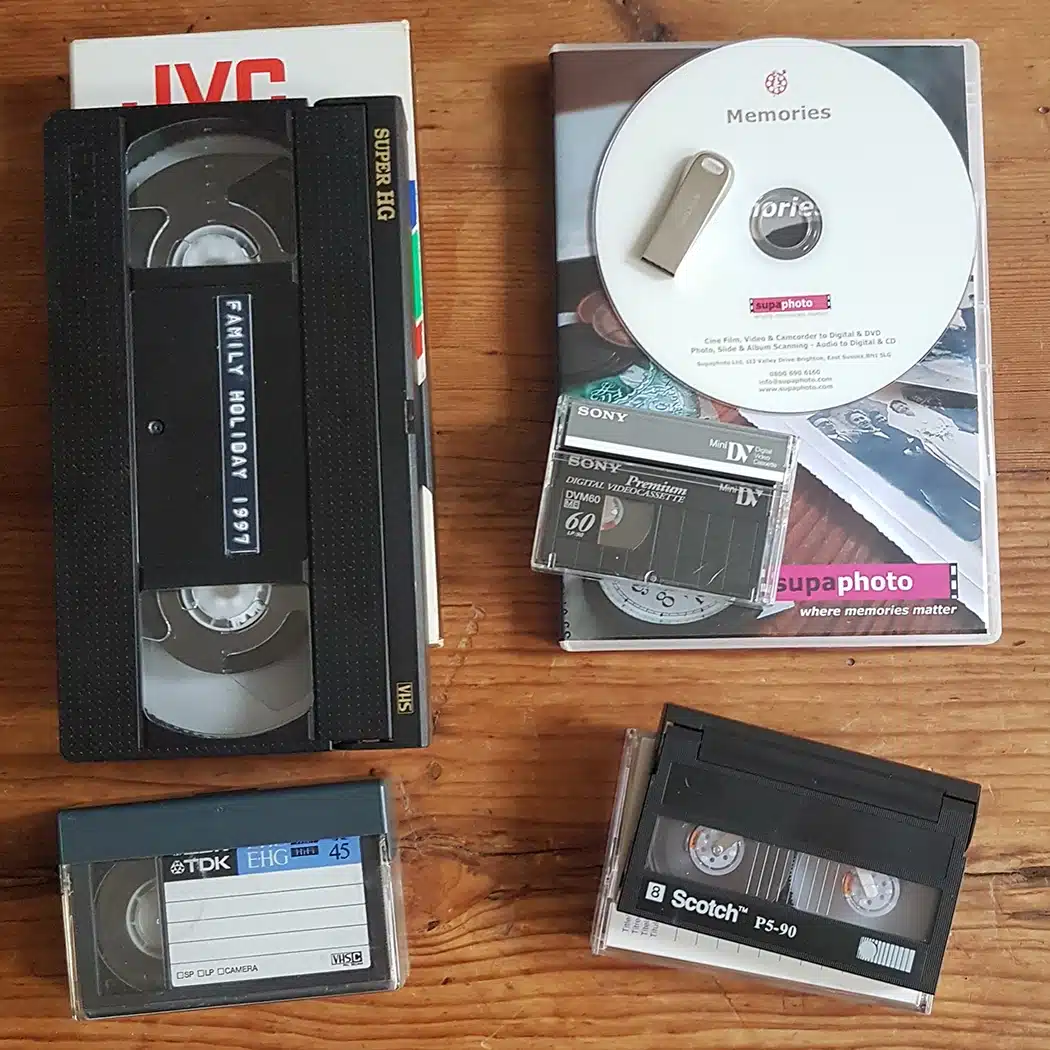
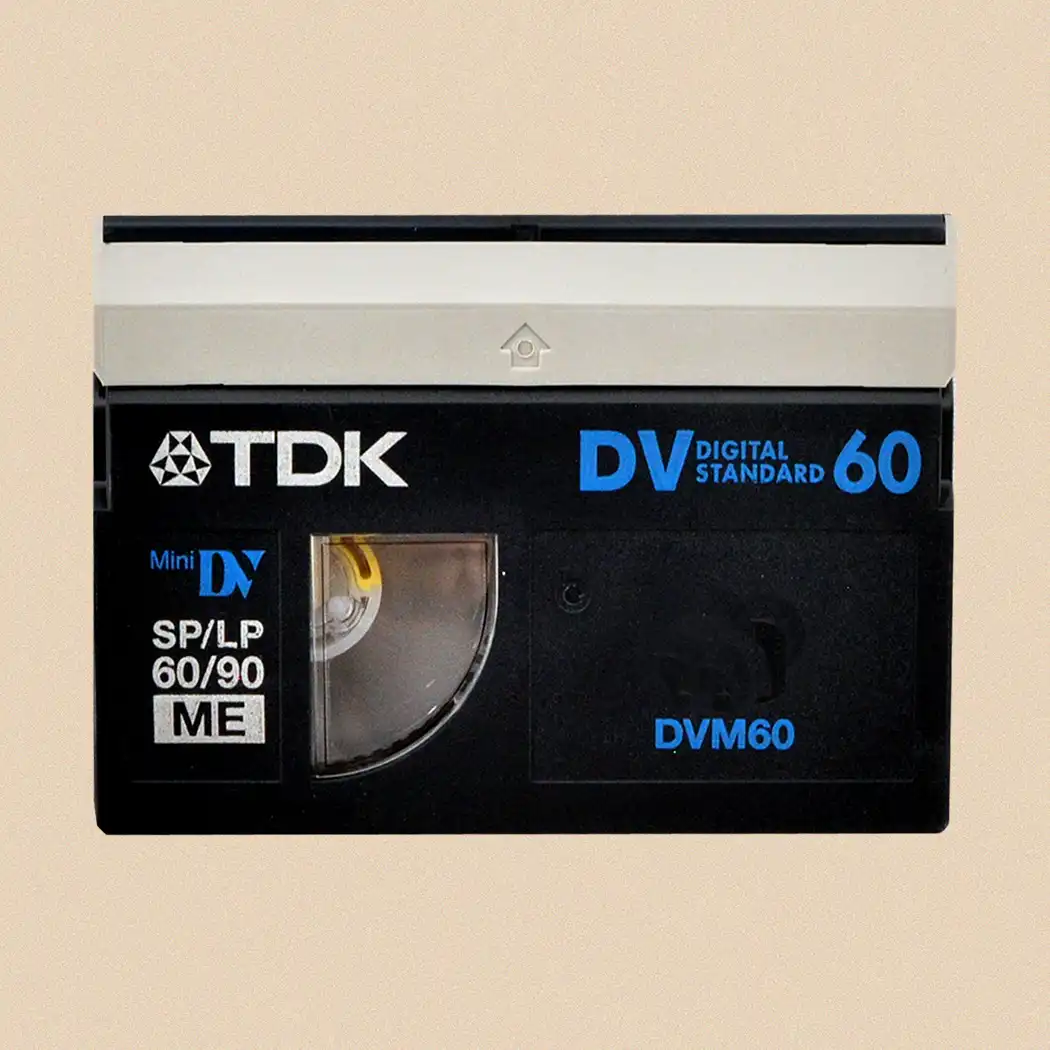
A: Mini DV tapes are compact magnetic cassettes first introduced by Sony in 1995 for high-quality digital video recording. Roughly one-third the size of a standard VHS tape, each cassette holds 6.35 mm of tape and captures footage at resolutions of 720 × 480 pixels (NTSC) or 720 × 576 pixels (PAL). They deliver crisp digital picture and clear sound using the DV compression standard. Depending on length, a Mini DV tape records between 30 and 120 minutes. Though the format has largely been replaced by solid-state and digital media, Mini DV remains popular for archiving and preserving footage from the late 1990s and early 2000s.
A: While you can technically convert Mini DV to digital at home, it requires specialist gear and know-how. You’ll need a Mini DV camcorder or playback deck with FireWire (IEEE 1394) output, a compatible computer, and video-capture software. The process involves connecting your device, capturing the video in real time, and saving it as a digital file. Without experience, issues such as dropped frames, poor sync, or reduced quality are common. At Supaphoto, our expert team uses professional hardware and calibrated capture systems to ensure smooth, high-quality conversions and correct any existing sound or picture problems.
A: If you want to convert Mini DV tapes to digital without using a computer, the most practical route is to use a professional digitisation service such as Supaphoto. While standalone devices can perform basic transfers, they often produce lower-quality results and provide little control over editing or storage. By sending your tapes to us, our technicians manage the entire process using broadcast-grade equipment, giving you perfect digital copies ready to play on any device — all without the hassle of setup or technical know-how.
A: On average, Mini DV tapes remain playable for about 10 to 20 years, but factors like temperature, humidity, and repeated playback can shorten their life. Magnetic particles gradually deteriorate, causing picture or sound issues. To preserve your recordings, store them in a cool, dry, and consistent environment away from sunlight and moisture. If your tapes show signs of ageing, Supaphoto can safely digitise and restore them, repairing minor faults and capturing the content before further deterioration occurs. In most cases, we can successfully transfer around 95% of old Mini DV tapes without any loss in quality.
A: Our pricing for Mini DV conversions starts at £14.99 per tape, with bulk discounts bringing the price down to £8.39 per tape for larger orders. This makes it affordable to preserve extensive tape collections while benefiting from Supaphoto’s professional-grade results.
A: Supaphoto is a UK-based company specialising in Mini DV to DVD, USB, and Cloud digital transfers. By converting your Mini DV tapes to modern formats, we protect them from degradation and ensure your home movies can be viewed, shared, and enjoyed long into the future.
A: Yes, you can convert MiniDV tapes to DVD without a camcorder — but it’s rarely practical.
You can use a MiniDV deck or a VCR/DVD combo recorder, but these devices are rare, expensive, and often difficult to operate. In many cases, buying a used camcorder is cheaper and easier than finding a functioning MiniDV deck.
If you do try the DIY route, you’ll need to:
Connect your MiniDV deck or camcorder to a VCR/DVD recorder using RCA, S-Video, or FireWire cables.
Play your MiniDV tape and record it in real time onto a blank DVD.
Finalise the DVD so it plays on standard DVD players.
However, the process is slow, and errors are common. That’s why most people prefer to use a professional MiniDV to DVD service like Supaphoto.
Supaphoto handles everything — from careful digitisation to high-quality DVD authoring — so you don’t have to worry about finding old equipment or dealing with software issues.
Send us your MiniDV tapes today and let Supaphoto convert them to DVD for you, quickly, affordably, and with the quality your memories deserve.