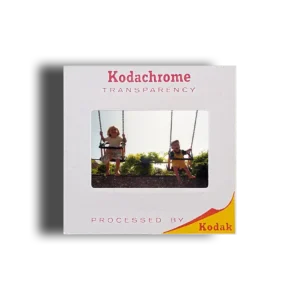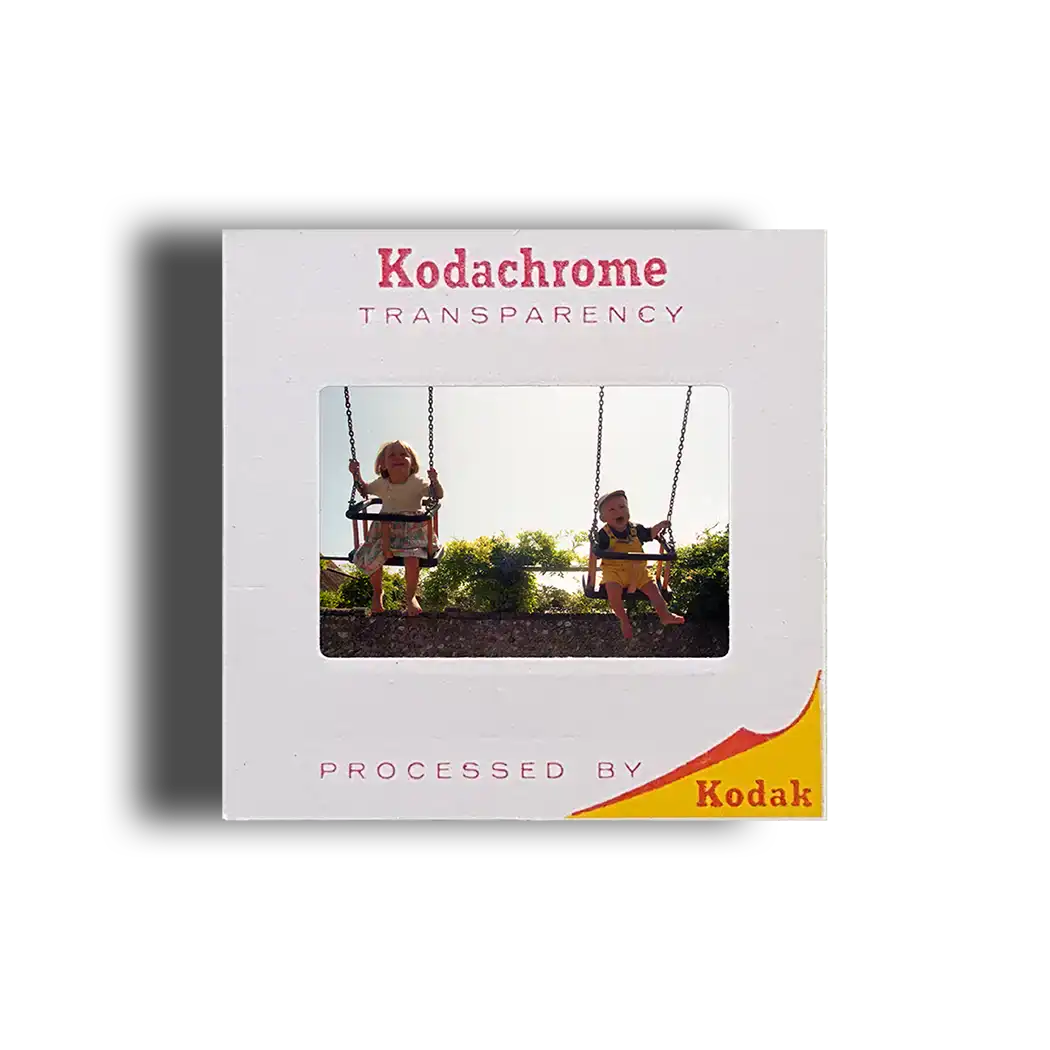

Turning old slides to photos involves more than simply enlarging what you see inside a 35mm mount. For a sharp, natural-looking print, you first need a detailed digital scan, careful colour and exposure correction, and a print size that matches the proportions and quality of the original transparency.
A reliable process usually follows these steps:
- Check and organise the slides before handling them.
- Remove loose surface dust carefully.
- Scan each transparency at sufficient resolution for the intended print size.
- Correct fading, colour casts and exposure where appropriate.
- Save a high-quality digital master before resizing anything.
- Crop the image for the chosen print dimensions.
- Produce the photographic print from the corrected digital file.
- Keep backups of the digital images as well as the original slides.
That extra digital stage matters. Rather than treating the scan merely as a means of making a print, you create a reusable digital photograph that can later be reprinted, shared, enlarged or archived.
Why Convert Old Slides into Photographs?
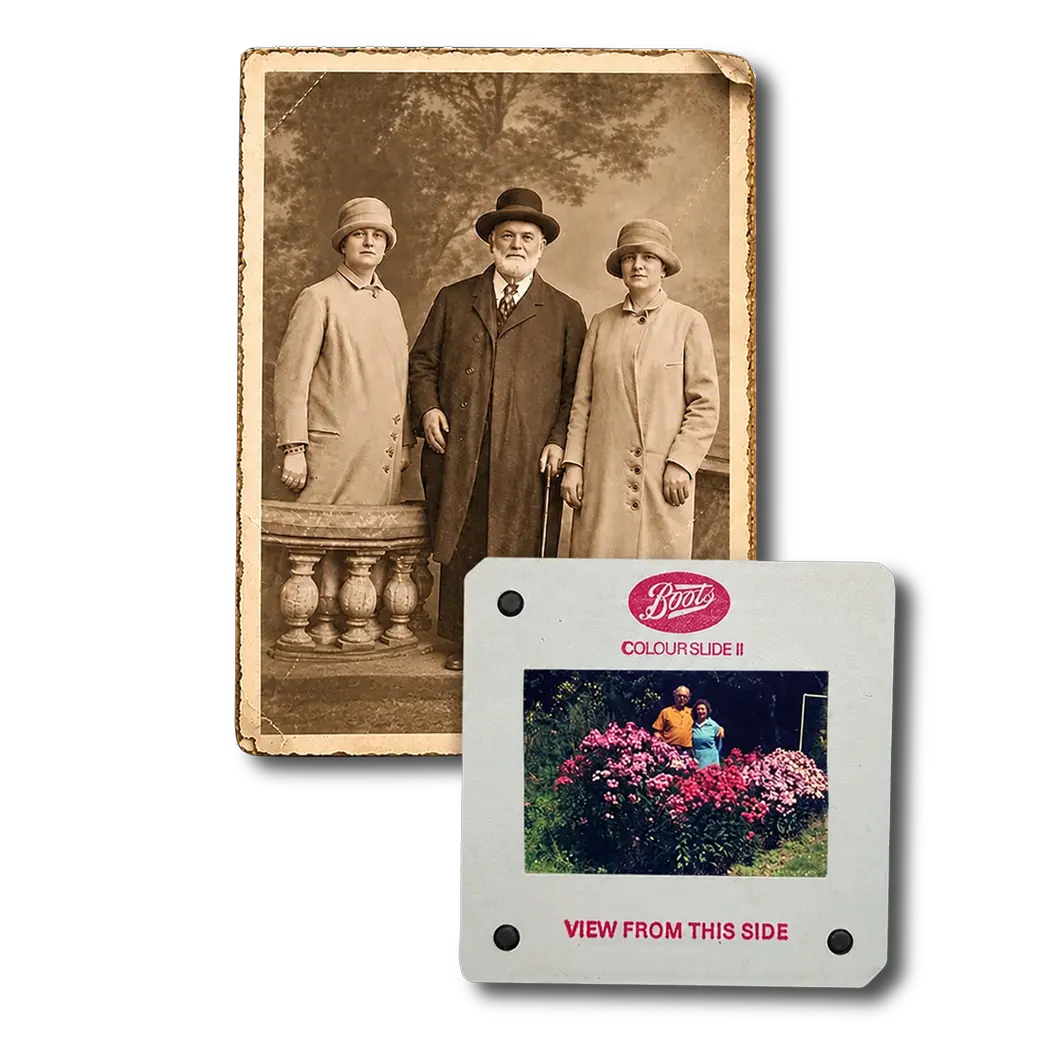
A box of transparencies may contain some of the best-quality photographs in a family collection, but slides are inconvenient to view without a projector, lightbox or dedicated viewer.
Converting them gives you two useful things: an accessible digital copy and the option of producing conventional photographic prints.
You can then:
- create albums from photographs that previously existed only as transparencies;
- send copies to relatives without lending out the originals;
- display favourite pictures in frames;
- make photo books or family-history projects;
- view the collection on computers, tablets and televisions;
- create additional prints later without rescanning the slide.
Digitisation also reduces the need to handle the originals repeatedly. Photographic materials remain vulnerable to physical abrasion, fingerprints and prolonged exposure to light. The National Archives’ guidance on handling photographic materials explains why oils and salts from our skin can affect photographic surfaces and why careful handling matters.
How Are 35mm Slides Turned into Prints?
The best workflow separates scanning from printing.
A professional scanner captures the transparency as a digital image first. The resulting file can then undergo cropping, orientation correction and appropriate adjustments to colour, brightness and contrast before a photographic printer produces the physical copy.
This means the quality of the print depends heavily on the quality of that initial scan.
A poor scan cannot recover detail simply because you order a larger print later. Equally, a detailed scan gives you much more freedom to produce different print sizes without starting the whole process again.
For collections that matter to you, consider preserving the digital scan as the master and treating the print as one possible output from it.
A professional service for preserving mounted transparencies digitally is designed around this principle, creating digital files that can subsequently be viewed, shared and used for photographic printing.
What Scan Resolution Do You Need for Slides to Photos?
Resolution matters because a 35mm transparency is physically small. Enlarging that image into a print requires enough captured pixels to reproduce fine detail convincingly.
There is no single resolution that suits every job. The correct choice depends on the slide, the scanner’s genuine optical capability, how much cropping you expect to do and how large you want the final photograph.
The Library of Congress similarly notes that scanning resolution should be chosen according to the original material and the intended use rather than relying on one universal setting.
As a practical guide:
| Intended use | What matters most |
|---|---|
| Small prints and screen viewing | A clean, well-exposed high-resolution scan |
| Standard family photo prints | Good detail plus accurate colour and cropping |
| Large prints | Greater genuine scan resolution and a sharp original |
| Heavy cropping | More captured pixels provide additional flexibility |
| Long-term archive | High-quality master file as well as convenient JPEG copies |
Do not judge scan quality from DPI alone. Lens quality, focus, dynamic range, colour accuracy, film flatness and image processing all contribute to the result.
A poorly focused scan advertised at a very high resolution can contain less useful detail than a well-made scan produced by better equipment.
Print Size and Aspect Ratio: The Detail Many People Miss
One of the easiest ways to spoil an otherwise excellent conversion is to ignore aspect ratio.
A standard 35mm camera frame measures approximately 36 × 24mm, which gives it a 3:2 aspect ratio.
That matches several common print proportions particularly well.
| Print size | Ratio | Cropping required from 35mm |
|---|---|---|
| 6 × 4 inches | 3:2 | Normally very little |
| 9 × 6 inches | 3:2 | Normally very little |
| 12 × 8 inches | 3:2 | Normally very little |
| 7 × 5 inches | 7:5 | Some cropping |
| 10 × 8 inches | 5:4 | More noticeable cropping |
Suppose somebody stands close to the edge of the original frame. Ordering an 8 × 10 print without checking the crop could remove part of that person because the print has different proportions from the original slide.
A good workflow therefore creates the full scan first and crops a copy specifically for printing. Keep the uncropped master intact.
JPEG or TIFF: Which File Should You Keep?
For everyday sharing and ordinary photographic prints, JPEG is convenient because virtually every computer, phone, television and printing service can open it.
For a high-quality archival master, TIFF can also be useful because it supports workflows that avoid repeated lossy compression.
A sensible family archive can therefore contain:
- a high-quality master scan;
- convenient JPEG versions for everyday viewing;
- separately cropped files for particular print sizes.
The Library of Congress includes TIFF among its preferred digital still-image formats and stresses the value of retaining the highest-quality available representation of an image.
Avoid repeatedly opening, editing and resaving the only JPEG copy you possess. Keep an untouched master and create working copies from it.
Should You Scan 35mm Slides Yourself?
DIY scanning can work well, particularly if you enjoy photographic projects and have enough time to process a modest collection carefully.
You will need equipment capable of scanning transparent film rather than an ordinary document scanner designed only for reflective paper.
A typical DIY workflow involves:
- sorting the slides into groups;
- checking their physical condition;
- removing loose dust;
- scanning each transparency;
- checking focus and orientation;
- correcting colour and exposure;
- naming and organising the files;
- backing everything up.
If you are considering this approach, a to digitising transparencies yourself at home explains the main DIY options and their limitations.
DIY becomes less attractive when you have hundreds or thousands of slides, badly faded film, awkward formats, mould, damaged mounts or photographs important enough that you do not want to experiment on the originals.
Clean Slides Carefully Before Scanning
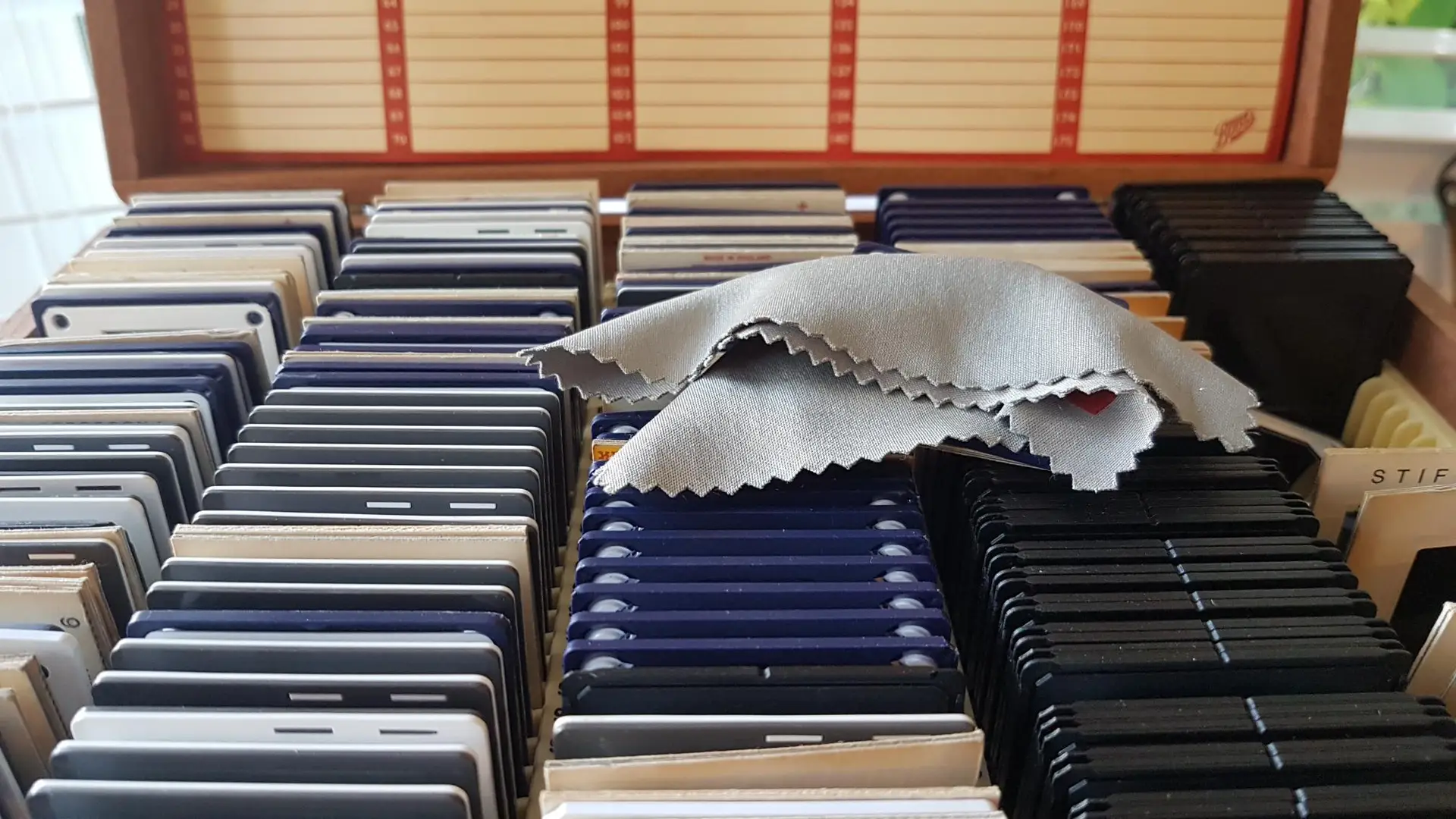
Dust is especially visible once a tiny transparency becomes a large digital image.
However, aggressive cleaning can cause more harm than the original dust.
Start by inspecting each slide under good light. Remove only loose contamination using suitable photographic cleaning methods and avoid household cleaners, water or abrasive materials.
The National Archives advises against using water, solvent-based household cleaners and similar improvised treatments on photographic material.
If a slide appears mouldy, warped, scratched or physically unstable, separate it from the main collection rather than repeatedly rubbing or dismantling it.
For ordinary dusty collections, a guide to safe preparation and cleaning of old mounted slides provides further practical guidance.
What About Faded or Colour-Shifted Slides?
Old transparencies do not always reproduce exactly as you remember them.
Depending on film type, storage conditions and age, you may encounter:
- faded colours;
- strong red, blue or yellow casts;
- low contrast;
- dark underexposed areas;
- scratches;
- dust marks;
- mould or surface contamination.
Digital correction can often improve an aged image considerably, but restoration should remain believable.
There is an important distinction between recovering information already present in the slide and inventing detail that was never recorded. Over-sharpening, excessive saturation and aggressive AI enhancement can make faces and textures look artificial.
For family archives, natural colour, retained detail and a faithful representation of the original scene usually matter more than making every photograph look newly captured.
Professional Scanning Versus DIY Conversion
Neither method is automatically right for everyone.
| DIY scanning | Professional scanning |
|---|---|
| Suitable for small collections | Practical for large collections |
| Gives you direct control | Reduces time spent scanning individually |
| Equipment must be purchased or already owned | Specialist equipment is provided |
| Requires learning colour correction | Experienced operators can assess difficult slides |
| File organisation is your responsibility | Organised delivery can form part of the workflow |
| Good choice for enthusiasts | Better suited to important or difficult collections |
Before selecting a provider, ask what happens to your originals, whether slides remain in their existing order, what files you receive, what level of correction is included and whether higher-quality master files are available.
Those questions tell you considerably more than a headline resolution figure.
How Should You Store the Originals Afterwards?
Do not throw away your slides simply because they have been scanned.
The original transparency remains your primary analogue source and may still prove useful if future scanning technology improves.
Keep slides somewhere cool, dry and stable, away from excessive heat, damp and prolonged light exposure. The US National Archives recommends suitable photographic enclosures and a cool, dry environment for negatives and transparencies.
Digital files also require protection. One USB stick should not become your entire family archive.
Keep more than one copy and preferably store backups on different types of media or in separate locations. The Library of Congress recommends maintaining copies on at least two different storage media and keeping them in separate physical locations.
Common Questions About Turning Slides into Photos
Can any 35mm slide be made into a photograph?
Most slides that still contain a visible image can be digitised and printed, although the final quality depends on focus, exposure, film condition and deterioration in the original.
Will a larger scan make an out-of-focus slide sharp?
No. Higher-resolution scanning can capture more of the information present in the film, but it cannot recreate genuine photographic detail that the camera failed to record.
Can old slides produce large prints?
Often, yes. A well-exposed, sharp transparency scanned properly can provide considerable enlargement potential. Check the actual scan at full resolution before committing to particularly large prints.
Should I print every slide?
Usually not. Scan the collection first, then choose the strongest photographs for printing. Digital contact sheets or folders make selecting favourites much easier.
Should I keep both digital files and prints?
Yes. They serve different purposes. Prints make photographs easy to enjoy physically, while digital files make duplication, backup, sharing and future reprinting far easier.
Getting the Best Result from Your Slide Collection
Turning slides to photos successfully means thinking beyond the final piece of photographic paper. Capture as much useful information as the original contains, preserve an uncropped digital master, correct ageing sensitively and only then prepare copies for specific print sizes.
For a handful of straightforward transparencies, careful home scanning may be perfectly adequate. For a large collection, valuable family archive or slides affected by fading, dust and damage, professional digitisation can save substantial time and reduce the risk of disappointing results.
Ultimately, when the originals cannot easily be replaced, it makes sense to choose a professional company with years of experience handling and digitising these types of collections, such as Supaphoto Ltd.