Convert Mini DV to USB to Save Memories

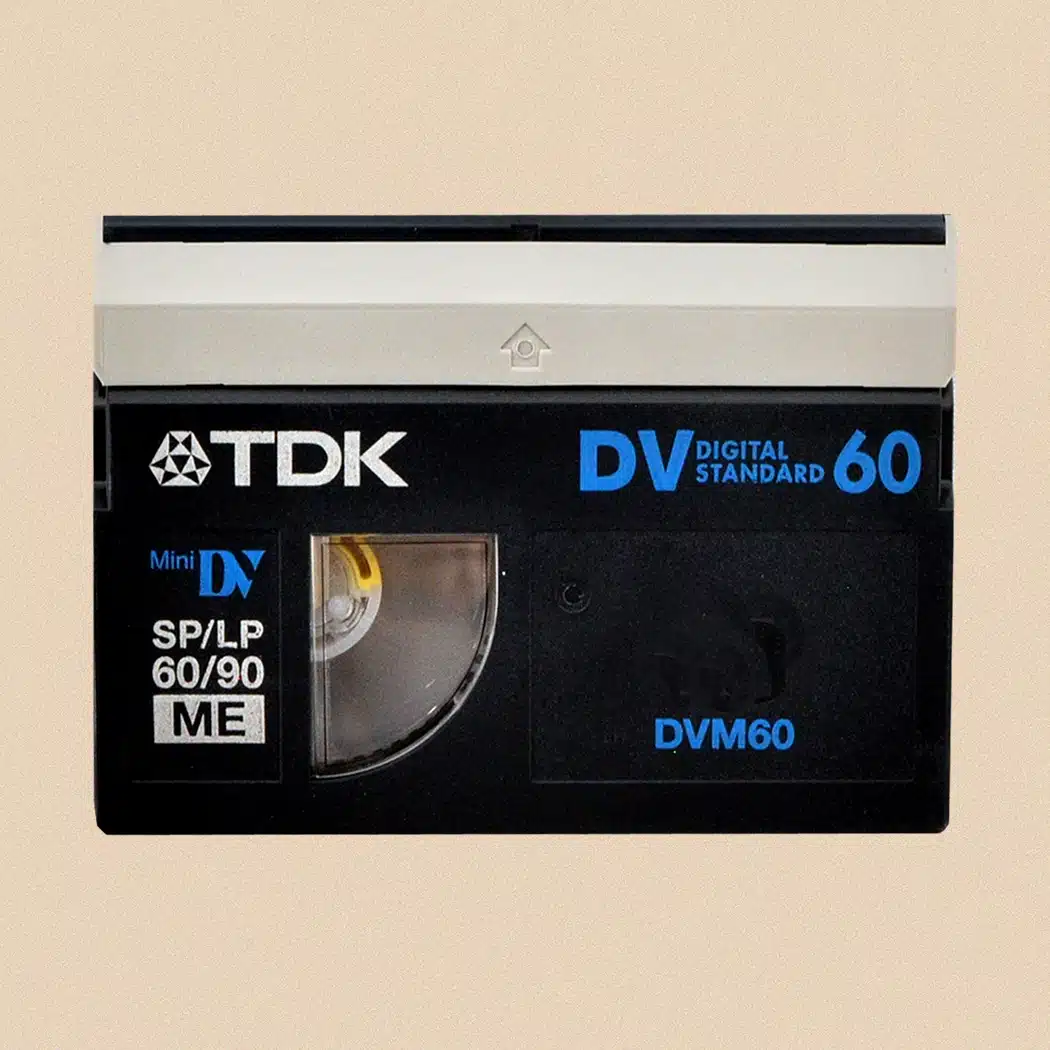
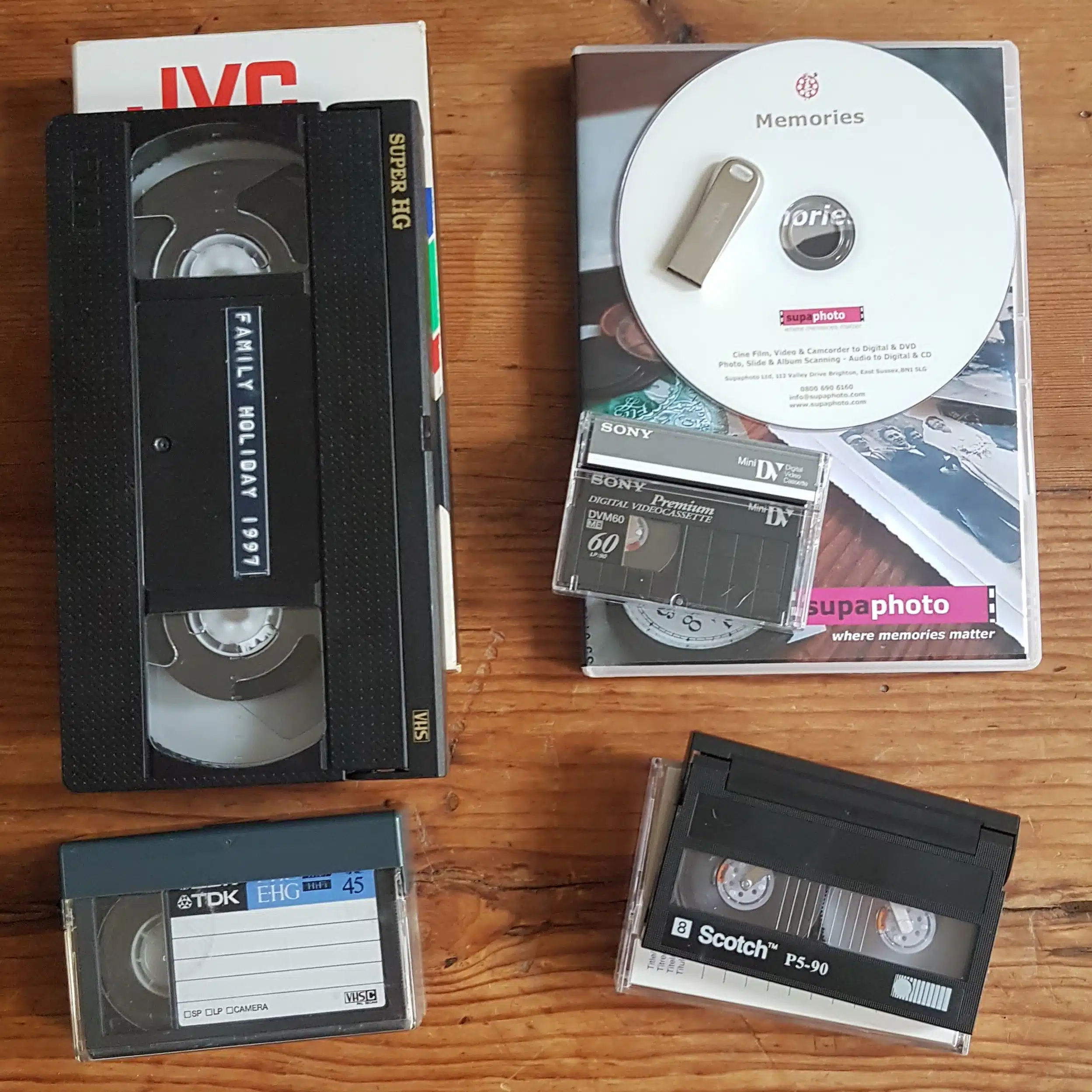
Some of our best memories are stored on Mini DV tapes. Supaphoto offers studio grade professional transfers of Mini DV to USB digital at high street prices.
It’s a quick and simple process. Save your images today and share those wonderful moments with your family again.
To convert to other formats, view our Mini DV to Digital and Mini DV to DVD pages as well.
Or call us now for some friendly advice
Freephone 0800 690 6160
Ask About Bulk Discounts too.
About Our Service - The Supaphoto© Way
Thousands of Families Have Trusted Supaphoto
Our customers span from private individuals to institutions and TV production companies





How our Mini DV to Digital Conversion Service Works
The best thing you could ever do for your family in three simple steps.
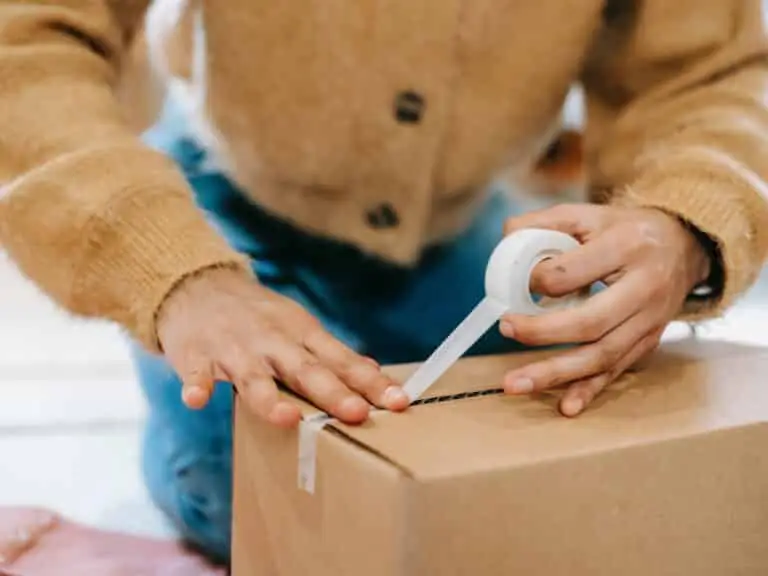
1. Package Up Your Memories
Simply pack your beloved memories and send the Mini DV tapes to us. Use either our courier collection and return service or send it to us directly. Ask for your step by step welcome pack now.
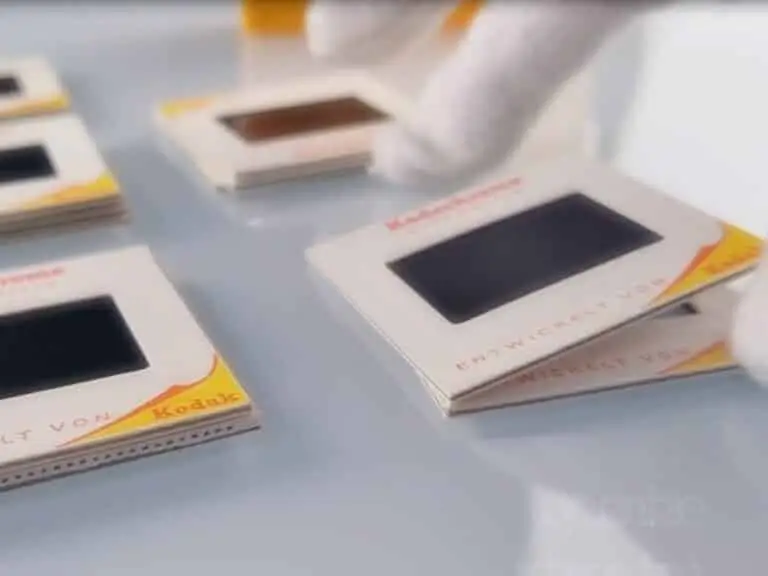
2. Lovingly Converted
We love what we do. Our dedicated team will digitise your old Mini DV to USB. We’ve saved millions of memories over 20 years. And don’t worry, you’ll get regular updates along the way.

3. Share & Enjoy With Your Family
This is where the magic begins, We’ll return your original media. Once the videos in digital format are ready, you’ll be able to relax and let those memories flood in.
From start to finish, we track your video tapes carefully so you always know their status and when they’ll be ready for return.
What's Included?
You’ll receive everything needed to safeguard your memories.
Yes, where collection is applicable, we’ll organise for an easy to understand pre-paid address label to be sent to you. Could not be more simple. There’s also a section in there for you to add notes.
We know how precious your memories are. It can feel like a big decision. The Supaphoto Welcome Guide explains the process in step by step simple terms. It will also include useful contact details for peace of mind.
We loe what we do. Our dedcated team will digitise every item by hand. We’ve saved millions of memories over 20 years. And don’t worry, you’ll get regular updates along the way.
This is where the magic begins. We’ll return all of your original media. Once preserved, you can access your files via our easy cloud download service, on a memory stick or a lovely DVD. Finally, just relax and let those memories flood in!.
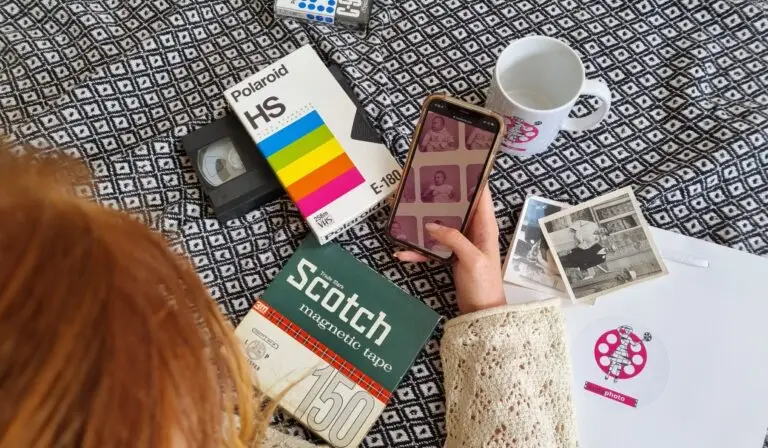
How to Choose the Best Conversion for your Old Mini DV
Choose what you get back. Sit back and soak it in!
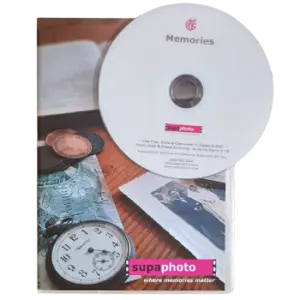
Transfer Mini DV to DVD
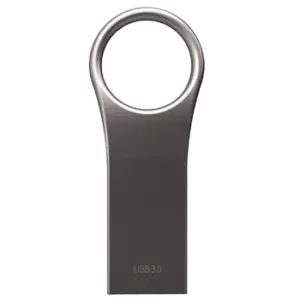
Mini DV to USB
Mini DV to Digital
We take your video tapes and convert your Mini DV to DVD. It’s so easy to play it on any DVD player or other disc drive.
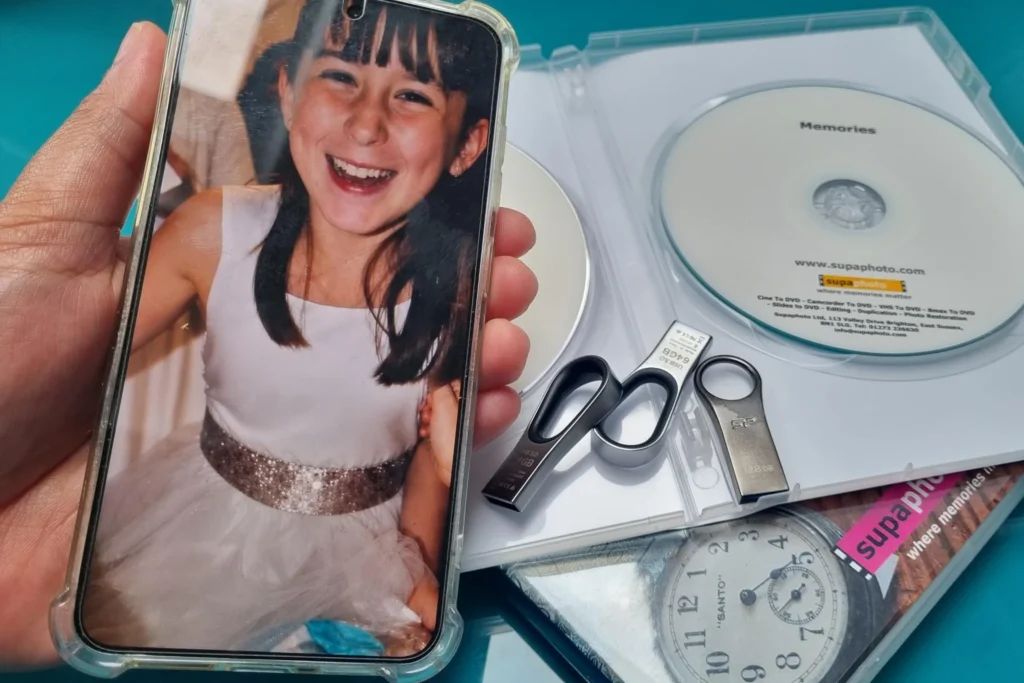
Your converted mini DV Tapes on a memory stick. Just Plug into your computer (or TV) and play, save or copy them.
Mini DV converted to Digital and uploaded to the cloud for easy access by you and your family.
What you‘ll get: Your tapes transferred to DVD.
What to order: Just ask for the DVD option to get all your conversions.
Ideal for: Watching on your telly or a computer with disc drive.
What you’ll get: All of your videos on one or more memory sticks.
What to Order: One USB stick is normally enough or upgrade to a safer SSD version.
Ideal For: Watching on a computer or most TVs (with USB slots).
What you’ll Get: Conversions as computer files.
What to Order: Just order a cloud download option. It’s simple.
Ideal For: Quick access and sharing with the family.
How to Choose the Best Conversion for your Old Videos
Choose what you get back. Sit back and soak it in!
Mini DV converted to Digital and uploaded to the cloud for easy access by you and your family.
What you‘ll get: Conversions as computer files.
What to order: Just order a cloud download option. It’s simple.
Ideal for: Quick access and sharing with the family.
Mini DV to USB
Your converted mini DV Tapes on a memory stick. Just Plug into your computer (or TV) and play, save or copy them.
What you’ll get: All of your videos on one or more memory sticks.
What to Order: One USB stick is normally enough or upgrade to a safer SSD version.
Ideal For: Watching on a computer or most TVs (with USB slots).
We take your video tapes and convert your Mini DV to DVD. It’s so easy to play it on any DVD player or other disc drive.
What you’ll get: Your tapes transferred to DVD.
What to Order: Just ask for the DVD option to get all your conversions.
Ideal For: Watching on your television or a computer with disc drive.
The UK’s Favourite Video to DVD Converter
The video alongside explains how our MiniDV transfer service works and includes sample transfers so you can see the type of results that may be achieved from older recordings. It gives you a practical overview of what happens after your tapes arrive, from the initial inspection through to preparing the finished video files for USB.
Every MiniDV cassette is handled in our fully equipped, professional-grade studio. Before transfer begins, we carry out a pre-assessment and inspection to check the condition of the tape and select suitable playback equipment.
We do not rely on a single machine for every recording. Where appropriate, tapes can be tested on different compatible decks so we can identify the playback setup that gives the strongest available picture and sound. Our equipment is carefully maintained to help us get the best practical result from older tapes.
Quality checking takes place both before and after capture. These multiple checks help us identify playback issues and decide whether another attempt may improve the result. If your collection also contains other format recordings, our super VHS service provides a closely related option for another legacy camcorder format.
For useful background, our guide to the history of MiniDV explains more about the format, while our article on camcorders and their tapes through the years gives wider context for older family video collections.
Approximately 96% of tapes are successfully digitised, while almost 100% can be transferred irrespective of their condition. Careful inspection, suitable playback equipment and repeated quality checks all help give each MiniDV recording the best practical chance of a successful transfer.
See also our Prices and FAQs further below.
What you can Expect From Us & Advantages
Sending MiniDV tapes away for transfer means trusting someone with recordings that may be unique. Supaphoto combines more than 20 years of experience with experienced video technicians and a careful UK-based service. Our work is supported by over 600 genuine five-star customer service reviews, alongside partnerships with television broadcasters and programmes including the BBC’s The Repair Shop, as well as museums and institutions.
Your tapes are digitised here in the UK, giving you reassurance about where your originals are being handled. We provide order updates and tracking throughout the process, and if you need help, you can speak to a real person rather than relying entirely on automated support.
The service is designed to stay simple from start to finish. We aim for a fast turnaround, return your original MiniDV cassettes with the completed order, and do not charge for blank or untransferable items. If your collection also includes analogue 8mm-family recordings, our Hi8 tape transfer service provides another closely related option.
USB gives you a practical way to store and access your transferred recordings without committing to an expensive yearly cloud-storage subscription. If online access is more convenient, optional cloud hosting is available for easy storage and viewing. Customers wanting additional treatment can also choose an optional advanced service for superior outcomes.
For wider advice, our guide to preserving family video recordings explains why older footage is worth safeguarding, while our video preservation resources cover practical questions around legacy recordings and long-term access.
The aim is straightforward: an easy, no-fuss MiniDV transfer service with experienced technicians, clear communication, careful UK handling and sensible options for enjoying your memories again.
We are really proud to be an ongoing technical partner to the TV Production Company behind for the BBC’s Repair Shop and have worked on multiple programmes.
See more examples of references below.
Digitised in the UK
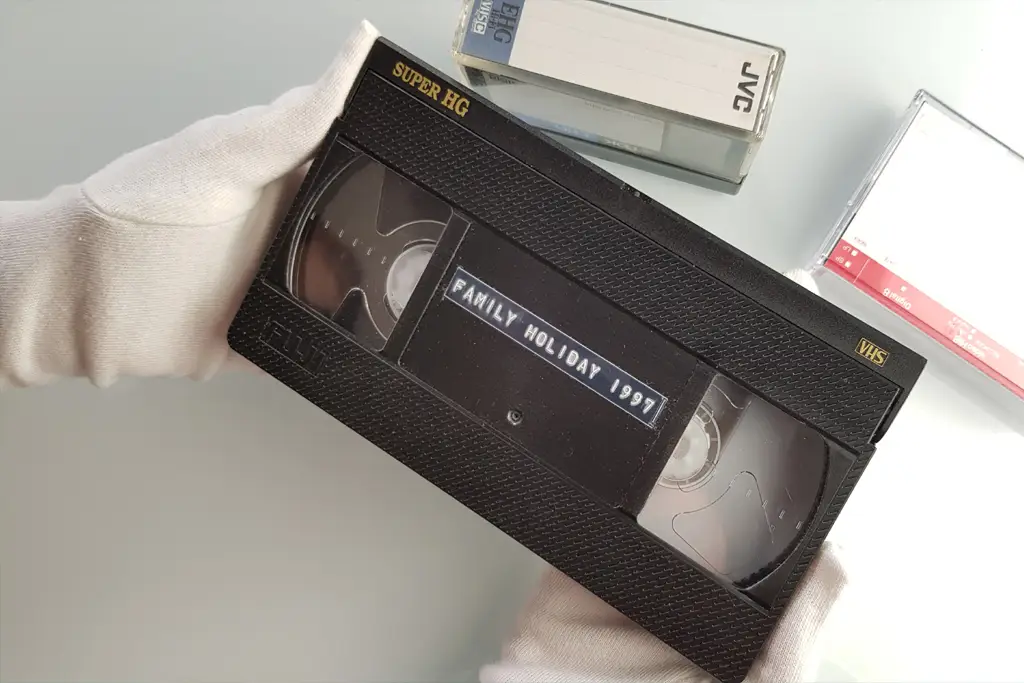
Your VHS Tapes are hand digitised right here in the UK for your peace of mind.
Advanced Service
Studio grade equipment and AI software to enhance and even recover mould affected tapes.
Free Blanks
Free tape inspection & no charge for blanks or tapes that begin with TV when requested.
Originals Returned
For peace of mind, we’ll return your VHS tapes.
Security & Updates
We take security very seriously at Supaphoto with updates along the way and tracking.

Professional Studio Grade Technology
We use professional-grade VHS decks and high end capture hardware for faithful, accurate transfers.
Nothing beats reliving old memories but remade for today
We take technical quality seriously at Supaphoto. We deliver great results with our video capture process as you can see from the example frame below an old video from over 25 years ago. This enhancement technology can sharpen film. remove excess harsh noise while recovering true authentic detail, stabilise the film & more.
Now with our REVIVAL AI process and treatment, we can now super charge the quality of your VHS Tape prior to converting to DVD if this appeals.
VHS tapes can deteriorate over time, with picture quality fading, sound weakening, and the tape becoming damaged or difficult to play. Transferring them to DVD helps protect your memories in a more convenient format before the original tape wears out.
For more information, watch our video transfer service and examples video

Before
Pre Treatment

After
Post Treatment
Don’t Just Take our Word For it...
“Just had my photo albums scanned by Supaphoto, cannot praise them enough”
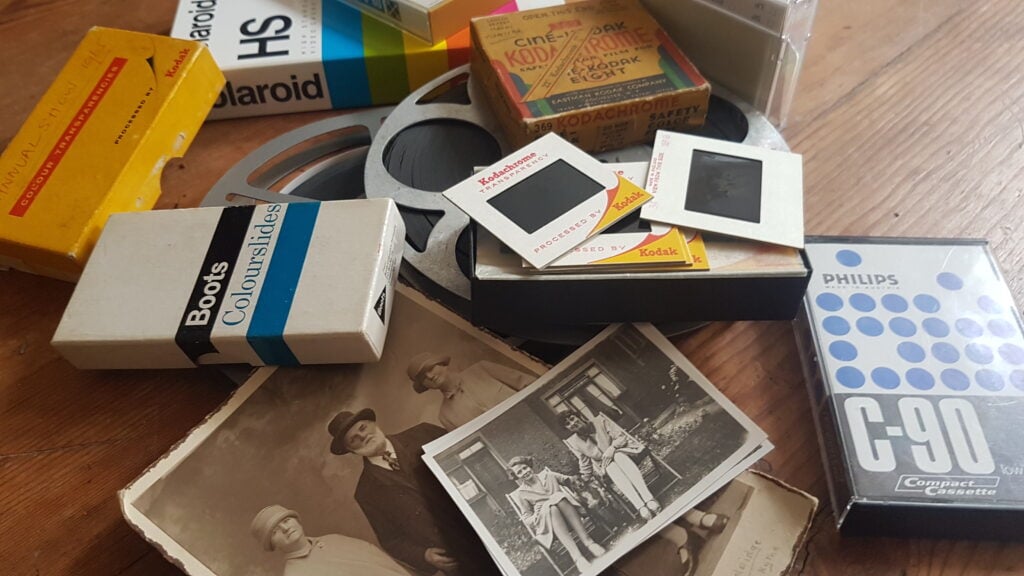
Photo for illustration purposes only.
Sir Richard Attenborough – Just One of Our Proudest Moments
We were so proud to be chosen by the University of Sussex to preserve some of film director Sir Richard Attenborough’s photographs.
Over the years, we’ve also scanned thousands of photo from prestigious photo albums going back to the 1900’s for British politicians to thousands of everyday family photo collections for families throughout the UK.
We were chosen to undertake cine film conversion work for the TV Production Company behind the BBC’s Repair Shop!
Other projects include digitalising Sir Richard Attenborough’s personal collection of images, converting early footage of Virgin Airways promotional films and digitalisation work relating to Windsor Castle, The Mary Rose and the late Queen Elizabeth II.
Our Mini DV Tape Transfer Prices
At Supaphoto we take pleasure in doing things in the right way and growing our business slowly through referrals.
Mini DV Transfer Prices to MP4 Digital Files or DVD(s)
1 Tape: £34.99
2 – 5 Tapes: £29.99 each
6 Tapes Onwards: £26.99 each
Prices typical Mini DV tapes include for 2 hour of capture, plenty for most tapes! – If you have videos that exceed 2 hour, costs are limited to just £9.99 extra per hour, per item.
What Do I Want Back? – Choose from one of the following options:
i) Mp4 Digital Files as Download from Supaphoto Cloud for easy viewing & sharing with family £29.99
ii) Mp4 Digital Files on a Master USB Stick £29.99
iii) Conversion to a new DVD in a nice presentation case £29.99
Optional Extras:
– Back-up Version on Master USB Memory Stick: £24.99
– Back-up Version of DVD in Presentation Case: £19.99
– Extra copy of DVD in Presentation Case: £19.99
Free Doorstep Collection & Safe Return & Signed-For Delivery
We’re easy to deal with at Supaphoto. Contact Us Now to receive your free welcome pack. We’ll liaise with you to collect your package free of charge. We safely return items with signed-for delivery for extra peace of mind too.
Want to Order? – How Can I contact You?
Simple! Just Call us on freephone 0800 690 6160 or drop us a line.
More Questions?
See FAQs directly below
All Prices are Inclusive of VAT



FAQs
We’ve made life easy for you by compiling the the most commonly asked questions that we’ve been asked over the years in one place!
How can I view my films?
Could not be easier! Either plug a simple USB into your TV and view as a slideshow or watch on PC, laptop, ipad or mobile phone.
Is it easy to share with my family?
It’s so easy. Just forward the link we’ll send you or share your USB memory stick.
Which media output is best?
Digital files are easy to play and share on PCs, laptops, ipads and phones. Start your own home movie editing projects too. A back-up DVD also makes sense.
No Upfront Payment? – When do I pay?
We never charge upfront unlike other companies. Why? Because there’s always a small chance that you may have non-chargeable blank tapes.
Would I be charged for blank tapes?
Don’t worry. We NEVER charge for blank tapes!
How long does it take?
Typically 5-10 working days or less.
Do you offer an advanced service?
Yes. It delivers more vivid colours, better contrast, sharper pictures and image stabilisation. It takes longer but and costs relatively little more.
My video looks very poor in places. Can it still be transferred?
Yes definitely! We’ll always review and advise you first though.
New! AI Cinematic Video Restoration Service
Our new AI REVIVAL restoration system leverages intelligent temporal data to deliver cleaner, more faithful videos. Whether you have tapes, DVDs or video files, we’ll can transform them into beautiful HD even higher resolution videos.
Do you collect / Can we visit your studio?
Yes we collect throughout the whole of the UK! Alternatively, you may visit us too so that we can go through the variables together. Just call or email us in advance to make an appointment at a suitable time please.
Do you send the originals back?
Yes indeed – It’s important that you always keep your originals safe.
Can You Upscale to HD/4K High Definition?
Yes! We can optional offer this service. Just ask!
Can I view and save them on a Free Online Cloud Gallery?
Yes indeed and you can share them with your family thereafter.
Where can I read reviews about your service?
We always treat tapes as if they were our own. Read our reviews for yourself
Why should I do it?
All videos slowly deteriorate over time. The sooner you do it – the better.
My tape has mould on it. Can you still transfer it?
Yes. We have a dedicated service for such tapes.
I also have a DVD that is scratched and does not play. Can you still help?
Yes. we also have a disc repair and recovery service. Just let us know.
What’s your security like?
Rest assured that we take security of handling very seriously and have an insurance policy to match.
I have a lot of videos – Can I get a bulk discount?
Just contact us to see how we can help.
What delivery service do you recommend?
We always advise sending by Royal Mail Special Delivery which is still the safest option in UK today.
I still have questions – How Can I contact You?
Call us for some friendly help on freephone 0800 690 6160 or drop us a line.
Where can i learn more about video conversion options?
If you’re still unsure which Video Transfer service is best for you, read our comprehensive guide to video tape formats and conversion options.
Bulk Discount?
Got a large order? We’ll always do our best to help you. Just give us a call and we’ll see what we can do.!
More Help & Guidance
Benefits of Choosing a MiniDV to USB Service
MiniDV tapes may contain digital recordings, but accessing them still depends on having suitable legacy playback equipment. Converting them to USB removes that dependency and gives you video files that are much easier to watch, copy, organise and back up on modern devices.
A professional transfer also saves you from sourcing an ageing MiniDV camcorder, suitable connections and capture software for what may be a one-off project. Your original cassettes can remain part of the family archive while the USB provides a more convenient everyday copy.
If your collection includes other 8mm-family recordings, our Hi8 tape digitisation service provides another closely related option. Families working through photographs at the same time may also find our guide to organising photos, slides and albums useful when bringing different types of memories together.
How to Place an Order
Start by gathering the MiniDV tapes you want transferred and counting approximately how many you have. Keep any original cases, handwritten dates, names or event descriptions with the corresponding tapes. This information can become particularly helpful once several recordings have been converted into digital files.
You do not need to preview every cassette before ordering. If your old camcorder no longer works reliably, there is little advantage in repeatedly testing important tapes simply to identify their contents.
Choose USB as your preferred output, package the tapes securely and send them to Supaphoto for processing. Your original cassettes are returned with the completed order.
For questions about sending media, turnaround or ordering, our general transfer FAQs cover many practical points. There are also additional questions specifically about this MiniDV service further down the page.
An Easy, No-Fuss Transfer Process
You do not need specialist knowledge of video capture, old computer connections or MiniDV playback. Once your tapes arrive, the technical transfer process is handled for you.
The recordings are assessed, played using suitable equipment and transferred into modern video files before being prepared for delivery on USB. That means footage which may have been inaccessible for years can be brought together in a much easier format.
USB is particularly useful for family collections because several recordings can be stored on one compact device. Once received, you can organise the files by year, holiday, birthday or family member rather than searching through individual cassettes.
It is sensible to make another copy of the files after delivery instead of treating a single USB stick as your only archive. The same principle applies to photographs; our guide to bulk photo scanning offers useful ideas for dealing with a larger family collection efficiently.
Digital Download or USB – What’s Best?
Both options give you modern digital video files, but the way you receive and use them differs.
USB is a good choice if you prefer a physical storage device that can be kept with your family archive. It can be connected to compatible computers and many televisions, while the files can also be copied onto another drive for backup.
A digital download is convenient if you already maintain your own digital storage system. There is no additional physical device to keep track of, and the recordings can be saved directly to your computer or chosen storage.
Neither format should ideally be your only copy. Digital files are easy to duplicate, so take advantage of that by keeping another copy somewhere separate.
If you would rather receive recordings without USB delivery, our MiniDV digital-file transfer service provides that alternative.
MiniDV Transfer Pricing Guidance
The total cost of transferring MiniDV tapes depends on the number of cassettes in your order and the delivery or additional options you choose. The best starting point is therefore to count your tapes and check the current pricing shown on this page.
Larger collections may be priced differently from very small orders, while optional services and additional output choices can affect the final total. Compare the complete order rather than focusing only on an individual headline price.
Do not automatically exclude an unlabelled cassette because you assume it is blank. Many family recordings survive on tapes with faded writing, missing cases or no description at all.
If you are sorting photographs at the same time, our guide to different types of old photographs can help identify other items in a mixed archive.
For broader planning, our guide to archiving family memories explains why organising older media can make it easier to preserve and share over time.
Understanding MiniDV and Related Tape Formats
MiniDV is a digital cassette format, but it can appear alongside several other camcorder systems in the same family collection.
| Format | Recording type | Typical characteristics | Common modern outputs |
|---|---|---|---|
| MiniDV | Digital | Small digital camcorder cassette | USB, digital file or DVD |
| Digital8 | Digital | Digital recording using the 8mm cassette family | USB or digital file |
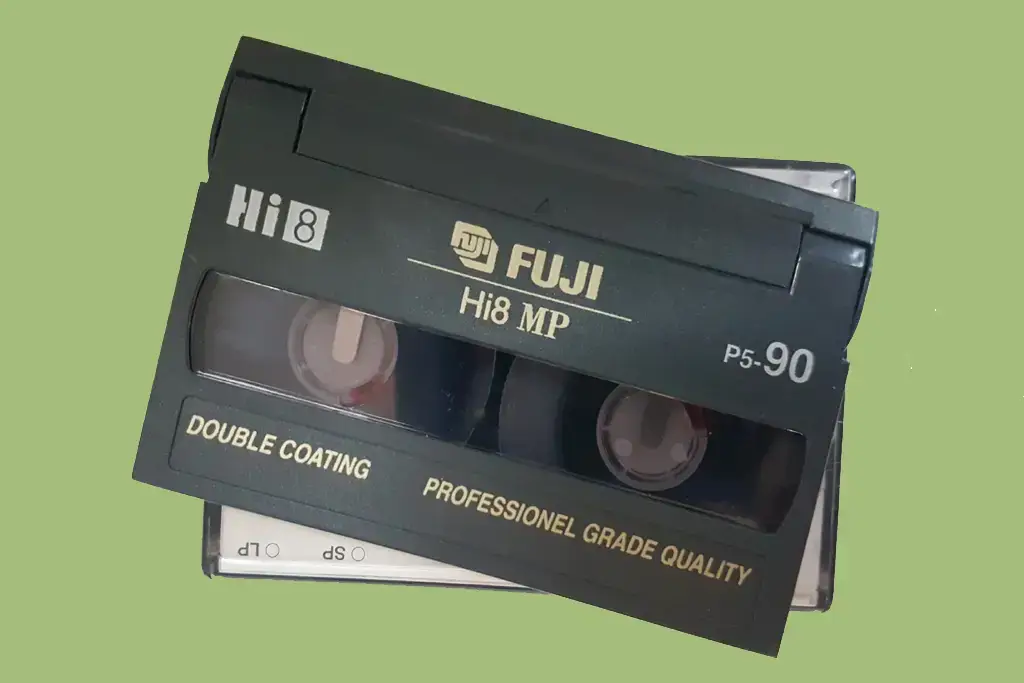
| Hi8 | Analogue | Improved analogue version of Video8 | USB, digital file or DVD |
| Video8 | Analogue | Earlier compact 8mm-family format | USB, digital file or DVD |
| VHS-C | Analogue | Compact VHS cassette used in camcorders | USB, digital file or DVD |
| MicroMV | Digital | Very small digital cassette format | Digital file |
Similar-looking cassettes are not necessarily interchangeable. If you inherited a mixed box of tapes, retain original cases and labels where possible rather than trying to identify everything solely by size.
Video Learning Zone
What is the best way to convert MiniDV tapes?
For most people, professional transfer is the simplest option because it avoids sourcing compatible legacy playback equipment and setting up video capture at home.
Can MiniDV tapes be transferred to USB?
Yes. Once the recording has been captured as a modern video file, it can be supplied on USB for easier viewing, copying and storage.
Do I need the original camcorder?
No. The MiniDV tapes themselves are normally sufficient; you do not need to supply the camera that originally recorded them.
Should I choose USB or digital download?
Choose USB if you prefer a physical storage device. A digital download is useful if you already maintain your own computer-based archive.
What should I do with the original MiniDV tapes?
Keeping the originals gives you the source recordings alongside your converted copies and preserves any original labels or contextual information.
Common Mistakes to Avoid
Assuming every small camcorder cassette is MiniDV. Other digital and analogue formats can look similar but require different playback equipment.
Discarding unlabelled tapes. A cassette with no description may still contain important family footage.
Repeatedly testing tapes in unreliable equipment. If an old camcorder is behaving unpredictably, unnecessary playback is best avoided.
Removing original labels and cases. Dates, names and handwritten notes can become valuable when organising the finished files.
Keeping only the USB copy. Once your recordings are returned, create another backup on a separate drive or device.
Leaving the tapes inaccessible indefinitely. Converting MiniDV recordings now reduces your reliance on ageing playback hardware and makes the footage far easier to watch, organise and preserve.

More Questions About this Format
A: To convert Mini DV tapes to USB, the footage first needs to be captured onto a computer and then copied to a USB drive. You’ll need a Mini DV camcorder or deck, a FireWire or USB connection, and video capture software. Because this equipment can be expensive and difficult to find, many people prefer to use our Mini DV to USB service instead. If you do wish to try it yourself, connect your camcorder, capture the footage, make any edits, export the video in MP4 or another common format, and then transfer it to a USB stick.
A: Popular capture and editing programs include Adobe Premiere, Final Cut Pro, and Windows Movie Maker. At Supaphoto, we use professional-grade software and equipment to achieve the best possible results.
A: When choosing a USB drive, opt for one with enough capacity, fast transfer speeds, and durable construction. We typically provide your converted footage on a single high-capacity USB drive (up to 256 GB), or multiple drives for very large orders.
A: Video editing software allows you to trim, rearrange, add transitions, and improve colour and audio before exporting. We automatically remove blank or silent sections as part of our service — just let us know if you have specific requests.
A: Common formats for storing Mini DV conversions include MP4, AVI, and MOV. We recommend MP4 for its ideal balance of quality, compatibility, and file size.
A: Yes, your converted files can be played on most modern devices, including computers, smart TVs, and mobile devices. This is why we use MP4 by default — it works seamlessly across nearly all platforms.
A: Mini DV tapes typically include an embedded timecode, which is preserved during our conversion process.
A: Converting to USB provides easy playback, sharing, and backup options for your home movies while ensuring they’re safe from tape degradation.
A: The time required depends on tape length, file size, and any requested editing. Our professional equipment allows faster, higher-quality conversions than home setups, and most orders are completed within about a week.
A: Converting personal Mini DV tapes for your own use is perfectly legal, but copyrighted material can’t be duplicated without permission. We can only convert non-copyrighted or home-recorded footage.
A: We also enhance audio wherever possible, adjusting levels, removing noise, and improving clarity.
A: Similarly, we optimise video quality through high-resolution capture, noise reduction, and fine-tuned colour correction, giving your footage a clean, natural look.
A: If your tapes are in poor condition, avoid trying to repair them yourself — this can easily cause permanent damage. Supaphoto’s technicians are experienced in restoring fragile tapes using professional tools designed for gentle handling.
A: We recommend converting your MiniDV tapes to USB rather than to DVD or CD — here’s why.
USB sticks are far more flexible, convenient, and compatible with modern devices such as laptops, Smart TVs, and tablets. CDs and DVDs are increasingly outdated, and many modern computers no longer include disc drives.
By saving your MiniDV tapes on a USB stick, you’ll retain the full video quality if you choose our Standard Quality service. For those wanting the very best results, our Premium Quality option upscales your recordings to Full HD (1920 × 1080 pixels), ensuring sharper detail and improved clarity.
USB files also make it easy to copy, edit, and share your digitised videos with friends and family. Unlike CDs, which have limited storage capacity and require heavy compression, USB sticks allow for full-resolution preservation.
For these reasons, Supaphoto always recommends converting MiniDV to USB — the modern, high-quality, and future-proof way to preserve your precious recordings.
A: Yes, you can transfer MiniDV tapes to your computer via USB — but it’s not the best solution.
Most MiniDV camcorders were designed to transfer video using a FireWire (IEEE 1394) connection, not USB. While some later models include USB outputs, these usually provide lower-quality video transfer.
If you attempt the transfer yourself, you’ll need:
A working MiniDV camcorder with FireWire output
A FireWire cable and adapter (to connect to USB if necessary)
Video capture software on your computer
Plenty of storage space for large digital files
Although this setup can work, it’s often time-consuming, technical, and prone to quality loss. That’s why we recommend using a professional MiniDV to USB conversion service like Supaphoto.
We’ll convert your MiniDV tapes to MP4 files, either in Standard PAL resolution (720 × 576 pixels) or upscaled to Full HD (1920 × 1080 pixels), saving them onto a USB stick or external hard drive. You can even request a direct download link to access your files instantly after conversion.
A: Converting MiniDV tapes to USB with Supaphoto starts from just £8.99 per tape.
Here’s an overview of our current pricing:
Number of Tapes Price per Tape (Standard Quality)
1–3 tapes £13.99 each
4–10 tapes £12.99 each
11–25 tapes £11.99 each
26–50 tapes £9.99 each
51+ tapes £8.99 each
All prices include VAT, with postage added separately.
Prices apply to recordings up to 90 minutes per tape. For longer tapes, there’s no additional charge for durations up to 240 minutes.
Supaphoto offers fair pricing, high-quality results, and a simple process — making MiniDV to USB conversion quick, reliable, and affordable.
A: You can either convert MiniDV tapes yourself or use a professional service like Supaphoto — here’s how they compare.
DIY Conversion:
If you’d like to attempt the process yourself, you’ll need:
A functioning MiniDV camcorder
FireWire or USB connection (depending on the model)
A PC with capture software and ample storage space
A USB stick to save the final files
To digitise, connect your camcorder to your computer, play the tape, and record it in real time. Then save it in MP4 format. However, this method is slow and requires technical setup. If your camcorder is no longer available, sourcing compatible equipment can also be costly.
Professional Conversion (Recommended):
Supaphoto makes the process effortless. Simply send us your MiniDV tapes and we’ll:
✅ Convert them directly to USB in Standard or Full HD quality
✅ Deliver them as MP4 files — ready to play, share, or edit
✅ Offer an optional download link for instant access
✅ Handle your tapes safely from start to finish
With over 12 years of experience in video digitisation, Supaphoto is trusted by thousands of families across the UK to preserve their home movies with professional care and precision.
A: Yes, at Supaphoto we can enhance and improve the quality of your old MiniDV tapes.
For the best results, we recommend selecting our Premium Quality option. This service upscales your recordings to Full HD (1920 × 1080 pixels), ensuring sharper visuals and improved clarity — perfect for viewing on modern large screens.
If you’d like to go one step further, you can also add our Post-Processing Service. This professional enhancement includes:
Colour correction and optimisation
Noise and artefact reduction
Contrast and brightness balancing
Combined, Premium Quality with post-processing delivers stunning results that bring your MiniDV memories back to life.
Preserve your old recordings the right way — convert MiniDV to USB with Supaphoto and rediscover your moments in brilliant detail.
A: During conversion, we use correct aspect-ratio settings to ensure your video displays exactly as intended, without distortion.