
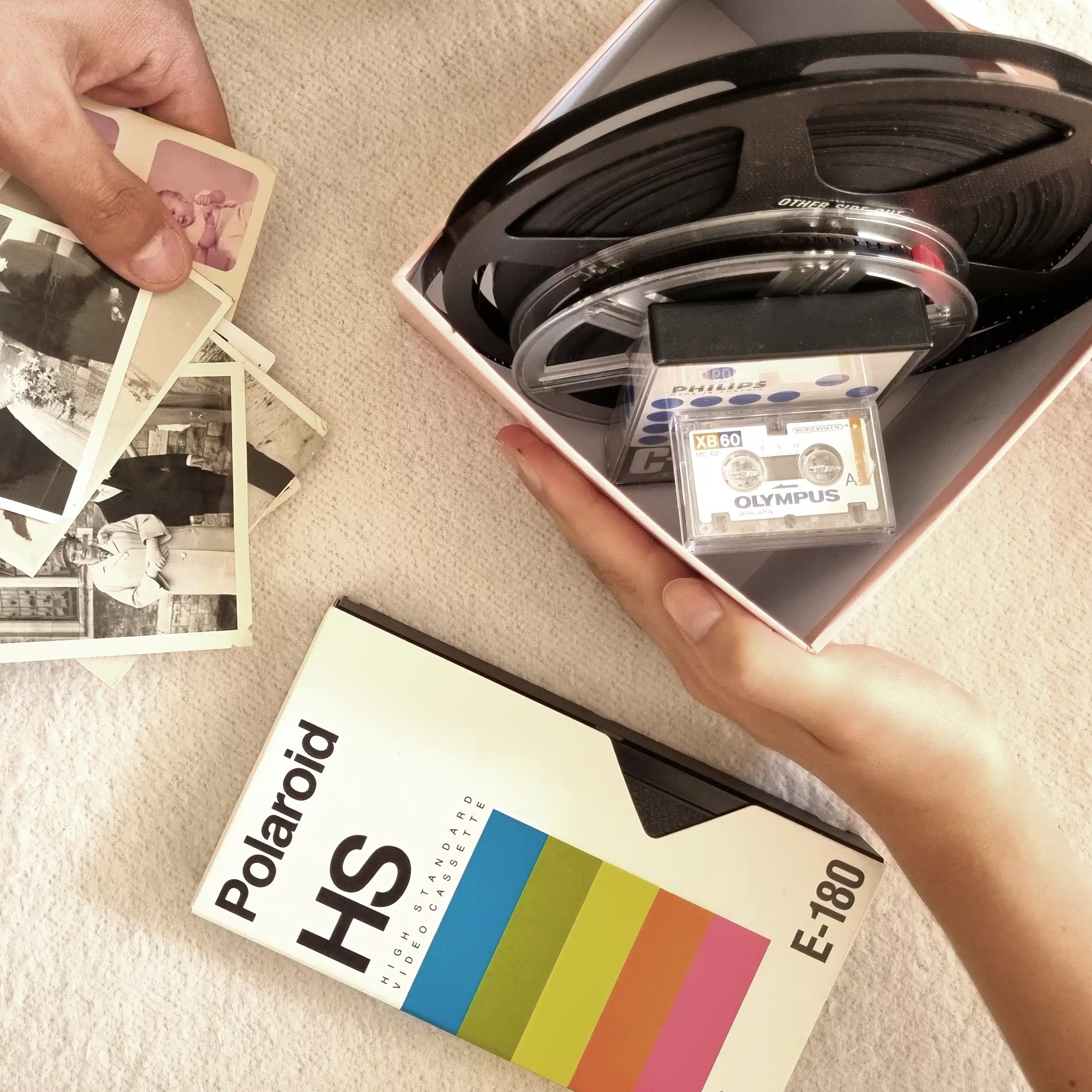
Convert DVD to MP4 to Preserve & Share


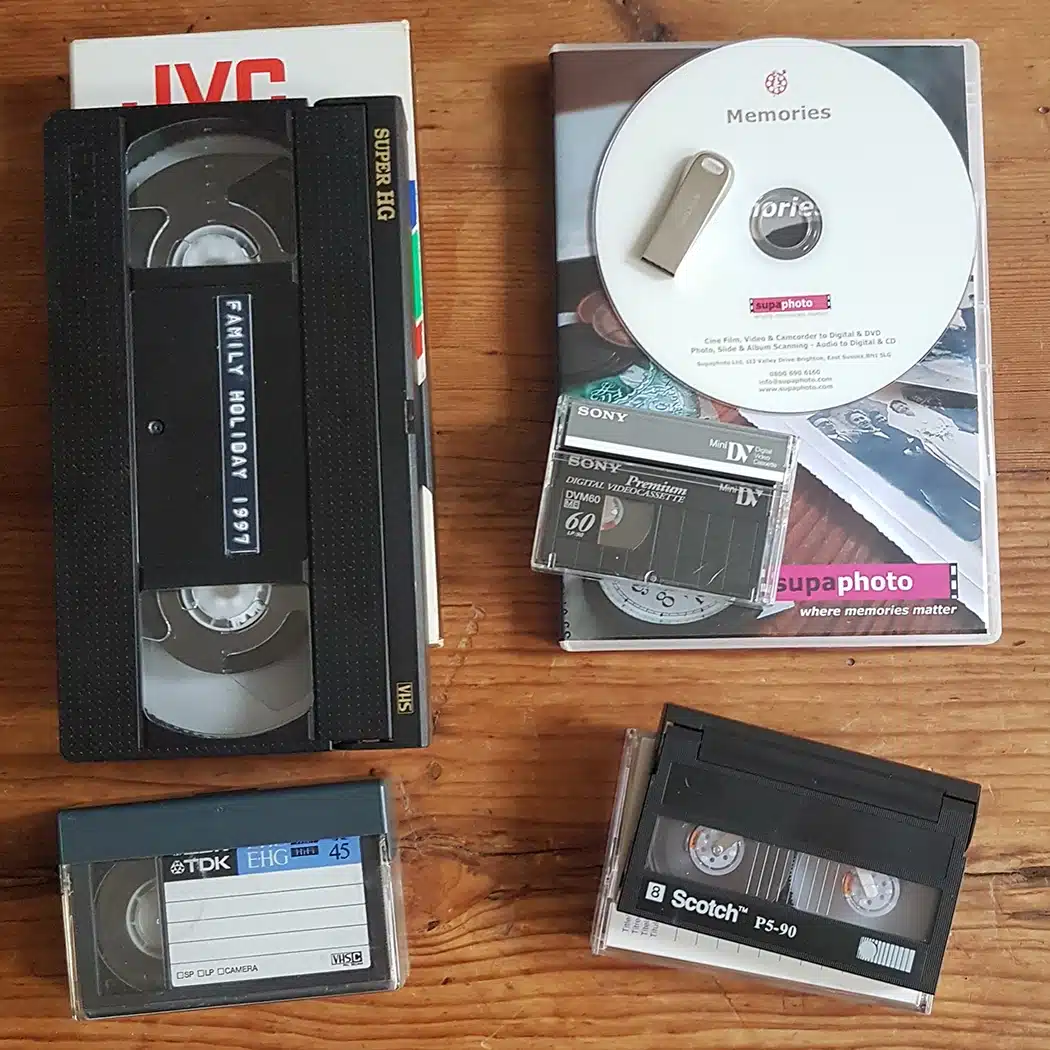
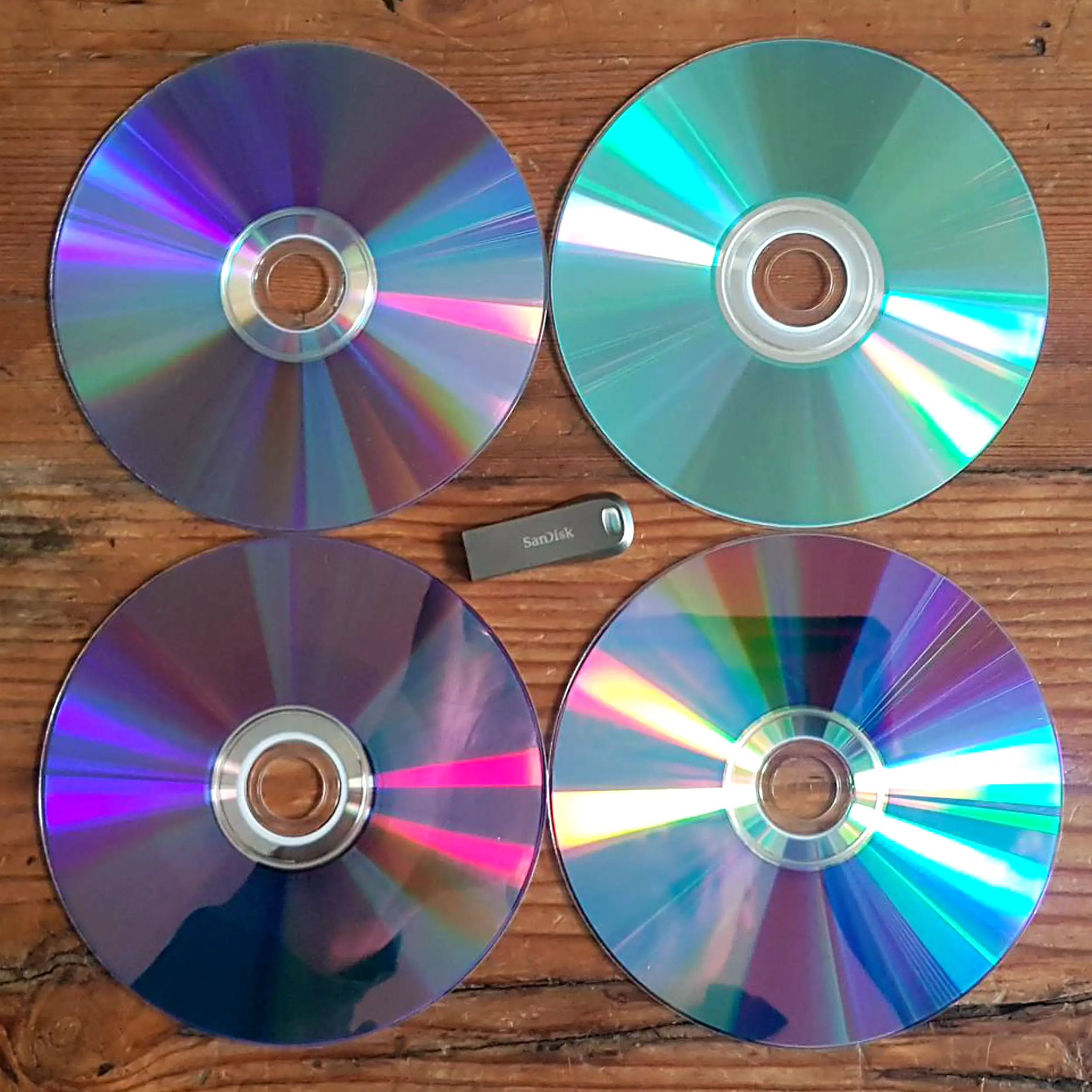
Got home movies stored away on old DVDs but no DVD player to watch them on? We can profesionally convert your DVDs to MP4 video files or another choice of video format. Just stream or download and keep forever.
Convert your DVDs to USB quickly with us to happily relive those wonderful moments with your family around you.
Visit our DVD to Digital page to view our other conversion choices such as DVD to USB.
Or call us now for some friendly advice
Freephone 0800 690 6160
Ask About Bulk Discounts too.

 5.0verified by TrustindexTrustindex verifies that the company has a review score above 4.5, based on reviews collected on Google over the past 12 months, qualifying it to receive the Top Rated Certificate.
5.0
verified by TrustindexTrustindex verifies that the company has a review score above 4.5, based on reviews collected on Google over the past 12 months, qualifying it to receive the Top Rated Certificate.
About Our Service - The Supaphoto© Way
Thousands of Families Have Trusted Supaphoto
Our customers span from private individuals to institutions and TV production companies
Posted on Google Adrian Baker3 days ago
Trustindex verifies that the original source of the review is Google.
I needed two VHS and one Hi8 camcorder tape converted to digital format and I'm glad I found Supaphoto. What made me choose the company were the excellent reviews. I got an extremely fast response to my initial query and I was greeted by very friendly staff when I dropped my tapes off at the studio, and I was also very impressed with all of their specialised equipment they had. I wasn't looking for either the cheapest or quickest service but I was looking for a high quality service and Supaphoto are one of the few companies around that offer both excellent customer service and a high quality service. I look forward to using them again in the future which I certainly will be doing as I have more videos to convert plus some very old 1940s family photographs I'd like digitizing.Posted on Google lauren Bonwick-Adams3 days agoAbsolutely 10/10 experience. Phillip is so knowledgeable and caring with precious videos. I felt reassured and confident I was getting the best work possible. Thanks again !!!Posted on Google
 E P3 days agoFantastic service. Sorted my videos quickly with no issues. Would highly recommend!Posted on Google
 Peter Abrahamsen7 days agoI've just had eight reels of childhood memories digitised from old 8mm film. The service and speed of Supaphoto is second to none. Friendly, fast, and focused on quality. I didn't even get to see the first run. It failed the quality standards and Supaphoto created a better version at no cost to me. I highly recommend Supaphoto.Posted on Google
 Julie Devine9 days agoA fantastic job. Recently widowed and found old slides of my husband. I was concerned about sending them off but needn't have worried. Great results and nice to have such a personal service. It's not easy these days to find a company like this that actually talks to you! Thank you so much.Posted on Google
 Chala Nibras11 days ago+0Posted on Google
 Tim Houghton12 days agoI entrusted Supaphoto with preserving my entire family archive of over 2,500 assets. The project included loose prints, 35mm slides, mouldy VHS tape restoration, and full photo album scanning. They worked quickly and carefully, completing this massive undertaking in under three months. I was thrilled to receive high-quality JPEG and TIFF image scans alongside AVI and MPEG video files, all meticulously organised into dated folders exactly as I requested. Most importantly, my original media was handled with the utmost care and returned safely and securely. Supaphoto is truly the best in the business, offering an invaluable service for preserving a lifetime of memories. Highly recommended! Thank you.Posted on Google
 T Wills13 days agoA very efficient and friendly service, my thanks!Posted on Google
 Andrew Whiley13 days agoPosted on Google
 Beth Embley19 days agoThe team at Supaphoto were fantastic. I had some old VHS tapes converted to digital format so my parents could access and enjoycfamily memories again, and it made a great gift. They were very helpful throughout, clearly explained the process, and completed everything efficiently. Friendly, professional service from start to finish. I would highly recommend them!Verified by TrustindexTrustindex verified badge is the Universal Symbol of Trust. Only the greatest companies can get the verified badge who has a review score above 4.5, based on customer reviews over the past 12 months. Read more






How our Convert DVD to MP4 Service Works
Our DVD to MP4 transfer service is simple, reliable, and trusted by thousands of happy customers

1. Package Up Your Memories
Simply pack your memories on DVDs or CD discs and send them to us. Use either our courier collection and return service or send it to us directly. Ask for your step by step welcome pack now.
2. Lovingly Converted
We love what we do. Our dedicated team will digitise your old discs to MP4. We’ve saved millions of memories over 20 years. And don’t worry, you’ll get regular updates along the way.

3. Share & Enjoy With Your Family
This is where the magic begins, We’ll return your original media. Once the discs in MP4 format are ready, you’ll be able to relax and let those memories flood in.
From start to finish, we track your discs carefully so you always know their status and when they’ll be ready for return.
What's Included?
You’ll receive everything needed to safeguard your memories.
Yes, where collection is applicable, we’ll organise for an easy to understand pre-paid address label to be sent to you. Could not be more simple. There’s also a section in there for you to add notes.
We know how precious your memories are. It can feel like a big decision. The Supaphoto Welcome Guide explains the process in step by step simple terms. It will also include useful contact details for peace of mind.
We loe what we do. Our dedcated team will digitise every item by hand. We’ve saved millions of memories over 20 years. And don’t worry, you’ll get regular updates along the way.
This is where the magic begins. We’ll return all of your original media. Once preserved, you can access your files via our easy cloud download service, on a memory stick or a lovely DVD. Finally, just relax and let those memories flood in!.
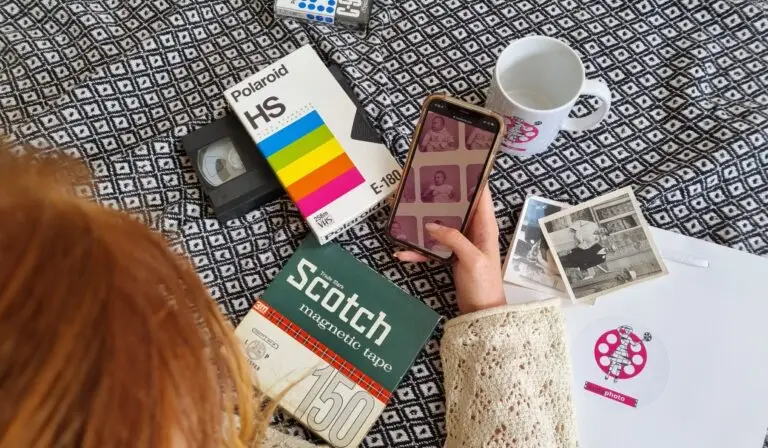
How to Choose the Best Conversion for your DVDs
Choose what you get back. Sit back and soak it in!
Convert your Discs to MP4 and recieve them uploaded to the cloud for easy access by you and your family.
Your converted video discs on a memory stick. Just Plug into your computer (or TV) and play, save or copy them.
We take your discs and convert your videos to another disc. It’s so easy to play it on any DVD player, cast it to your Smart TVs or even upload to your phone.
What you‘ll get: Your discs transferred to Digital.
What to order: Just ask for the Digital option to get all your conversions.
Ideal for: Quick access and sharing with the family.
What you’ll get: All of your video discs on one or more memory sticks.
What to Order: One USB stick is normally enough or upgrade to a safer SSD version.
Ideal For: Watching on a computer or most TVs (with USB slots).
What you’ll Get: Conversions as DVDs or CDs.
What to Order: Just order a cloud download option. It’s simple.
Ideal For:Watching on your television or a computer with disc drive.
Choosing the Perfect DVD Conversion for You
Choose what you get back. Sit back and soak it in!
Convert DVD to MP4
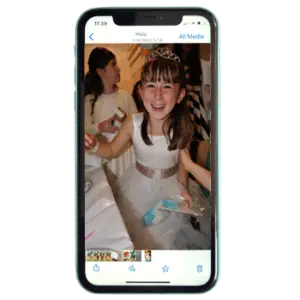
Convert your Discs to MP4 and recieve them uploaded to the cloud for easy access by you and your family.
What you‘ll get: Your discs transferred to Digital.
What to order: Just ask for the Digital option to get all your conversions.
Ideal for: Quick access and sharing with the family.
Transfer DVD to USB
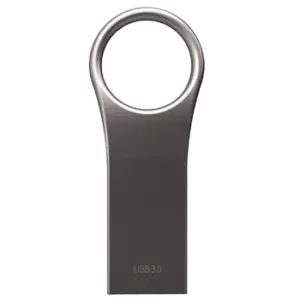
Your converted video discs on a memory stick. Just Plug into your computer (or TV) and play, save or copy them.
What you’ll get: All of your video discs on one or more memory sticks.
What to Order: One USB stick is normally enough or upgrade to a safer SSD version.
Ideal For: Watching on a computer or most TVs (with USB slots).
Copy DVD to DVD
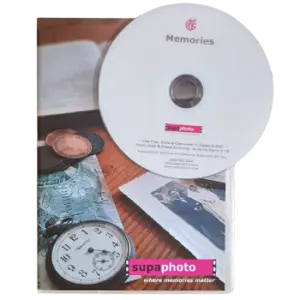
We take your discs and convert your videos to another disc. It’s so easy to play it on any DVD player, cast it to your Smart TVs or even upload to your phone.
What you’ll Get: Conversions as DVDs or CDs.
What to Order: Just order a cloud download option. It’s simple.
Ideal For: Watching on your television or a computer with disc drive.
The UK’s Favourite Disc to MP4 Converter
Watch the video to see how our DVD to MP4 transfer service works from start to finish. It explains each stage of the process and includes sample conversions that demonstrate the quality you can expect from professionally digitised footage. Whether you’re preserving family films, wedding videos or home recordings, you’ll see how we carefully convert your discs into widely compatible MP4 files that are easy to store, view and share across modern computers, tablets, smartphones and many smart TVs.
Every transfer is completed in our fully equipped professional studio using specialist hardware chosen to achieve the highest possible quality from your original recordings. We use professional-grade disc recovery equipment to maximise the chances of reading ageing or difficult discs and recovering valuable footage wherever possible. Before digitisation begins, each disc is carefully cleaned where appropriate to remove surface contamination that could interfere with playback or the transfer process.
If a disc proves challenging to read, we don’t stop after a single attempt. Our technicians will transfer it again using alternative playback decks and different capture settings to give the best opportunity of producing an improved digital file. This flexible approach helps recover content from many discs that might otherwise be considered unreadable. Most DVDs, Mini DVDs and CDs can be successfully digitised regardless of their condition, although the final result will always reflect the quality and physical state of the original media.
Where suitable, AI restoration enhancement can also be applied to improve the viewing experience by reducing visible imperfections while respecting the original recording. This optional enhancement helps create cleaner, more enjoyable footage without changing the authenticity of your memories.
If you’re looking at other ways to preserve your collection, our professional DVD digitisation service offers additional transfer options. You can also explore our guide to converting DVDs into MP4 files to understand why MP4 has become one of the most practical and widely supported formats for long-term digital preservation.
See also our Prices and FAQs further below.
What you can Expect From Us & Advantages
What You Can Expect When You Choose Supaphoto
Entrusting your DVDs to a professional transfer service means placing irreplaceable memories in safe hands. At Supaphoto, every order is individually hand-digitised here in the UK by experienced technicians with more than 20 years of expertise in media preservation. Rather than relying on automated production lines, each project is completed with careful attention to detail and supported by a multi-point quality assurance process to help ensure the finished MP4 files accurately reflect the original recordings.
From the moment your discs arrive, they’re handled with care and treated as unique originals. You’ll receive order updates and tracking throughout the process, so you always know the progress of your transfer. Once your conversion has been completed, every original disc is safely returned alongside your new digital files, giving you complete peace of mind.
We also believe excellent customer service should be personal. If you need advice before, during or after your order, you can speak directly with a knowledgeable member of our team. Combined with fast turnaround times where possible and more than 600 genuine 5-star customer reviews, this commitment to customer care has helped build lasting trust with families, organisations and archive customers alike.
Supaphoto’s expertise extends beyond consumer transfers. We support multiple television broadcasters and productions, including work associated with the BBC Repair Shop, as well as museums and institutions responsible for preserving valuable original media. Customers who require additional optimisation can also choose an optional advanced service designed to achieve the best possible outcome where appropriate.
Our pricing is transparent, with no hidden annual cloud storage subscription charges and no fees for blank or untransferable discs. Optional cloud hosting is available for customers who would like secure online access to their transferred files in addition to their chosen delivery method.
If you’re preserving a wider media collection, our complete disc to USB services can accommodate multiple disc formats within one order. You can also explore our guide to selecting the right disc conversion option or browse the Disc Transfer Learning Zone for practical advice on protecting your recordings and choosing the most suitable digital format for long-term preservation.
We are really proud to be an ongoing technical partner to the TV Production Company behind for the BBC’s Repair Shop and have worked on multiple programmes.
See more examples of references below.
Digitised in the UK
Your Discs Tapes are hand digitised right here in the UK for your peace of mind.
Free Blanks
Free disc inspection & no charge for blanks or discs that begin with TV when requested. .
Disc Recoveries
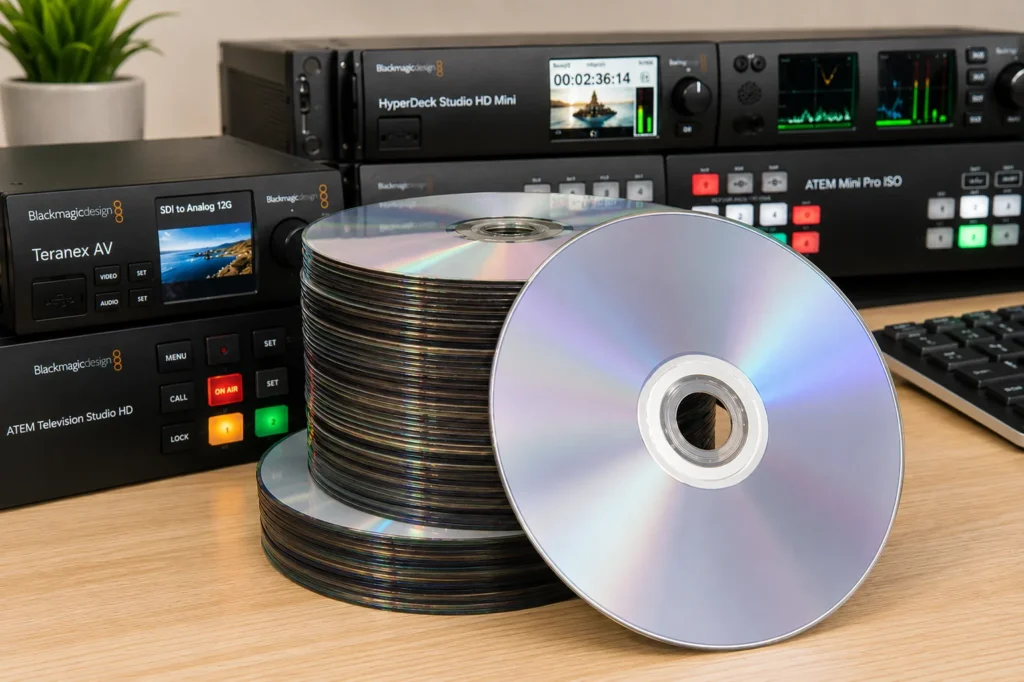
Studio grade disc recovery equipment and advanced software to enhance and even recover damaged discs
Originals Returned
For peace of mind, we’ll return your original discs.
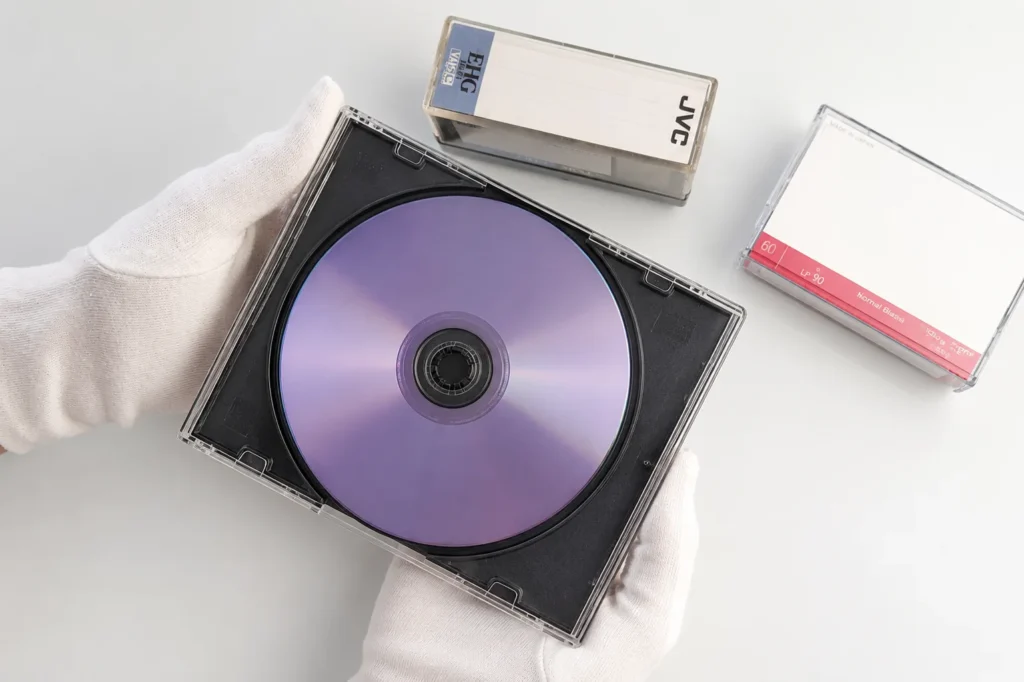
Security & Updates
We take security very seriously at Supaphoto with updates along the way and tracking.

Professional Studio Grade Technology
We use professional-grade equipment and high end capture hardware for faithful, accurate transfers.
Nothing beats reliving old memories but remade for today
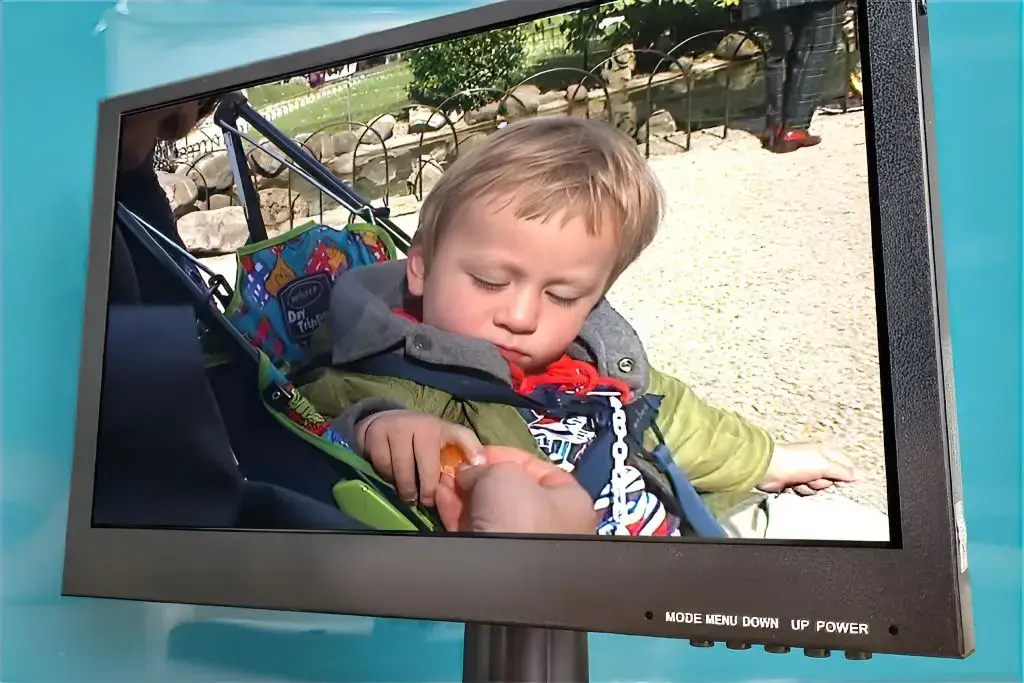
We take technical quality seriously at Supaphoto. We deliver great results with our video capture process as you can see from the example frame below an old video from over 25 years ago. This enhancement technology can sharpen film. remove excess harsh noise while recovering true authentic detail, stabilise the film & more.
Now with our REVIVAL AI process and treatment, we can now super charge the quality of your Discs prior to converting to MP4 if this appeals.
Discs tapes can deteriorate over time, slowing becoming unplayable . Transferring them to digital formats, such as MP4, helps protect your memories in a more convenient format before the original tape wears out.
For more information, watch our video transfer service and examples video

Before
Pre Treatment

After
Post Treatment
Don’t Just Take our Word For it...
“Just had my photo albums scanned by Supaphoto, cannot praise them enough”
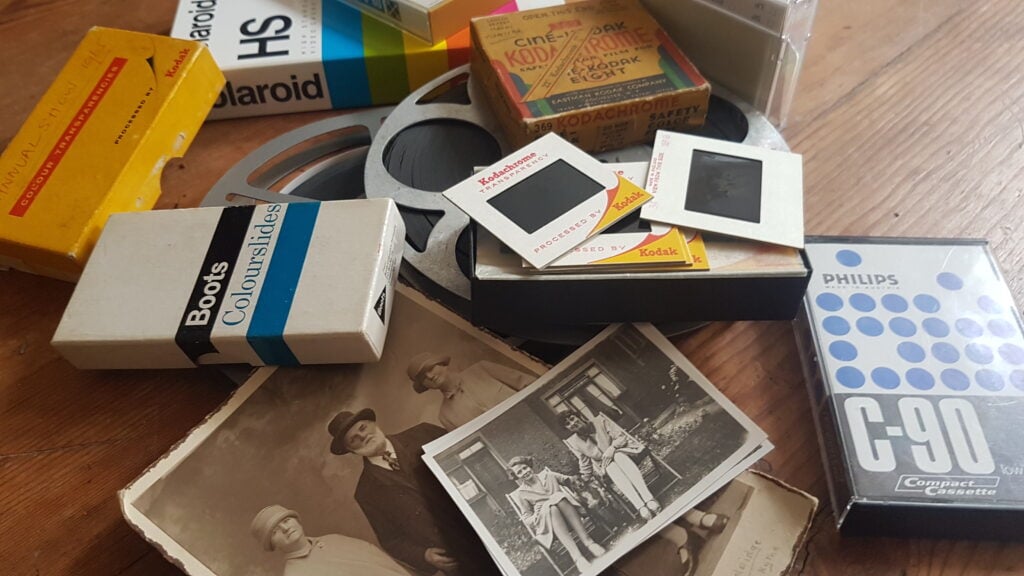
Photo for illustration purposes only.
Sir Richard Attenborough – Just One of Our Proudest Moments
We were so proud to be chosen by the University of Sussex to preserve some of film director Sir Richard Attenborough’s photographs.
Over the years, we’ve also scanned thousands of photo from prestigious photo albums going back to the 1900’s for British politicians to thousands of everyday family photo collections for families throughout the UK.
We were chosen to undertake cine film conversion work for the TV Production Company behind the BBC’s Repair Shop!
Other projects include digitalising Sir Richard Attenborough’s personal collection of images, converting early footage of Virgin Airways promotional films and digitalisation work relating to Windsor Castle, The Mary Rose and the late Queen Elizabeth II.
Our Disc Transfer Prices
At Supaphoto we take pleasure in doing things in the right way and growing our business slowly through referrals.
DVD & CD Transfer Prices to MP4 Video or MP3 Audio Files
1 Disc: £34.99
2 – 5 Discs: £29.99 each
6 Discs Onwards: £26.99 each
Prices include for 1 hour of capture, plenty for most Discs! – If you have discs that exceed 1 hour, costs are limited to just £9.99 extra per hour, per item.
What Do I Want Back? – Choose from one of the following options:
i) Mp4 or MP3 Digital Files as a Download from Supaphoto Cloud for easy viewing & sharing with family: £19.99
ii) Mp4 or MP3 Digital Files on a Master USB Stick £19.99
iii) Conversion to a new Disc in a nice presentation case £19.99
Optional extras:
– Back-up Version on Master USB Memory Stick: £19.99
– Back-up Version of DVD/CD in Presentation Case: £19.99
– Extra copy of DVD/CD in Presentation Case: £9.99
Free Doorstep Collection & Safe Return & Signed-For Delivery
We’re easy to deal with at Supaphoto. Contact Us Now to receive your free welcome pack. We’ll liaise with you to collect your package free of charge. We safely return items with signed-for delivery for extra peace of mind too.
Want to Order? – How Can I contact You?
Simple! Just Call us on freephone 0800 690 6160 or drop us a line.
All Prices are Inclusive of VAT



FAQs
We’ve made life easy for you by compiling the the most commonly asked questions that we’ve been asked over the years in one place!
How can I view my films or listen to my recordings?
Could not be easier! Either plug a simple USB into your TV and view as a slideshow or watch on PC, laptop, ipad or mobile phone. Your audio too can be listened to a computer, ipad or phone too
Is it easy to share with my family?
It’s so easy. Just forward the link we’ll send you or share your USB memory stick.
Which media output is best?
Digital files are easy to play and share on PCs, laptops, ipads and phones. Start your own home editing projects too. A back-up disc also makes sense.
No Upfront Payment? – When do I pay?
We never charge upfront unlike other companies. Why? Because there’s always a small chance that you may have non-chargeable blank tapes.
Would I be charged for blank discs?
Don’t worry. We NEVER charge for blank discs!
How long does it take?
Typically 5-10 working days or less.
Do you offer an advanced service?
Yes. our video service delivers more vivid colours, better contrast, sharper pictures and image stabilisation. Our audio service delivers cleaner, clearer sound. It takes longer but and costs relatively little more.
New! AI Cinematic Video Restoration Service
Our new AI REVIVAL restoration system leverages intelligent temporal data to deliver cleaner, more faithful videos. Whether you have tapes, DVDs or video files, we’ll can transform them into beautiful HD even higher resolution videos.
Do you collect / Can we visit your studio?
Yes we collect throughout the whole of the UK! Alternatively, you may visit us too so that we can go through the variables together. Just call or email us in advance to make an appointment at a suitable time please.
Do you send the originals back?
Yes indeed – It’s important that you always keep your originals somewhere safe.
Can You Upscale to HD/4K High Definition?
Yes! Go for that true magical cinematic experience! It also has features such as picture stabilisation, colour correction, frame rate correction and more besides.
My video looks very poor in places. Can it still be transferred?
Yes definitely! We’ll always review and advise you first though. And if a few tapes appear mouldy, we even have a dedicated process to handle these too.
Can I view and save them on a Free Online Cloud Gallery?
Yes indeed and you can share them with your family thereafter.
Where can I read reviews about your service?
We always treat tapes as if they were our own. Read our reviews for yourself
Why should I do it?
All discs slowly deteriorate over time. The sooner you do it – the better.
What’s your security like?
Rest assured that we take security of handling very seriously and have an insurance policy to match.
I have a lot of discs – Can I get a bulk discount?
Just contact us to see how we can help.
My disc is scratched and does not play. Can you still help?
We also have a disc repair and recovery service. Just let us know.
I still have questions – How Can I contact You?
Call us for some friendly help on freephone 0800 690 6160 or drop us a line.
What delivery service would you suggest using when I want to post my own material to you?
We would always advise sending by Royal Mail Special Delivery which is by far the safest delivery option in the whole of the UK!
Bulk Discount?
Got a large order? We’ll always do our best to help you. Just give us a call and we’ll see what we can do.!
More Help & Guidance
Why Choose MP4 for Your DVD Transfer?
Converting DVDs to MP4 is one of the most practical ways to preserve home videos for the future. Unlike DVDs, which require compatible disc drives and can become more difficult to play as hardware disappears, MP4 is a widely supported digital format that works across most modern computers, smartphones, tablets, smart TVs and media players. It also makes it much easier to organise, duplicate and share treasured memories with family and friends.
Professional conversion helps ensure the highest possible quality is captured from your original recordings while protecting them from further handling. If your collection includes multiple disc types, our complete disc digitisation service can preserve a wide range of media within one order. For a broader explanation of available disc formats, our guide to DVDs, CDs and digital conversion options explains the differences and when each solution is most appropriate.
How to Place Your Order
Ordering your DVD to MP4 conversion is designed to be straightforward. Begin by preparing your DVDs for dispatch and packaging them securely before sending them to Supaphoto. Once your order arrives, each disc is logged into our production workflow and individually assessed before transfer begins.
Where appropriate, discs are cleaned to improve playback reliability before being transferred using professional equipment. Difficult discs may be processed using alternative playback hardware and capture settings to maximise the chances of recovering valuable footage. After quality checks are completed, your MP4 files are prepared for delivery and your original discs are carefully packaged for return.
If you would rather receive your converted videos on removable storage as well, our USB delivery option for DVD transfers provides another convenient way to enjoy your preserved recordings.
A Simple Way to Preserve Your Memories
Many customers assume digitising old DVDs involves complicated software or specialist technical knowledge. By using a professional transfer service, the entire process is handled for you from beginning to end.
Every project is individually processed rather than batch converted. This allows experienced technicians to respond if playback issues arise and helps achieve the best possible transfer from each original recording. Once converted, MP4 files are much easier to back up, organise and play on today’s devices without relying on ageing DVD drives.
If you’re interested in understanding how MP4 became the preferred format for modern playback, our guide to DVD to MP4 conversion provides additional background and practical advice.
Digital Download or USB – Which Delivery Option Suits You?
Both delivery methods provide access to your converted MP4 files, but each offers different advantages depending on how you intend to use them.
| Option | Best Suited For | Key Benefits |
|---|---|---|
| Digital Download | Immediate access and online sharing | Convenient, quick and easy to back up |
| USB Drive | Physical storage and long-term safekeeping | Portable, simple to use and suitable for many compatible devices |
Many customers choose USB for its convenience and physical backup, while others appreciate the speed of a digital download. Some prefer both options so they have immediate online access alongside a separate offline copy for additional security.
Pricing Guidance
Every collection is unique, so pricing depends on the number of discs, media type and any optional services selected. This ensures customers only pay for the work required rather than unnecessary bundled charges.
Supaphoto does not charge for blank or untransferable discs, providing added value when sorting through larger family collections. Optional enhanced services are available where additional recovery or optimisation may help improve the final result.
If your archive includes music CDs as well as DVDs, our professional CD to digital transfer service makes it easy to preserve audio and video collections together.
Good Old-Fashioned Customer Service
Sending irreplaceable family memories away for digitisation naturally raises questions. That’s why personal customer support remains an important part of the Supaphoto service.
You’ll be able to speak directly with knowledgeable members of the team before, during and after your order if you need advice. Throughout the transfer process you’ll also receive updates, giving reassurance while your originals are being carefully handled. Once completed, every original disc is returned together with your finished digital files.
For additional ideas on protecting older media collections, our digital preservation articles and advice explain why transferring ageing recordings before deterioration occurs can help safeguard valuable memories for future generations.
Understanding MP4 as a Digital Format
MP4 has become one of today’s most widely used video formats because it combines excellent compatibility with efficient file sizes.
| Format | Typical Purpose | Advantages |
|---|---|---|
| DVD | Optical disc playback | Original physical format requiring a DVD drive |
| MP4 | Digital video playback | Compatible with most modern devices and simple to share |
| USB Storage | Physical digital storage | Convenient offline access and portability |
| Cloud Storage | Online access | Available across compatible internet-connected devices |
If your DVDs are scratched or becoming difficult to read, our disc repair and recovery service may help improve the chances of a successful transfer before digitisation begins.
DVD Learning Zone
How long do DVDs usually remain playable?
The lifespan varies depending on manufacturing quality, storage conditions and frequency of use. Some discs remain readable for many years, while others may deteriorate sooner.
Why is MP4 recommended for preservation?
MP4 is widely supported by modern hardware and software, making it easier to watch and back up your recordings without specialist equipment.
Can damaged DVDs still be converted?
Many can, although successful recovery depends on the condition of the original disc.
You can find further answers by visiting our Frequently Asked Questions or comparing formats in our CD versus DVD preservation guide.
Common Mistakes to Avoid
Waiting until a DVD becomes unreadable before arranging digitisation.
Storing discs in damp, excessively warm or sunlit environments.
Cleaning discs with abrasive materials or household chemicals.
Assuming every new computer includes a DVD drive.
Keeping only one copy of important digital files after conversion.
If you’d like additional information before placing your order, the More Questions About This Service section answers many of the most common queries about preserving DVDs as MP4 files.

Other Questions About this Format
A: MP4 is universally supported and offers an excellent quality-to-filesize balance, which is why Supaphoto recommends it for most DVD conversions. It plays nicely on phones, TVs, laptops, and streaming devices without extra codecs.
A: Conversion time depends on disc length, your computer, and software settings; DIY runs from ~30 minutes to a few hours per DVD. With Supaphoto, we target delivery of your MP4s within a week of receiving your discs, workload permitting.
A: DIY quality dips usually stem from scratched media, aging drives, or incorrect settings. Supaphoto uses calibrated hardware and workflows to prevent those pitfalls. If your own rip looks rough, we can reprocess it for a clean, stable MP4.
A: Scratched DVDs are tricky at home. Our professional readers and recovery tools minimise read errors and artefacts, giving you the best possible MP4 from a marked disc.
A: Tools like HandBrake can include multiple audio tracks and subtitles, but setup can be fiddly. Supaphoto handles multi-audio and subtitle workflows for you and returns a neatly authored MP4.
A: Professional conversion brings clear benefits: consistent top quality, time savings, help with problem discs, and personal support. Supaphoto delivers all of that at strong value.
A: Yes — we can convert DVDs with 5.1 surround, preserving discrete channels so your MP4 retains that immersive audio.
A: With Supaphoto, the risk of data loss is extremely low. We follow strict handling and verification steps to ensure complete, faithful MP4 copies.
A: There’s no real cap on volume. We routinely process bulk DVD to MP4 orders efficiently — and offer up to 30% off on large batches.
A: Your privacy is protected. Supaphoto maintains robust security and confidentiality policies throughout the DVD to MP4 process.
A: We also convert old VHS tapes to digital, including MP4. Our capture decks and encoders preserve as much detail as possible from your cassettes.
A: We can accommodate many custom requests — resolution, aspect ratio, audio handling, or subtitles. Contact us first so we can confirm what’s feasible for your project.