Video Editing Services to Save Your Memories

Supaphoto©’s Best Video Editing Services allows us to edit and enhance your videos and dvds. Choose between digital download, USB memory stick or disc with our home editing services. See too our Video Tape Restoration Service, Video Tape Repair Service and Video Tape Cleaning Service!
Or call us now for some friendly advice
Freephone 0800 690 6160
Ask About Bulk Discounts too.
About Our Service - The Supaphoto© Way
Thousands of Families Have Trusted Supaphoto
Our customers span from private individuals to institutions and TV production companies


How our Video Editing Service Works
The best thing you could ever do for your family in three simple steps.
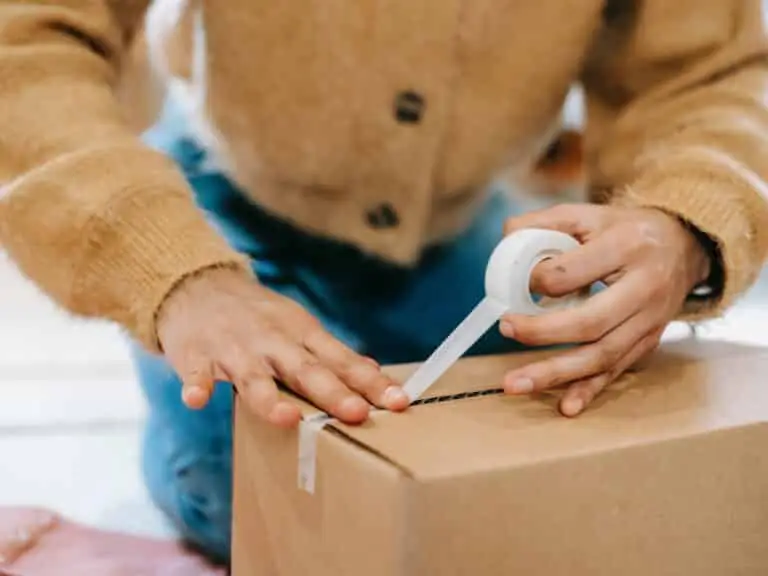
1. Package Up Your Memories
Simply pack your beloved memories and send the video tapes to edit to us. Use either our courier collection and return service or send it to us directly. Ask for your step by step welcome pack now.
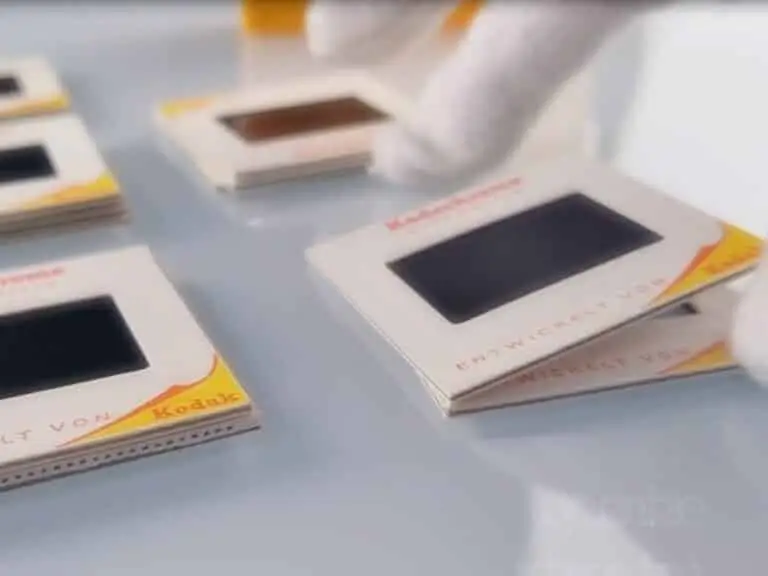
2. Lovingly Converted
We love what we do. Our dedicated team will edit and digitise your old video tapes to digital. We’ve saved millions of memories over 20 years. And don’t worry, you’ll get regular updates along the way.

3. Share & Enjoy With Your Family
This is where the magic begins, we’ll return your original media. Once the edited videos in digital format are ready, you’ll be able to relax and let those memories flood in.
From start to finish, we track your video tapes carefully so you always know their status and when they’ll be ready for return.
What's Included?
You’ll receive everything needed to safeguard your memories.
Yes, where collection is applicable, we’ll organise for an easy to understand pre-paid address label to be sent to you. Could not be more simple. There’s also a section in there for you to add notes.
We know how precious your memories are. It can feel like a big decision. The Supaphoto Welcome Guide explains the process in step by step simple terms. It will also include useful contact details for peace of mind.
We loe what we do. Our dedcated team will digitise every item by hand. We’ve saved millions of memories over 20 years. And don’t worry, you’ll get regular updates along the way.
This is where the magic begins. We’ll return all of your original media. Once preserved, you can access your files via our easy cloud download service, on a memory stick or a lovely DVD. Finally, just relax and let those memories flood in!.
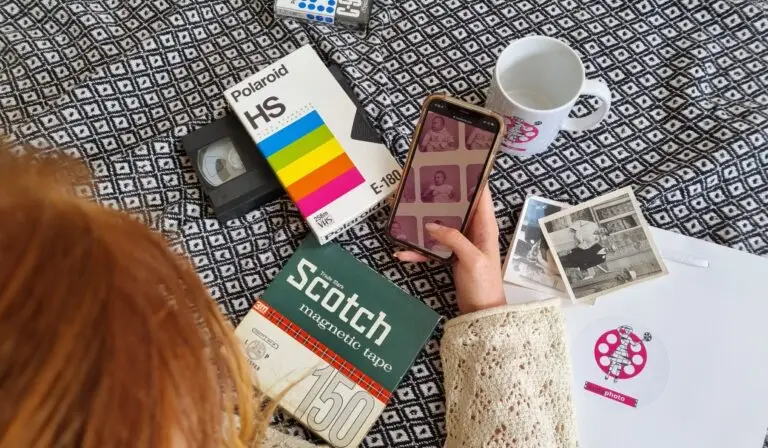
How to Choose the Best Video Tape Editing and Conversion
Choose what you get back. Sit back and soak it in!
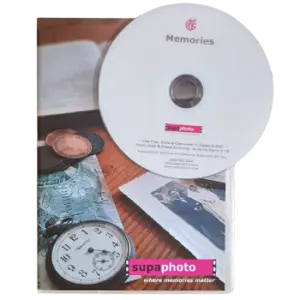
Edit and Transfer Video to Disc
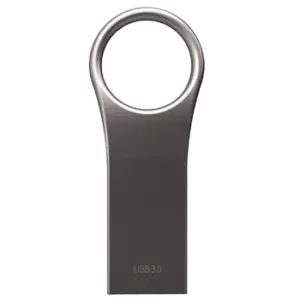
Edited Video to USB
Edited Video to Digital
We take your video tapes, edit and convert your video to disc. It’s so easy to play it on any disc player or other disc drive.
Your edited and converted video tapes on a memory stick. Just Plug into your computer (or TV) and play, save or copy them.
Video converted to Digital and uploaded to the cloud for easy access by you and your family.
What you‘ll get: Your tapes transferred to disc.
What to order: Just ask for the disc option to get all your conversions.
Ideal for: Watching on your telly or a computer with disc drive.
What you’ll get: All of your videos on one or more memory sticks.
What to Order: One USB stick is normally enough or upgrade to a safer SSD version.
Ideal For: Watching on a computer or most TVs (with USB slots).
What you’ll Get: Conversions as computer files.
What to Order: Just order a cloud download option. It’s simple.
Ideal For: Quick access and sharing with the family.
How to Choose the Best Video Tape Editing and Conversion
Choose what you get back. Sit back and soak it in!
Edited Video to Digital
Video converted to Digital and uploaded to the cloud for easy access by you and your family.
What you’ll Get: Conversions as computer files.
What to Order: Just order a cloud download option. It’s simple.
Ideal For: Quick access and sharing with the family.
Edited Video to USB
Your edited and converted video tapes on a memory stick. Just Plug into your computer (or TV) and play, save or copy them.
What you’ll get: All of your videos on one or more memory sticks.
What to Order: One USB stick is normally enough or upgrade to a safer SSD version.
Ideal For: Watching on a computer or most TVs (with USB slots).
Edit and Transfer Video to Disc
We take your video tapes, edit and convert your video to disc. It’s so easy to play it on any disc player or other disc drive.
What you‘ll get: Your tapes transferred to disc.
What to order: Just ask for the disc option to get all your conversions.
Ideal for: Watching on your telly or a computer with disc drive.
The UK’s Favourite Video Editer
The video to the left introduces Supaphoto’s video editing service and includes sample transfers, giving you an idea of how existing footage can be reshaped into something more enjoyable to watch and share. Whether your material comes from old videotapes, camcorder recordings, cine film, photographs or newer digital clips, editing can bring scattered memories together into a more coherent finished film.
Our approach can include selecting and rearranging footage, removing unwanted sections, combining clips from different sources and improving presentation with titles, transitions and other suitable enhancements. Older footage can also benefit from colour correction and restoration work where appropriate, helping faded or inconsistent scenes sit more naturally together.
Because many editing projects begin with irreplaceable family or archive material, careful handling remains important throughout the process. Supaphoto has experience working with valuable and historically significant collections as well as everyday family memories. For projects that also contain documents, artwork or other physical archive material, our heritage collection digitisation services provide options for preserving those alongside your video material. Oversized photographs, artwork or documents can also be handled through our specialist large-format scanning service.
Finished digital files can be organised for easier access and sharing, while larger projects containing many clips or different source formats can be planned as a structured collection rather than treated as isolated files.
If your project involves older or historically important media, our guidance on preserving heritage material through digitisation explains why creating accessible digital copies can be valuable for the future.
See also our Prices and FAQs further below.
What you can Expect From Us & Advantages
With Supaphoto’s video editing service, the main advantage is that your footage can be shaped into something far easier to watch, share and keep. Instead of leaving family videos as long, unstructured recordings, we can organise the material into a more coherent sequence and remove sections that are no longer useful.
Depending on the project, editing can include combining clips from different sources, improving continuity, adding titles and creating a clearer overall structure. This can be particularly useful when material has been gathered over many years or exists across several tapes, files or formats.
We can also help when a project includes more than video alone. Photographs, documents or other archive material may need to be digitised as part of the wider story, and our heritage collection digitisation service can support projects containing a mixture of physical originals.
For larger jobs, careful organisation matters. Files can be structured logically and supplied in a way that makes the finished project easier to store, find and share. Materials are tracked through the digitisation process, which is especially useful when several source items are involved.
If your project contains valuable family or historical media, our guidance on preserving heritage material through digitisation explains some of the wider preservation considerations worth thinking about.
The overall benefit is simple: a more polished, organised and accessible version of your footage, created around the way you actually want to enjoy and use your memories in the future.
We are really proud to be an ongoing technical partner to the TV Production Company behind for the BBC’s Repair Shop and have worked on multiple programmes.
See more examples of references below.
Digitised in the UK
Your VHS Tapes are hand digitised right here in the UK for your peace of mind.
Advanced Service
Studio grade equipment and AI software to enhance and even recover mould affected tapes.
Free Blanks
Free tape inspection & no charge for blanks or tapes that begin with TV when requested.
Originals Returned
For peace of mind, we’ll return your VHS tapes.
Security & Updates
We take security very seriously at Supaphoto with updates along the way and tracking.

Professional Studio Grade Technology
We use professional-grade VHS decks and high end capture hardware for faithful, accurate transfers.
Nothing beats reliving old memories but remade for today
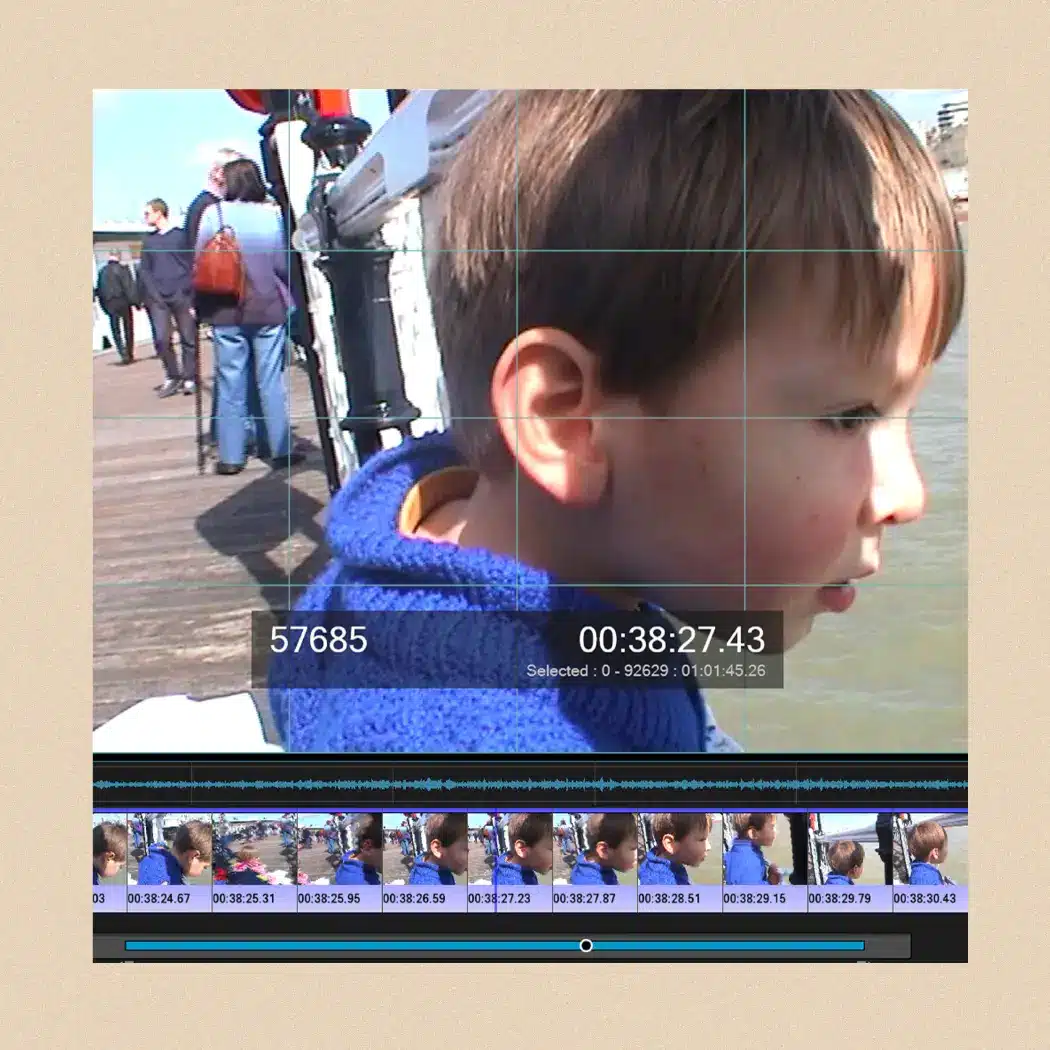
We take technical quality seriously at Supaphoto. We deliver great results with our video capture process as you can see from the example frame below an old video from over 25 years ago. This enhancement technology can sharpen film. remove excess harsh noise while recovering true authentic detail, stabilise the film & more.
Now with our REVIVAL AI process and treatment, we can now super charge the quality of your VHS Tape prior to converting to DVD if this appeals.
VHS tapes can deteriorate over time, with picture quality fading, sound weakening, and the tape becoming damaged or difficult to play. Transferring them to DVD helps protect your memories in a more convenient format before the original tape wears out.
For more information, watch our video transfer service and examples video
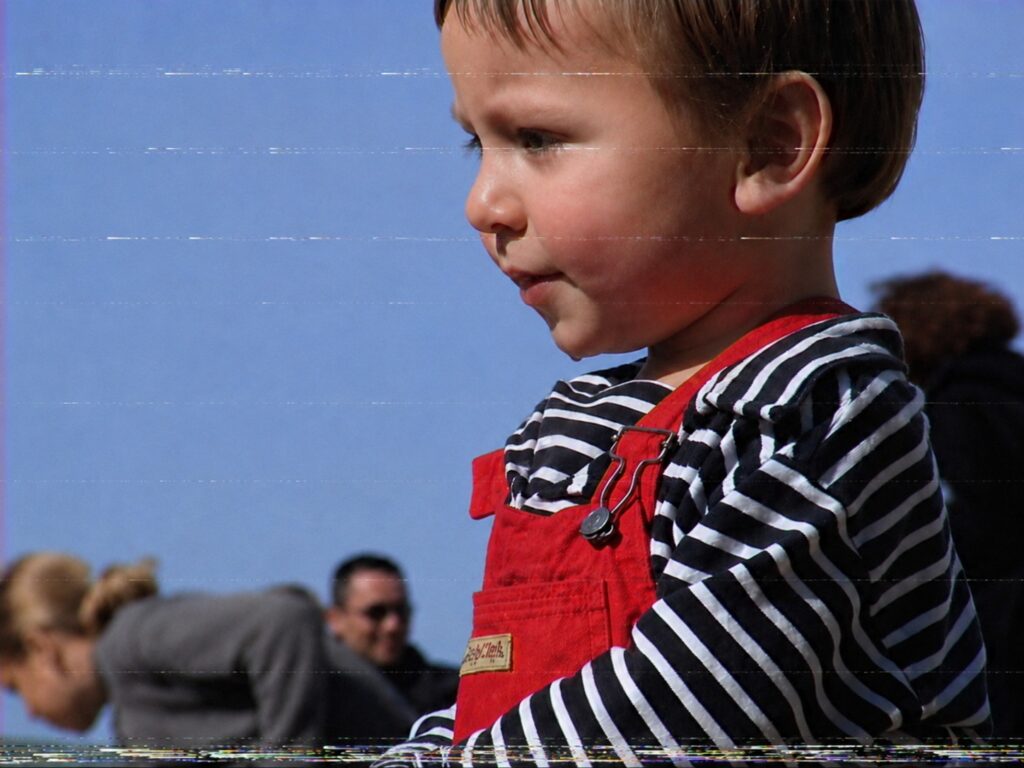
Before
Pre Treatment

After
Post Treatment
Don’t Just Take our Word For it...
“Just had my photo albums scanned by Supaphoto, cannot praise them enough”
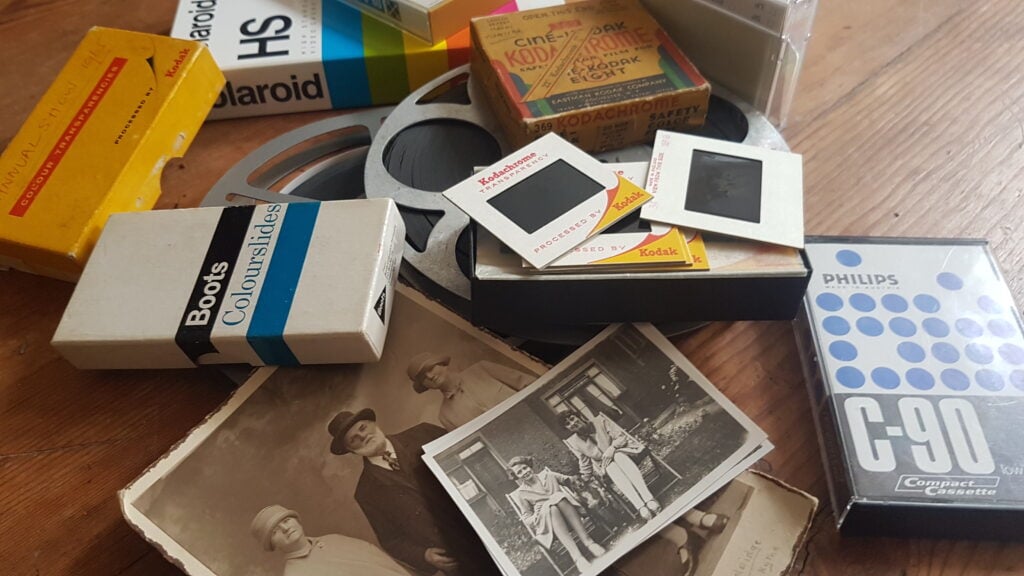
Photo for illustration purposes only.
Sir Richard Attenborough – Just One of Our Proudest Moments
We were so proud to be chosen by the University of Sussex to preserve some of film director Sir Richard Attenborough’s photographs.
Over the years, we’ve also scanned thousands of photo from prestigious photo albums going back to the 1900’s for British politicians to thousands of everyday family photo collections for families throughout the UK.
We were chosen to undertake cine film conversion work for the TV Production Company behind the BBC’s Repair Shop!
Other projects include digitalising Sir Richard Attenborough’s personal collection of images, converting early footage of Virgin Airways promotional films and digitalisation work relating to Windsor Castle, The Mary Rose and the late Queen Elizabeth II.
Our Video Editing Prices
At Supaphoto we take pleasure in doing things in the right way and growing our business slowly through referrals.
Our Video Editing Prices
Prices start from £39.99 per hour
Whatever you need editing, give us a call and we’ll walk you through our simple process. We’ll arrange your video footage to suit your requirements. It typically means trimming, rearranging, and combining video clips, as well as adding transitions, effects and audio elements.
We are often asked to enhance the film too as in many instances the film is old and needs some extra care to deliver a polished result.
We can also take clips filmed on mobile phones too and mix with other sources such as VHS tapes, camcorder tapes or even photos.
For video editing, we always best to reach out to us initially so we can understand what kind of issues you are facing.
It takes time though and hence costs a bit more but we’ve a good track record and work with some of the top institutions through the UK. More Information.
What Do I Want Back? – Choose from one of the following options:
i) Mp4 Digital Files as Download from Supaphoto Cloud for easy viewing & sharing with family £19.99
ii) Mp4 Digital Files on a Master USB Stick £19.99
iii) Conversion to a new DVD in a nice presentation case £19.99
Optional extras:
– Back-up Version on Master USB Memory Stick: £19.99
– Back-up Version of DVD in Presentation Case: £19.99
– Extra copy of DVD in Presentation Case: £9.99
Free Doorstep Collection & Safe Return & Signed-For Delivery
We’re easy to deal with at Supaphoto. Contact Us Now to receive your free welcome pack. We’ll liaise with you to collect your package free of charge. We safely return items with signed-for delivery for extra peace of mind too.
Want to Order? – How Can I contact You?
Simple! Just Call us on freephone 0800 690 6160 or drop us a line.
All Prices are Inclusive of VAT
FAQs
We’ve made life easy for you by compiling the the most commonly asked questions that we’ve been asked over the years in one place!
How can I view my films?
Could not be easier! Either plug a simple USB into your TV and view as a slideshow or watch on PC, laptop, ipad or mobile phone.
Is it easy to share with my family?
It’s so easy. Just forward the link we’ll send you or share your USB memory stick.
Which media output is best?
Digital files are easy to play and share on PCs, laptops, ipads and phones. Start your own home movie editing projects too. A back-up DVD also makes sense.
No Upfront Payment? – When do I pay?
We never charge upfront unlike other companies. Why? Because there’s always a small chance that you may have non-chargeable blank tapes.
Would I be charged for blank tapes?
Don’t worry. We NEVER charge for blank tapes!
How long does it take?
Typically 5-10 working days or less.
Do you offer an advanced service?
Yes. It delivers more vivid colours, better contrast, sharper pictures and image stabilisation. It takes longer but and costs relatively little more.
My video looks very poor in places. Can it still be transferred?
Yes definitely! We’ll always review and advise you first though.
New! AI Cinematic Video Restoration Service
Our new AI REVIVAL restoration system leverages intelligent temporal data to deliver cleaner, more faithful videos. Whether you have tapes, DVDs or video files, we’ll can transform them into beautiful HD even higher resolution videos.
Do you send the originals back?
Yes indeed – It’s important that you always keep your originals somewhere safe.
Can You Upscale to HD/4K High Definition?
Yes! Go for that true magical cinematic experience! It also has features such as picture stabilisation, colour correction, frame rate correction and more besides.
Can I view and save them on a Free Online Cloud Gallery?
Yes indeed and you can share them with your family thereafter.
Where can I read reviews about your service?
We always treat tapes as if they were our own. Read our reviews for yourself
Why should I do it?
All videos slowly deteriorate over time. The sooner you do it – the better.
My tape has mould on it. Can you still transfer it?
Yes. We have a dedicated service for such tapes.
I also have a DVD that is scratched and does not play. Can you still help?
Yes. we also have a disc repair and recovery service. Just let us know.
What’s your security like?
Rest assured that we take security of handling very seriously and have an insurance policy to match.
I have a lot of videos – Can I get a bulk discount?
Just contact us to see how we can help. We also offer a buy now pay later option.
I still have questions – How Can I contact You?
Call us for some friendly help on freephone 0800 690 6160 or drop us a line.
Bulk Discount?
Got a large order? We’ll always do our best to help you. Just give us a call and we’ll see what we can do.!
More Help & Guidance
Video editing can turn years of scattered footage into something far easier to watch, understand and share. Old home movies often contain long pauses, repeated scenes, unwanted sections or clips spread across different tapes and digital files. A considered editing process lets you bring the best material together while preserving the character of the original memories.
Deciding What You Want From Your Finished Film
Before editing begins, it helps to decide what you want the finished video to achieve. You may want a shorter family highlights film, a chronological record covering several decades, a wedding compilation or simply a cleaner version of existing footage with unwanted sections removed.
Think about who will watch it and how long you realistically want the finished programme to be. Several hours of original footage do not necessarily need to remain several hours long.
You can also identify essential scenes beforehand. Birthdays, holidays, weddings, childhood moments and particular family members may deserve priority, while accidental recordings, blank sections and repetitive footage can often be removed.
Giving the editor a clear idea of your priorities helps shape the material around your family story rather than simply joining every clip together.
Combining Footage From Different Sources
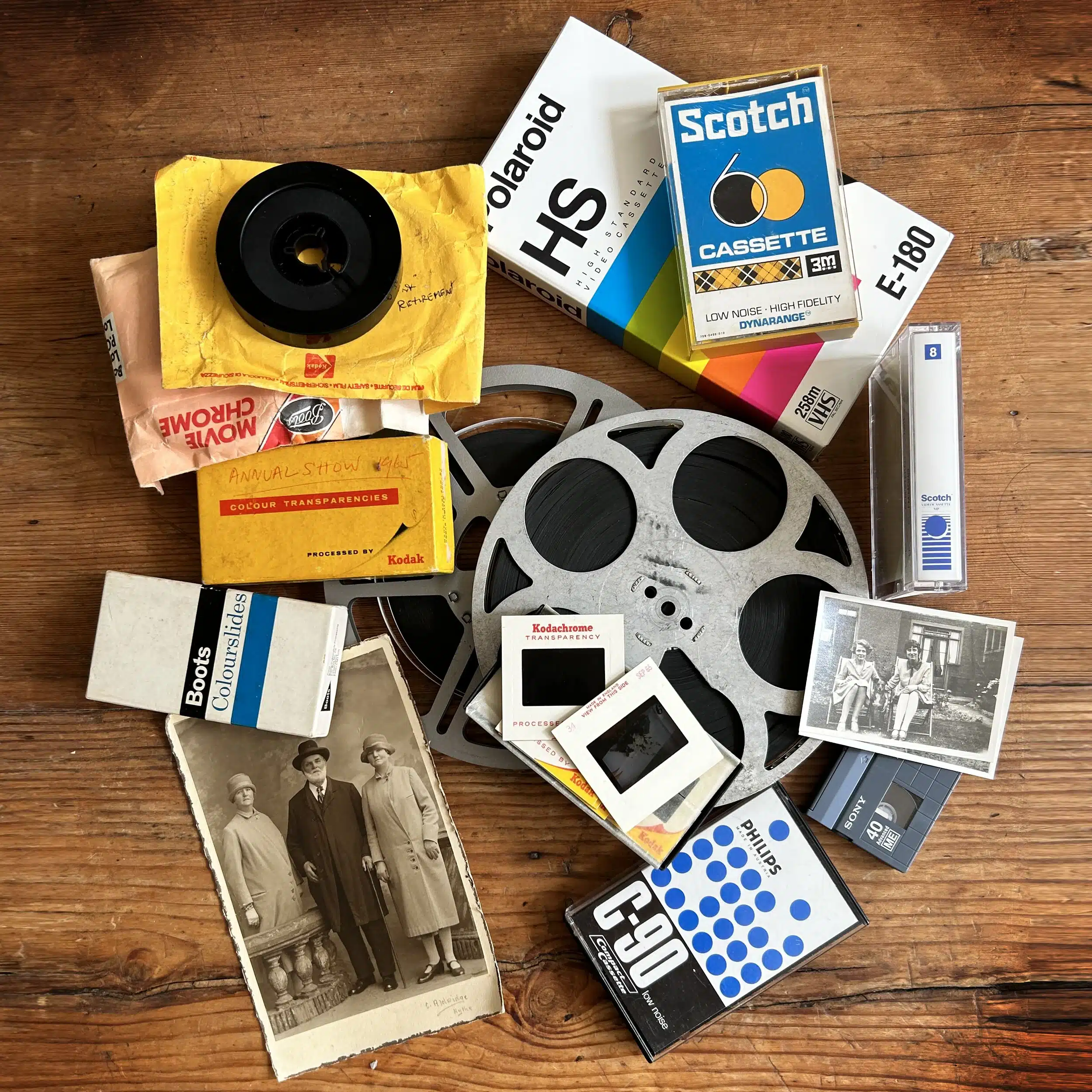
Family memories often exist across several generations of recording technology. One project might contain old VHS tapes, camcorder footage, newer digital video and clips recorded on mobile phones, together with photographs that help fill gaps in the story.
Professional editing allows these different sources to be brought into a more coherent sequence. Footage can be arranged chronologically, by event, by family member or according to another structure that suits the project.
The originals do not necessarily need to look identical. Older recordings naturally have a different character from modern video, and preserving that distinction can often make the finished film more authentic.
If your project includes photographs, documents or other historical material alongside moving images, Supaphoto’s heritage collection digitisation options can support the wider preservation of those originals.
Trimming and Rearranging Old Home Videos
One of the most useful parts of video editing is deciding what does not need to remain in the finished version. Home recordings commonly contain long sections where little happens, cameras continue recording accidentally or the same subject appears repeatedly.
Removing these sections can make an old family film much more enjoyable without changing the memories that matter.
Clips can also be rearranged when events have been recorded across several tapes or devices. Rather than watching footage in the order it happened to be digitised, relevant scenes can be brought together into a logical sequence.
This is particularly valuable when several people contributed footage of the same wedding, birthday, holiday or family occasion. Editing allows the strongest parts of each source to contribute to one finished programme instead of leaving viewers to search through numerous separate files.
Titles, Transitions and a Clearer Story
Simple additions can make edited footage considerably easier to follow. Titles can identify people, locations, dates or family occasions, while chapter headings can divide a longer programme into meaningful sections.
Transitions can help move naturally between different clips, especially when footage has been assembled from several tapes or recording formats. The aim should normally be to support the material rather than overwhelm it with unnecessary effects.
Photographs can also be incorporated where appropriate, perhaps to introduce a person or fill a period for which no moving footage survives.
If you are planning a family-history project, it can help to write down a basic timeline before editing begins. Even approximate dates and event names can provide valuable context when footage spans many years.
A little preparation can turn a collection of unrelated clips into a film with a much clearer beginning, middle and end.
Improving Older Picture and Sound
Old footage can suffer from faded colour, inconsistent brightness or sound that is harder to follow than it once was. Where appropriate, editing and restoration work can improve presentation while retaining the character of the source material.
Colour correction may help different scenes sit together more naturally, particularly when recordings originate from several tapes or cameras. Audio work can also concentrate on making speech clearer and reducing distracting noise where possible.
The aim is not necessarily to make vintage footage look as though it was recorded yesterday. For family archives, maintaining the atmosphere and authenticity of the original recording can be just as important as improving its presentation.
When preservation is part of the objective, our guidance on looking after heritage media through digitisation explains why creating accessible digital versions can reduce dependence on ageing originals.
Organising a Large Video Editing Project
A project containing dozens of tapes or hundreds of clips benefits from some organisation before detailed editing begins.
Start by grouping material in whichever way makes most sense: by year, event, person, holiday or original tape. If you already know that certain scenes are important, note this clearly.
File names also matter once material has been digitised. Descriptive names are far more useful than a folder containing dozens of files called things such as Video001 and Video002.
For particularly large family archives, consider whether one enormous finished video is really the best solution. Several shorter films organised by decade, family branch or event may be easier to watch and share.
Supaphoto tracks physical media through the digitisation process, which is particularly helpful when an editing project involves many source items. Keeping the physical and digital sides of the project organised reduces the risk of valuable footage becoming disconnected from its context.
Choosing How You Want the Finished Video
Think about where you expect to watch and share the finished film. Digital files offer considerable flexibility because they can be stored, copied and viewed on compatible computers, televisions, tablets and other devices.
A cloud download can be convenient for obtaining and sharing digital files, while a USB provides a physical copy that can be kept with your family archive. DVD may still suit households that prefer a traditional disc-based way of watching video.
For long-term preservation, do not think of the delivery method as the only copy you will ever need. Once the editing work has been completed, consider keeping additional copies of important files rather than relying on one USB stick, computer or drive.
Our guidance on protecting digital storage media explains some of the broader issues worth considering when keeping important digital memories for the future.
How Much Input Should You Give the Editor?
You do not need to prepare a detailed editing script, but some guidance is extremely useful. Tell us which people, events or periods matter most and flag anything you definitely want included or removed.
If particular music, titles, dates or captions are important, identify these at the outset rather than waiting until the edit is nearly complete.
For complicated projects, it can help to think in terms of priorities:
Must include: irreplaceable scenes or key people.
Prefer to include: good supporting footage.
Remove: unwanted, duplicated or irrelevant material.
This provides useful creative direction without requiring you to make every technical editing decision yourself.
For additional service-specific information, our video editing questions and answers cover common points about editing old footage and creating finished films.
Common Mistakes to Avoid
Including everything simply because it exists. Good editing often means selecting the strongest material rather than preserving every recorded minute in the finished programme.
Giving no indication of which scenes matter most. A simple list of important people, dates and events can be extremely helpful.
Overusing effects and transitions. The memories should remain the focus; editing should support them rather than distract from them.
Forgetting photographs and other material. Still images can sometimes help tell parts of the story for which no video survives.
Creating one very long film automatically. Several clearly organised shorter programmes may be more practical for a large archive.
Ignoring sound. Dialogue and family voices can be as significant as the pictures, so audio deserves attention too.
Keeping only one finished copy. Once your project is complete, consider appropriate backup so that the newly organised family film is not dependent on a single device.
For broader questions about sending material, digitisation and receiving your completed files, see Supaphoto’s frequently asked questions.
More Questions About this Format
A: Yes — Supaphoto offers professional video editing services for all kinds of footage, from old family films and home movies to corporate and creative projects. Whether your videos come from VHS tapes, camcorders, or digital files, our editors can trim, enhance, and re-edit your content into polished, modern clips. We handle everything in-house at our UK studio, ensuring your memories or projects look their absolute best.
A: Our video editing process begins with reviewing your footage and discussing your goals. We then use industry-standard editing software to cut unwanted sections, balance colours, improve audio, and add transitions or titles. If you’d like, we can also incorporate music, captions, or photos for a more creative finish. Once complete, your newly edited video is delivered as a high-quality digital file on USB, hard drive, or via secure download.
A: Absolutely. We regularly edit and enhance digitised home movies from VHS, MiniDV, Video8, and other tape formats. After transferring your footage to digital, we can remove blank sections, improve lighting, correct shaky scenes, and even compile multiple tapes into a single, easy-to-watch film. The result is a beautifully edited video that’s ready to share with family and friends.
A: Yes. Once your old tapes — such as VHS, Betamax, or Hi8 — have been digitised, we can perform post-conversion editing to enhance them further. Our team can adjust exposure, reduce background noise, and even out colours that have faded over time. This process helps revive old footage, making it look sharper and more vibrant on modern screens.
A: Pricing is based on the duration of your footage and the level of editing required. Basic trimming and enhancement are affordable, while creative storytelling, effects, or restoration involve more in-depth work. We always provide a clear quote upfront, with no hidden fees — and our best price guarantee ensures you get top-quality editing at a fair rate.
A: Yes — we can include titles, chapter names, subtitles, and on-screen captions for accessibility or stylistic purposes. This is ideal for interviews, documentaries, or family videos where speech may be hard to hear. Subtitles can also be provided in multiple languages upon request.
A: In most cases, yes. We use professional audio restoration tools to reduce hiss, hum, and background noise while enhancing dialogue clarity. If your video includes music or speech recorded in challenging environments, this process can make a big difference.
A: With more than a decade of experience in video restoration and editing, Supaphoto combines technical precision with creative storytelling. Our UK-based editors work closely with clients to produce engaging, professional results — whether you’re updating old family footage or refining new content for business or personal use.
A: Yes, that’s one of our most popular requests. We can combine footage from different tapes, formats, or cameras into a seamless video, complete with chapter markers, transitions, and optional background music. Many customers choose this service for weddings, birthdays, travel memories, or family history projects.