
Yes, files can often be recovered from a broken USB drive, provided the NAND flash memory that stores the data has not been irreparably damaged. A snapped connector, damaged circuit board, failed controller or corrupted file system does not automatically mean your photographs, documents and other files have disappeared.
If a USB drive fails, the safest first steps are:
- Stop using it immediately.
- Don’t format it, even if your computer asks you to.
- Don’t repeatedly reconnect a physically damaged drive.
- Don’t bend or wiggle a broken connector to make it work.
- Keep all broken pieces, including a detached connector.
- If the files matter, have the fault identified before attempting repairs.
Your brief identifies the primary topic as USB Drive and asks for an approximately 1,500-word, UK-focused article built around practical advice and realistic expectations. Pasted markdown
What Actually Breaks Inside a USB Drive?
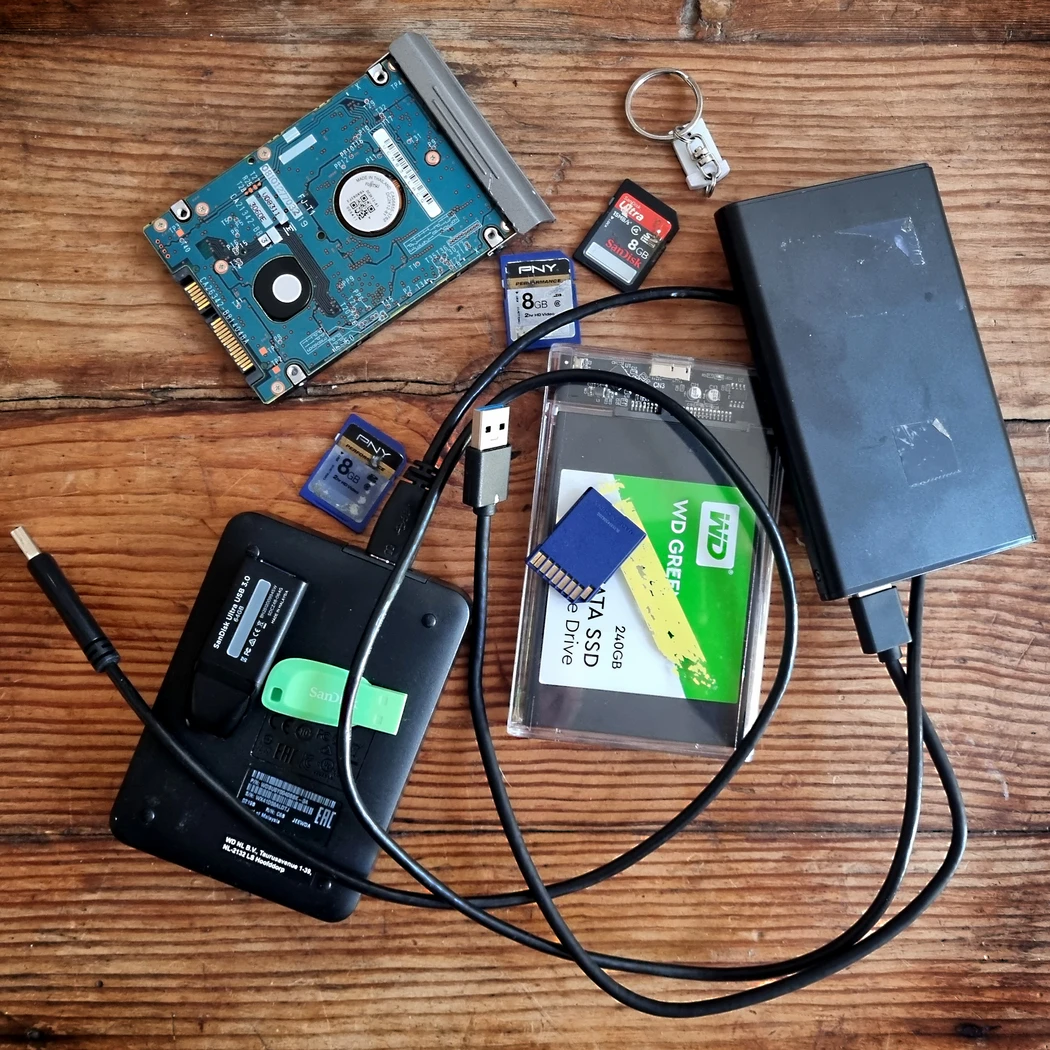
A USB flash drive looks simple from the outside, but several components work together to store and retrieve your files.
The important parts include:
- USB connector – connects the device to your computer.
- Printed circuit board (PCB) – carries electrical connections between components.
- Controller – manages communication between the computer and flash memory.
- NAND flash memory – the component in which your data is physically stored.
This distinction is important. If you snap the USB connector, you haven’t necessarily broken the part containing your photographs or documents.
A conventional flash drive may therefore be completely unusable through its normal USB connection while its NAND memory remains readable. Depending on the fault, recovery specialists can sometimes repair the connection or access the memory through more advanced techniques.
Can You Recover Files From a USB Drive With a Broken Connector?
A broken USB connector can be recoverable, particularly if the damage is confined to the connector and the circuit board and memory remain intact.
This is one of the clearer examples of why a USB drive that appears “dead” shouldn’t automatically be discarded.
A knock while the stick is plugged into a laptop or desktop computer can crack solder joints, bend the connector or tear it away from the PCB. If the underlying electronics have survived, a technician may be able to restore the electrical connections using microsoldering techniques.
The danger comes from continuing to move the broken connector.
If you have discovered that holding the stick at a particular angle briefly makes it appear on your computer, resist the temptation to keep doing it. Movement can cause further damage to PCB pads and copper tracks, potentially turning a relatively localised connector fault into a more complicated board repair.
My USB Drive Isn’t Recognised – Does That Mean My Files Are Gone?
No. A USB drive not being recognised doesn’t prove that its files have been erased.
The problem could have several causes, including:
- damaged USB contacts;
- connector failure;
- controller failure;
- corrupted firmware;
- damaged file system;
- failing NAND memory;
- PCB damage;
- electrical damage;
- a computer or USB-port problem rather than the drive itself.
There is an important difference between a device that isn’t detected at all and one that appears in the operating system but cannot correctly access its files.
For example, a drive might appear with the correct capacity but show as RAW or ask to be formatted. Another might appear as an unknown USB device. A physically damaged stick might not appear at all.
Those symptoms point towards different potential faults, so diagnosis should come before attempted repair.
Should I Format a USB Drive When Windows Tells Me To?
No, not if you need the existing files.
Windows may display a message asking you to format a drive before you can use it. That does not necessarily mean the device is empty.
The file system may be corrupted or unreadable even though recoverable data remains on the storage medium.
Formatting is intended to prepare storage for use; it isn’t a data-recovery procedure.
If the contents matter, cancel the format request and investigate the underlying problem first.
The same principle applies to other “repair” prompts. Avoid automatically accepting anything that may modify the storage medium before you’ve secured the data.
Can I Recover Deleted Files From a Working USB Stick?
This is a different problem from a physically broken USB drive.
If you accidentally delete files but the USB stick continues to function normally, the issue is logical data loss rather than physical failure.
Your chances of recovery can depend on what has happened to the drive since deletion. Continuing to save new photographs, documents or other data to it may overwrite storage areas associated with deleted information.
Therefore:
Stop writing new data to the USB stick as soon as you realise important files have been deleted.
Don’t install recovery software onto the affected USB drive or recover files back onto the same device. That risks overwriting some of the very information you’re trying to retrieve.
What If the USB Drive Is Physically Snapped?
A USB stick that has broken into pieces looks alarming, but its external appearance doesn’t by itself determine whether recovery is possible.
The key question is what has actually been damaged.
| USB drive problem | What it could mean | Sensible next step |
|---|---|---|
| Bent connector | Connector or solder-joint damage | Stop moving it and have it inspected |
| Connector snapped off | PCB connection may be broken | Keep both pieces |
| Not recognised | Connector, controller, firmware or memory fault | Diagnose before changing anything |
| Asked to format | Possible file-system corruption | Don’t format |
| Shows incorrect/zero capacity | Possible controller or firmware issue | Avoid repeated attempts |
| Cracked circuit board | Electrical tracks/components may be damaged | Specialist assessment |
| Water damage | Corrosion or electrical damage possible | Don’t power it unnecessarily |
| Deleted files | Logical rather than mechanical problem | Stop writing to the drive |
With traditional USB-drive construction, specialists may be able to repair broken PCB connections or access the NAND memory independently of the damaged connector or controller.
Recovery becomes much less likely if the actual memory die has suffered catastrophic physical damage.
What Is Chip-Off USB Recovery?
Chip-off recovery is an advanced technique in which NAND flash memory is accessed independently of failed components elsewhere in the USB drive.
With a traditionally constructed flash drive, the NAND package may be physically removed from the damaged circuit board and read using specialised equipment.
This is much more complicated than copying files from an ordinary working USB stick.
A USB controller normally performs important work in the background. It manages how information is distributed across flash memory and may handle functions such as error correction, wear levelling and data mapping.
Consequently, reading raw NAND data is only part of the task. The recovered information may then have to be reconstructed to reproduce the logical data that the original controller presented to the computer.
This is why chip-level data recovery requires specialist hardware, software and technical knowledge.
Can Every USB Stick Have Its Memory Chip Removed?
No.
Modern USB drives don’t all use the same construction.
Some have separate controller and NAND packages mounted on a PCB. Others use monolithic construction, integrating components into a much smaller package.
A monolithic device doesn’t provide a conventional separate NAND package that can simply be desoldered and placed in a reader. Specialists may instead need to access tiny test points or other electrical connections.
So don’t assume that a YouTube video showing someone removing a memory chip from one USB stick provides instructions suitable for yours.
Externally similar drives can have very different internal designs.
Can I Repair a Broken USB Drive Myself?
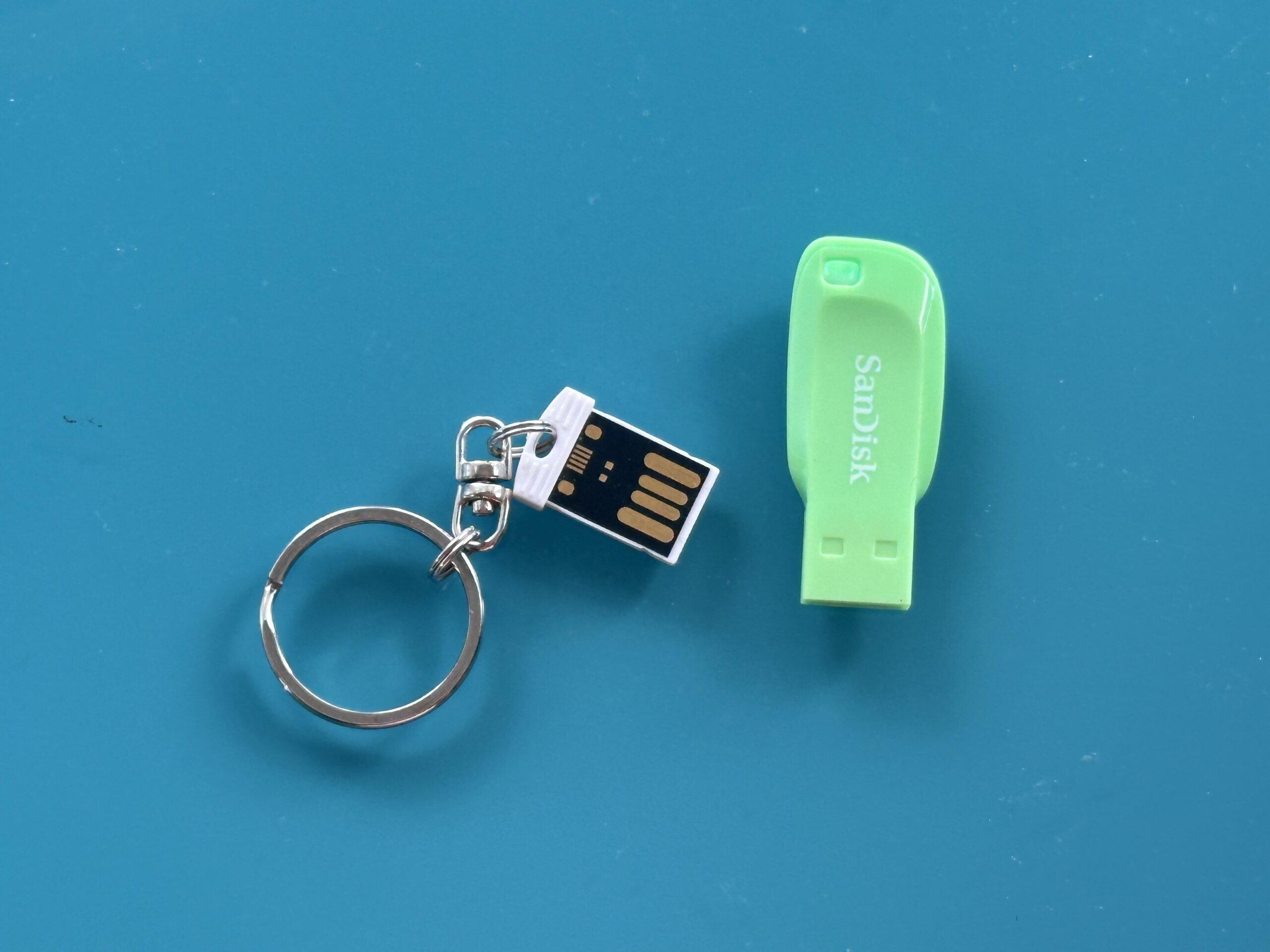
There are some sensible checks you can perform yourself, but physical USB repair is not a good beginner soldering project when the files are irreplaceable.
If the drive has no visible damage, you could reasonably check:
- another USB port;
- another computer;
- whether the operating system detects the device;
- whether the problem is limited to a particular computer.
Stop there if the stick is physically damaged, becomes unusually hot, repeatedly connects and disconnects, or contains files you cannot replace.
A broken connector may involve extremely small solder pads and PCB tracks. Excessive heat, bridged contacts or further mechanical movement can make subsequent recovery more difficult.
The objective isn’t necessarily to make the USB stick reliable again. The priority is to get a stable read of the data.
Should I Use USB Data-Recovery Software?
Recovery software can be appropriate for some logical problems, but it cannot repair physical electronics.
For example, software may potentially help when:
- files were accidentally deleted;
- a partition or file system has become damaged;
- the USB device remains stable and readable.
Software won’t solder a broken connector, repair a cracked PCB or replace a failed controller.
If a physically damaged drive intermittently appears on your computer, don’t interpret that as an invitation to run numerous recovery programs against it. A failing device may deteriorate further while being repeatedly read.
Where possible, professional workflows generally aim to obtain a stable image of failing media and work from that copy rather than repeatedly stressing the original device.
What About a USB Drive That Has Been Dropped in Water?
Don’t assume that because a USB stick has no moving parts, liquid cannot harm it.
Water and other liquids can contaminate the circuit board and lead to corrosion or electrical problems. Salt water and sugary drinks can be particularly problematic because residues remain after the visible liquid has disappeared.
If valuable data is involved, avoid repeatedly plugging the wet or contaminated device into computers to “see if it still works”.
Keep the device and any detached components together and explain exactly what happened when seeking professional assessment. Knowing whether the stick was exposed to clean water, another liquid, heat or electrical power afterwards can help with diagnosis.
What About USB Drives That Get Very Hot?
Disconnect a USB stick if it becomes abnormally hot, particularly if it is also no longer recognised.
Heat can be associated with an electrical or component fault. Continuing to power a failing device isn’t a sensible recovery strategy.
Similarly, repeated connection attempts aren’t useful simply because a drive occasionally shows signs of life. If it briefly mounts, the priority should be recovering the important data rather than testing whether it will behave normally again.
How Is a Broken USB Drive Professionally Recovered?
The exact procedure depends on the failure, but a sensible recovery process generally begins with diagnosis.
A technician may determine whether the problem lies with:
- the connector;
- PCB tracks or solder joints;
- the controller;
- the NAND flash;
- the file system or logical structure.
A straightforward connector fault might be addressed by microsoldering or by creating temporary stable electrical connections.
More serious electronic faults may require direct access to flash memory and reconstruction of its contents.
Once stable access is obtained, the priority is generally to extract or image the data rather than return the damaged stick to everyday service.
For irreplaceable material, Supaphoto provides a specialist service for retrieving data from damaged and inaccessible flash storage, which is the relevant recovery service specified in the brief. Pasted markdown
What Determines Whether My Files Can Be Recovered?
There isn’t a reliable universal percentage because recovery depends heavily on the individual device and failure.
Important factors include:
- whether the NAND memory itself is intact;
- the type and extent of physical damage;
- whether the controller has failed;
- the drive’s internal construction;
- whether data has been overwritten;
- encryption;
- previous repair attempts;
- heat, electrical or liquid damage;
- deterioration of the flash memory.
This is why claims that every broken USB stick is recoverable should be treated cautiously.
A snapped connector with otherwise intact electronics is fundamentally different from a shattered memory package.
What Should I Avoid Doing With a Broken USB Drive?
If the data matters, avoid experiments that could make the situation worse.
Don’t:
- repeatedly plug and unplug a damaged device;
- bend a loose connector until the computer detects it;
- format the drive;
- initialise it;
- save new data onto it;
- glue a connector back into position;
- attempt soldering without the appropriate skills;
- open a monolithic device unnecessarily;
- use heat, freezing or other internet “tricks”;
- throw away detached components.
The safest principle is simple: don’t modify the original until you understand why it has failed.
Is It Worth Recovering a Broken USB Stick?
That depends primarily on the value of the files, not the price of the USB stick.
A £10 flash drive might contain the only copies of:
- family photographs;
- videos;
- university work;
- business documents;
- artwork;
- scanned archives;
- financial records;
- creative projects.
Replacing the physical USB stick is trivial. Replacing unique data may be impossible.
Before paying for specialist work, decide what the contents are worth to you and identify which folders or files matter most. This also helps a recovery technician understand your priorities if only partial recovery proves possible.
How Can I Prevent This Happening Again?
The best protection against USB-drive failure is not depending on one USB drive in the first place.
Treat flash drives primarily as convenient portable storage rather than the sole archive for important material.
For valuable files:
- maintain more than one copy;
- keep backups on separate devices;
- store at least one backup away from the primary copy;
- check important archives periodically;
- replace unreliable storage promptly;
- eject removable storage correctly before disconnecting it;
- avoid leaving USB sticks protruding from laptops where they can easily be knocked.
Most importantly, don’t wait for a flash drive to become unreliable before creating another copy.
Can a Broken USB Drive Really Be Recovered?
Frequently, yes, but the outcome depends on which part has failed. A snapped USB connector can leave the memory perfectly intact, while controller and PCB failures may still permit more advanced recovery. If the NAND memory itself has been severely damaged, recovery becomes considerably harder and may be impossible.
The most important thing you can do after a failure is avoid making matters worse. Don’t format the drive, don’t keep flexing a broken connector and don’t write new data to it.
If the contents are irreplaceable, ultimately it makes sense to choose a professional company with experience dealing with damaged storage media, such as Supaphoto Ltd, rather than experimenting with the only copy of your files.