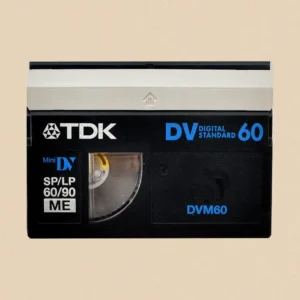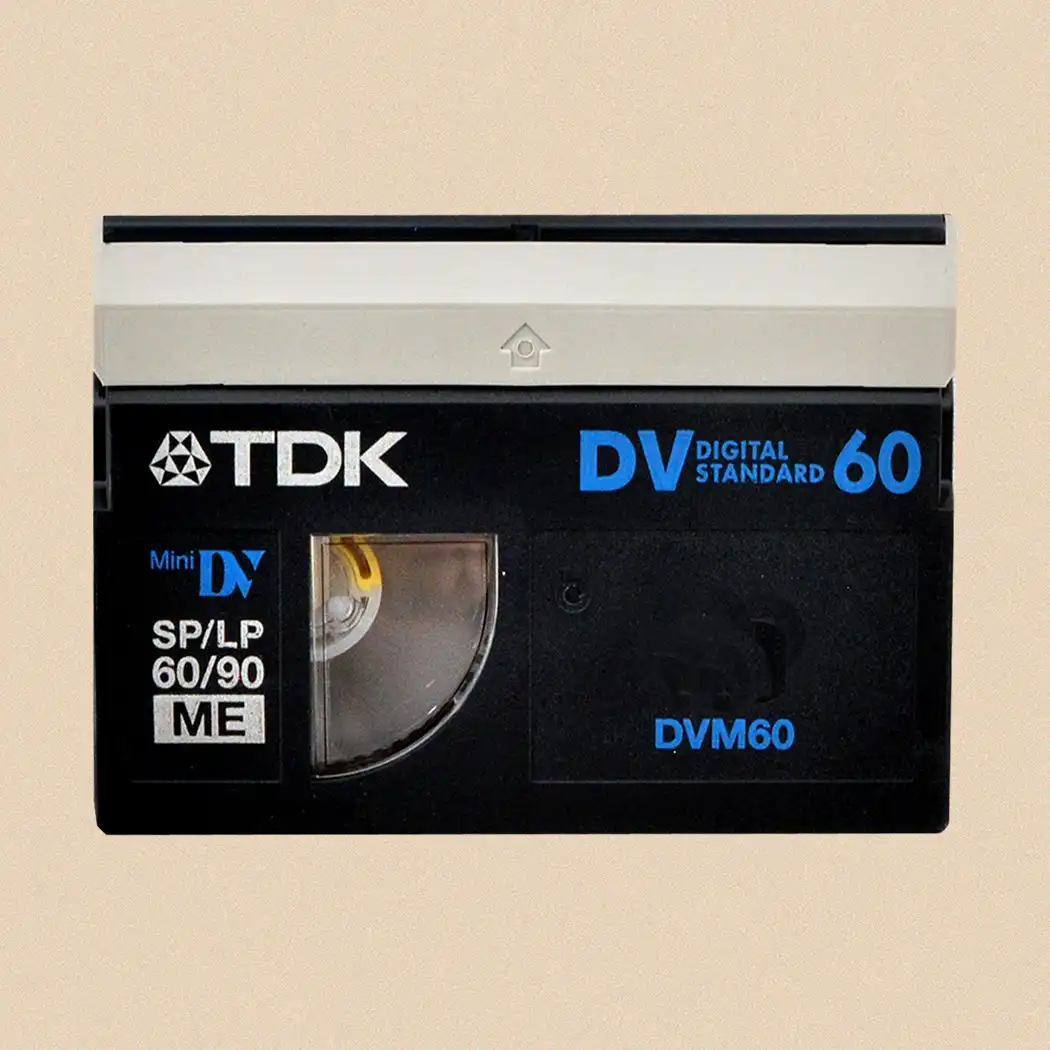

You can play MiniDV tapes without a camcorder by using a compatible MiniDV or DV playback deck. If your main aim is to watch old recordings rather than simply play the physical tape, another practical option is to have the tapes transferred to digital files that can be viewed on a computer, television, tablet or phone.
Your main options are:
- Use a dedicated MiniDV/DV deck – the closest replacement for a camcorder.
- Borrow or buy a compatible MiniDV camcorder – often easier and cheaper than finding a deck.
- Transfer the original DV data via FireWire – usually the best DIY approach for preserving quality.
- Use analogue video output and a capture device – possible, but not the preferred route for standard MiniDV.
- Have the tapes professionally transferred – useful if you have multiple tapes, valuable recordings or no working playback equipment.
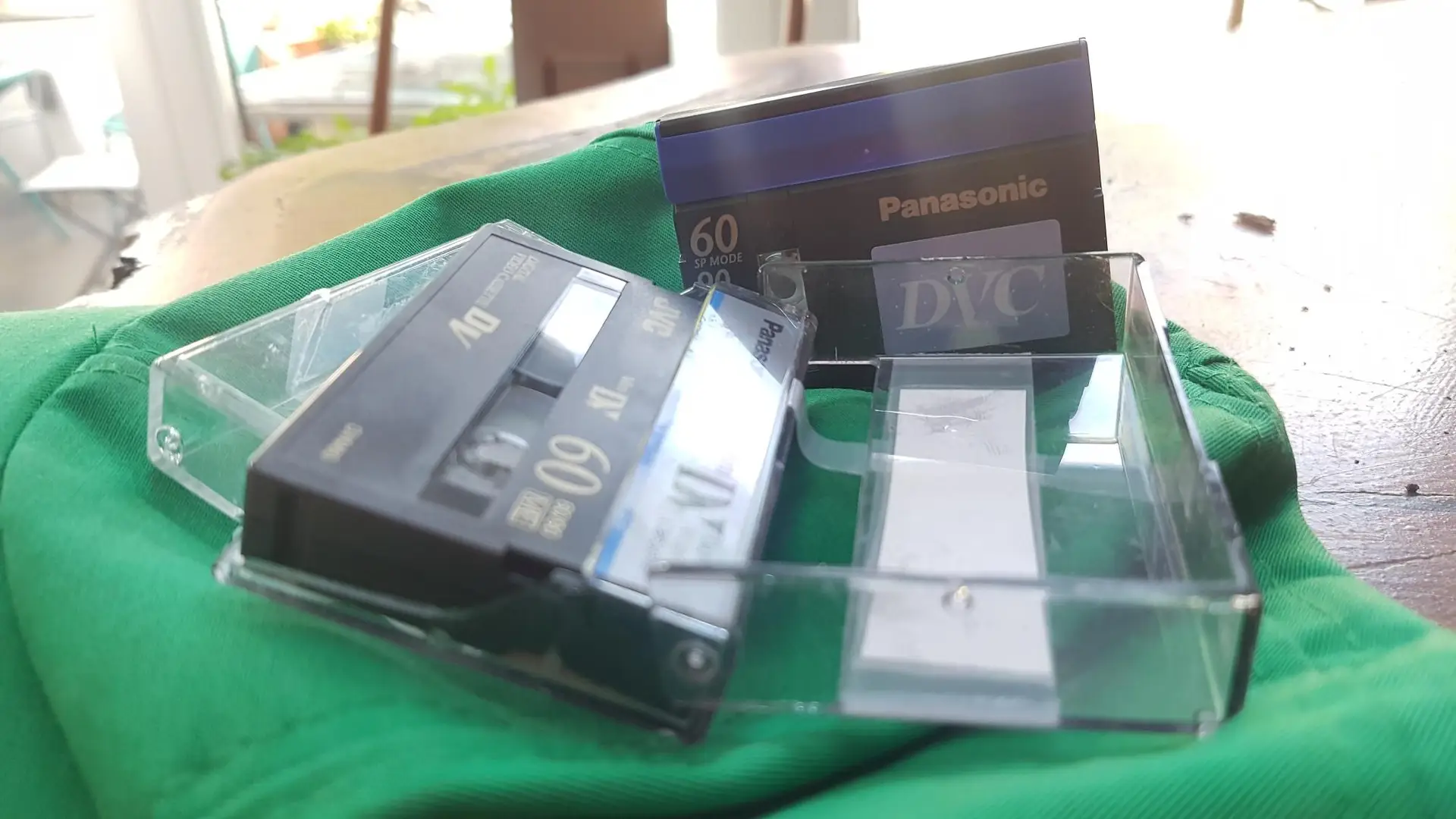
Why Can’t I Simply Put a MiniDV Tape Into Another Video Player?
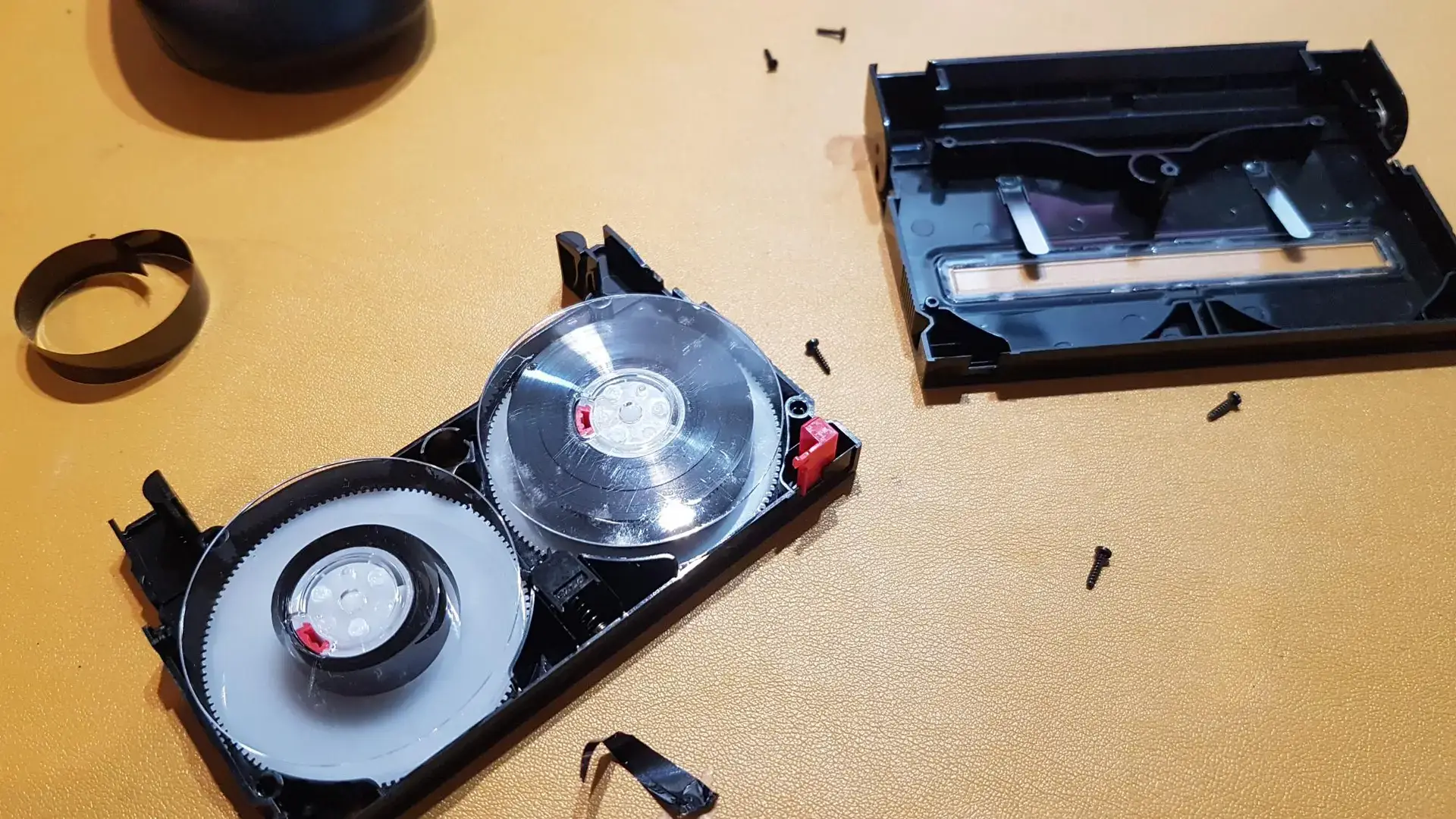
MiniDV is a specific digital magnetic tape format. A VHS recorder, DVD player or ordinary USB video capture device has no mechanism capable of loading and reading a MiniDV cassette.
Although the cassette is small, the underlying problem isn’t its physical size. A compatible machine must correctly transport the tape across a suitable video head assembly and decode the DV data recorded on it.
That means you need some form of MiniDV-compatible playback mechanism.
Traditionally, the camcorder that recorded the tape performed this job. Without the original camera, you need another compatible camcorder or a dedicated deck.
The University of Bristol Theatre Collection describes its archival MiniDV workflow similarly: the tape must be played in a suitable DV deck or camcorder before its digital information can be copied to a computer. Theatre Collection
So there is no simple MiniDV-to-USB cable that replaces the playback machine itself.
What Is a MiniDV Deck?
A MiniDV deck is a dedicated video machine designed to play—and in many cases record—DV-family tapes without using a camcorder.
Think of it as the MiniDV equivalent of a conventional video recorder.
Professional and semi-professional decks were produced by manufacturers including Sony, Panasonic and JVC. Depending on the model, they may provide connections such as:
- FireWire;
- i.LINK;
- IEEE 1394;
- composite video;
- S-Video;
- component video;
- professional audio/video connections.
Compatibility varies considerably between machines.
Some decks handle MiniDV and DVCAM, for example, while particular machines may not support HDV or certain recording modes. The DVRescue deck guide demonstrates just how model-specific compatibility can be; its listings distinguish between DV, DVCAM, MiniDV, HDV, recording standards and SP/LP modes. MiPops
Check the exact model against your recordings before buying an old deck.
Is Buying a MiniDV Camcorder Actually Easier?
Quite possibly.
If you have only a few tapes and want a DIY solution, finding a used compatible MiniDV camcorder may be more practical than finding a dedicated deck.
The camera doesn’t have to be the original one that made the recording. It needs to be compatible with the way your tapes were recorded and be in good working condition.
Look for a machine that:
- accepts MiniDV cassettes;
- plays the appropriate recording format;
- supports the relevant PAL recording standard for typical UK tapes;
- has a working tape mechanism;
- provides suitable video output;
- preferably has a FireWire/i.LINK connection.
Be cautious when buying old equipment. A seller saying that a camcorder “powers on” doesn’t prove that the tape transport, heads, FireWire output and playback functions work correctly.
Ideally, buy a tested machine with confirmed tape playback.
What Is the Best Connection for Transferring MiniDV?
For standard DV recordings, FireWire is normally the preferred digital transfer route.
FireWire is also known as:
- IEEE 1394;
- i.LINK on many Sony products;
- DV or DV OUT on some equipment.
Unlike VHS, MiniDV is already a digital recording format. You aren’t starting with an analogue picture that needs to be digitised.
The University of Bristol explains that DV preservation involves copying the digital information encoded on the tape to a computer. This differs from analogue formats such as VHS, where an analogue-to-digital conversion is required. Theatre Collection
UCLA Library’s MiniDV preservation workflow similarly uses FireWire to transfer the raw DV data without altering the picture or sound, producing a master that can subsequently be converted into other file formats. UCLA Library
That’s an important distinction if preserving the recording at its original quality is your priority.
Can I Connect MiniDV Directly to USB?
Not in the way many people expect.
USB and FireWire are different interfaces and protocols. A simple cable with a FireWire plug at one end and USB at the other doesn’t turn a computer’s USB port into a FireWire capture interface.
This causes considerable confusion because many MiniDV camcorders also had USB connections.
On some cameras, USB was intended for functions such as transferring still photographs or lower-quality webcam-style video rather than transferring the tape’s original DV stream.
So before buying an adapter advertised as “MiniDV to USB”, establish exactly what it does.
A USB video capture device with composite or S-Video inputs can capture the analogue output from a suitable MiniDV player. That’s different from transferring the original DV data digitally.
How Do I Get FireWire Into a Modern Computer?
This is now one of the main obstacles to DIY MiniDV transfer.
FireWire was once common on computers used for digital video editing, but modern PCs and laptops rarely include it.
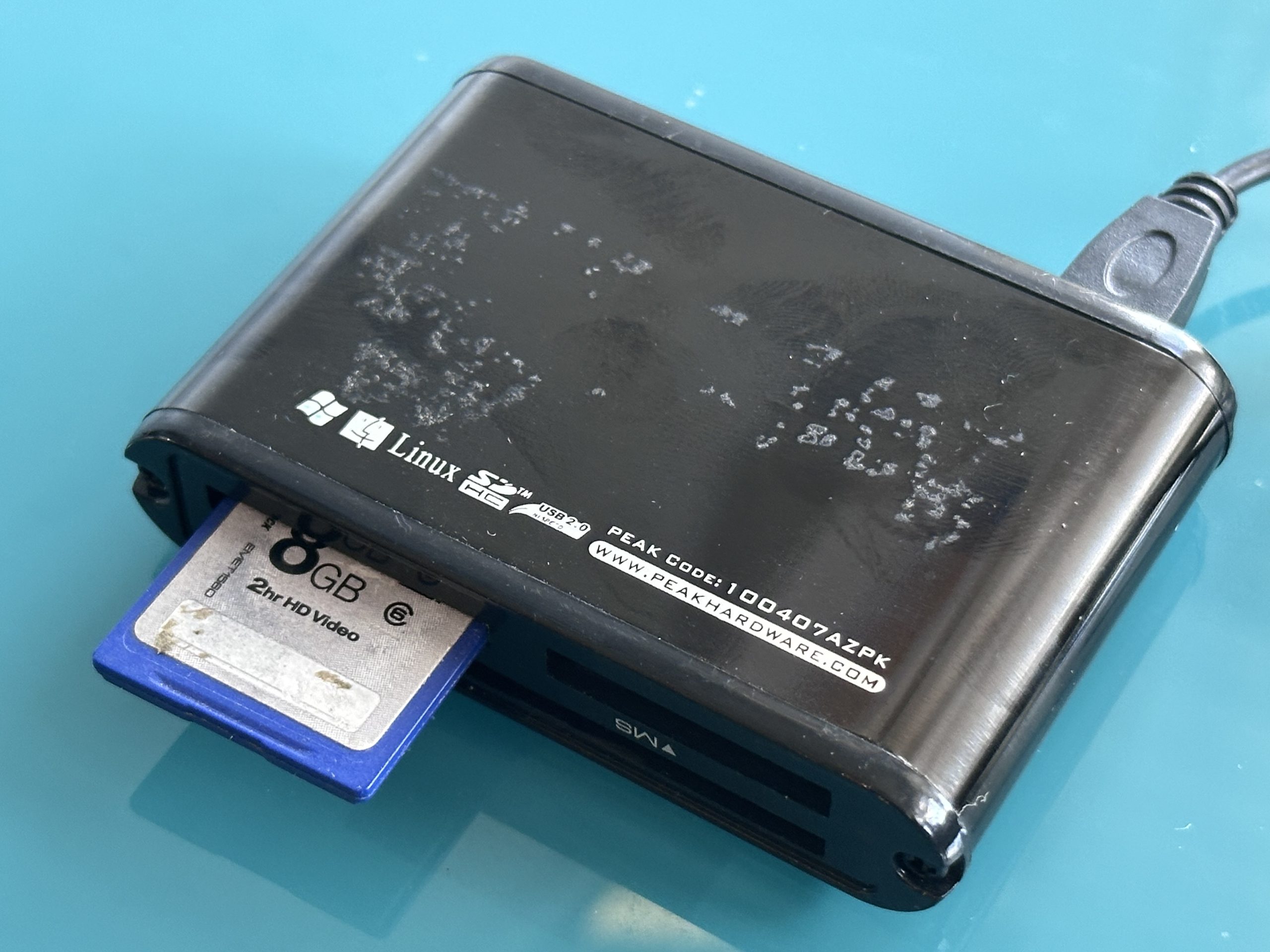
For a desktop computer, one possible solution is a compatible PCIe FireWire card.
Some older computers already have IEEE 1394 built in, making them surprisingly useful as dedicated MiniDV capture machines.
Certain computer configurations can also use appropriate Thunderbolt/FireWire hardware, although compatibility depends on the particular computer, operating system and adapters involved.
The University of Bristol highlights obsolete FireWire connectivity as one of the challenges of preserving MiniDV collections and uses a FireWire card in its workstation. Theatre Collection
Before buying anything, check your entire connection chain:
MiniDV player → FireWire cable → FireWire interface → computer → capture software
Every part needs to be compatible.
Can I Use HDMI to Play MiniDV Tapes?
Not directly from the tape.
A MiniDV cassette doesn’t contain an HDMI output. A compatible camcorder or deck must first read the recording.
Some equipment or conversion workflows can subsequently turn the player’s output into HDMI, but that doesn’t eliminate the need for a MiniDV transport.
If your objective is preservation rather than merely getting a picture onto a modern television, adding unnecessary conversions isn’t ideal.
For standard DV recordings, retaining the native digital data via FireWire where practical is generally preferable to converting the picture through another video interface.
Can I Capture MiniDV Through Composite or S-Video?
Yes, if the playback equipment provides those outputs, but understand the compromise.
The camcorder or deck reads the digital recording and produces an analogue video signal. A capture device then converts that analogue signal back into digital video.
The chain becomes:
MiniDV digital recording → analogue video output → digital capture
With FireWire, the workflow is closer to:
MiniDV digital recording → digital DV data copied to computer
The analogue route can still produce perfectly watchable results and may be useful when FireWire isn’t available. But if you’re trying to preserve the original recording as faithfully as possible, adding digital-to-analogue and analogue-to-digital stages is unnecessary when direct DV transfer remains possible.
What Equipment Do I Need to Transfer MiniDV Myself?
For a native DV transfer, the basic setup is relatively simple:
| Equipment | Purpose |
|---|---|
| MiniDV camcorder or deck | Plays the cassette |
| FireWire cable | Carries the DV data |
| Compatible FireWire interface | Connects player to computer |
| Computer | Stores the recording |
| Capture software | Writes the incoming DV stream to a file |
| Storage drive | Holds master and viewing copies |
The playback equipment is the crucial component.
Without a working MiniDV transport, capture software and adapters can’t access what’s recorded on the tape.
Do MiniDV Tapes Transfer Faster Than They Play?
Normally, no.
MiniDV transfer is generally a real-time process because the tape must physically travel through the playback mechanism.
A 60-minute recording therefore takes roughly 60 minutes to play through before allowing for setup, inspection, retries and quality checking.
This becomes important when estimating the work involved in a large family collection.
Ten one-hour tapes potentially represent around ten hours of playback alone. If tapes have problems or need to be captured again, the total time increases.
For one or two tapes, assembling a DIY setup may be an enjoyable project. With dozens of tapes, the economics of buying equipment and spending many hours capturing them start to look rather different.
Will Any MiniDV Player Play Every MiniDV Tape?
Not necessarily.
The cassette fitting physically into the machine doesn’t guarantee successful playback.
Possible compatibility issues include:
- DV versus HDV recordings;
- PAL versus NTSC;
- SP versus LP recording modes;
- DVCAM and related DV variants;
- recordings made on particular equipment;
- tape or head alignment differences;
- deteriorated or damaged tapes.
LP recordings can sometimes be particularly troublesome when played on a machine other than the one used to make them.
Professional DV decks also differ significantly in the formats they support. DVRescue’s documentation, for example, identifies specific decks that handle DV and DVCAM but not HDV or particular LP modes. MiPops
If a tape produces no picture in one machine, don’t immediately conclude that the recording has disappeared.
What If My MiniDV Tape Has Picture Break-Up or Digital Blocks?
MiniDV faults often look different from analogue VHS problems.
Instead of analogue noise, you may see:
- blocky digital artefacts;
- frozen sections;
- missing picture areas;
- audio interruptions;
- horizontal bands;
- momentary picture loss.
The problem could lie with the tape, playback machine, dirty heads or compatibility between the recording and playback equipment.
Don’t repeatedly run an important tape through a machine that is behaving badly.
If several known-good tapes show similar errors, investigate the playback equipment. If one tape has problems while the others play correctly, the recording itself may need closer examination.
For valuable footage, testing alternative compatible playback machines can sometimes help determine whether the fault is tape-related or machine-related.
Should I Buy a MiniDV Deck Just to Watch My Old Tapes?
It depends on the size of your collection and what you intend to do afterwards.
Buying playback equipment makes more sense when:
- you have many tapes;
- you enjoy doing technical projects yourself;
- you already own a computer suitable for FireWire capture;
- you want native DV master files;
- you expect to use the equipment repeatedly.
Professional transfer may make more sense when:
- you only have a few tapes;
- the recordings are irreplaceable;
- you don’t want to buy obsolete equipment;
- your tapes have playback problems;
- you want finished viewing files;
- you have a mixture of tape formats.
Remember that you’re buying ageing mechanical equipment. A second-hand deck may itself need servicing.
What File Should I Create From a MiniDV Tape?
For preservation, it’s useful to distinguish between a master and a viewing copy.
A native DV transfer preserves the digital stream from the tape. UCLA Library describes this type of raw transfer as suitable for preservation because it avoids changing the original picture and sound during capture. UCLA Library
You can then create a more convenient file, such as MP4, for everyday viewing.
A sensible arrangement is:
- DV master – retained as your high-quality source;
- MP4 viewing copy – convenient for phones, televisions and sharing;
- backup copy – stored separately from the main files.
Don’t automatically delete the larger master simply because the MP4 looks similar on your television. They serve different purposes.
Should I Keep the Original MiniDV Tapes After Digitising Them?
Yes.
Digitisation makes the recordings much easier to access, but the physical tapes remain your original source.
Store them upright in their cases in a clean, dry and reasonably stable environment. Avoid damp garages, sheds, excessively hot lofts and direct sunlight.
Also remember that digitisation doesn’t remove the need for preservation. A single digital copy on one hard drive isn’t a secure archive.
Keep important recordings in at least two locations or storage systems and check your files periodically.
That way, digitising your MiniDV collection reduces your reliance on increasingly scarce playback hardware without replacing one preservation risk with another.
What Is the Simplest Way to Watch MiniDV Tapes Today?
If you don’t have the original camcorder, the direct playback solution is another compatible MiniDV camcorder or dedicated DV deck. If you simply want to enjoy the recordings again, converting them into modern digital files is usually more convenient than maintaining obsolete playback equipment.
For DIY transfer, a compatible player and native FireWire capture can preserve the original DV stream particularly well. Check format compatibility carefully, especially with PAL/NTSC, DV/HDV and LP recordings, and don’t assume a USB cable can replace a proper MiniDV player.
Once transferred, retain a good-quality master, create convenient viewing copies and back them up. If your tapes are valuable, problematic or numerous, it ultimately makes sense to use a professional company with years of experience handling legacy video formats, such as Supaphoto Ltd.