

How to Convert Photo Albums
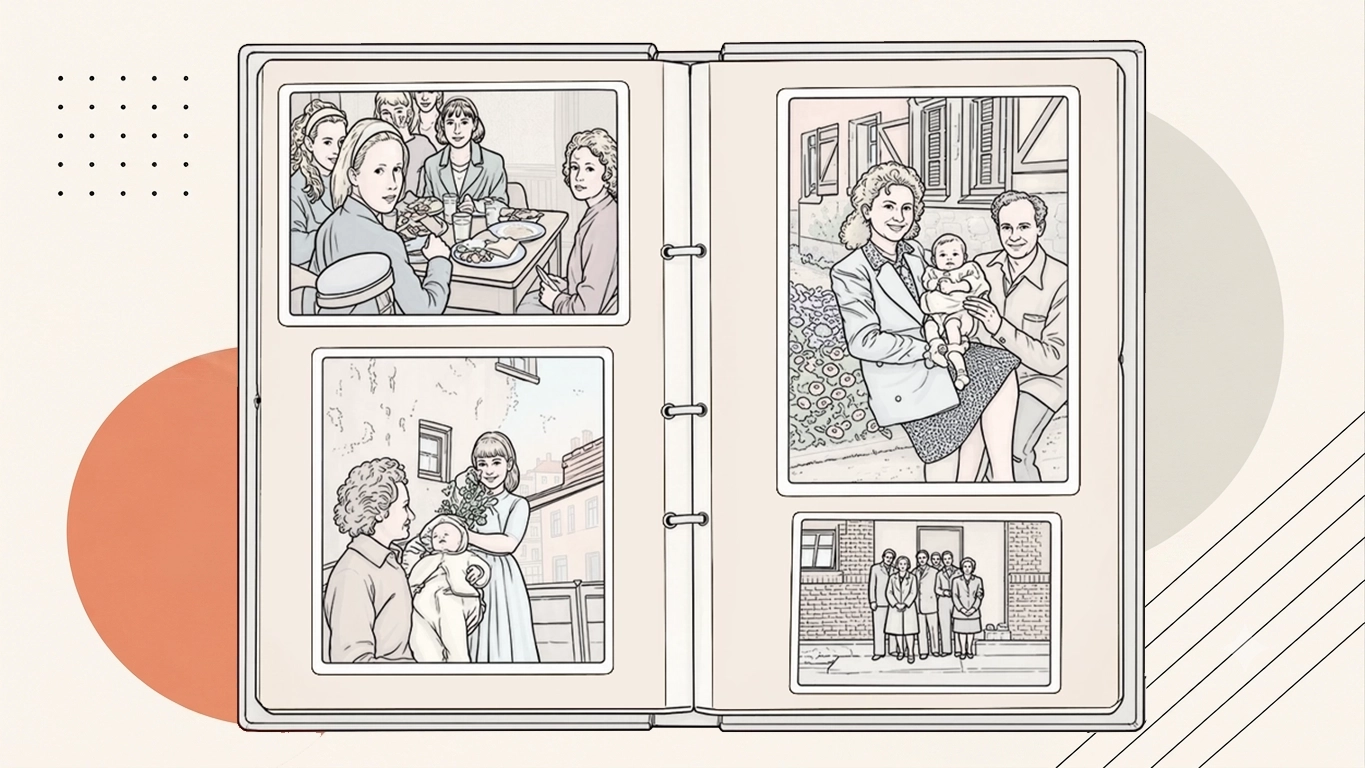
Scan Photo Albums to Digital
Q. How much does it cost to scan photo albums?
For printed photographs, we carefully prepare and scan each photo individually at high resolution, creating modern digital copies while preserving as much of the original detail as possible. The resulting images are checked, rotated and cropped where necessary, with colour and exposure adjustments applied to improve consistency. Digital download and USB delivery are available, alongside higher-resolution options for printing, restoration and long-term preservation. Our published prices for standard photo prints typically start at 39p each for 6×4-inch prints, 49p for 7×5-inch prints and 59p for larger photographs. Our published prices are a general guide, and we always try to help our customers by applying bigger discounts for volume. Album pages cost more to scan however as we use dedicated machines. At the end of the day, we're a company that values our interactions with customers, respects their memories and really loves to make people happy with the experience of dealing with Supaphoto as you can read in our reviews.
Q. How does the process of scanning photo albums with Supaphoto work?
Photo albums are first inspected so the safest scanning method can be chosen. Pages or photographs are then captured at suitable resolution, checked for colour and detail, and supplied as organised digital image files while keeping handling of the original album to a minimum.
Q. How to scan photo booth strips?
Photo booth strips can be scanned on a flatbed photo scanner, ideally at around 600 dpi or higher if you want scope for enlargement or restoration. Clean the scanner glass first and place the strip flat without damaging it. You can scan the complete strip as one image or crop the individual photographs into separate digital files afterwards.
Q. How to make up a scanned album of family phortos?
Scan the family photographs or album pages at a suitable resolution, organise the files in the desired sequence and then create a digital album using photo-book or presentation software. Clear file names and dates make the finished collection much easier to navigate.
Q. How do I store my photo albums to preserve them?
Store photo albums in a cool, dry and stable environment away from direct sunlight, radiators, damp areas and large changes in temperature or humidity. Keep albums supported so bindings are not strained, and avoid unnecessary handling of brittle pages or photographs. Creating digital copies is also sensible because it reduces the need to repeatedly handle ageing originals when you want to view or share the pictures.
Q. How to scan photo albums?
To scan photo albums, the photograph needs to be played or scanned with compatible equipment and captured into a digital file.
Q. How to scan photo booth pictures?
To scan photo booth pictures, the photograph needs to be played or scanned with compatible equipment and captured into a digital file.
Scan Scrapbooks to Digital Professionally
Q. How do I digitise scrapbooks?
Scrapbooks are usually digitised page by page using a flatbed or overhead capture system that avoids dismantling the book where possible. Each page is captured at high resolution, colour-corrected and supplied as individual image files or as an organised set.
Q. How much does scrapbook scanning cost?
The cost of scan scrapbooks to digital service depends on the quantity, condition of the originals and the output or restoration options required.
Q. How should I prepare and package my scrapbook for scanning?
Wrap each scrapbook in protective paper or bubble wrap and place it in a sturdy box with soft padding. Make sure the pages are secure and can't shift in transit. Include your signed order form and contact details, and send your package to:.

