
How Does a CD/DVD Repair Machine Remove Scratches From a Disc?
A CD/DVD repair machine can restore a scratched disc by carefully resurfacing and polishing the clear plastic layer above the data. The process smooths scratches that interfere with the laser, helping the player read the disc again. It cannot repair every type of damage, particularly cracks, warping or damage to the recording layer.
The basic process involves:
- Inspecting the disc to identify the type and severity of damage.
- Cleaning the surface to remove dust, fingerprints and other contaminants.
- Resurfacing the affected area with a controlled abrasive process.
- Polishing the surface to restore a smooth, transparent finish.
- Checking playback to establish whether the repair has restored reliable reading.
Professional resurfacing uses a controlled process rather than simply rubbing a household product over the scratch. The technique matters because removing too much material, creating an uneven surface or damaging the disc can make the problem worse. (Canada)
What Actually Causes a CD or DVD to Stop Playing?
A CD or DVD stores information beneath its transparent polycarbonate surface. A laser reads the information from the recording layer, so damage to the surface can interfere with the laser’s ability to focus accurately.
Not every visible scratch will cause a problem. Optical discs incorporate error-correction systems that can compensate for some imperfections, which explains why a disc can continue playing despite looking scratched. However, sufficiently severe surface damage can produce skipping, freezing, distorted playback or complete reading failure. (Canada)
The direction of a scratch can also matter. Scratches that run around the disc can cause more serious reading problems than scratches that run from the centre towards the outer edge. (DI Digital Innovations)
This distinction is important when deciding whether to attempt a repair. A disc covered in light marks may still work perfectly, while one apparently minor scratch in a particularly troublesome position can prevent reliable playback.
How Does Disc Resurfacing Work?
A repair machine uses an abrasive material to remove or smooth a very small amount of the transparent surface surrounding a scratch. The machine then polishes the treated area so that the surface becomes sufficiently smooth for the laser to read through it more reliably.
Think of the process as levelling a damaged transparent surface, rather than repairing the information stored underneath it.
The machine does not recreate missing digital information. Instead, it aims to remove the physical obstruction that prevents the optical drive from reading information that remains intact.
Professional resurfacing therefore works best when the disc still contains a healthy recording layer and the problem comes from surface damage.
Why Does Polishing Help?
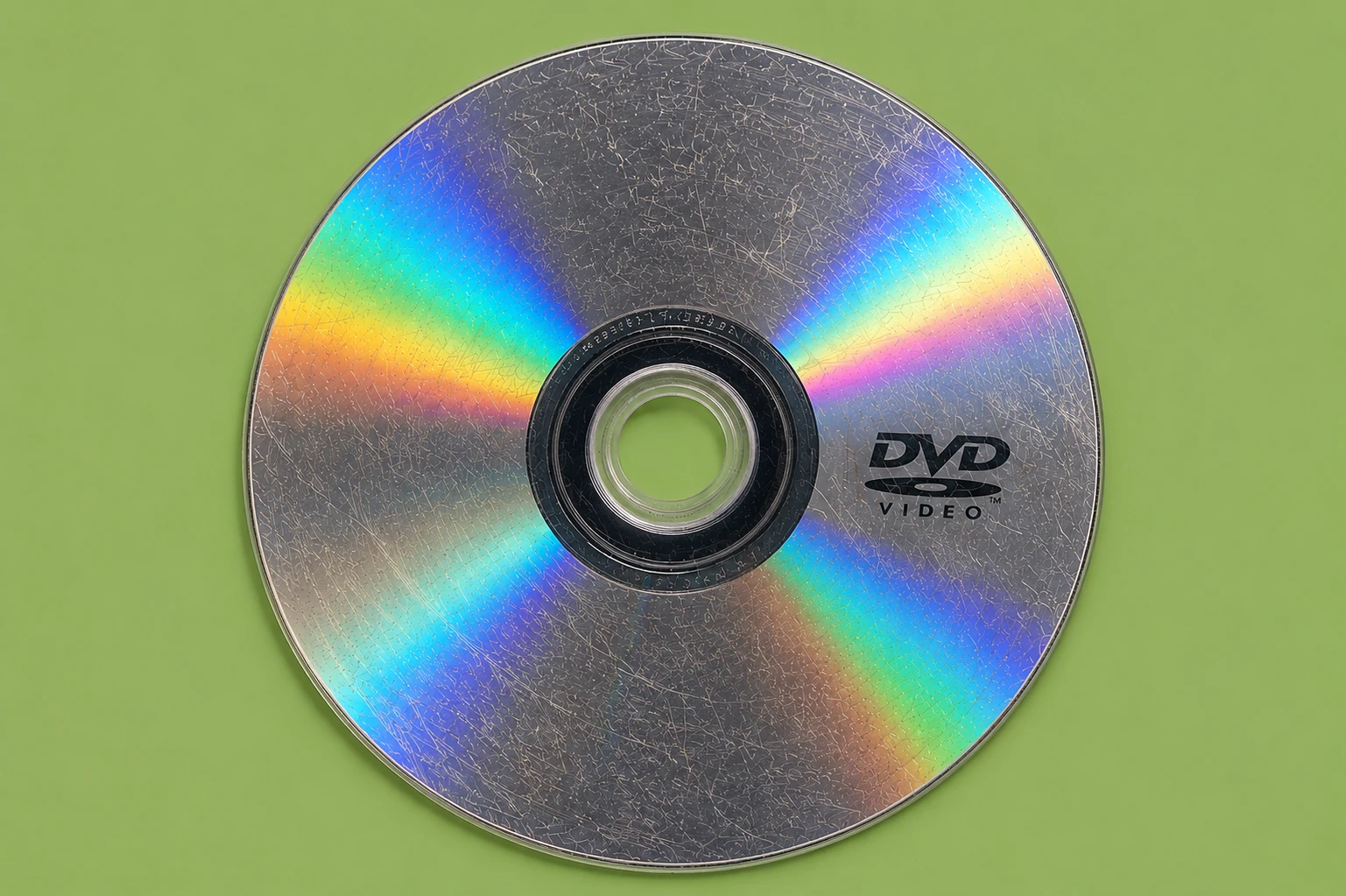
A deep surface scratch creates an irregular path through which the laser has to read the disc. The damaged area can scatter or interfere with the laser beam.
Resurfacing reduces those irregularities. Once the surface becomes smoother and more transparent, the laser has a better chance of maintaining the correct focus on the information layer.
Manufacturers of specialist resurfacing systems describe this process as smoothing the ridges created by scratches so that the laser can focus correctly again. (DI Digital Innovations)
Does a Repair Machine Remove the Scratch Completely?
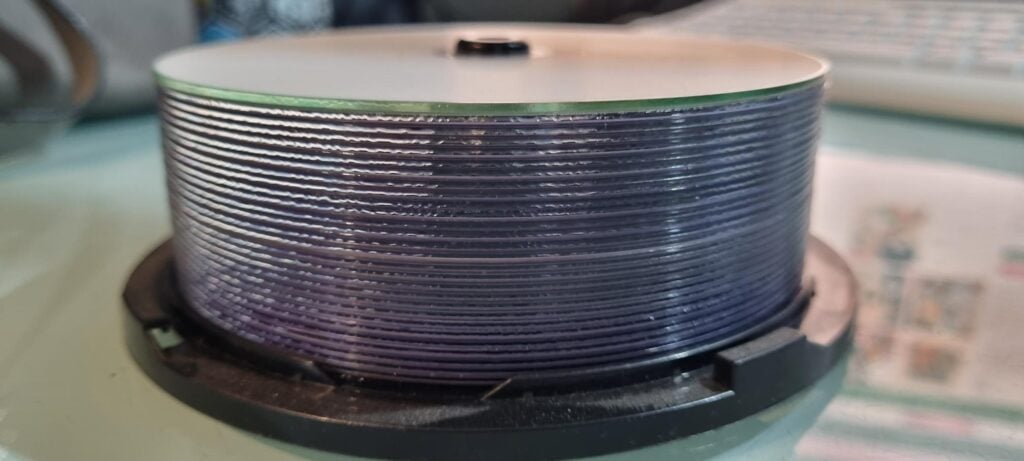
Not necessarily.
The objective should not always be to make every mark disappear visually. A suitable repair process aims to restore readability while removing as little material as necessary.
Some repair systems leave fine polishing marks on the surface after treatment. What matters most is whether the disc can reliably perform its intended function.
This is one reason professional assessment matters. An operator should consider the condition of the disc before deciding how aggressively to resurface it.
Which Scratches Can a CD/DVD Machine Repair?
A resurfacing machine can often help with surface scratches and scuffs, particularly when they affect the transparent side of the disc.
However, the type and location of the damage make a significant difference.
| Damage | Potential for resurfacing |
|---|---|
| Light surface marks | Usually good |
| Fingerprints and dirt | Cleaning may be sufficient |
| Moderate scratches | Often suitable for resurfacing |
| Deep surface scratches | May require more extensive treatment |
| Cracked disc | Not suitable for normal resurfacing |
| Warped disc | Resurfacing will not correct the deformation |
| Damaged recording layer | Resurfacing cannot restore missing information |
| Severe label-side damage | May require specialist assessment |
The important distinction is between damage to the protective surface and damage to the information itself. A machine can work on the former; it cannot reconstruct information that physical damage has destroyed.
Some professional disc repair services also identify warped discs, cracks and recording-layer damage as conditions that fall outside ordinary resurfacing. (chipsiw.com)
Why the Label Side Matters
Many people assume that the shiny side of a disc provides the same protection as the label side. That assumption can lead to accidental damage.
With CDs in particular, the information layer sits relatively close to the label side. Damage to that side can therefore pose a more serious risk than an ordinary scratch in the clear plastic on the reading side.
The Canadian Conservation Institute explains that scratches on the clear base can sometimes remain outside the laser’s focus, while damage that reaches deeper into the disc structure can create much more serious problems. It also warns that resurfacing itself can potentially worsen a disc if performed incorrectly. (Canada)
For valuable or irreplaceable discs, avoid experimenting on the label surface with abrasive products.
Cleaning Comes Before Scratch Removal
A repair machine should not automatically be the first step.
Dust, fingerprints, grease and other contaminants can interfere with optical reading without any physical damage to the disc. In such cases, careful cleaning may solve the problem without removing any material.
Before considering resurfacing:
- Inspect the disc under suitable lighting.
- Check both sides for dirt and damage.
- Clean the reading surface appropriately.
- Try the disc in a known-working player or drive.
- Establish whether the problem affects playback or data access.
- Only then consider resurfacing if scratches appear responsible.
This approach avoids unnecessary treatment. If cleaning resolves the problem, the disc does not need resurfacing.
Why Household Scratch-Removal Tricks Can Be Risky
You may come across advice recommending toothpaste, household polish, wax or other abrasive substances for scratched CDs and DVDs.
The underlying idea has some logic: polishing can alter the surface characteristics of a scratch. However, an uncontrolled household method gives you little control over how much material you remove or how evenly you remove it.
The Canadian Conservation Institute notes that abrasive polishing and fillers can improve performance in some circumstances but can also make a disc worse. Mechanical sanding and polishing can also affect the disc’s thickness and balance if someone applies the process unevenly. (Canada)
For an unimportant disc that you can easily replace, experimentation may seem worthwhile. For a disc containing irreplaceable photographs, family videos, music, documents or other data, professional treatment makes much more sense.
Can a CD/DVD Repair Machine Recover Lost Data?
A resurfacing machine does not recover data that physical damage has destroyed.
It can potentially restore access to information that remains intact but that the optical drive cannot read because scratches interfere with the laser.
That distinction is crucial.
If the recording layer remains intact, improving the optical surface may restore readability. If the recording layer has suffered physical damage, resurfacing cannot reconstruct the missing information.
For particularly important discs, data recovery and physical resurfacing can therefore represent two different stages of the preservation process.
What About Recordable CDs and DVDs?
Recordable media such as CD-R and DVD-R require additional care.
These discs use recording layers that differ from commercially pressed CDs and DVDs. The construction also varies between formats and manufacturers.
Do not assume that a repair machine designed for one type of optical disc will safely treat every format. Compatibility should always be checked before processing a disc.
This becomes especially important with unusual, rewritable or specialist formats. Some consumer repair machines explicitly exclude particular recordable and rewritable disc types from their compatibility lists. (Manuals+)
How Does a Professional Disc Repair Service Approach the Job?
A professional service should treat each disc according to its condition rather than applying the same treatment automatically.
A sensible workflow looks something like this:
1. Inspect the Disc
The operator identifies scratches, contamination, cracks, warping and other visible problems.
2. Clean the Surface
The disc receives appropriate cleaning before any abrasive treatment begins.
3. Assess the Damage
The operator determines whether surface resurfacing could realistically improve readability.
4. Select the Appropriate Treatment
The machine and polishing process should match the disc and its condition.
5. Resurface and Polish
Controlled abrasion smooths the damaged surface, followed by polishing.
6. Test the Result
The disc should undergo playback or reading checks to establish whether the treatment has achieved its purpose.
This final step matters. A disc that looks better is not necessarily a disc that reads better.
For discs containing important material, professional disc restoration can provide a more controlled alternative to experimenting with household repair methods.
Does Resurfacing Affect the Data on a Disc?
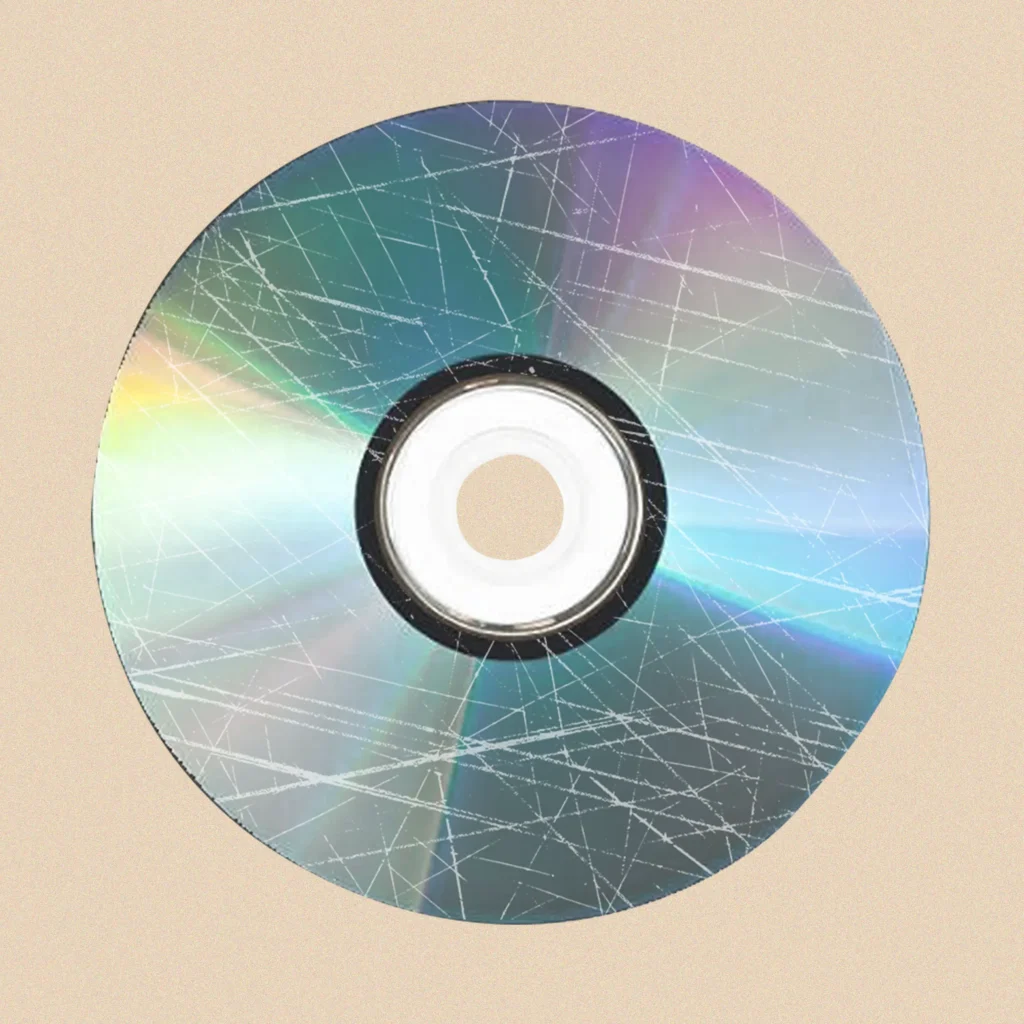
When performed correctly on suitable surface damage, resurfacing works on the transparent outer layer rather than directly on the stored information.
However, that does not mean resurfacing carries no risk.
The Canadian Conservation Institute points out that mechanical resurfacing can change the thickness of the polycarbonate and that uneven removal may affect how the disc spins or how the laser focuses. (Canada)
A good repair process therefore removes only the amount of material necessary to address the problem.
The aim should always be minimum intervention for maximum improvement.
When Should You Avoid Trying to Repair a Disc?
Do not assume that every damaged disc needs polishing.
Avoid DIY resurfacing when:
- The disc contains irreplaceable information.
- You can see cracks or splits.
- The disc has warped.
- The label side has significant damage.
- The recording layer appears damaged.
- You cannot identify the disc format.
- The disc has already undergone several repairs.
- A previous treatment has left deep or uneven polishing marks.
- The disc contains unique family photographs, videos or documents.
If the information matters more than the cost of the repair, professional assessment is the safer choice.
How Many Times Can a Disc Be Resurfaced?
There is no universal number that applies to every CD or DVD.
Every resurfacing process removes or alters some of the transparent surface. Repeated treatment therefore needs careful control, particularly when previous repairs have already reduced the available material.
Some commercial repair systems state that compatible discs can undergo multiple treatments, but that does not mean unlimited resurfacing is appropriate for every disc. (DI Digital Innovations)
A professional operator should consider the disc’s existing condition before carrying out another treatment.
What Should You Do Before Sending a Disc for Repair?
If the disc contains important material, avoid repeated attempts to play it in a struggling drive. Each attempt can waste time without addressing the physical cause of the problem.
Instead:
- Check whether another known-working player or drive can read it.
- Inspect both sides for damage.
- Keep the original disc safe and clean.
- Do not write on the data surface.
- Avoid household abrasive treatments.
- Tell the repair service what the disc contains if the material is irreplaceable.
- Ask whether the service will assess the disc before resurfacing.
- Find out whether the repaired disc will receive a playback or reading check.
If a disc contains the only copy of something important, consider creating a backup as soon as the disc becomes readable again.
Common Questions About CD and DVD Scratch Repair
Can a scratched CD really be repaired?
Yes, some scratched CDs can regain reliable playback after careful resurfacing. Success depends on the depth, location and type of damage and whether the recording layer remains intact.
Can you repair a scratched DVD?
A suitable resurfacing process can often improve DVDs affected by surface scratches. However, cracks, warping and damage beyond the clear surface can prevent successful repair.
Does polishing a disc erase the data?
Proper resurfacing targets the transparent surface above the recording layer. However, excessive or uneven polishing can damage the disc or affect its optical performance, so controlled equipment and appropriate technique matter.
Can toothpaste remove CD scratches?
Toothpaste and similar household abrasives may alter very shallow scratches, but they provide little control over the process and can make a disc worse. For important discs, use a specialist repair process instead. (Canada)
Why does my scratched disc play sometimes but not others?
The optical drive uses error correction to compensate for some reading errors. If the disc sits close to the drive’s error-correction limit, differences between drives, reading conditions or the damaged area can determine whether playback succeeds.
Can disc repair restore deleted files?
No. Resurfacing addresses physical surface damage. It cannot restore files that someone has deleted or information that the recording layer has permanently lost.
Should I repair a disc before copying it?
If scratches prevent the drive from reading the disc reliably, resurfacing may improve the chances of successful copying. If the disc already reads correctly, unnecessary resurfacing provides little benefit.
Protect Important Discs After Repair
Once a disc becomes readable again, do not treat the repair as the end of the preservation process.
Create a reliable digital backup where appropriate and store the physical disc in a clean, suitable case. Keep important data in more than one location rather than relying on a single optical disc indefinitely.
If the disc contains unique photographs, family recordings or historical material, preserving the original and creating additional copies provides a stronger long-term strategy than relying on the repaired disc alone.
Final Thoughts
A CD/DVD repair machine does not magically rebuild a damaged disc. Instead, it uses controlled resurfacing and polishing to improve the transparent surface through which the laser reads the information.
That approach can make a significant difference when scratches interfere with playback, but it has clear limits. Surface damage may respond to resurfacing; cracks, severe warping and damaged recording layers require a different approach or may be beyond repair.
The safest strategy starts with inspection and cleaning, followed by the least invasive treatment that can reasonably solve the problem. When a disc contains irreplaceable information, professional DVD to digital conversion is preferable to experimenting with household products.