Skip to content

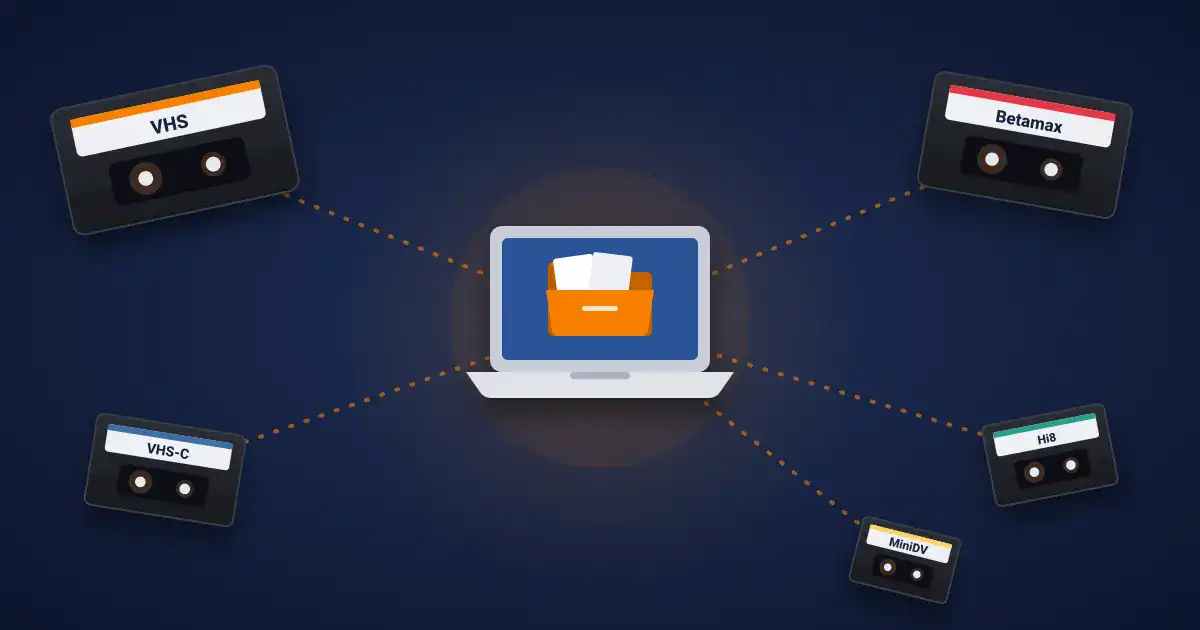

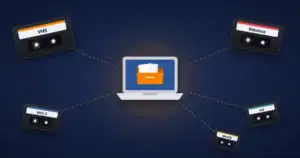
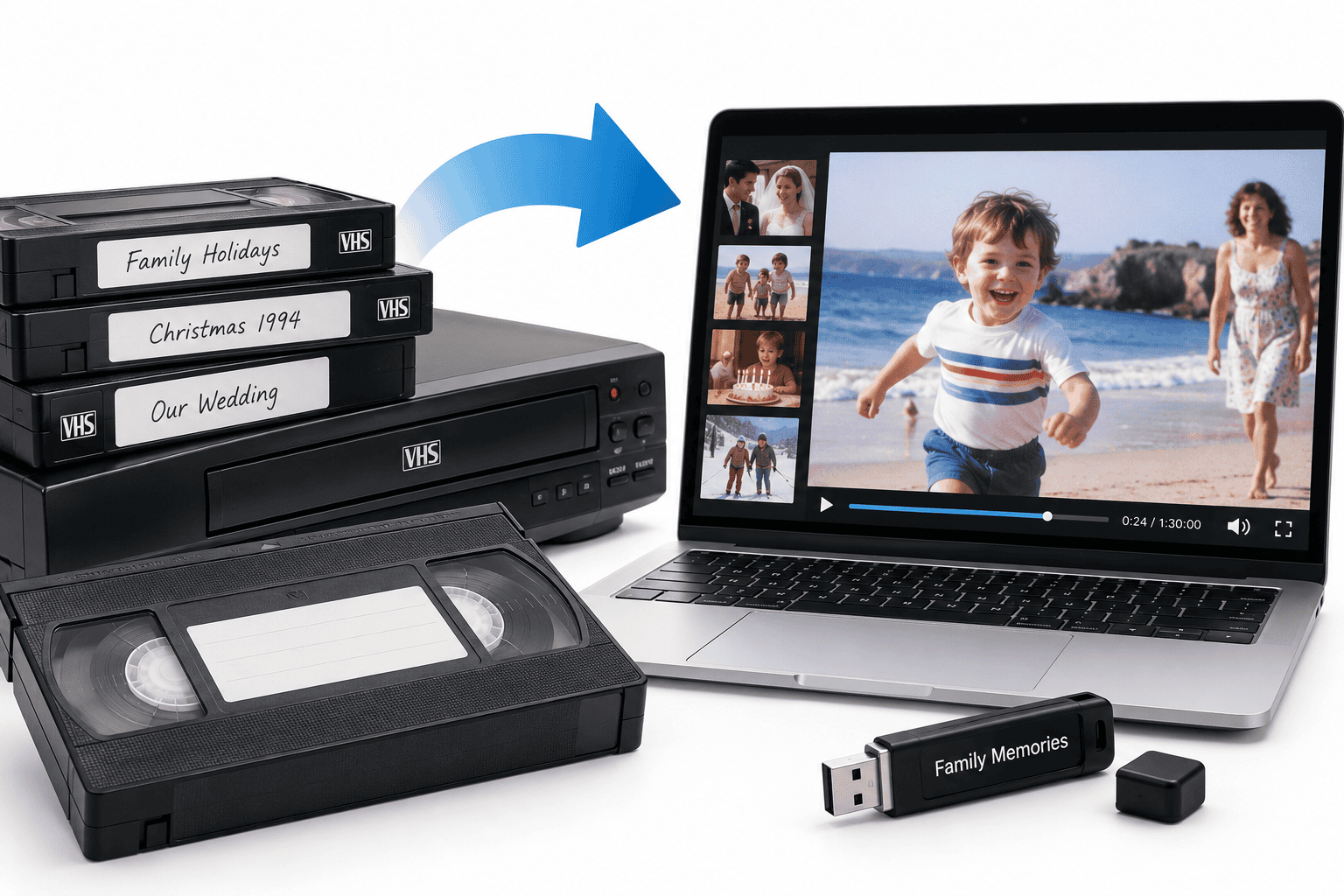
To convert tapes to digital, you need compatible playback equipment and a method of capturing or transferring the original recording into a digital file. VHS, camcorder tapes, audio cassettes and reel-to-reel tapes require different equipment and techniques. Once digitised, recordings can be enjoyed on computers, televisions, smartphones and other compatible devices.
Understanding Tape to Digital Conversion
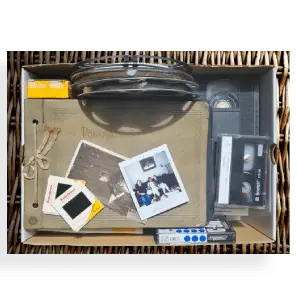
Many of us have collections of old tapes containing family celebrations, childhood recordings, interviews, music and the voices of relatives. However, identifying these tapes and finding suitable equipment to play them can be challenging.
Digitising tapes makes recordings easier to access, share and preserve without relying on ageing playback machines.
There are two principal categories of magnetic tape recordings:
- Video tapes: These contain moving images and usually sound, including VHS, Betamax and camcorder recordings.
- Audio tapes: These contain sound recordings, including compact cassettes, reel-to-reel tapes and Dictaphone recordings.
Some later formats, such as MiniDV and Digital8, already contain digitally recorded information. However, they still require compatible equipment to retrieve their recordings and transfer them into accessible computer files.
Understanding which format you have is the starting point for a successful conversion.
How to Identify Different Types of Tapes
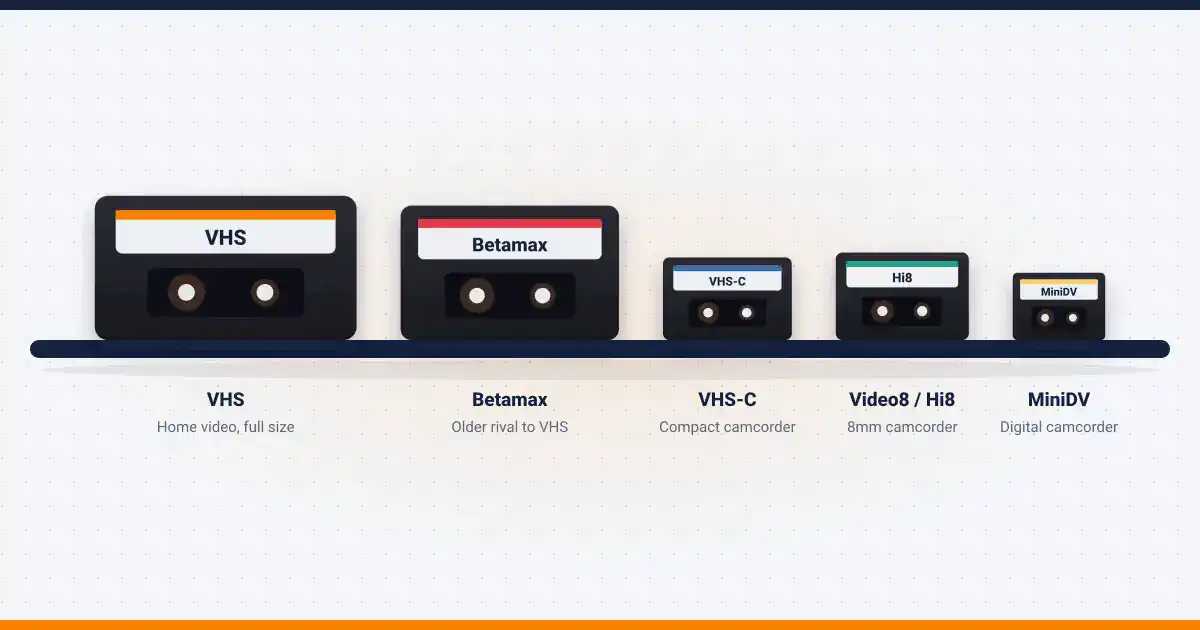
Not all videotapes or audio cassettes are interchangeable. Even tapes that look almost identical may use entirely different recording technologies.
| Tape format | Recording type | Playback equipment |
|---|---|---|
| VHS | Analogue video | VHS recorder |
| VHS-C | Analogue video | Camcorder or VHS-C adaptor |
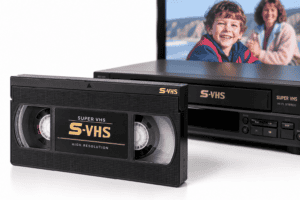
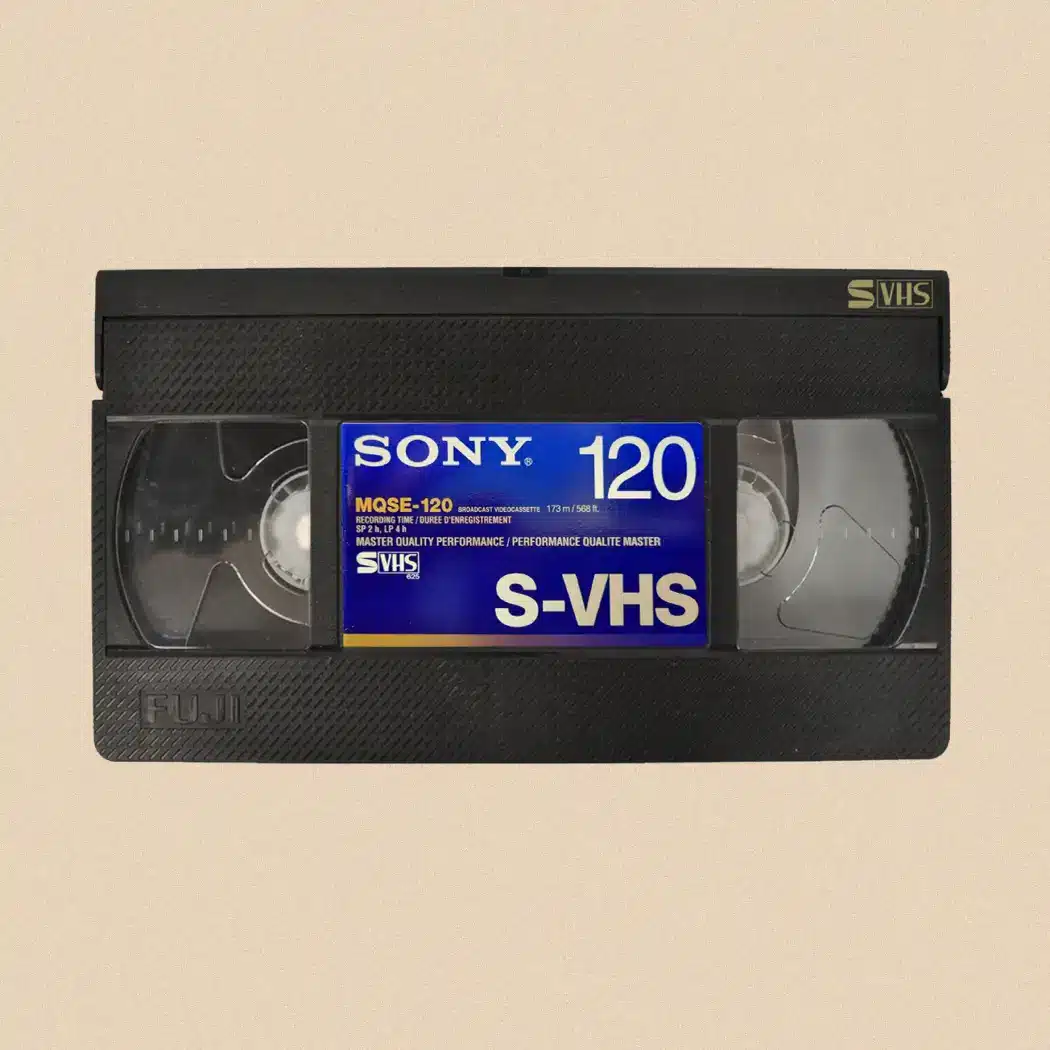
| S-VHS | Analogue video | Compatible S-VHS recorder |
| Betamax | Analogue video | Betamax recorder |
| Video8 | Analogue video | Compatible 8mm camcorder |
| Hi8 | Analogue video | Hi8-compatible camcorder |
| Digital8 | Digital video | Digital8 camcorder |
| MiniDV | Digital video | MiniDV camcorder or deck |
| MicroMV | Digital video | Compatible MicroMV camcorder |
| Compact cassette | Analogue audio | Cassette deck |
| Reel-to-reel | Usually analogue audio | Compatible reel-to-reel recorder |
| Microcassette | Analogue audio | Compatible voice recorder |
| DAT | Digital audio | DAT player |
Look for manufacturer logos, format names and handwritten labels on the cassette housing. Keep any original packaging, as it may contain useful information about recording duration, dates and playback requirements.
How to Convert VHS and Betamax Tapes to Digital
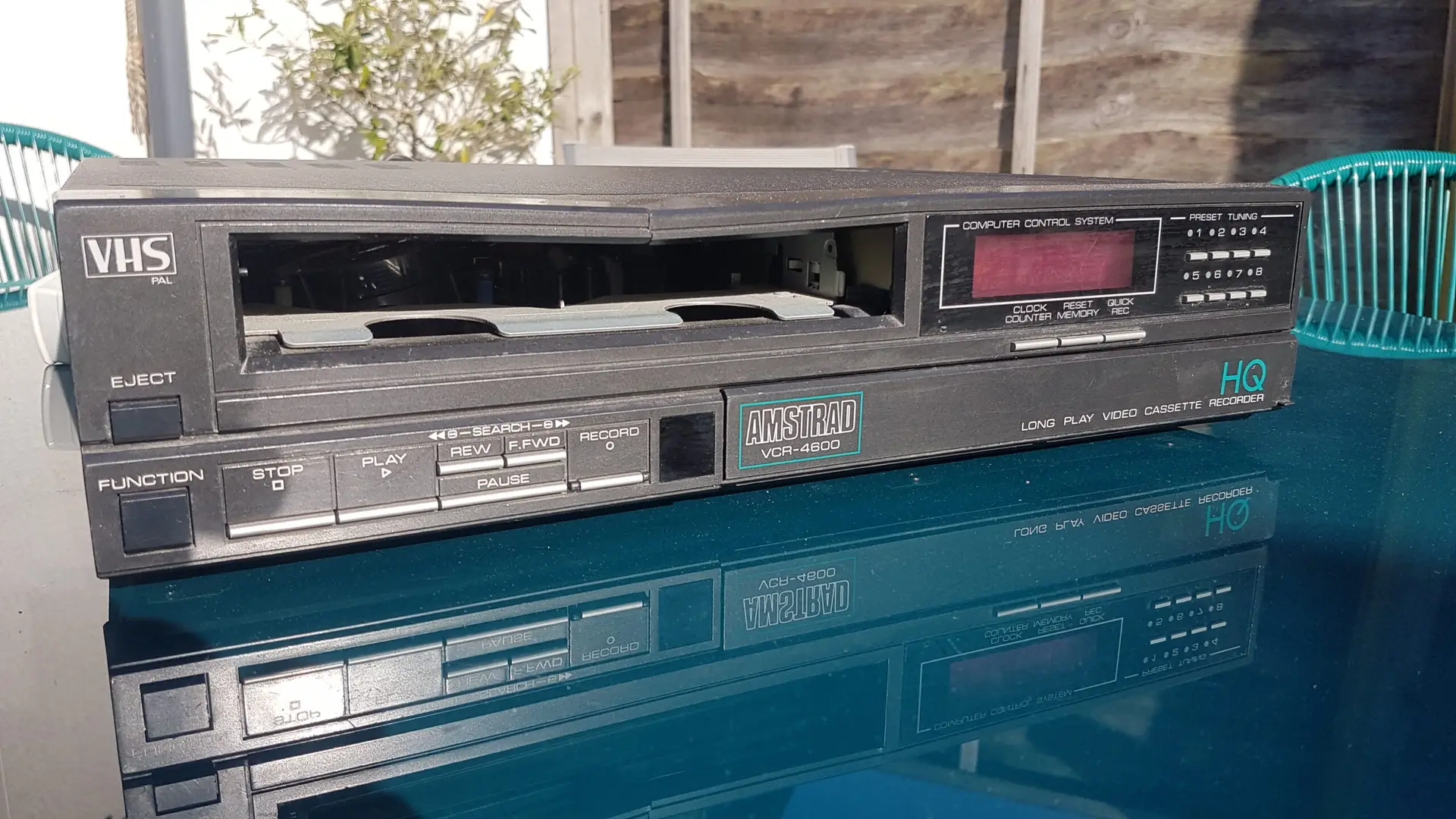
VHS was one of the most widely used domestic video formats in Britain. Families used VHS recorders to record television programmes and preserve footage transferred from camcorders.
To digitise VHS tapes at home, you will generally require a working video recorder, a video capture device, suitable connecting cables and a computer with recording software.
The capture device converts the analogue picture and sound into digital information that your computer can store.
Betamax requires a dedicated compatible player. Despite serving a similar purpose, VHS and Betamax use different cassette designs and recording systems.
Picture quality depends on the original recording, tape condition, playback equipment and capture settings. Simply purchasing a more expensive digital converter will not necessarily overcome problems caused by an unreliable video recorder.
How to Convert Camcorder Tapes to Digital
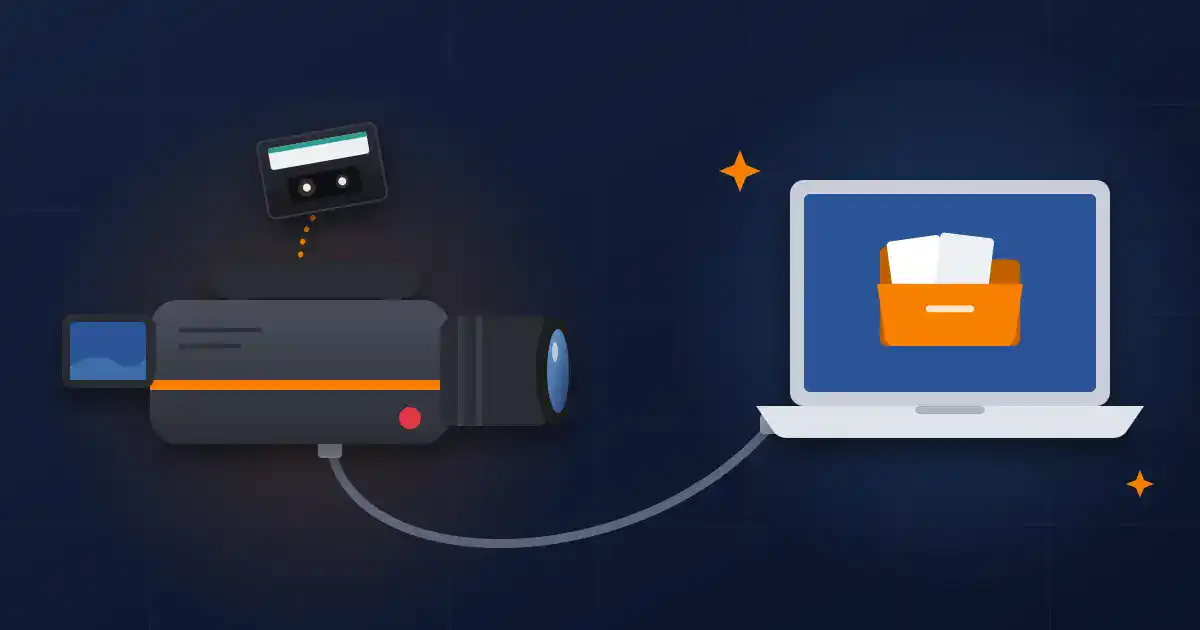
Camcorder tapes present a slightly different challenge because manufacturers introduced numerous competing recording formats.
VHS-C and S-VHS-C Tapes
VHS-C is a compact version of VHS designed for smaller camcorders. Compatible VHS-C recordings can often be played in a standard VHS recorder using a suitable mechanical adaptor.
S-VHS-C recordings may require additional playback compatibility.
Inspect older adaptors before use, particularly if they have been stored for many years.
Video8, Hi8 and Digital8 Tapes
These three formats use similar-looking 8mm videotape cassettes but employ different recording technologies.
Video8 and Hi8 store analogue video, whereas Digital8 stores digital video.
Some Digital8 camcorders can also play older analogue Video8 and Hi8 recordings, but this capability varies between models. Check the manufacturer’s documentation before purchasing second-hand playback equipment.
MiniDV Tapes
MiniDV recordings already contain digital video.
Rather than converting the recording through an analogue capture device, a compatible digital connection, such as FireWire (also known as IEEE 1394 or i.LINK), can transfer the original digital video stream to a computer.
Modern computers rarely include FireWire connections, making this process more complicated than it once was. A simple passive FireWire-to-USB cable is not normally a suitable solution.
MicroMV Tapes
MicroMV is a particularly compact digital camcorder format. Its recording system differs from MiniDV, despite both formats being digital.
Compatible playback equipment and software are necessary to retrieve recordings successfully.
The Canadian Conservation Institute’s technical guidance on videotape digitisation provides useful background on analogue video capture, playback compatibility and the limitations of different transfer methods. Canada
How to Convert Audio Tapes to Digital
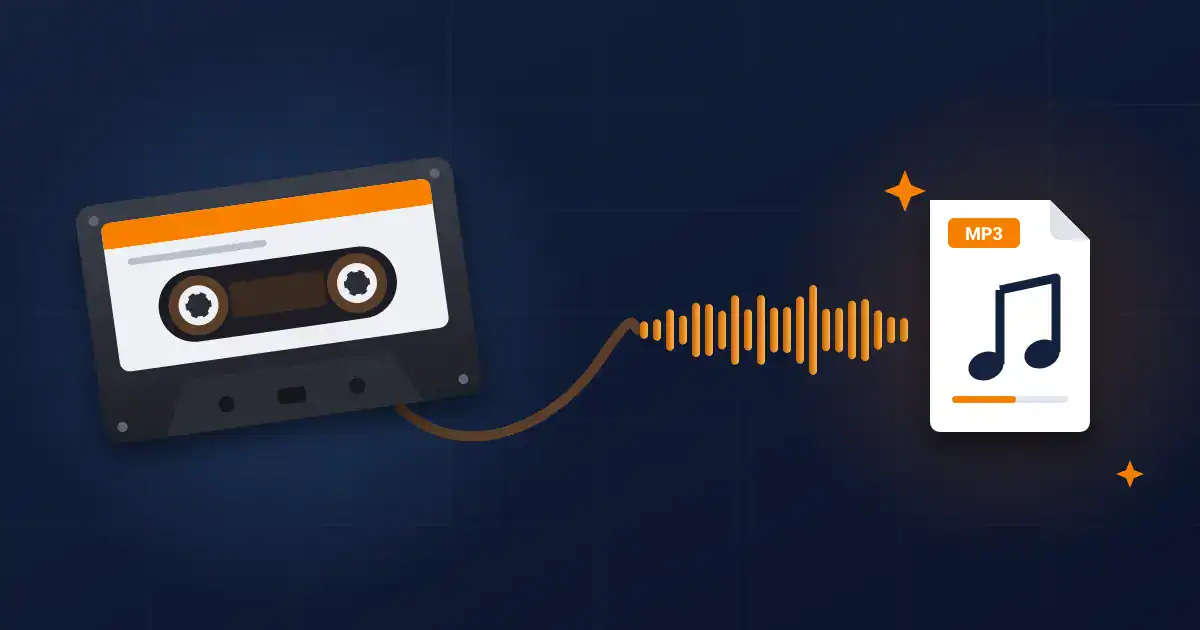
Old audio tapes can contain recordings that are just as personally significant as family photographs and videos. These include conversations, childhood voices, musical performances, oral histories and messages from relatives.
Compact Audio Cassettes
To digitise a standard audio cassette at home, you will generally need a reliable cassette deck, an audio interface and recording software.
Connect the cassette deck’s audio output to the interface, which converts the analogue sound into digital information.
Before recording, adjust the input level to avoid clipping. Clipping occurs when an audio signal exceeds the recording system’s capacity, producing audible distortion.
Once captured, recordings can be divided into individual tracks, labelled and exported as digital audio files.
Reel-to-Reel Audio Tapes
Reel-to-reel recordings require particular care because recording speeds, track configurations and tape widths vary.
Selecting the wrong playback speed can make voices sound unnaturally high or low. An incorrect track configuration may result in missing audio or overlapping recordings.
Some older reels also suffer from deterioration of the material that binds the magnetic particles to the tape.
Our dedicated guide to converting reel-to-reel tapes explains the additional considerations involved in preserving these recordings.
Dictaphone and Microcassette Recordings
Small voice-recording cassettes were widely used for interviews, dictation and personal messages.
These recordings often prioritised speech intelligibility rather than high-quality sound reproduction.
Suitable playback equipment and careful audio enhancement may help make conversations easier to understand, although results depend on the original recording.
Digital Audio Tapes (DAT)
DAT stores digital audio on magnetic tape. Transferring these recordings requires a compatible DAT player.
Where suitable digital connections are available, the recorded audio can be transferred without an unnecessary analogue conversion stage.
Although the recordings are digital, the physical tapes and playback equipment remain vulnerable to deterioration and mechanical failure.
Inspect Your Tapes Before Attempting Conversion
Before inserting any old tape into a machine, examine its physical condition.
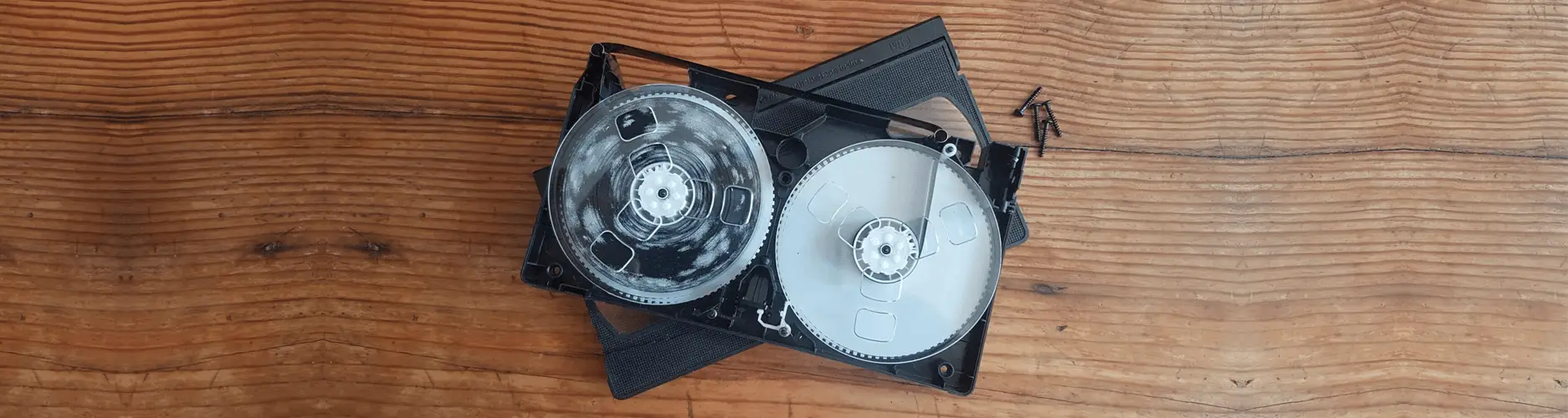
Common warning signs include:
- White or grey mould deposits.
- Broken cassette housings.
- Loose, creased or tangled tape.
- Flaking magnetic material.
- Evidence of damp or water damage.
- Distorted reels or damaged mechanisms.
Avoid touching exposed magnetic tape or attempting to clean it with household products.
If a tape squeals, sticks or sheds material during playback, stop the machine. Continuing to play it could damage the recording or contaminate the equipment.
The Library of Congress guidance on handling audiovisual materials recommends careful handling, clean playback equipment and allowing recordings from cold storage to acclimatise before use. (Preservation, Library of Congress)
What Is the Best Digital Format for Old Tapes?
The most suitable digital file format depends on how you intend to use and preserve your recordings.
| Digital format | Media type | Recommended use |
|---|---|---|
| MP4 (H.264) | Video | Everyday viewing and sharing |
| MOV | Video | Editing and higher-quality workflows, depending on codec |
| FFV1 | Video | Lossless archival preservation |
| MP3 | Audio | Convenient listening and sharing |
| WAV (PCM) | Audio | Preservation and editing |
| FLAC | Audio | Lossless audio storage |
| Broadcast WAV | Audio | Professional archival collections |
For most families, MP4 video and MP3 audio files are convenient options because they are compatible with many modern devices.
However, uncompressed WAV audio and lossless video formats can be preferable for long-term preservation.
The Library of Congress recommended audio formats identify uncompressed recordings and Broadcast WAV among preferred options for relevant collections.
Its wider Recommended Formats Statement also covers digital video and other media. Resources (Preservation, Library of Congress)+1
USB, DVD or Cloud Storage?
A USB memory stick is a storage device rather than a digital recording format. It can contain MP4 videos, MP3 recordings, WAV files and many other file types.
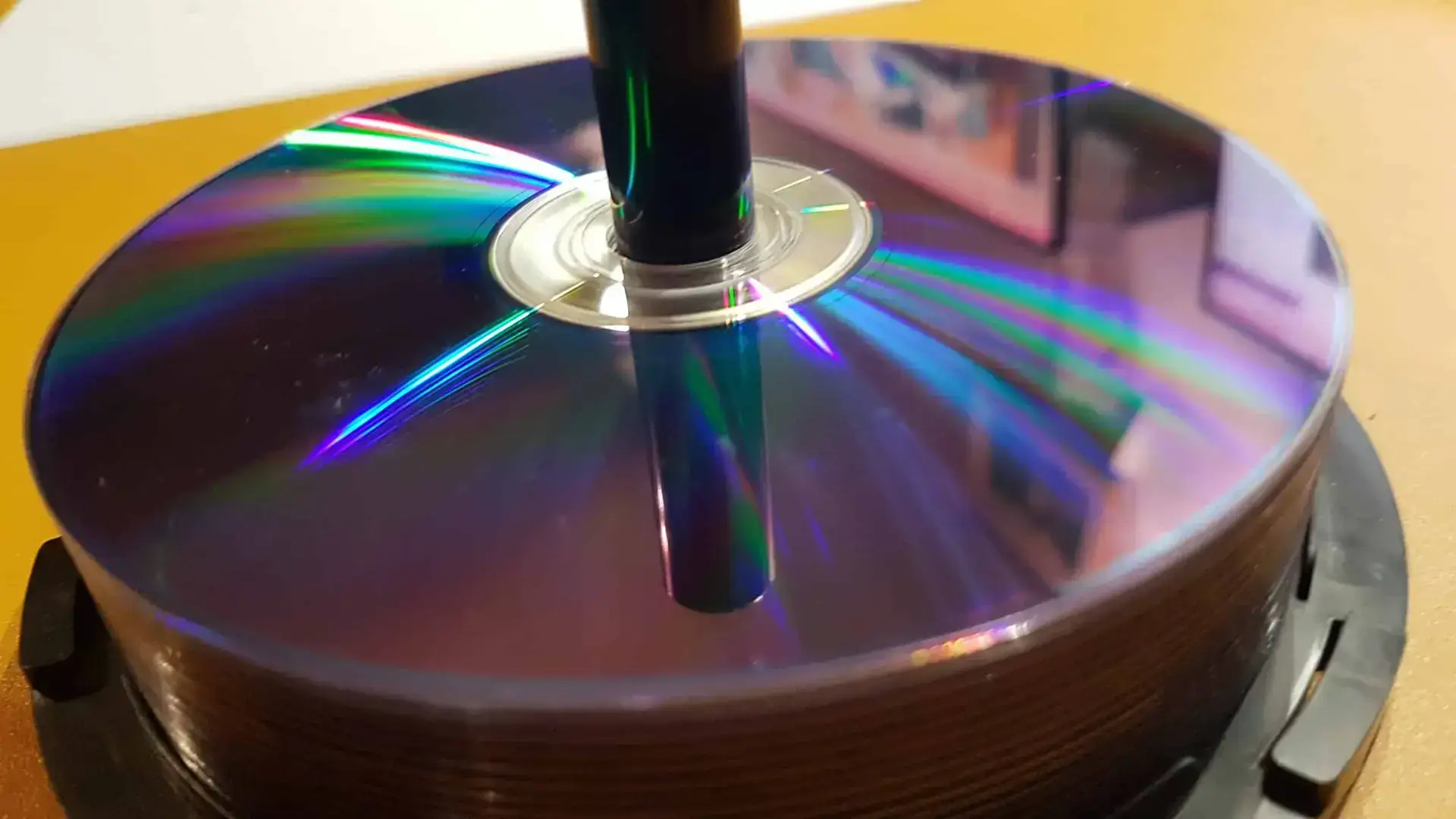
DVDs and audio CDs remain useful for people who prefer conventional disc players. Digital downloads, meanwhile, make it easier to share recordings with relatives.
For important collections, consider keeping a higher-quality preservation master alongside a smaller, more convenient everyday viewing or listening copy.
Can You Improve Picture and Sound Quality During Conversion?
Digitisation and restoration are two different processes. Digitisation captures the existing recording, while restoration attempts to improve its appearance or sound.
Video restoration may involve colour correction, picture stabilisation, noise reduction and brightness adjustments.
Audio restoration may involve reducing background hiss, electrical hum, unwanted noise and fluctuations in volume.
However, excessive processing can remove genuine detail or make recordings sound unnatural. Where possible, retain an original digital master before applying significant enhancements.
The International Association of Sound and Audiovisual Archives’ digital audio preservation guidelines provide further technical information for anyone undertaking an important sound preservation project. 2026.iasa-web.org
Should You Convert Tapes Yourself or Use a Professional Service?
The right approach depends on the size of your collection, the condition of your tapes and the equipment available.
| Consideration | DIY conversion | Professional conversion |
|---|---|---|
| Equipment | Purchase or source yourself | Provided by the specialist |
| Technical knowledge | Varies by format | Specialist knowledge available |
| Time commitment | Potentially considerable | Less personal time required |
| Multiple tape formats | Several machines may be needed | Different formats can be accommodated |
| Damaged recordings | Challenging to handle | Specialist assessment available |
| Restoration | Dependent on software and experience | Additional options may be available |
DIY conversion can be practical for a small collection of well-preserved tapes when you already own suitable playback equipment.
Professional assistance becomes particularly worthwhile when dealing with mixed collections, unfamiliar recording formats, damaged media or irreplaceable family recordings.
What Happens During Professional Tape Digitisation?
A professional tape conversion workflow will typically involve several stages:
- Format identification: Establishing the tape type and recording system.
- Condition assessment: Checking for physical damage or deterioration.
- Preparation: Undertaking appropriate cleaning or specialist treatment where necessary.
- Playback: Selecting compatible equipment and recording settings.
- Digital capture: Transferring the picture, sound or existing digital signal.
- Quality checking: Checking for significant picture, sound or synchronisation problems.
- File creation: Preparing the requested digital output.
- Delivery: Supplying digital recordings and returning the original media.
The precise process varies according to the recording format and condition of the original material.
How Much Does It Cost to Convert Tapes to Digital?
Tape digitisation costs depend on several factors, including recording duration, tape format, physical condition, restoration requirements and the preferred digital output.
Before arranging a conversion, establish whether the price includes VAT, digital storage, additional playback time and the return of your original recordings.
For larger collections, ask about bulk conversion prices.
Remember that purchasing several different second-hand playback machines for a mixed collection can also represent a considerable expense.
How to Preserve Your Recordings After Digitisation
Converting tapes to digital is the first stage of long-term preservation. Maintaining reliable copies is equally important.
The Digital Preservation Coalition’s recommendations for digital storage emphasise the importance of independent backups, different storage technologies and separate storage locations. Digital Preservation Handbook
For a family collection, the 3-2-1 backup approach is a practical starting point:
- Keep three copies of important recordings.
- Use two different types of storage.
- Keep one copy in a separate location.
Give each recording a meaningful filename and preserve information about dates, locations and people wherever possible.
Keep original tapes in their protective cases in a clean, dry environment with stable temperatures. Avoid damp garages, excessively hot lofts and strong magnetic fields.
Digitisation does not mean that original recordings should automatically be discarded.
Professional Tape Conversion with Supaphoto
Frequently Asked Questions
Can all types of tapes be converted to digital?
Many domestic video and audio tape formats can be digitised, provided compatible playback equipment is available and the recording remains recoverable. Unusual professional formats may require additional specialist equipment.
Can I convert tapes to digital without a tape player?
You need compatible playback equipment to retrieve the recording. If you no longer own a suitable machine, a professional conversion service is an alternative.
What is the difference between 8mm cine film and 8mm videotape?
8mm cine film contains photographic images recorded on film, whereas 8mm videotape stores video information magnetically. They require entirely different digitisation equipment.
How long does tape to digital conversion take?
Most domestic tape recordings are transferred in real time. Additional time may be required for inspection, preparation, restoration, quality checking and file creation.
Can I store video and audio recordings on the same USB stick?
Yes. A USB memory stick can contain different digital file types, including MP4 videos, MP3 audio recordings and WAV files, provided sufficient storage capacity is available.
Is it worth converting tapes that are more than 30 years old?
Yes, provided the recordings remain recoverable. Age alone does not determine whether a tape can be played successfully. Storage conditions, physical deterioration and playback compatibility are also important.
TL;DR
To convert tapes to digital, identify the recording format, use compatible playback equipment and transfer the content into suitable digital files. Professional digitisation is particularly useful for mixed tape collections, damaged recordings and irreplaceable family memories.