Skip to content

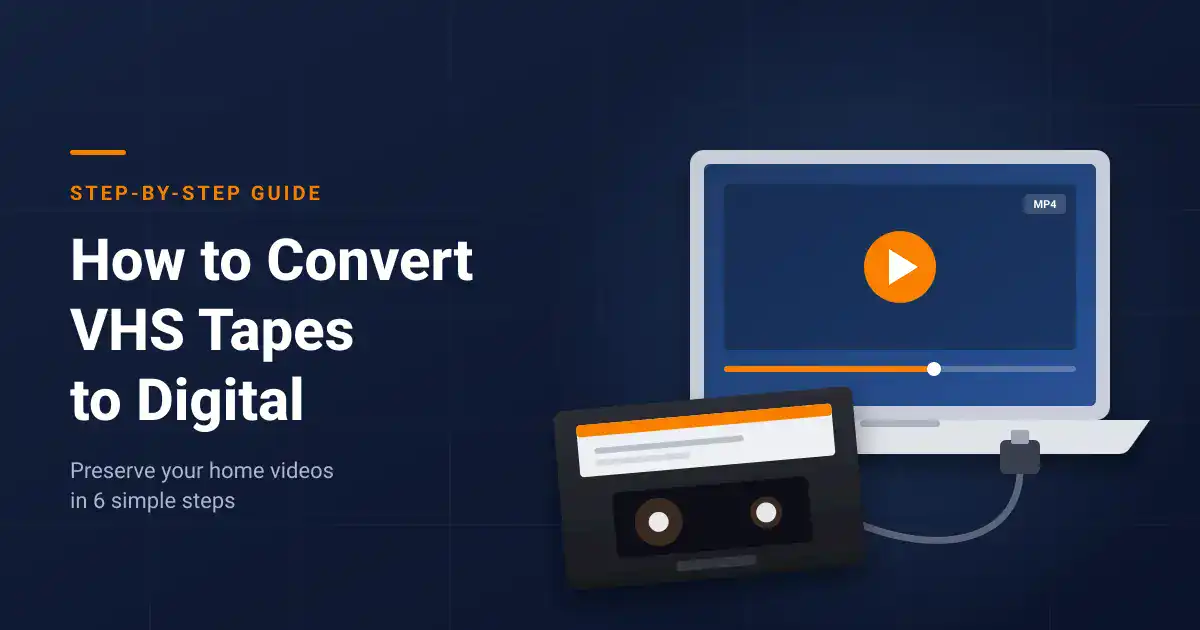

Changing VHS tapes to digital involves playing your original videotapes through a compatible video recorder and capturing the picture and sound as a digital file. You can then watch, edit, store and share your recordings using modern devices. Conversion is possible at home with suitable equipment or through a professional digitisation service.
Why Should You Convert Your VHS Tapes to Digital?
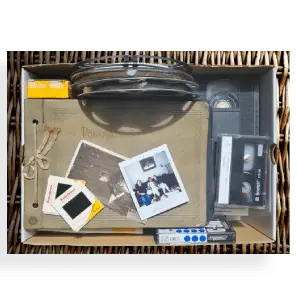
Many households across the UK still have boxes of VHS tapes containing weddings, birthdays, childhood memories, family holidays and recordings of relatives.
Unlike digital files, VHS recordings depend on ageing magnetic tape and increasingly difficult-to-source playback equipment. Even tapes that appear to be in excellent condition can develop problems over time.
Changing VHS tapes to digital offers several practical benefits:
- Watch recordings without a VHS player.
- Share family videos with relatives anywhere in the world.
- Create multiple backup copies.
- Edit recordings and remove unwanted sections.
- Reduce unnecessary handling of original tapes.
- Organise family recordings into a searchable digital collection.
- Preserve footage for future generations.
The Canadian Conservation Institute’s guidance on preserving videotapes explains how magnetic tape materials can deteriorate, affecting playback and potentially resulting in lost recorded information.
Digitisation creates an accessible copy of your recording without requiring further playback of the original every time you want to watch it.
Step 1: Identify Your Videotapes
Before buying equipment or arranging a transfer, establish which video formats you have.
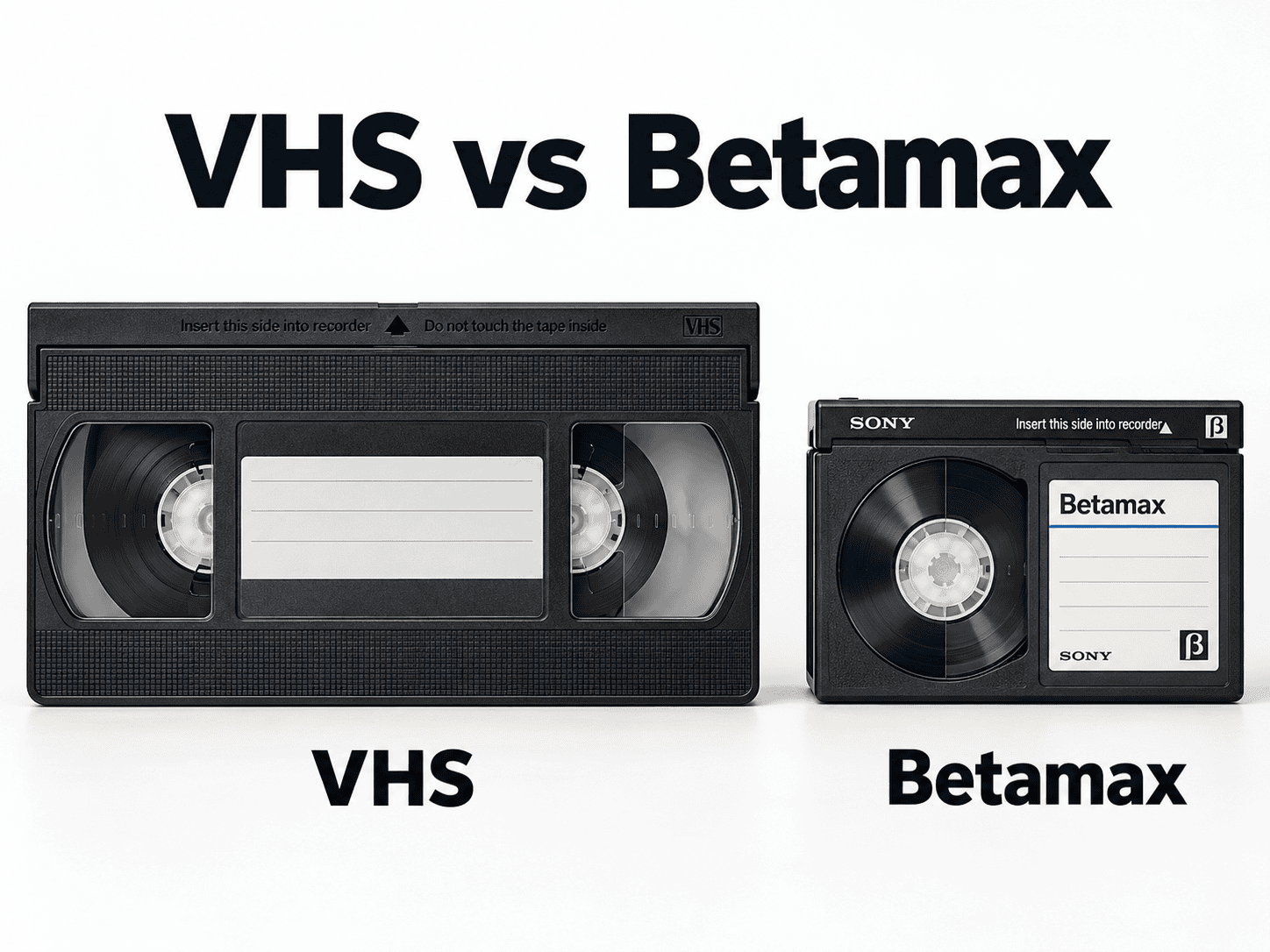
Although people frequently refer to old videotapes collectively as VHS, several different formats were popular during the home video era.
| Videotape format | Typical use | Playback equipment |
|---|---|---|
| VHS | Home recordings and television | VHS recorder |
| VHS-C | Compact camcorders | Compatible camcorder or VHS-C adaptor |
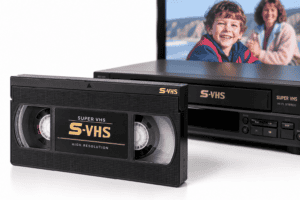
| S-VHS | Higher-quality video recording | Compatible S-VHS recorder |
| Betamax | Home video recording | Betamax player |
| Video8 | Camcorder recordings | Compatible 8mm camcorder |
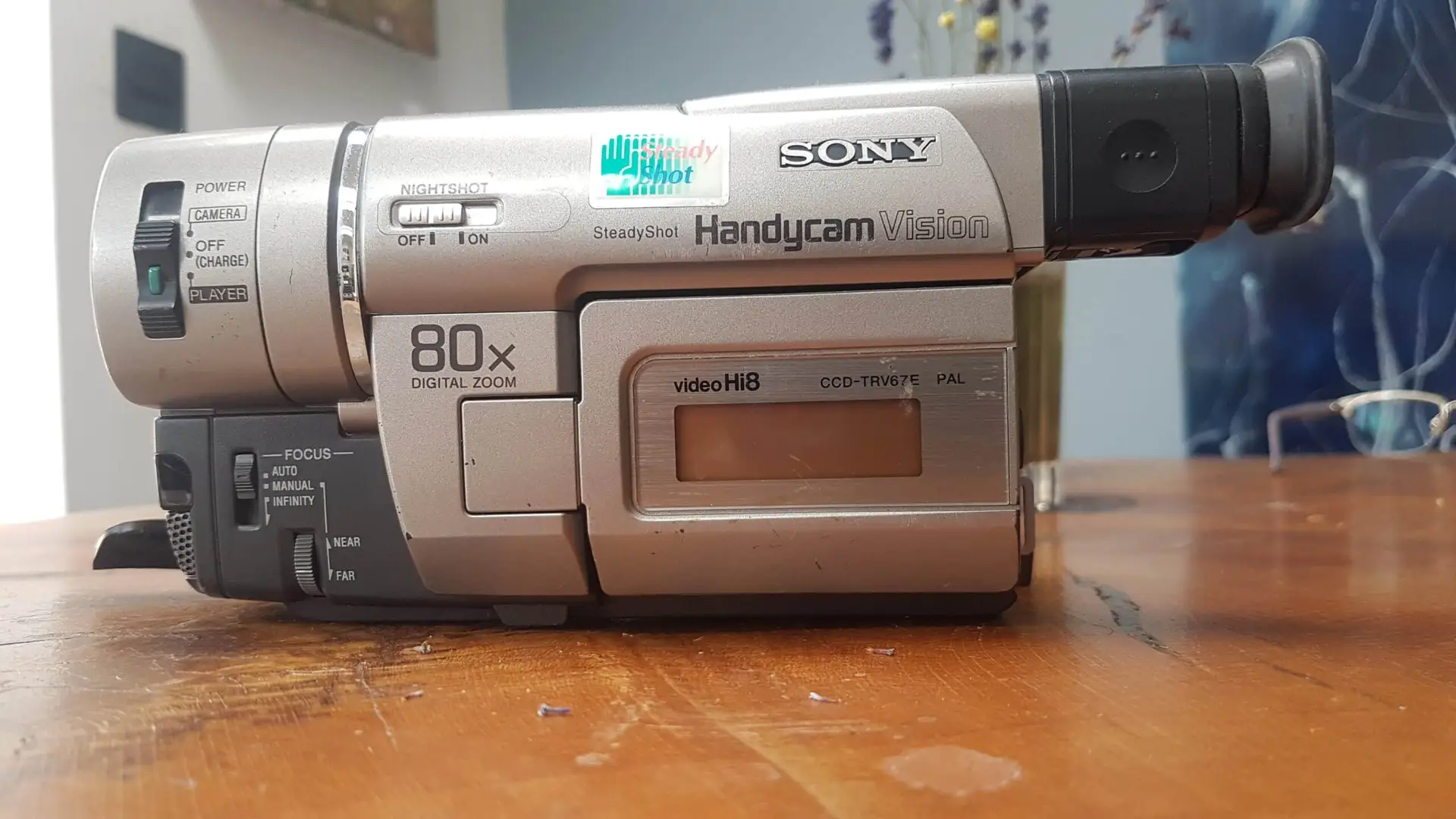
| Hi8 | Higher-quality camcorder recordings | Hi8-compatible player |
| Digital8 | Digital camcorder recordings | Compatible Digital8 equipment |
| MiniDV | Digital home video | MiniDV camcorder or deck |
Most VHS tapes recorded in the UK use the PAL television standard. Tapes recorded in North America or Japan commonly use NTSC and may require different playback settings or equipment.
The Canadian Conservation Institute’s technical guide to VHS digitisation provides further information about these format variations.
Step 2: Check the Condition of Your VHS Tapes
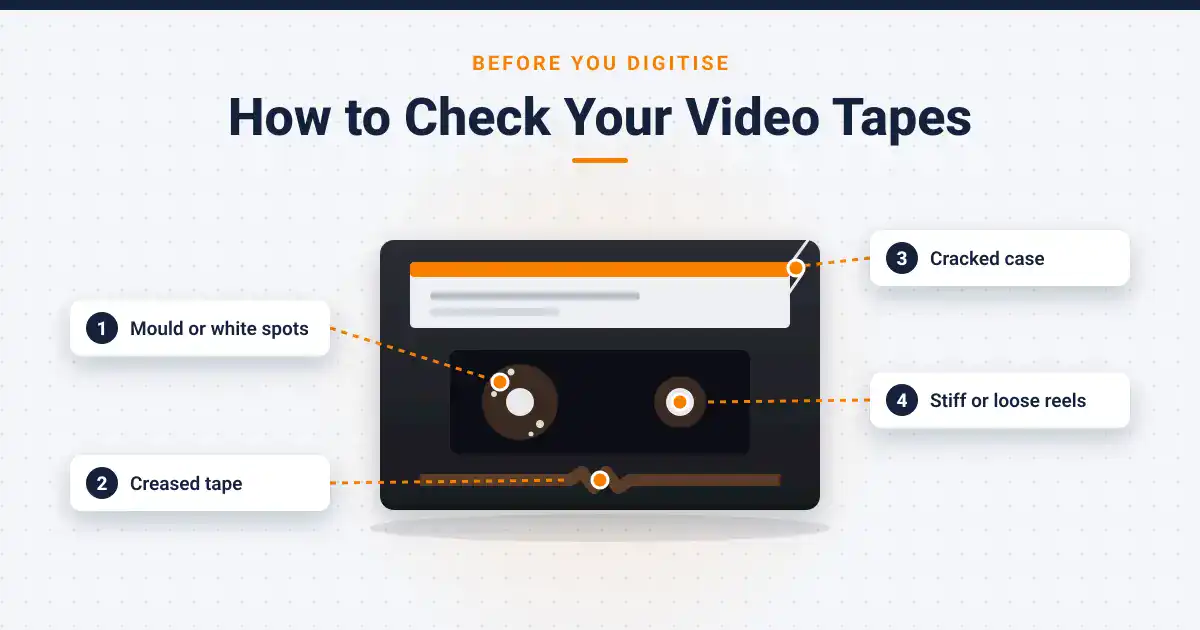
Never assume that an old videotape is safe to play simply because its cassette looks undamaged.
Examine the cassette housing and transparent windows under good lighting.
Look for:
- White, grey or powdery deposits.
- Cracked or damaged cassette housings.
- Visible creases in the magnetic tape.
- Loose or unevenly wound tape.
- Evidence of water damage.
- Signs of contamination or previous repairs.
Tapes stored in garages, sheds, lofts and damp cupboards deserve particular attention.
What if Your VHS Tapes Have Mould?
Do not insert a visibly mouldy tape into a video recorder. Contamination can affect both the machine and other recordings subsequently played through it.
Keep affected tapes separate and avoid household cleaning products, excessive handling or dismantling the cassette.
Our guide to what to do if you find mould on an old videotape explains how to handle contaminated recordings responsibly.
Step 3: Gather the Equipment for VHS to Digital Conversion
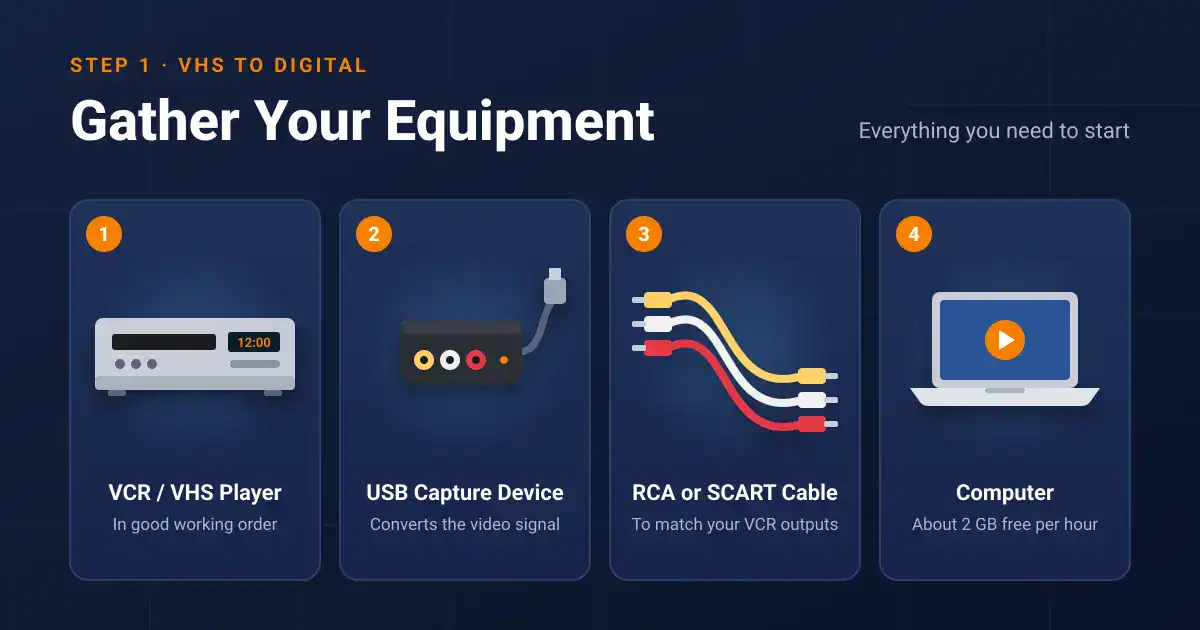
If your tapes are in suitable condition, you can attempt digitisation at home.
You will generally need the following equipment:
| Equipment | Purpose |
|---|---|
| Working VHS recorder (VCR) | Plays the original recording |
| USB video capture device | Converts analogue signals into digital data |
| Composite or S-Video cables | Transfers the picture |
| Audio cables | Transfers the sound |
| Computer | Records and processes the footage |
| Video capture software | Creates the digital recording |
| Storage drive | Stores the completed files |
Some older UK video recorders use SCART connections. If you need a SCART adaptor, ensure it supports video output rather than input alone.
Does the Quality of the VHS Player Matter?
Yes. A well-maintained video recorder can make a considerable difference to the stability and clarity of the captured recording.
A cheap capture device cannot compensate for every problem introduced by worn playback equipment.
Before inserting an irreplaceable family recording, test your video recorder using a tape of little personal value that is known to be in good condition.
Step 4: Connect Your VHS Player to Your Computer
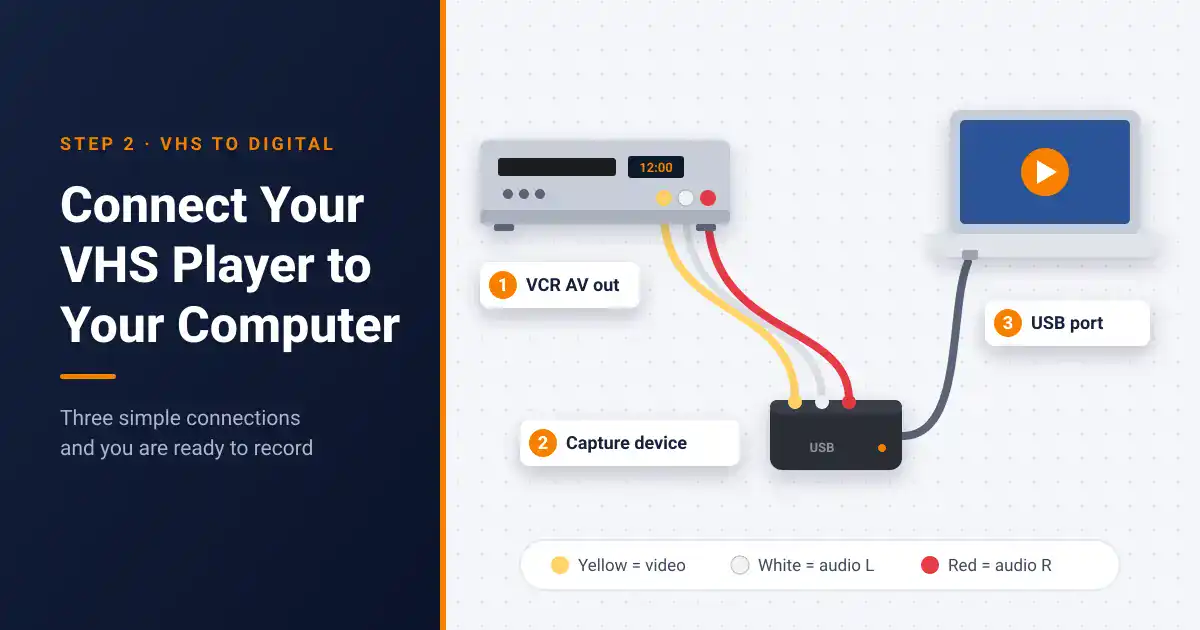
A USB video capture device acts as a bridge between your analogue VHS recorder and your computer.
The connection process typically involves:
- Connecting the video output of your VHS player to the capture device.
- Connecting the audio cables.
- Plugging the capture device into your computer.
- Opening compatible video capture software.
- Selecting the appropriate video and audio inputs.
- Testing the picture and sound before recording.
With composite connections, the yellow connector normally carries the picture, while the red and white connectors carry the sound.
Check that the picture appears correctly, the sound is audible and the software recognises the incoming signal.
Step 5: Choose the Correct Video Capture Settings
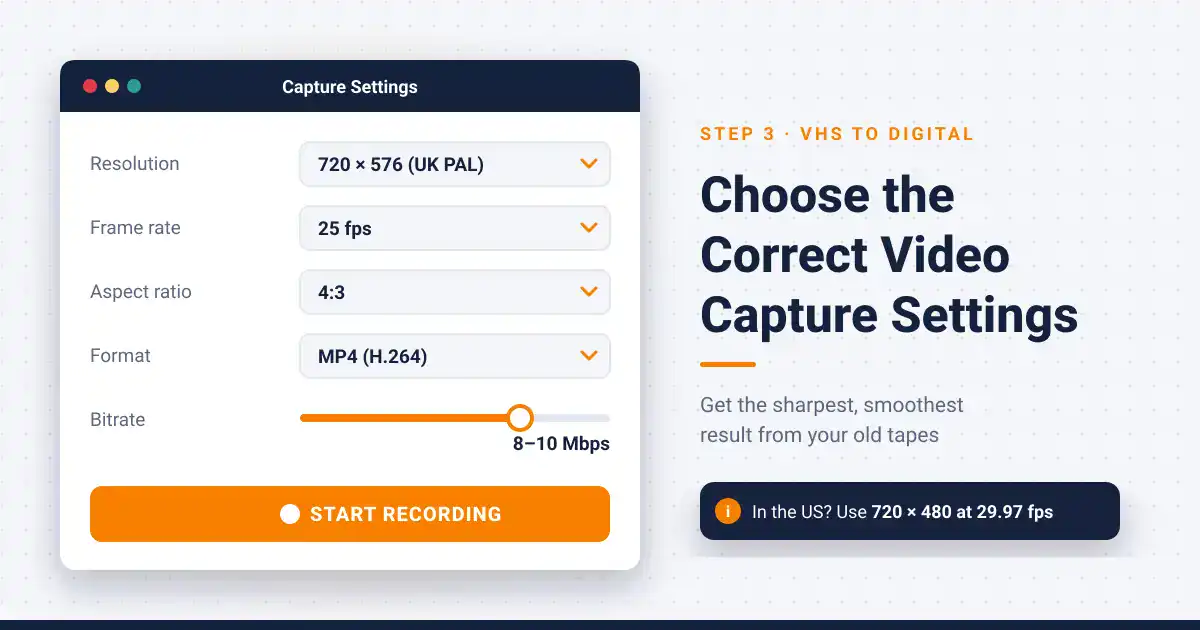
Selecting suitable capture settings helps preserve the characteristics of your original recording.
For standard UK PAL VHS recordings, typical digital capture settings include:
| Setting | Recommendation |
|---|---|
| Capture resolution | 720 × 576 pixels |
| Frame rate | 25 frames per second |
| Aspect ratio | Usually 4:3 |
| Television standard | PAL |
| Viewing file format | MP4 (H.264) |
| Archival capture | Higher-quality or lossless format |
Some recordings may have different aspect ratios or television standards.
What Is Interlaced Video?
Traditional VHS recordings use interlaced video. This means that each television frame consists of two sets of alternating picture lines captured at different moments.
When displayed incorrectly on modern screens, movement can produce jagged horizontal lines.
Deinterlacing converts this material into a format better suited to modern displays. For important preservation projects, consider retaining an interlaced master recording alongside a deinterlaced viewing copy.
Can VHS Be Converted to HD or 4K?
VHS footage can be digitally upscaled to HD or 4K, but increasing the resolution does not recreate all the detail missing from the original recording.
Digital enhancement may improve perceived sharpness, colour, stability and noise levels. However, excessive processing can introduce unnatural textures or remove genuine picture detail.
For valuable recordings, retain an unenhanced digital master wherever practical.
Step 6: Record Your VHS Tape
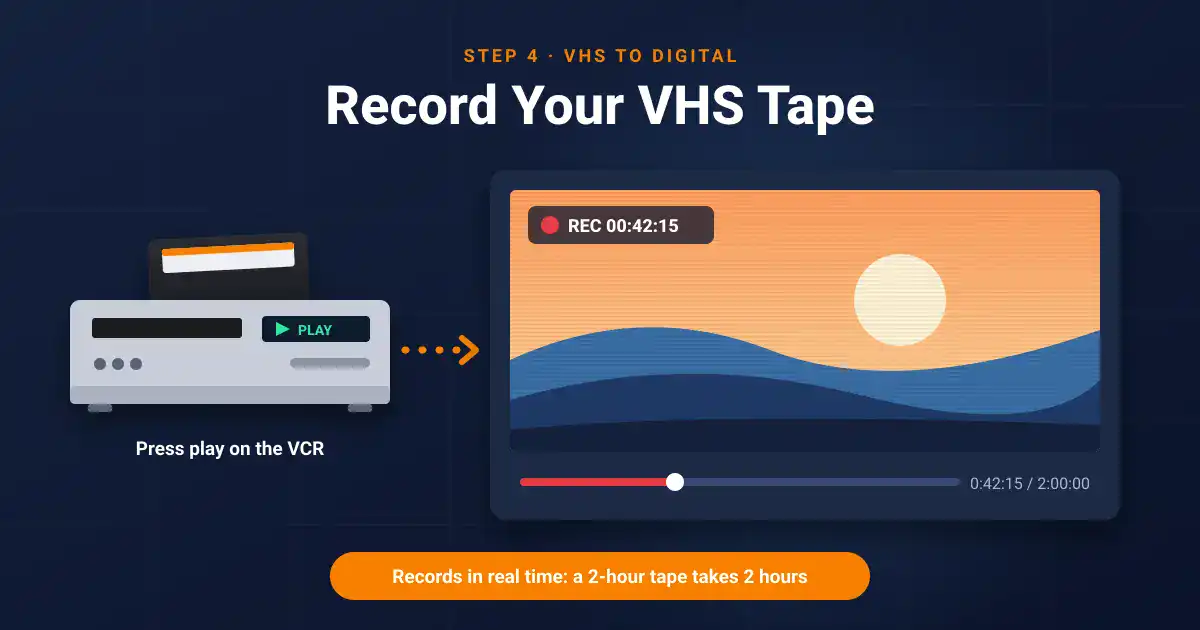
Once your equipment is connected and the settings are correct, begin capturing the recording.
Start the capture software before pressing play on the video recorder. Monitor the picture and sound throughout the transfer.
Watch for problems such as:
- Unstable or rolling pictures.
- Dropped frames.
- Distorted colours.
- Missing sound.
- Audio and video falling out of synchronisation.
- Unexpected interruptions.
Stop playback if the tape begins squealing, sticking or behaving abnormally.
How Long Does VHS Digitisation Take?
VHS conversion normally takes place in real time. A two-hour recording therefore requires approximately two hours of playback, excluding preparation, editing, quality checks and file creation.
This is worth considering if you have a large collection of family videotapes.
Step 7: Check and Organise Your Digital Recordings
Successfully creating a digital file does not necessarily mean the entire recording has transferred correctly.
Watch the completed video and check that the sound, picture and recording duration are correct.
Give each file a meaningful name, for example:
- Family-Wedding-1992.mp4
- Cornwall-Holiday-1996.mp4
- Christmas-1998.mp4
If you do not know the recording date, use an estimated year or a unique reference number.
Photographing the handwritten cassette labels can also help preserve information about people, locations and events.
Step 8: Choose Between USB, DVD and Digital Downloads
There are several ways to store and access converted VHS recordings.
| Output | Advantages | Limitations |
|---|---|---|
| MP4 files on USB | Portable and convenient | Device compatibility varies |
| DVD | Suitable for conventional DVD players | Limited capacity and editing flexibility |
| Cloud storage | Convenient remote access and sharing | Requires internet access |
| External hard drive | Suitable for large collections | Requires independent backups |
| Lossless digital master | Useful for long-term preservation | Larger file sizes |
For most households, MP4 files provide a practical balance between picture quality, file size and compatibility.
For museums, historical collections and particularly important recordings, higher-quality preservation files may be appropriate.
The Library of Congress recommendations for moving-image file formats distinguish between preservation-quality formats and convenient viewing copies.
DIY VHS Conversion vs Professional Digitisation
Changing VHS tapes to digital at home can be rewarding, particularly if you already own suitable equipment. However, the quality of the result depends on more than the capture device alone.
| Consideration | DIY conversion | Professional conversion |
|---|---|---|
| Initial expense | Equipment and software | Service charges |
| Time commitment | Relatively high | Less personal time required |
| Technical knowledge | Basic to advanced | Normally unnecessary |
| Damaged tapes | Difficult to handle safely | Specialist assessment available |
| Picture stabilisation | Equipment dependent | Specialist equipment may be available |
| Large collections | Time-consuming | More convenient |
| Quality checking | Your responsibility | Depends on the provider |
Professional digitisation is particularly worth considering when recordings are irreplaceable, damaged or difficult to play.
What Affects VHS Transfer Quality?
Several factors influence the final result, including the original recording quality, tape deterioration, recording speed, playback compatibility and capture equipment.
Professional workflows may incorporate a time base corrector (TBC). This device helps correct timing irregularities in analogue video signals that can otherwise cause an unstable digital picture.
However, neither professional equipment nor restoration software can guarantee the recovery of information that has been permanently lost.
How Much Does Changing VHS Tapes to Digital Cost?
The cost depends on the number of tapes, their condition, the required output and any additional restoration work.
When comparing professional services, establish whether the quotation includes:
- VAT and digital output charges.
- Tape inspection and necessary repairs.
- Additional charges for longer recordings.
- Digital enhancement, where requested.
- Return of the original videotapes.
For DIY conversion, consider the cost of purchasing reliable playback equipment, capture hardware and the time required to complete the project.
How to Preserve Your Videos After Digitisation
A single digital copy is not a reliable long-term preservation strategy.
The Digital Preservation Coalition’s guidance on digital storage recommends keeping independent copies across different storage systems and locations.
A practical approach for family recordings is the 3-2-1 backup method:
- Keep three copies of your important recordings.
- Use at least two different types of storage.
- Keep one copy in a separate physical location.
Check your recordings periodically and move them to replacement storage devices when necessary.
Should You Keep Your Original VHS Tapes?
Ideally, yes. Original tapes may contain information that future digitisation or restoration techniques could recover more effectively.
Keep them upright in protective cases in a cool, dry environment with stable conditions, away from direct sunlight and strong magnetic fields.
The Library of Congress guidance on audiovisual storage and handling provides useful recommendations for caring for magnetic tape collections.
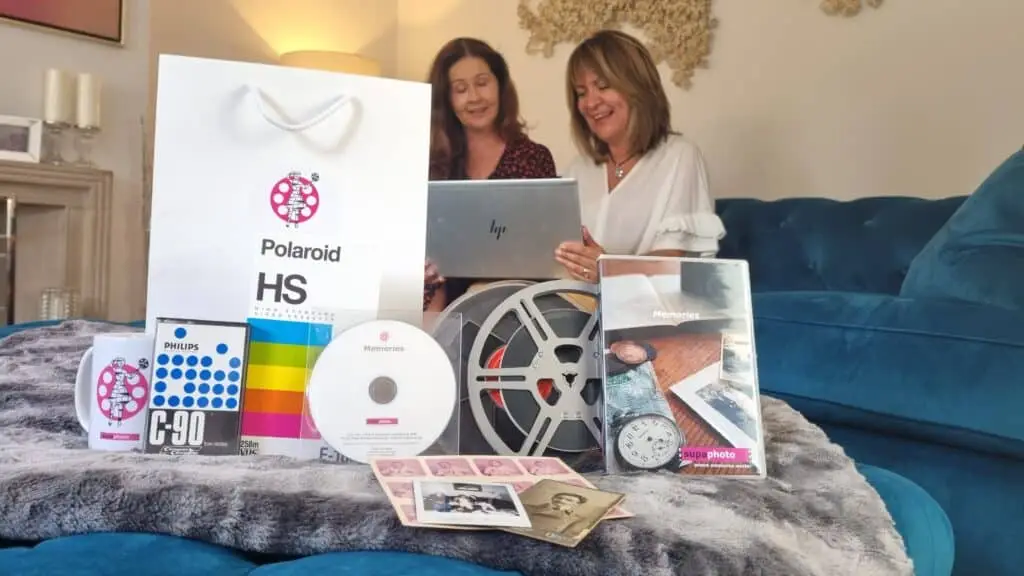
Professional VHS to Digital Conversion with Supaphoto
If you have a collection of family videotapes, uncertain recording formats or tapes that have not been played for many years, professional digitisation may be the most practical option.
Our VHS to digital conversion service helps make older recordings accessible on modern devices, with options for digital viewing and preservation.
At Supaphoto Ltd, we can also assess tapes requiring additional preparation or specialist attention before transfer. Discuss the condition of your recordings, your preferred digital output and any particular restoration requirements before arranging conversion.
Keeping your original tapes alongside properly backed-up digital copies provides a sensible foundation for preserving your family history.
Frequently Asked Questions
Can I convert VHS to digital without a VHS player?
Not directly. VHS recordings require compatible playback equipment to retrieve their recorded picture and sound. A professional transfer service is an alternative if you no longer own a working recorder.
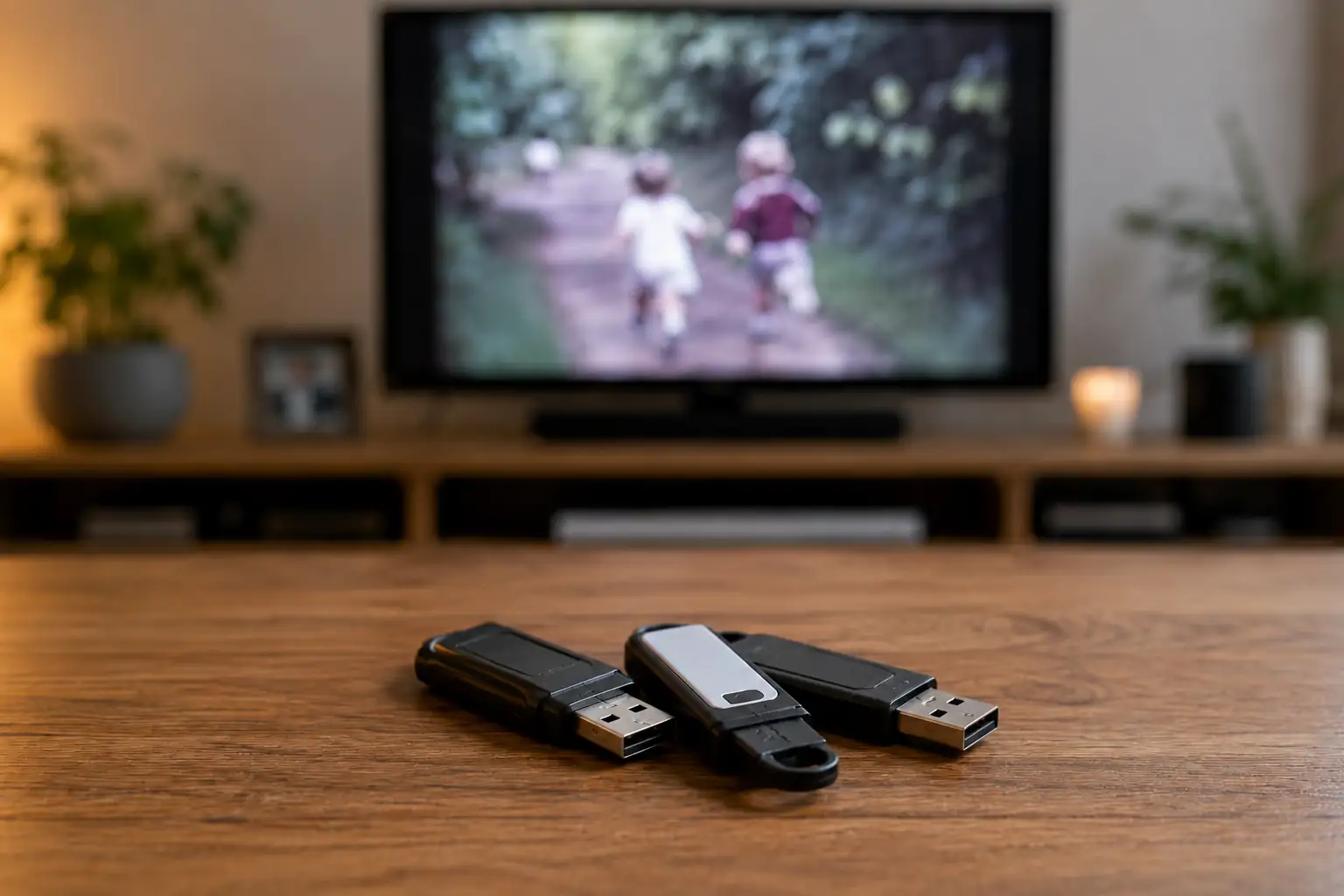
Can I transfer VHS directly to a USB stick?
Yes, using compatible standalone video capture equipment. Alternatively, you can capture recordings on a computer and copy the resulting MP4 files onto a USB stick.
Can VHS tapes that are 40 years old still be converted?
Potentially, yes. Age alone does not determine whether a tape remains playable. Storage history, physical condition and the stability of the magnetic recording all influence its recoverability.
Why does my converted VHS recording look blurry on a modern television?
VHS is a standard-definition analogue format. Displaying its picture on a large HD or 4K television can make existing softness and picture noise more noticeable.
Is it legal to convert VHS tapes to digital in the UK?
You can generally digitise recordings for which you own the relevant copyright or have permission. Owning a commercial VHS cassette does not automatically grant permission to reproduce its contents. Consult the UK Intellectual Property Office’s guidance on copyright exceptions if you are unsure.
Can damaged VHS tapes be recovered?
Some damaged tapes can be repaired and transferred following specialist assessment. Recovery depends on the nature of the damage and the condition of the recorded material.
TL;DR
Changing VHS tapes to digital makes family recordings easier to watch, share and preserve. You can convert suitable tapes at home using compatible playback and capture equipment, while damaged or irreplaceable recordings may benefit from professional handling.