
Turning Photo Slides Into Prints: How Much Resolution Is Really Enough?
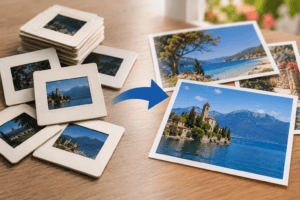
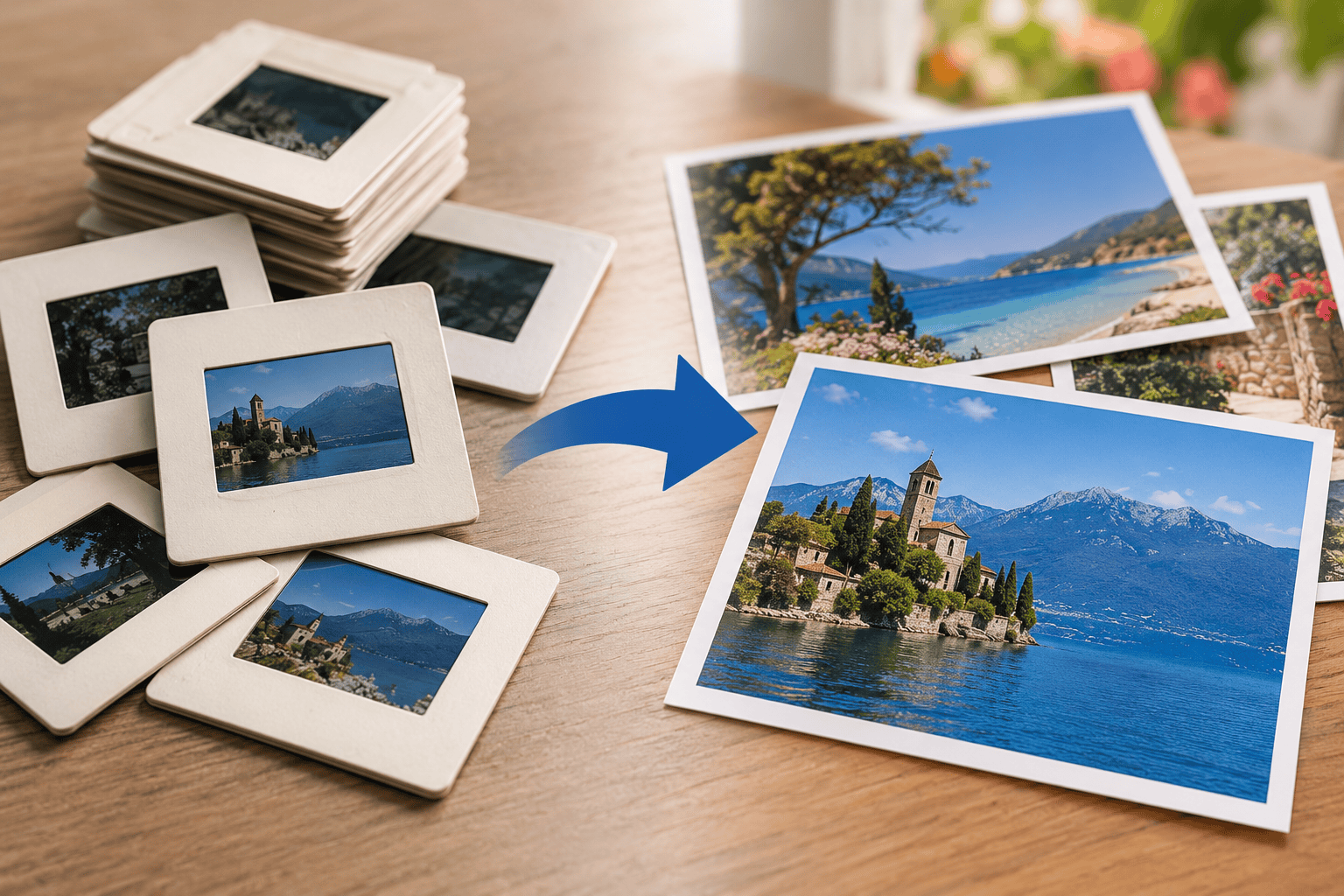
When converting photo slides to photos, a good 35mm transparency should usually be scanned at around 4,000 PPI if you want a strong digital master with enough detail for printing and future enlargement. Smaller scans can produce perfectly good prints, but the quality of the original slide ultimately matters more than an enormous file size.
| What you want to make | Sensible scan quality | Main consideration |
|---|---|---|
| Phone or tablet copy | Moderate | Convenience matters more than maximum detail |
| 6 × 4 print | High quality | Easily achievable from most good scans |
| 7 × 5 print | High quality | Plenty of resolution from a well-scanned slide |
| 10 × 8 print | Higher resolution | Original sharpness becomes more noticeable |
| A4 print | Around 4,000 PPI capture | Strong source slides can reproduce very well |
| Large wall print | Highest useful optical resolution | Judge each original individually |
| Preservation master | Around 4,000 PPI or appropriate professional capture | Leaves more flexibility for future use |
Start With the Print You Actually Want
A common mistake is choosing a scanner setting before deciding what the final image needs to do.
Instead, work backwards.
Ask yourself whether the photograph will become:
- a small album print
- an A4 framed photograph
- a large wall print
- a digital image for a television
- a family archive master
- an image that needs restoration and cropping
A file intended only for a 6 × 4 inch print does not need the same pixel dimensions as one intended for substantial enlargement.
However, if you are scanning valuable family slides only once, capturing them at a good preservation resolution makes sense. You can always create smaller copies later.
You cannot return discarded image information to a low-resolution scan.
Why 35mm Slides Need More PPI Than Printed Photographs
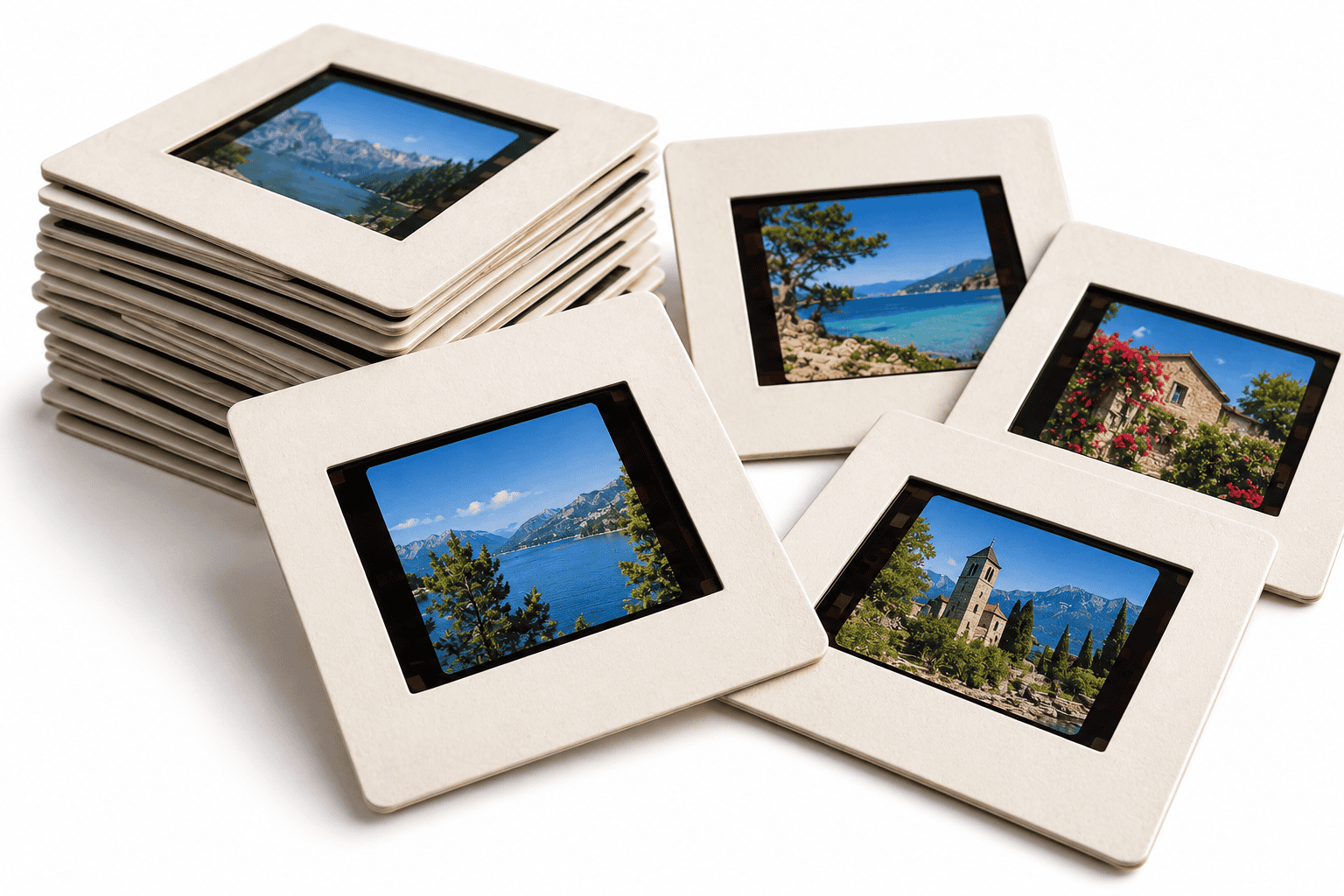
A slide and a print may show exactly the same photograph, but their physical sizes are very different.
A common 35mm transparency contains an image area of approximately 36 × 24mm. A typical photographic print could be 6 × 4 inches or larger.
Because the slide packs the photograph into a much smaller area, the scanner must sample it at a much higher number of pixels per inch.
That is why professional digitisation standards distinguish between prints and transparencies.
The National Archives specifies:
- 600 PPI minimum for photographs
- 4,000 PPI minimum for photographic transparencies
It also makes an important distinction between PPI and DPI.
PPI – pixels per inch – describes digital image capture.
DPI – dots per inch – more properly describes printer output.
Those terms often get used interchangeably in scanner marketing, which can make specifications confusing.
What Does a 4,000 PPI Scan Actually Give You?
A 35mm frame is roughly 1.42 inches wide by 0.94 inches high.
At 4,000 PPI, that equates to approximately:
- 5,680 pixels wide
- 3,760 pixels high
That creates an image of roughly 21 megapixels before cropping.
If you printed 5,680 pixels at 300 pixels per inch:
5680 ÷ 300 = approximately 18.9 inches
In theory, that gives enough pixels for a print almost 19 inches wide at 300 PPI.
But there is an important qualification.
Pixel dimensions do not equal photographic detail.
A slightly blurred slide scanned at 4,000 PPI becomes a very detailed digital recording of a slightly blurred photograph.
The scan cannot correct poor camera focus, excessive film grain or movement that existed when someone originally pressed the shutter.
What Print Resolution Should You Aim For?
Around 300 pixels per inch at the final print size remains a useful target for detailed photographic prints viewed at close range.
Approximate pixel requirements look like this:
| Print size | Pixels at approximately 300 PPI |
|---|---|
| 6 × 4 inches | 1800 × 1200 |
| 7 × 5 inches | 2100 × 1500 |
| 10 × 8 inches | 3000 × 2400 |
| 12 × 8 inches | 3600 × 2400 |
| A4 | Roughly 3500 × 2500 |
| 18 × 12 inches | 5400 × 3600 |
This explains why a good 4,000 PPI scan of a 35mm slide can support surprisingly substantial prints.
You do not necessarily need 300 PPI for every large print, either.
Large wall pictures are normally viewed from farther away than a photograph held in your hand, so their required pixel density can be lower while still looking convincing.
Bigger Scanner Numbers Don’t Always Mean Better Pictures
Scanner specifications can be misleading.
A device advertising 9,600 DPI or 12,800 DPI may appear dramatically better than one rated at 4,000.
That depends on whether the equipment can genuinely resolve that detail.
There are two important concepts:
Optical Resolution
This reflects the scanner’s actual ability to resolve detail from the film through its lens, sensor and mechanics.
Interpolated Resolution
Software creates extra pixels between those genuinely captured by the scanner.
Interpolation increases pixel dimensions but does not uncover new information from the slide.
This is why the Library of Congress prefers original captured resolution rather than rescaled or interpolated image data for preservation-quality digital imagery.
When judging equipment, look beyond the largest number on the box.
The Slide Itself Determines How Large You Can Print
Two slides scanned using exactly the same equipment can produce dramatically different results.
One might have been photographed:
- on slow, fine-grained film
- using a sharp lens
- in bright conditions
- with accurate focus
- using a steady camera
Another may contain:
- camera shake
- missed focus
- heavy grain
- underexposure
- blown highlights
- poor processing
The first could produce a beautiful enlargement.
The second may reveal increasingly obvious weaknesses as you increase the print size.
Resolution therefore tells you how much information the scanner records. It does not guarantee that the original contains that much useful detail.
Slide Film Grain Becomes More Visible as Prints Get Larger
Film has a physical grain structure.
At small print sizes it may barely be noticeable. As you enlarge the picture, that grain becomes increasingly visible.
Different film stocks can also produce very different results.
Some slides were created using fine-grained transparency film designed for detailed photography. Others came from faster film designed for lower light, where larger grain was an acceptable compromise.
Digital noise reduction can soften grain, but excessive processing may also remove real facial, hair or clothing detail.
For family archives, preserving natural photographic texture is often preferable to making an image look unnaturally smooth.
Dust and Scratches Also Get Enlarged
When you hold a slide between your fingers, a tiny dust speck can seem insignificant.
On an A4 enlargement it can become highly visible.
This makes cleaning and careful handling particularly important before high-resolution scanning.
Handle transparencies by the mount rather than touching the film itself. Archival guidance recommends gloves when handling photographic negatives and transparencies because fingerprints can permanently affect photographic materials.
Remove only loose surface dust using appropriate photographic methods.
Avoid:
- rubbing the film aggressively
- scratching marks away
- using household cleaning products
- blowing directly onto the film
- forcing warped film flat
If a slide shows mould, lifting emulsion or significant deterioration, specialist assessment may be safer.
Should You Scan Every Slide at 4,000 PPI?
For a small collection, that can make sense.
For 5,000 unidentified slides, it may not.
A two-stage process can save a great deal of time.
First Pass: Identify the Collection
Create lower-resolution reference images so you can identify:
- family members
- holidays
- weddings
- duplicates
- blank exposures
- badly blurred pictures
- important photographs
Second Pass: Make High-Resolution Masters
Return to slides worth:
- printing
- restoring
- enlarging
- preserving permanently
- sharing widely
This approach concentrates processing time and storage on photographs that benefit from it most.
JPEG or TIFF for Photo Slides?

The answer depends on what the file will be used for.
TIFF Makes a Strong Master File
This works particularly well when you plan to:
- preserve the scan long term
- perform substantial restoration
- make several edited versions
- colour-correct faded film
- prepare important enlargements
You can retain image data using lossless storage.
JPEG Makes an Excellent Access Copy
JPEG suits:
- family sharing
- everyday viewing
- websites
- mobile phones
- tablets
- televisions
- straightforward photo printing
Its major advantage is a much smaller file size.
There is no reason you cannot keep both.
A sensible archive might contain a high-quality master alongside smaller JPEG versions for ordinary use.
Don’t Crop Too Closely During the Initial Scan
Automatic cropping saves time, but it can remove useful material close to the edges.
When scanning the master, retain as much of the actual exposed frame as practical.
This matters particularly with historical family photographs.
The extreme edge of a slide may show:
- an unidentified relative
- a shop sign
- a car
- part of a house
- a street name
- a landmark
- something that helps date the picture
You can always crop the photograph attractively when preparing a print.
You cannot restore an edge that never made it into the digital master.
What Happens With Faded Colour Slides?
Colour transparency film can change considerably with age.
Some slides develop:
- red or magenta casts
- blue shifts
- yellowing
- weak contrast
- faded blacks
- uneven colour
Digital correction can often make a dramatic improvement.
However, keep the original scan before restoration.
A useful structure is:
- Master scan – faithful capture of the slide.
- Restored version – corrected colour, contrast and damage.
- Print version – cropped and adjusted for a particular print size.
- Sharing copy – smaller JPEG for everyday use.
This protects the original digital capture from permanent editing decisions.
Can You Make a Better Print From the Slide Than From an Old Print?
Frequently, yes.
The transparency is usually closer to the original camera exposure than a photographic print made from it.
A print introduces another generation into the process.
It may also contain:
- cropping
- paper texture
- printing colour casts
- fading
- scratches
- reduced tonal information
Scanning the original slide therefore often gives you more flexibility when creating a new print.
However, condition always matters.
If the slide is badly deteriorated but an old photographic print remains excellent, scanning the print may give the more attractive result.
Don’t Forget the Mounts and Labels
The image is not the only information worth preserving.
Slide mounts may contain:
- dates
- names
- processing lab information
- holiday locations
- handwritten notes
- sequence numbers
Do not automatically remove or discard these details.
Photograph or record useful labels before reorganising the collection.
If the slides sit in numbered trays, maintain that order during scanning. It may preserve the chronology of a holiday or family event that nobody remembers clearly today.
Should You Keep the Original Slides?
Yes.
Scanning creates an easier-to-use digital version, but the transparency remains the physical original.
Keep important slides in clean, appropriate enclosures in a cool, dry environment. Archival guidance also recommends suitable photographic storage materials for transparencies rather than ageing paper or plastic that may stain or damage film.
Digital storage has risks of its own.
Drives fail. Accounts disappear. Files get deleted.
For important scans, keep:
- your working collection
- a separate backup
- another copy stored somewhere else
The original transparency then provides another layer of protection.
When Does Professional Slide Scanning Make Sense?
DIY scanning can work very well when you have the equipment, patience and a manageable collection.
Professional scanning becomes increasingly useful when you have:
- hundreds or thousands of slides
- mixed transparency formats
- glass-mounted slides
- badly faded film
- fragile originals
- valuable family photographs
- substantial restoration requirements
- large-print plans
A specialist high-resolution slide scanning service can also maintain consistent capture settings across a large collection without requiring you to buy equipment for a one-off project.
When comparing services, ask about genuine scan resolution, file formats, colour correction and how the originals will be handled.
Frequently Asked Questions About Photo Slides to Photos
Is 4,000 PPI enough for 35mm slides?
For most family 35mm slides, 4,000 PPI is an excellent practical capture resolution and aligns with the minimum transparency resolution specified by The National Archives.
Can a 35mm slide make an A4 print?
Yes. A sharp 35mm transparency scanned at a good resolution can contain ample pixels for an A4 print.
Original focus, film grain and exposure will influence how good that enlargement looks.
Is 600 PPI enough for slides?
600 PPI is more appropriate to photographic prints than small transparencies.
The National Archives specifies 600 PPI for photographs but 4,000 PPI for photographic transparencies.
Can I print directly from a JPEG scan?
Yes.
A high-quality JPEG with sufficient pixel dimensions can produce an excellent photographic print. TIFF mainly provides advantages as a master or heavily edited file.
Will scanning at 8,000 PPI make twice as much detail?
Not automatically.
If the scanner cannot optically resolve additional information from the film, the larger file may simply contain more pixels rather than more genuine photographic detail.
How large can I print a slide?
There is no single maximum size.
It depends on the scan’s pixel dimensions, the sharpness and grain of the original, the printer and how far away the final print will normally be viewed.
Get the Capture Right Before Thinking About Enlargement
When turning photo slides to photos, focus first on preserving the useful information in the original transparency. A genuine high-resolution scan gives you options: you can crop it, restore it, make small prints today and potentially create much larger versions later.
Do not chase enormous file sizes for their own sake. Genuine optical resolution, accurate focus, sensible colour correction and careful handling matter much more than impressive scanner specifications.
For a handful of slides, careful home scanning may be all you need. For large collections or photographs that carry substantial family value, it ultimately makes sense to choose an experienced professional company accustomed to working with photographic transparencies, such as Supaphoto Ltd.