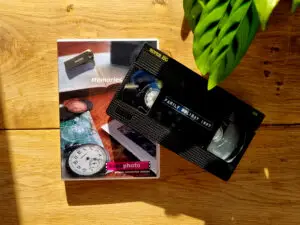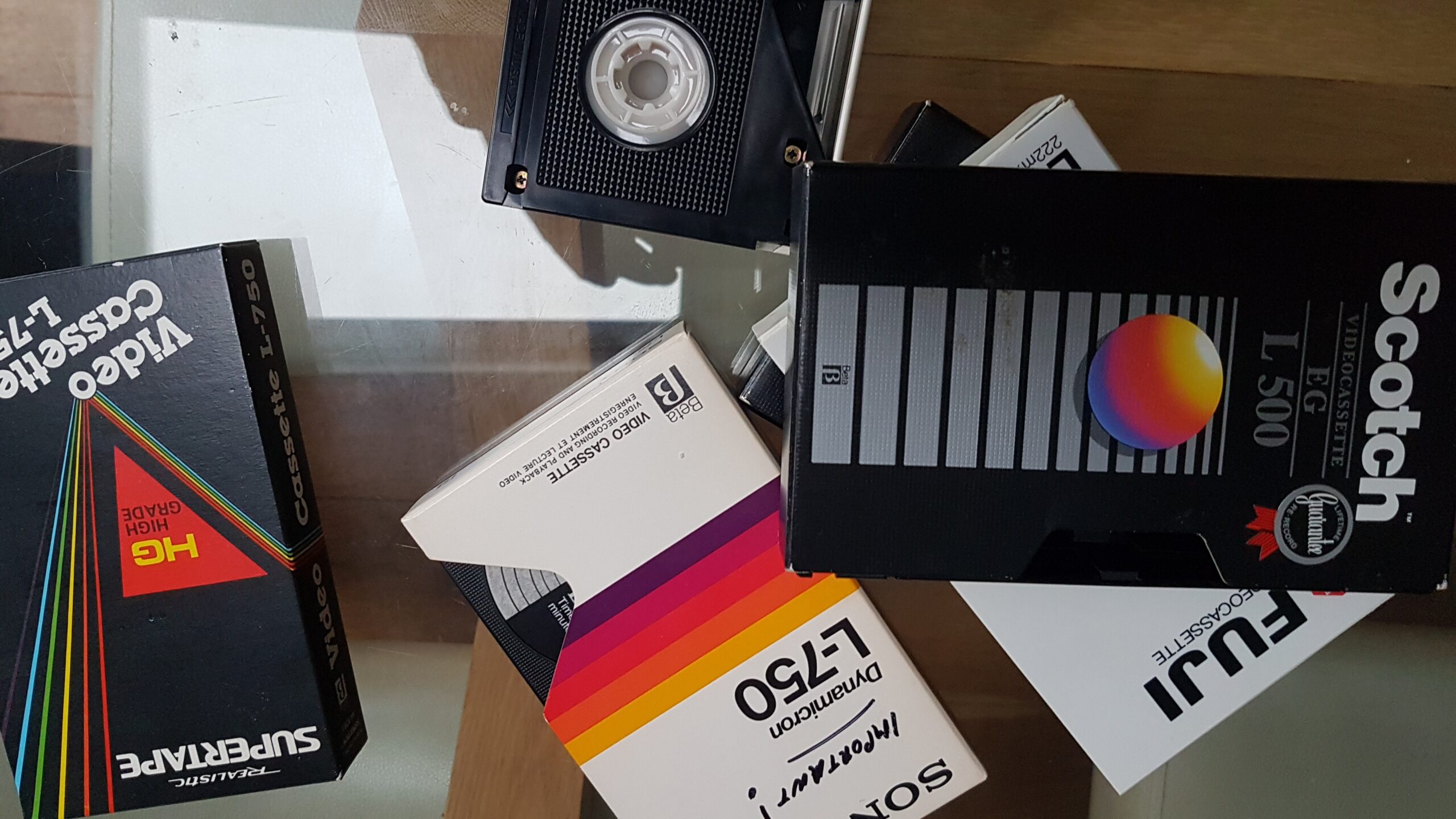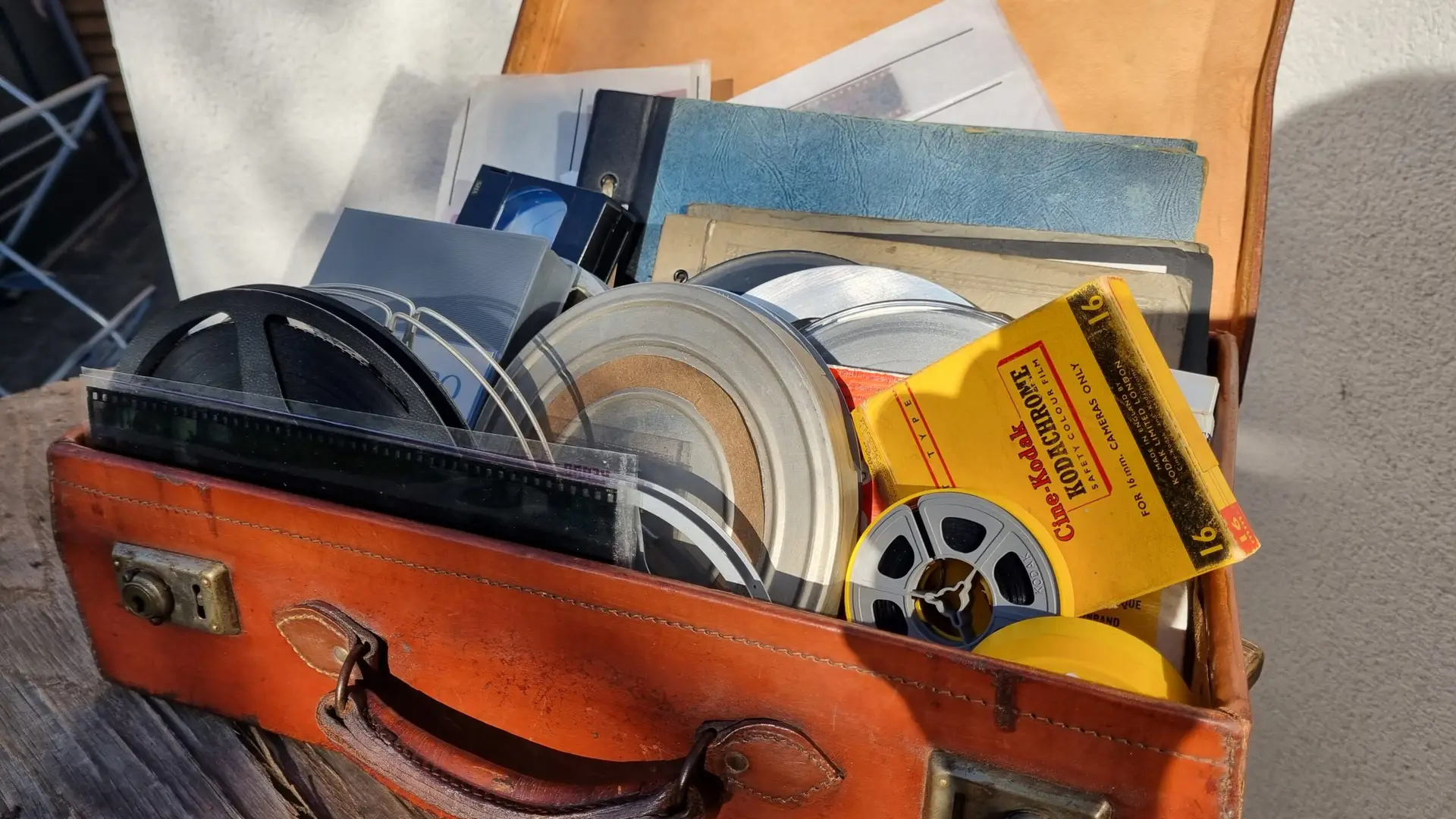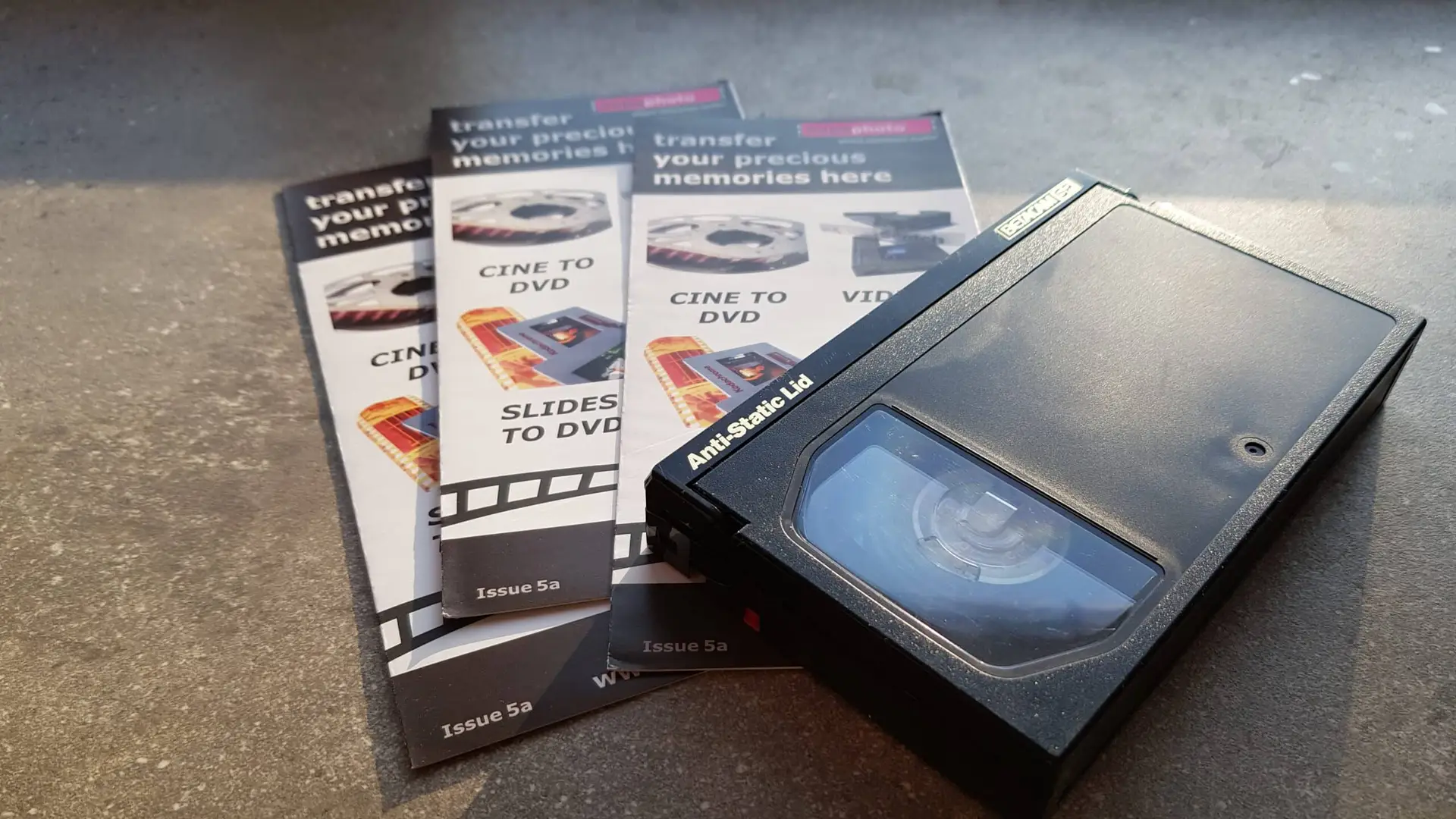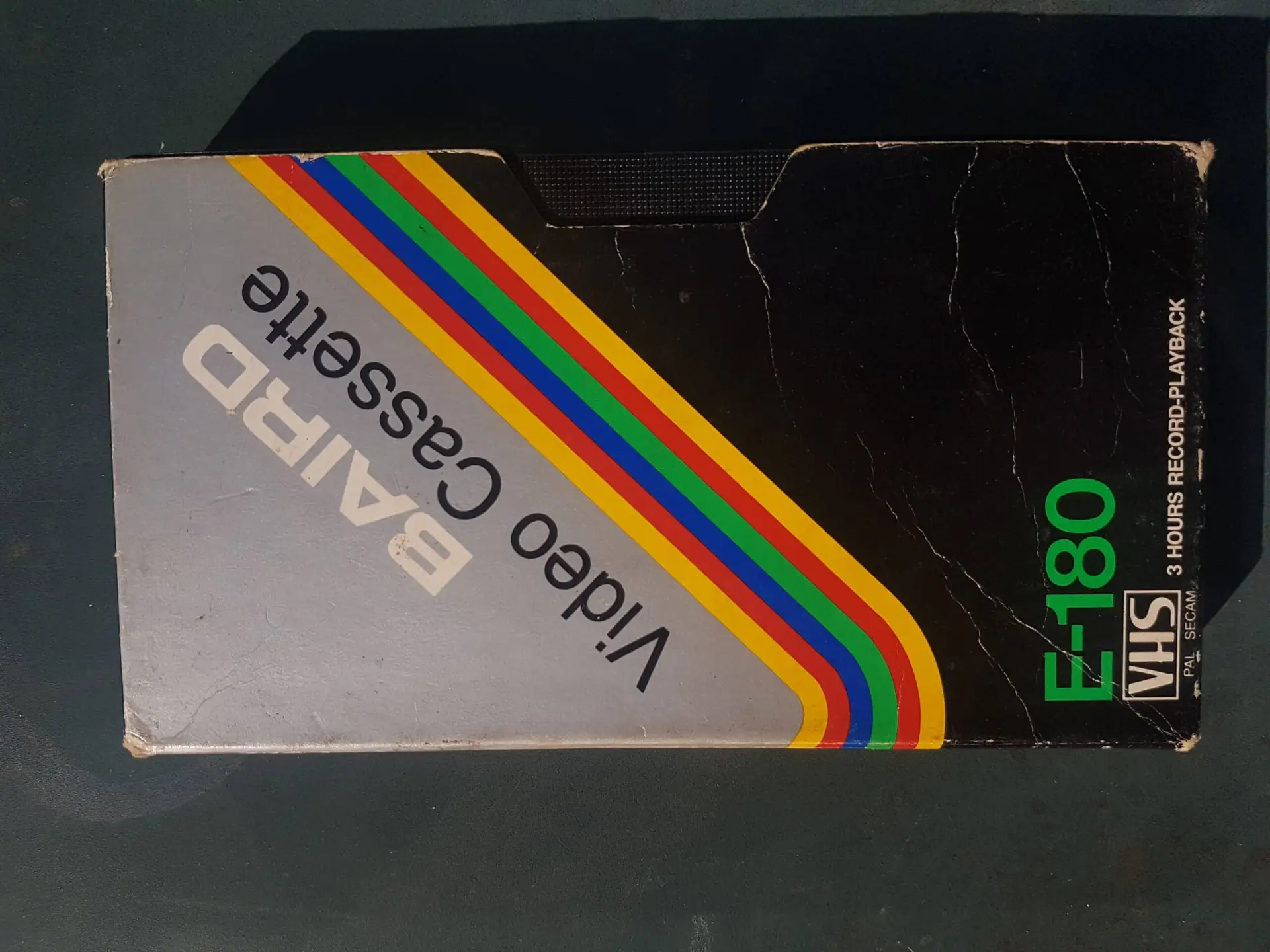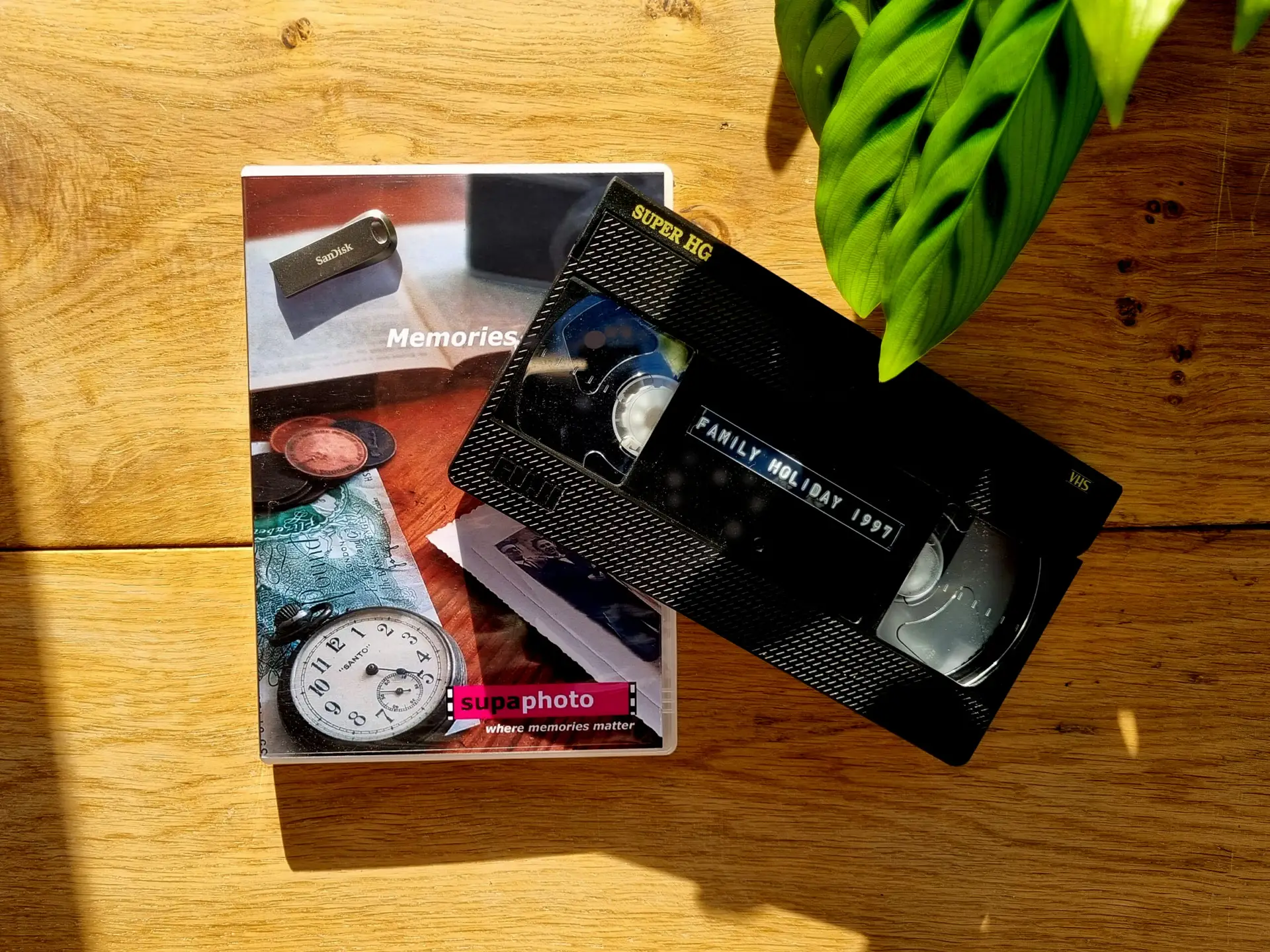

You can digitise VHS tapes at home using a working VCR, video capture device and computer, or send them to a professional transfer service. DIY works well for straightforward tapes when you already have suitable equipment. Professional conversion makes more sense for valuable recordings, large collections, damaged tapes or footage with unstable playback.
The main differences are:
| Factor | DIY VHS capture | Professional transfer |
|---|---|---|
| Equipment | VCR, capture device and computer | Specialist playback and capture equipment |
| Time | Real-time capture plus setup | Minimal customer involvement |
| Picture stability | Depends heavily on VCR and capture hardware | Signal correction may improve unstable playback |
| Damaged tapes | Greater risk without experience | Inspection and repair may be available |
| File control | Full control over settings | Depends on service options |
| Best suited to | Small, healthy collections | Important, difficult or larger collections |
| Learning curve | Moderate to high | Low |
The right choice therefore depends less on whether DIY is possible and more on the condition of the tape, the quality you expect and how much time you want to invest.
What Do You Actually Need to Digitise a VHS Tape?
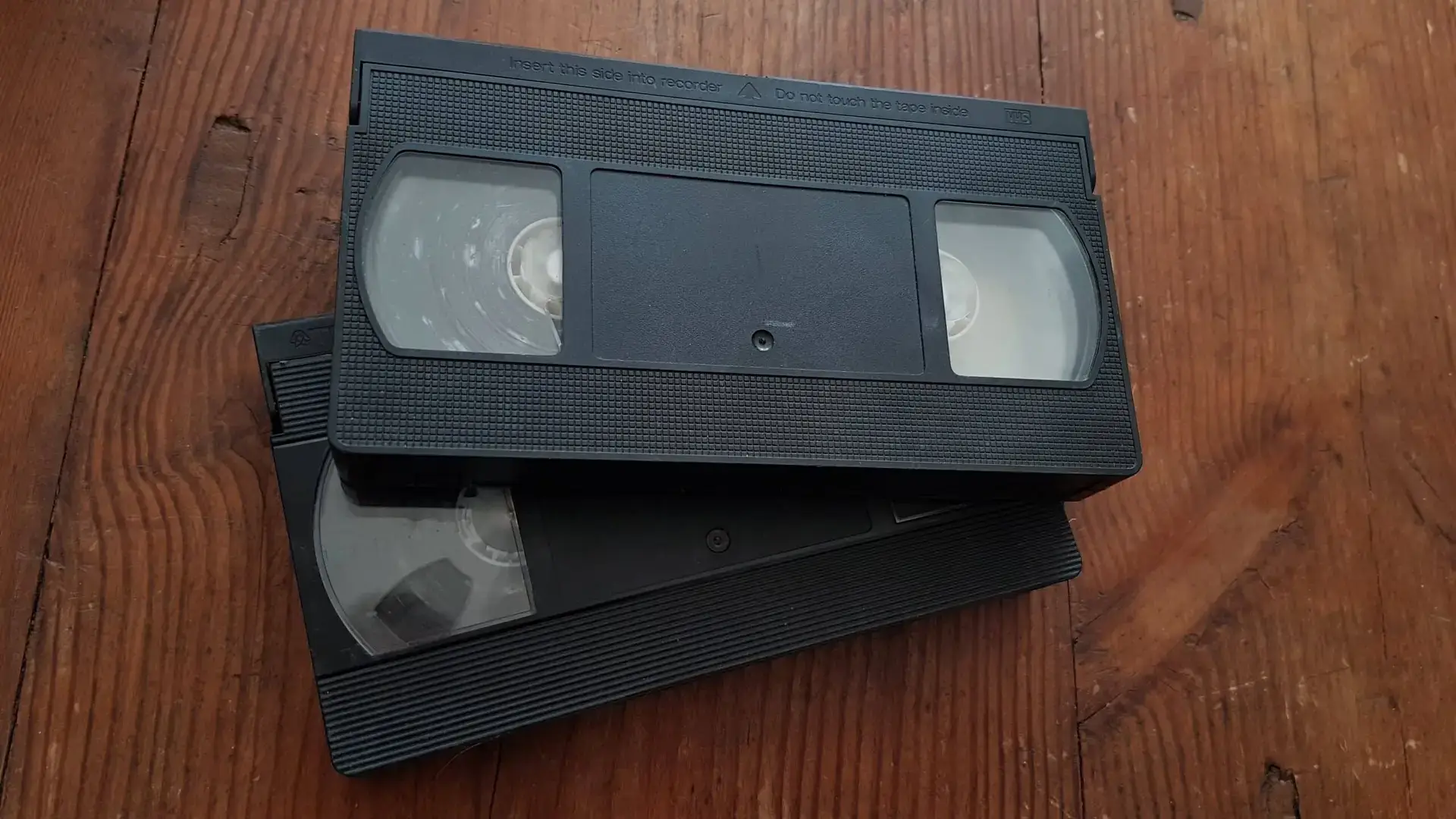
A VHS cassette cannot connect directly to a computer. The recorded information is analogue, so you need equipment that can play the tape and convert its video and audio signals into digital data.
A basic home setup normally includes:
- A working VHS video recorder.
- Suitable SCART, composite or S-Video connections.
- An analogue-to-digital capture device.
- A computer with capture software.
- Enough storage for the resulting video files.
The signal path typically looks like this:
VHS tape → VCR → capture device → computer → digital video file
The capture happens in real time. If a tape contains two hours of footage, you normally need roughly two hours to play and capture it, before allowing additional time for checking, trimming and organising the file.
That makes DIY practical for two or three tapes but potentially time-consuming when you uncover several boxes of recordings.
Why the VCR Matters More Than Many People Realise
People often concentrate on the USB capture adapter, but the playback machine can make an even greater difference.
A VHS tape stores an analogue signal on magnetic tape. The VCR must physically transport that tape past the video heads and reconstruct the original picture and sound.
An ageing or poorly maintained machine can introduce:
- unstable tracking;
- horizontal jitter;
- picture rolling;
- noise bands;
- intermittent colour;
- audio problems;
- tape creasing;
- playback interruptions.
You cannot necessarily repair these problems later with software because a capture device can only record the signal it receives.
This is one reason a specialist transfer process for older video recordings can be worthwhile where the footage has significant personal value.
What Is a Time Base Corrector and Why Does It Matter?
Old analogue video rarely produces a perfectly stable timing signal.
Tiny variations in tape movement and ageing playback mechanisms can make horizontal lines arrive fractionally earlier or later than expected. On screen, these timing errors may appear as wobbly vertical edges, horizontal movement or unstable frames.
A time base corrector, commonly shortened to TBC, helps stabilise that signal before or during capture.
Not every tape requires extensive correction, and not every device sold as a TBC performs the same function. However, difficult tapes can benefit substantially from an appropriate playback and correction chain.
A cheap capture dongle does not automatically correct faults originating in the VCR or tape.
This distinction helps explain why two conversions of the same VHS cassette can look noticeably different even though both ultimately produce an MP4 file.
How to Digitise VHS Tapes Yourself
For tapes in good physical condition, DIY capture is quite achievable.
Check the cassette first
Look through the cassette window before putting it into a machine.
Do not play the tape if you see:
- obvious mould;
- creased or tangled tape;
- damaged cassette shells;
- loose components;
- tape pulled away from the reels.
White or fuzzy deposits can indicate mould. Playing a contaminated tape may affect both the recording and the VCR.
The US National Archives notes that magnetic tape can deteriorate physically and recommends specialist attention where mould or serious deterioration is present. guidance on caring for magnetic media
Connect the VCR to the capture device
Use the best suitable output available from your particular VCR and compatible input on the capture hardware.
Composite video is common. Some S-VHS decks also provide S-Video, which keeps brightness and colour information separate and can offer a cleaner signal when the source and equipment support it.
Select the correct video standard
Most UK domestic VHS recordings use PAL.
Make sure both the playback equipment and capture settings match the recording. Incorrect standards can result in rolling pictures, wrong colours or no usable picture at all.
Capture the tape from beginning to end
Start the recording software before the programme begins and monitor the capture occasionally.
Watch for:
- dropped frames;
- audio drifting out of sync;
- tracking problems;
- unexpected stops;
- picture instability.
Do not assume a two-hour capture succeeded simply because the software created a two-hour file.
Check the finished recording
Open the file and inspect the beginning, middle and end.
Listen to the audio, check lip-sync where applicable and confirm that the recording has not stopped prematurely.
Only delete temporary capture files after confirming that your final version works correctly.
Should You Capture Straight to MP4?
MP4 is an excellent delivery format because it works on most televisions, computers, tablets and phones.
However, there is a difference between a capture master and a convenient viewing copy.
A higher-quality capture file can retain more information for later editing, while an MP4 copy can reduce storage requirements and simplify sharing.
For many family collections, a sensible approach is:
- retain the best-quality practical master;
- create MP4 copies for everyday viewing;
- keep important files in more than one location.
Avoid repeatedly converting an already compressed video into another compressed format. Every unnecessary lossy encoding stage can discard additional information.
Can Digitising Improve VHS Picture Quality?

Digitisation cannot recreate genuine picture information that the VHS recording never captured.
VHS is a standard-definition analogue format, so an old home video will not suddenly acquire the genuine detail of modern HD or 4K footage simply because the output file has a larger resolution.
However, a good transfer can preserve the available signal more effectively.
Depending on the tape and equipment, correction may improve:
- image stability;
- colour balance;
- brightness and contrast;
- visible noise;
- tracking-related disturbance;
- audio level consistency.
Digital restoration can go further, but it should remain believable. Excessive sharpening, noise reduction or AI enhancement can create artificial-looking faces, textures and edges.
The objective should normally be to preserve and improve the existing recording rather than transform it into something it never was.
When DIY VHS Conversion Makes Sense
Doing the work yourself can be satisfying and economical when the circumstances are right.
DIY is particularly sensible when:
- you already own a reliable VCR;
- you have only a few tapes;
- the cassettes appear physically healthy;
- you enjoy technical projects;
- you want complete control over capture settings;
- you have enough computer storage;
- you are prepared to monitor real-time transfers.
It can also make sense when you first want to identify what is on a collection of relatively unimportant tapes.
There is little reason to pay for extensive professional work on recordings you may not even want to keep.
When Professional VHS Transfer Makes More Sense
The balance changes when the recording itself cannot be replaced.
A wedding video, footage of relatives who have died, childhood recordings or unique family events deserve more caution than an old television programme.
Professional transfer becomes particularly worthwhile when:
- tapes contain irreplaceable footage;
- you have many cassettes;
- playback is unstable;
- a tape has snapped;
- the cassette contains mould;
- your VCR repeatedly loses tracking;
- you do not own reliable playback equipment;
- you want the strongest practical source file for restoration.
Good operators can also choose from different playback decks when one machine does not reproduce a difficult tape correctly.
That matters because VHS machines do not all behave identically with ageing recordings.
VHS, VHS-C and Other Tapes Are Not Interchangeable
One common mistake is treating every old cassette as VHS.
Family collections often contain several formats, including:
- VHS;
- VHS-C;
- S-VHS;
- Video8;
- Hi8;
- Digital8;
- MiniDV;
- MicroMV.
They require different playback equipment.
VHS-C, for example, uses smaller cassettes but records a VHS-compatible format. A suitable adaptor can allow many VHS-C tapes to play in a standard VHS machine.
Video8 and Hi8 are entirely different formats despite also being associated with home camcorders.
Before buying equipment, identify every cassette in the collection. Otherwise, you may end up purchasing a VCR that can only play a portion of your tapes.
What If a VHS Tape Has Mould?
Do not put it into your normal VCR.
Mould can contaminate the tape path and heads, potentially affecting subsequent cassettes. Serious contamination can also present a health concern.
A specialist should assess visibly affected recordings before playback.
The Library of Congress recommends keeping audiovisual materials clean, handling cassette formats by their outer shells and using clean, properly maintained playback equipment. its audiovisual preservation guidance
This is one area where experimentation with an irreplaceable tape is rarely worthwhile.
How Should You Store VHS Tapes Before and After Conversion?
Digitising a cassette does not mean you need to throw the original away.
Store VHS tapes upright in their cases rather than laying large collections flat on top of one another.
Keep them somewhere:
- cool;
- dry;
- clean;
- away from direct sunlight;
- away from large temperature changes;
- away from strong magnetic fields.
The US National Archives specifically recommends storing magnetic video tapes vertically in their boxes and away from equipment capable of generating substantial electromagnetic fields. Its video-storage recommendations
Avoid lofts, garages and damp basements where environmental conditions can fluctuate considerably.
How Should You Back Up Digitised VHS Files?
Converting a tape solves only half the preservation problem.
If the resulting file exists on one USB stick and that stick fails, you have simply exchanged one vulnerable storage medium for another.
For important footage, keep several copies.
For example:
- one working copy on your computer;
- another copy on an external drive;
- another copy stored separately or in reputable cloud storage.
Check backups occasionally rather than assuming they will remain readable indefinitely.
The original VHS cassette can also remain part of your archive after conversion.
Common Mistakes When Converting VHS at Home
Several avoidable errors cause disappointing results:
- buying the cheapest capture adapter without checking compatibility;
- using the first VCR available regardless of its condition;
- playing mouldy tapes;
- capturing with the wrong PAL or NTSC settings;
- assuming higher output resolution creates more original detail;
- failing to monitor audio synchronisation;
- deleting the master after making a compressed copy;
- keeping only one copy of the finished files;
- throwing away the original tapes immediately.
A careful workflow matters more than simply getting a picture onto the computer.
Frequently Asked Questions About Digitising VHS
Can I digitise VHS without a VCR?
Not directly. Something must physically play the magnetic tape. At home that normally means a compatible VCR. Alternatively, a transfer company can provide the playback equipment.
How long does one VHS tape take to digitise?
Capture normally occurs in real time. A two-hour programme therefore takes approximately two hours to capture, plus time for setup, checking and processing.
Is USB or digital download better than DVD?
For most modern uses, digital files offer greater flexibility. You can copy them, back them up and play them on many devices. DVD may remain useful for people who prefer physical discs, but it should not be your only preservation copy.
Does digitising stop a VHS tape deteriorating?
No. Digitisation preserves the recorded content in another form; it does not physically restore the magnetic cassette. Store the original carefully afterwards if it is important.
Can damaged VHS tapes still be transferred?
Often, yes, although the outcome depends on the problem. Broken cassette shells, damaged splices and some mechanical faults may be repairable. Severe mould, tape deformation or magnetic deterioration can make recovery more difficult.
DIY or Professional Transfer: Making the Right Choice
There is nothing inherently wrong with choosing to digitise VHS tapes yourself. With a good VCR, appropriate capture equipment and healthy tapes, DIY conversion can produce perfectly useful digital copies and gives you complete control over the process.
The decision becomes different when the recordings are unique. Playback quality, signal stability, tape condition and the experience of the person handling the cassette can all affect how much of the original recording survives into the digital file.
For ordinary recordings and small collections, experimenting at home can make sense. For weddings, childhood footage, family history and tapes showing signs of damage, ultimately it makes sense to choose a professional company with years of experience dealing with such orders, such as Supaphoto Ltd.