
Converting cine film to digital works best when each individual film frame is scanned directly rather than projected onto a screen and recorded with a video camera. Frame-by-frame scanning generally produces sharper detail, steadier pictures, more consistent exposure and fewer problems with flicker, while also reducing the mechanical strain placed on ageing film.
The two main approaches differ considerably:
| Method | Frame-by-frame scanning | Projector transfer |
|---|---|---|
| How the image is captured | Each film frame is captured individually | A camera records the projected image |
| Sharpness | Usually higher | Usually lower |
| Flicker | Avoided or greatly reduced | Can be visible |
| Frame stability | Better registration and stabilisation possible | Movement and weave can remain visible |
| Exposure | Controlled during scanning | Can produce bright centres or darker edges |
| Film handling | Specialist scanners can transport film gently | Old film passes through a projector mechanism |
| Restoration potential | Strong basis for colour and image correction | Limited by the quality of the recorded projection |
For valuable family films, frame-by-frame scanning is generally the stronger preservation choice.
Why the Way Cine Film Is Captured Matters
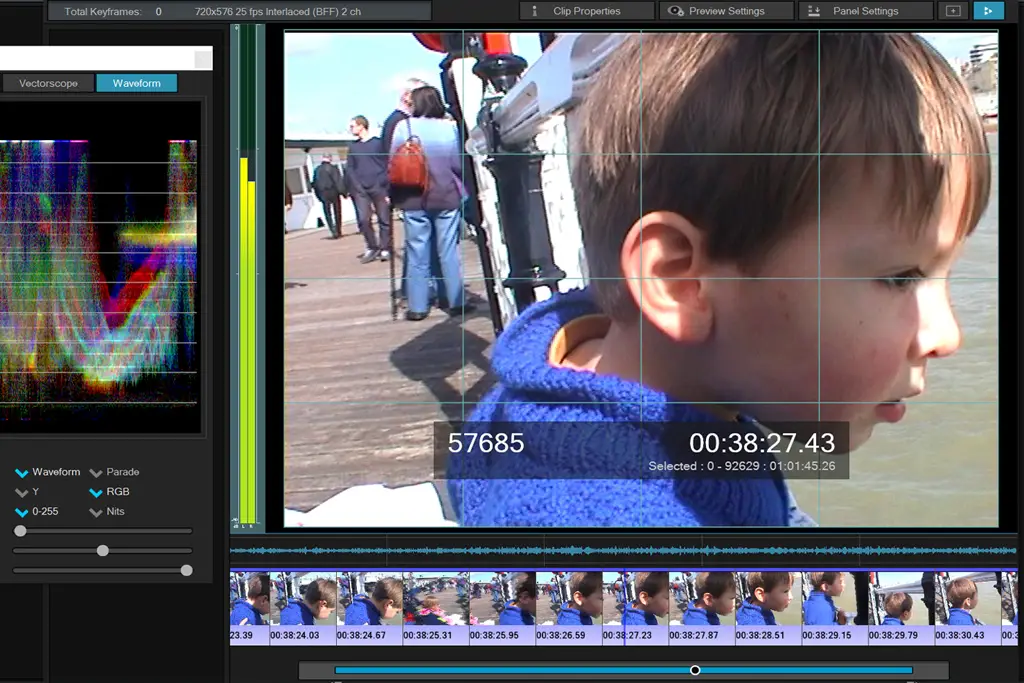
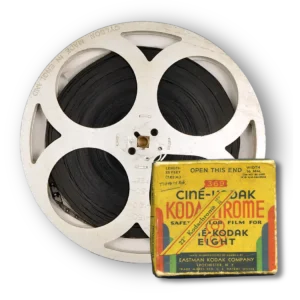
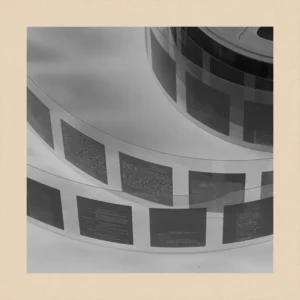
A cine reel does not contain a continuous video image. It contains thousands of individual photographs that appear to move when shown in rapid succession.
That distinction matters when digitising old film.
Traditional home projection takes those individual frames and throws them onto a screen. If you then point a digital camera at that screen, you are effectively photographing a photograph of the original film.
Every additional optical stage can introduce compromises.
A proper film scanner instead captures the image directly from the film itself. This removes the projection screen, room lighting and camera alignment from the process and allows much tighter control over focus, exposure and positioning.
That is why the professional preparation and scanning of old cine reels generally provides a better starting point for preserving footage than simply recording a projector screen.
What Is Frame-by-Frame Cine Film Scanning?
Frame-by-frame scanning captures every image on the film separately.
The scanner advances the film, illuminates one frame and records it with a digital imaging sensor. The resulting sequence is then assembled into a digital video at the appropriate playback speed.
This approach offers several important advantages:
- direct capture from the original film;
- more consistent focus;
- no projected-screen texture;
- reduced flicker;
- more accurate framing;
- scope for image stabilisation;
- better exposure control;
- improved colour correction;
- easier restoration of individual frames.
Modern specialist scanners may also use sprocketless or low-stress transport systems. This can be particularly useful when film has worn perforations, old joins or some degree of shrinkage.
Supaphoto uses dedicated cine-film equipment and offers frame-by-frame scanning, colour correction and higher-resolution scanning options for older film formats.
How Does a Projector Transfer Work?
The traditional DIY method is relatively simple.
You run the cine film through a projector, display it on a screen or white surface and record the projected image using a modern digital camera or camcorder.
This can work as a quick way of viewing footage, especially when quality is not critical.
However, it creates several potential problems.
Flicker and frame-rate mismatch
Old cine film and modern video systems do not necessarily operate at the same frame rate.
If the projector shutter and digital camera are not synchronised correctly, the resulting video can show flicker, bands or uneven brightness.
Loss of image detail
The projector lens enlarges the tiny original frame onto a screen. The recording camera then photographs that enlargement.
Focus errors, lens quality, screen texture and room conditions can all reduce the amount of usable detail.
Uneven illumination
Projected footage may show a bright centre with darker edges, particularly when the projector lamp, lens and screen are not perfectly aligned.
Cropping and distorted geometry
If the recording camera does not sit precisely perpendicular to the screen, the picture can appear distorted. It is also easy to crop part of the original film frame accidentally.
For casual experimentation this method can be acceptable. For irreplaceable footage, however, these compromises are difficult to justify when direct scanning is available.
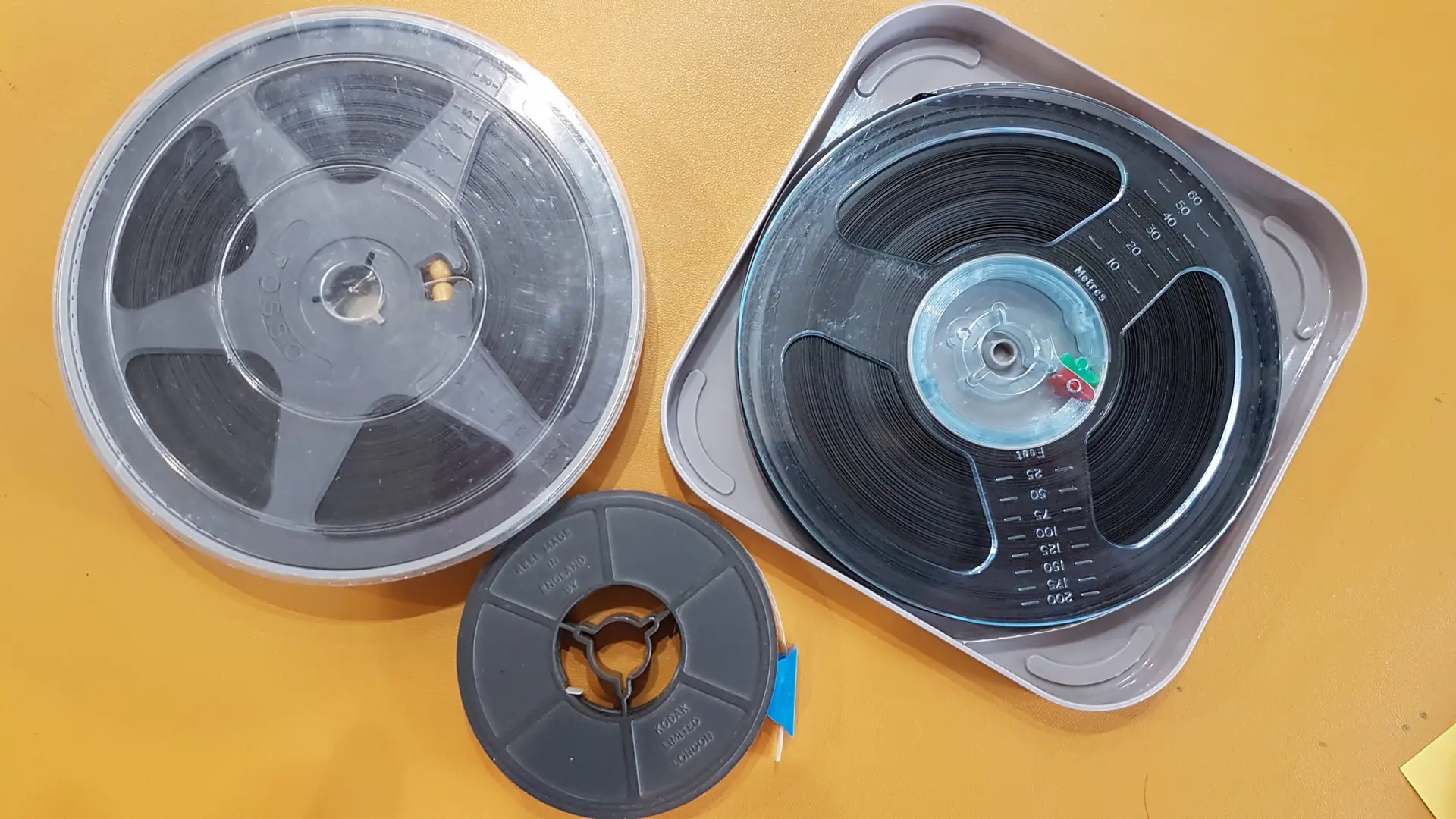
Standard 8, Super 8 and Why Correct Identification Matters
Not every 8mm-looking reel contains the same film format.
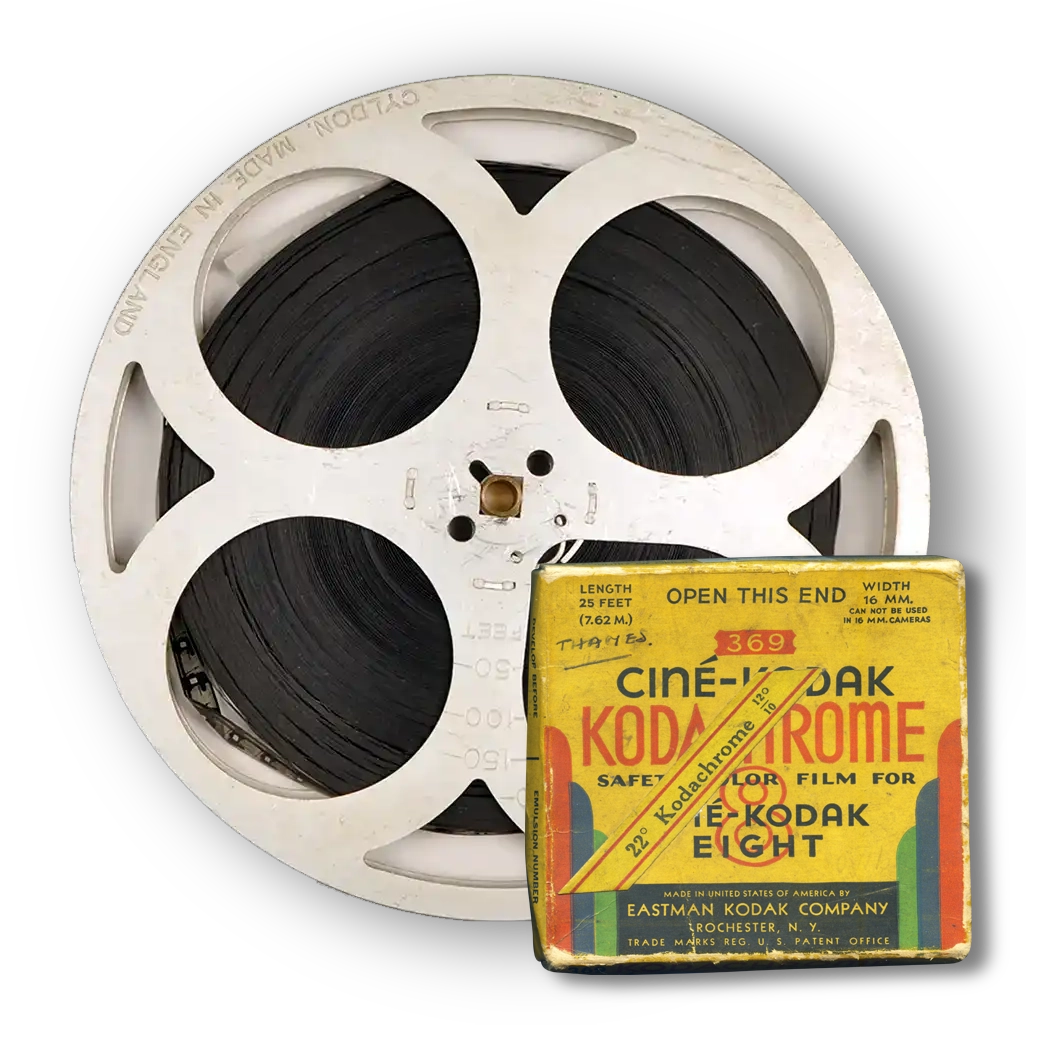
Kodak introduced its original 8mm home-movie system in 1932. The film started as specially perforated 16mm stock that ran through the camera twice before processing and was then slit lengthways to create the finished 8mm film. Kodak introduced Super 8 in 1965 with a cartridge-loading system and smaller perforations that left more room for the image.
The most common differences are:
| Feature | Standard 8 | Super 8 |
|---|---|---|
| Introduced | 1932 | 1965 |
| Finished width | Approx. 8mm | Approx. 8mm |
| Perforations | Larger | Smaller |
| Picture area | Smaller | Larger |
| Camera loading | Double-run film | Cartridge |
| Sound | Usually silent | Some reels have magnetic sound |
The easiest visual clue is usually the perforation pattern.
If you are unsure which type you own, identifying Standard 8 and Super 8 film explains what to look for.
Correct identification matters because the film gate, image area, perforations and possible soundtrack all affect the way the reel should be handled and scanned.
Does Higher Scan Resolution Always Mean Better Quality?
Not automatically.
A high-resolution scan can capture more information, but the original film still determines how much genuine detail exists.
Image quality depends on several factors:
- how accurately the original camera focused;
- film grain;
- exposure;
- camera movement;
- film condition;
- scanner optics;
- sensor quality;
- registration accuracy;
- image processing.
A poorly focused original will remain poorly focused even if it is scanned at a very high resolution.
Likewise, artificially enlarging a low-quality transfer does not create genuine lost photographic information.
Higher-resolution scanning becomes most useful when the source film contains enough detail to benefit from it and when you want additional flexibility for restoration, editing, cropping or viewing on large displays.
What Happens Before a Cine Reel Is Scanned?
Good results start before the scanner captures the first frame.
A professional workflow normally begins with inspection.
The operator should check for:
- loose or damaged film;
- failing joins and splices;
- damaged sprocket holes;
- dirt or surface contamination;
- incorrect winding;
- obvious shrinkage or warping;
- possible soundtracks;
- signs of chemical deterioration.
Film should then receive suitable preparation and cleaning where its condition allows.
Avoid trying household cleaners, water or improvised solvents on old cine film. A badly deteriorated reel may need specialist assessment rather than aggressive cleaning.
The US National Archives advises particular caution if acetate film produces a vinegar smell, as this can indicate the deterioration commonly called vinegar syndrome. Film that has become brittle or shows other signs of deterioration should not simply be forced through ordinary equipment. Guidance on assessing deteriorating motion-picture film explains the main warning signs.
Is Sprocketless Scanning Better for Old Film?
It can be particularly useful for vulnerable reels.
A conventional projector relies heavily on the film’s perforations to move it through the mechanism. Those perforations may have survived many decades of projection, rewinding and storage.
If they have torn or weakened, a mechanism that places significant force on them can increase the risk of further damage.
Sprocketless scanners can move film without relying on a traditional projector claw engaging each perforation. This makes them useful when handling older or compromised film, although the condition of every reel still needs to be assessed individually.
Supaphoto’s current cine-film service uses dedicated sprocketless scanning equipment for this type of work.
What About Faded Colours and Unstable Footage?
Scanning and restoration are related, but they are not the same process.
Scanning captures what remains on the film. Digital restoration then attempts to improve how that captured footage looks.
Possible corrections include:
- colour balancing;
- exposure adjustment;
- contrast correction;
- frame stabilisation;
- reduction of visible dust and marks;
- removal of some flicker;
- careful sharpening.
Colour correction can make faded footage much easier to watch, but restoration should not be confused with recreating detail that never existed.
Heavy sharpening, noise reduction or AI enhancement can make old family films appear unnaturally smooth or artificial if used too aggressively.
A good preservation workflow therefore keeps a faithful digital capture and applies restoration carefully rather than altering the film beyond recognition.
What Frame Rate Should Old Cine Film Use?
This is another area where projector transfers can go wrong.
Home cine formats were often recorded at frame rates that differ from modern video standards. If the digitised footage plays back at the wrong speed, people may appear to rush around unnaturally or move too slowly.
The correct approach is to establish an appropriate playback speed during conversion rather than simply forcing every film onto a standard video timeline without adjustment.
Exact shooting speeds varied between cameras and formats, so experienced judgement can be important where the reel is unlabelled.
Sound introduces another consideration. Some Super 8 and other cine formats can contain magnetic or optical soundtracks, so the scanning provider needs suitable equipment if the audio is to be preserved alongside the picture.
Can You Convert Cine Film at Home?
Yes, but the best DIY method is a dedicated film scanner rather than filming a projector screen.
Home scanning may suit you if:
- you have only a small collection;
- the reels are in good condition;
- you enjoy technical projects;
- you have time to inspect and process the results;
- the footage is not especially fragile.
Projector recording can still be useful for quickly identifying what is on a reel, but it should not automatically become your preservation master.
a guide to converting 8mm cine film explains both home and professional approaches in more detail.
How Should Old Cine Film Be Stored After Digitisation?
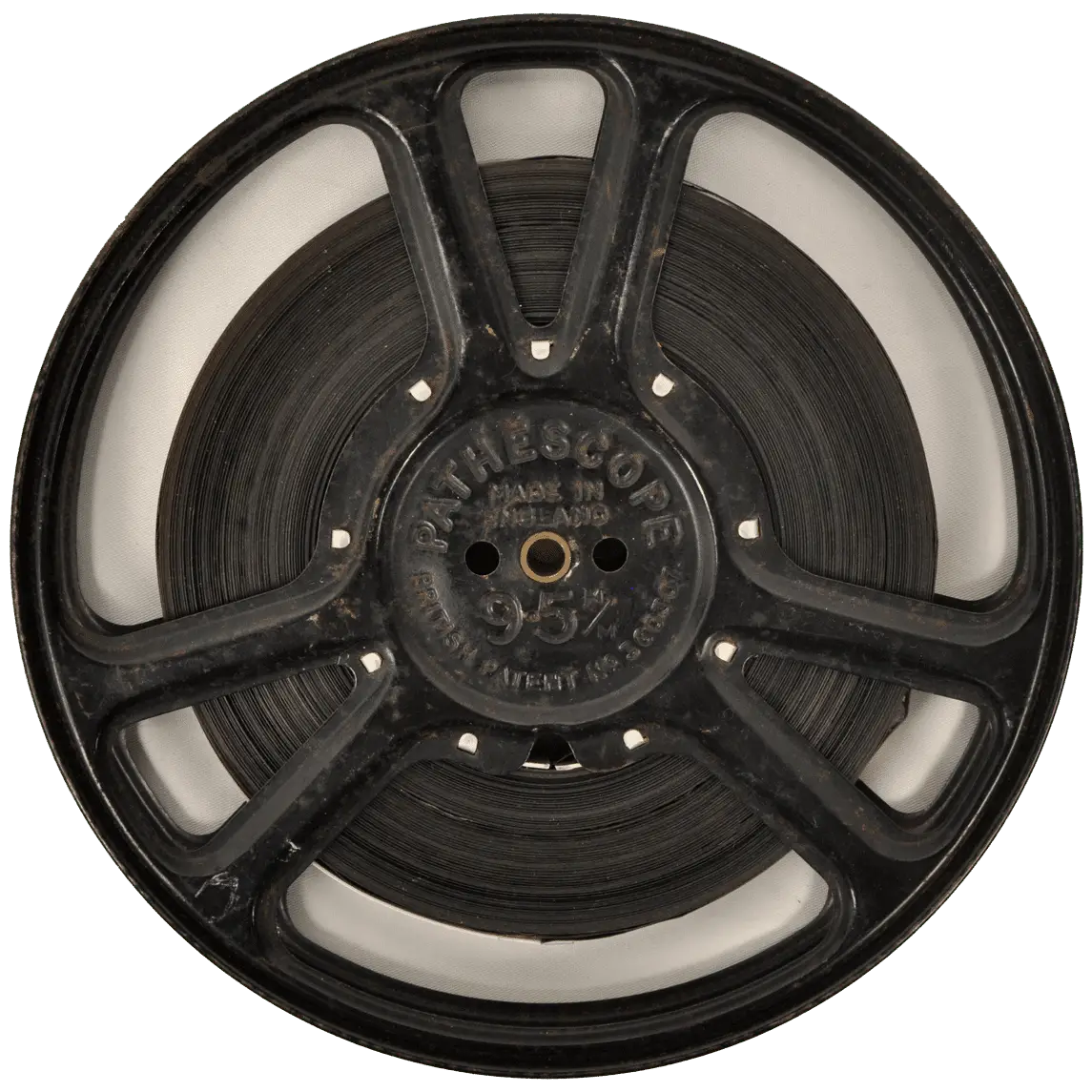
Keep the originals.
Digitisation makes footage easier to watch and protects the film from repeated projection, but your original reel remains the primary analogue source.
The Library of Congress recommends keeping motion-picture film in a cool, relatively dry, clean and stable environment, away from locations such as attics and basements where temperature, humidity or water exposure may fluctuate substantially. Its film-storage guidance also recommends suitable protective enclosures and secure, even winding.
Digital files also need more than one copy.
Keep at least one additional backup separate from the everyday viewing copy. A USB stick, hard drive or cloud account should not be the sole home of irreplaceable family footage.
Frame-by-Frame Scanning vs Projector Transfer: Which Should You Choose?
For a quick preview, a projector and camera may be enough.
For preservation, frame-by-frame scanning is the more appropriate method.
It captures the film directly, avoids many of the optical and timing problems of projection and provides a much better source for colour correction, stabilisation and future restoration.
Before choosing a transfer provider, ask:
- Is the film scanned frame by frame?
- Is the scanner designed for the specific gauge?
- How is fragile film transported?
- Are joins and damaged sections inspected first?
- Is colour correction included?
- Can sound be captured where present?
- What digital file format will you receive?
- Will your original reels be returned?
- Can you obtain a high-quality master as well as an easy-to-play version?
Those questions tell you far more about likely quality than a resolution number on its own.
Frequently Asked Questions About Cine Film to Digital
Is frame-by-frame scanning better than telecine?
For most family-film preservation work, yes. Direct frame scanning usually offers better control over focus, exposure, framing and stability and avoids filming an image projected onto a separate screen.
Can badly faded cine film be improved?
Often, to some extent. Colour and exposure correction may make faded footage considerably more watchable, but results depend on how much usable image information remains in the film.
Can old cine film be too fragile to scan?
Some reels require specialist handling, particularly when they are brittle, badly shrunken, stuck together or affected by chemical deterioration. Do not force damaged film through a projector.
Should I have my cine film supplied as DVD or a digital file?
A digital file such as MP4 is generally easier to copy, back up, share and view across modern equipment. DVDs can still be useful for some households, but keeping a digital master provides greater flexibility for the future.
Should I throw the original reels away once they are digitised?
No. Store them carefully. They remain your original source material and may allow a better transfer in future if scanning technology improves.
Choosing the Best Way to Preserve Old Cine Reels
Converting cine film to digital should preserve more than the ability to watch an old movie again. A good transfer should capture as much of the surviving image as practical, handle ageing film carefully, reproduce movement at an appropriate speed and create files that your family can copy and preserve.
Projector transfer has a place as a simple DIY method, but it introduces compromises at precisely the stage where you want to retain as much of the original image as possible. Direct frame-by-frame scanning removes many of those limitations and creates a much stronger digital master.
Where reels contain irreplaceable family footage, unusual gauges, sound, weak splices or signs of deterioration, ultimately it makes sense to choose a professional company with years of experience handling this type of material, such as Supaphoto Ltd.