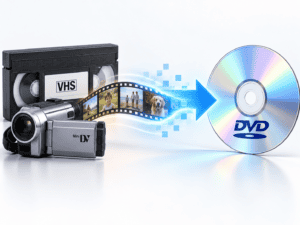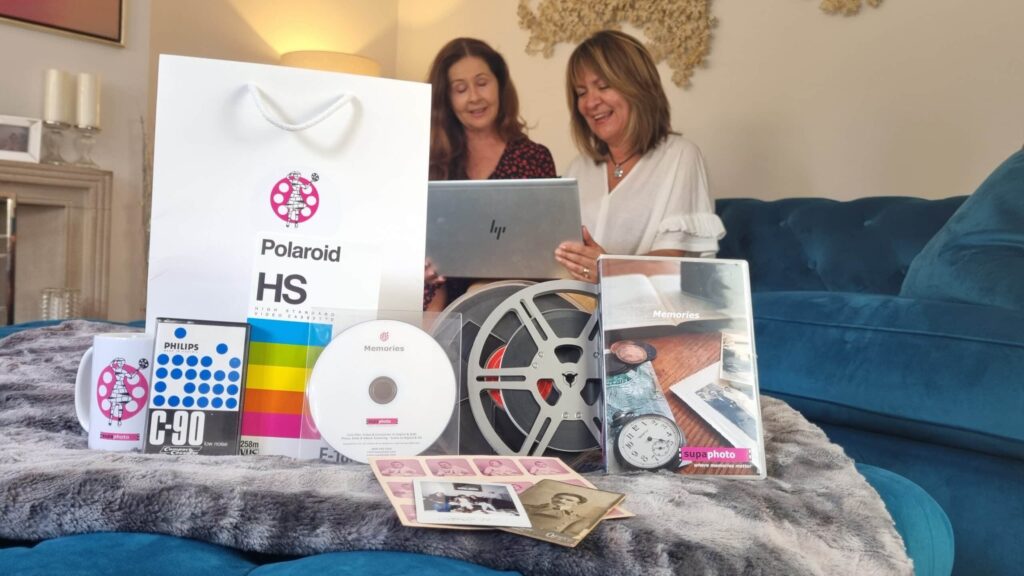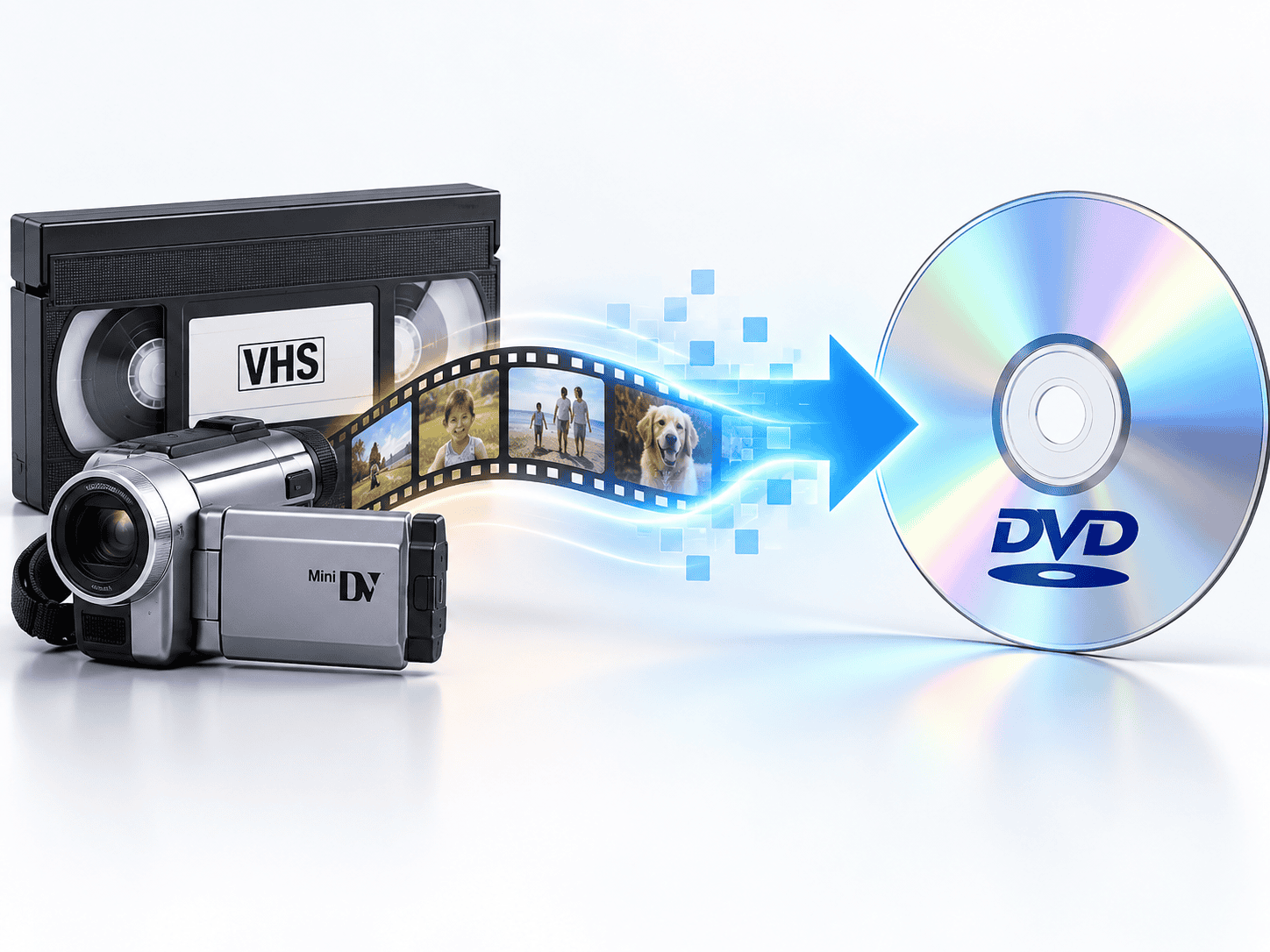

A transfer of video to DVD can still make sense if you want a physical disc that works in a conventional DVD player. However, DVD should rarely be your only preservation format in 2026. For most old family tapes, a digital file such as MP4 is easier to copy, back up, share and play on modern devices.
| Output | Best for | Main advantage | Main drawback |
|---|---|---|---|
| DVD | Traditional TV viewing | Familiar and simple to use | Requires a DVD player |
| MP4 | Everyday digital use | Plays on many modern devices | Needs digital storage |
| USB with MP4 files | Family collections | Easy to copy and organise | USB should not be the only backup |
| DVD + digital files | Mixed households | Physical and digital access | Costs more than one format alone |
The real question is therefore not whether DVD still works. It does. The better question is whether DVD alone is the best way to preserve old videotapes for the future.
Why People Still Ask for Video to DVD
DVD remains familiar.
Many households still have:
- DVD players
- Blu-ray players that also read DVDs
- televisions connected to disc players
- computers with external optical drives
For an older relative who simply wants to put a disc into a player and watch a family wedding or holiday on television, DVD can remain extremely convenient.
It also gives the recording a physical presence. A labelled disc called Smith Family Christmas 1996 may feel easier to understand than a folder containing several anonymous computer files.
That simplicity explains why video-to-DVD conversion has not disappeared entirely.
But convenience and long-term preservation are two different things.
Why DVD Is No Longer the Best Standalone Archive Format
The main weakness of DVD is not necessarily picture quality. It is dependence on optical-disc hardware.
Laptop manufacturers increasingly omit internal DVD drives. Phones and tablets cannot normally play discs directly. Many modern televisions rely on streaming, USB or network playback rather than attached DVD players.
A video file stored digitally is much easier to move from one system to another.
You can:
- copy it to another hard drive
- store it on network storage
- upload a backup to cloud storage
- put it on another USB drive
- transfer it to a phone or tablet
- share it with relatives
- edit it later
A DVD can still form part of the collection, but it should not normally be the only surviving digital copy of an irreplaceable family recording.
Government guidance on digital video also recognises that CDs, DVDs and digital tapes are short-to-medium-term storage media and recommends transferring important data periodically to newer media or managed storage systems.
What Happens During a Transfer of Video to DVD?
Old videotape is not simply copied onto a disc.
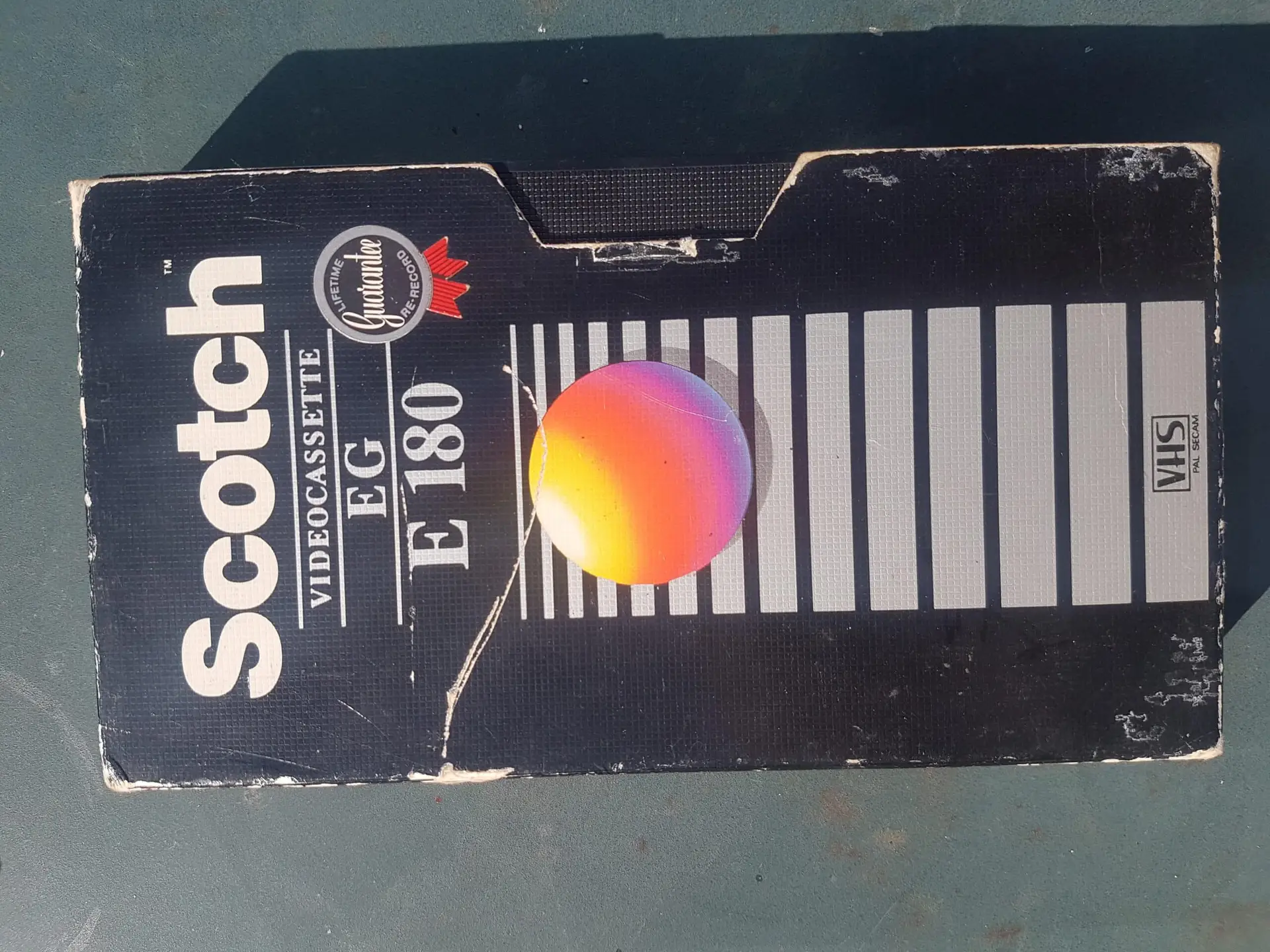
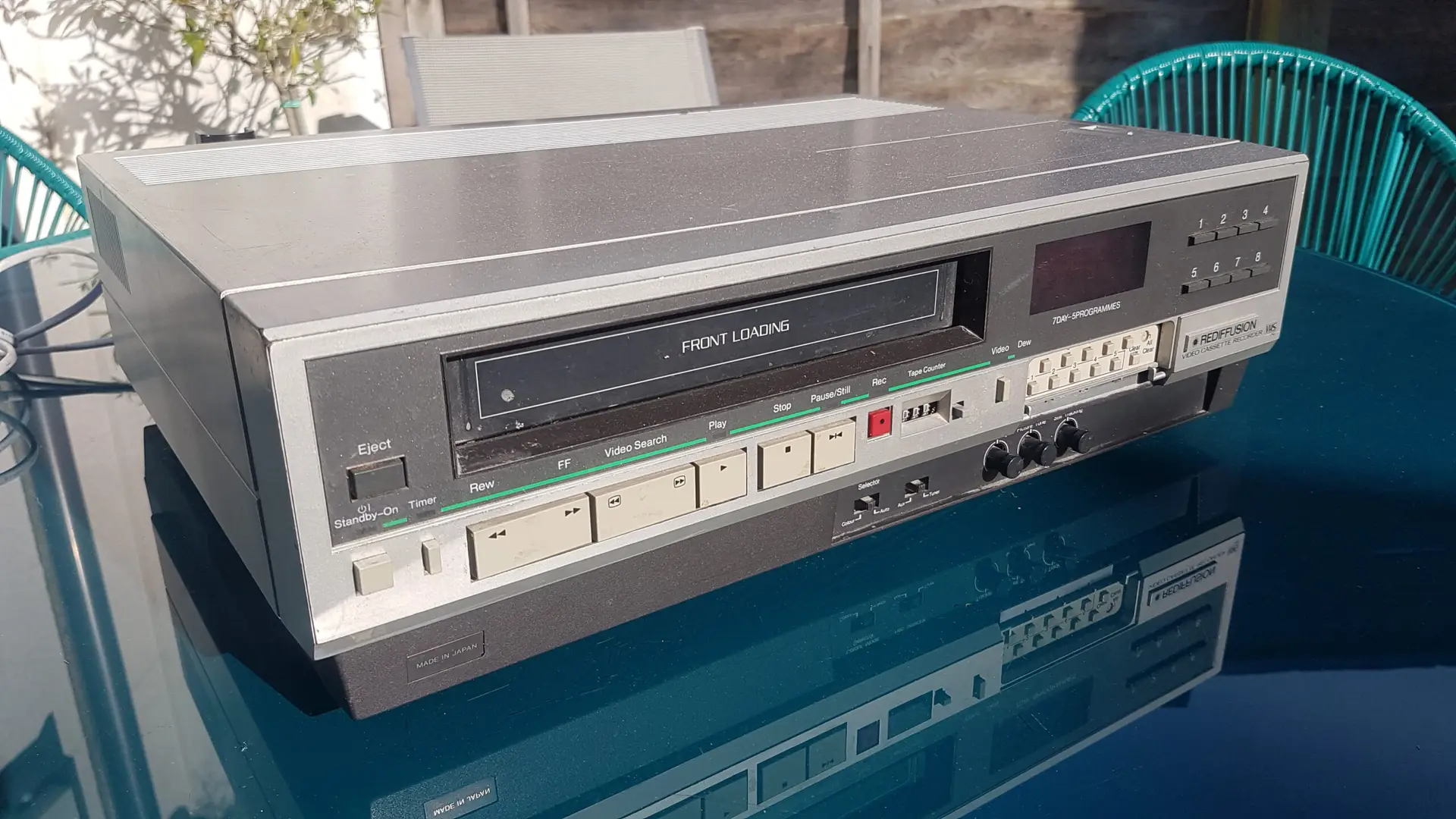
Analogue formats such as VHS first need to be played through suitable equipment and converted into digital video.
A basic professional workflow may include:
- inspecting the cassette
- identifying the video format and television standard
- selecting a suitable playback machine
- stabilising the signal where necessary
- converting the analogue video and audio into digital data
- checking the capture
- encoding the programme into DVD-compatible video
- authoring the DVD structure
- burning and verifying the disc
The quality of the finished DVD therefore depends heavily on what happens before the disc is created.
A poor playback deck, unstable signal or badly configured converter can reduce quality before DVD encoding even begins.
Your Playback Machine Matters More Than Many People Realise
A videotape needs to pass physically through a machine before anything can be digitised.
If that machine:
- has worn heads
- struggles with tracking
- damages the tape
- produces unstable timing
- has dirty tape paths
the capture can suffer.
Older VHS tapes can also behave differently from one machine to another.
A cassette that tracks badly in one VCR may reproduce more cleanly in another. Specialist transfer work therefore often involves selecting equipment according to the recording rather than using one machine for every tape.
This is one reason the capture stage matters at least as much as the final delivery format.
What Does a Time Base Corrector Do?
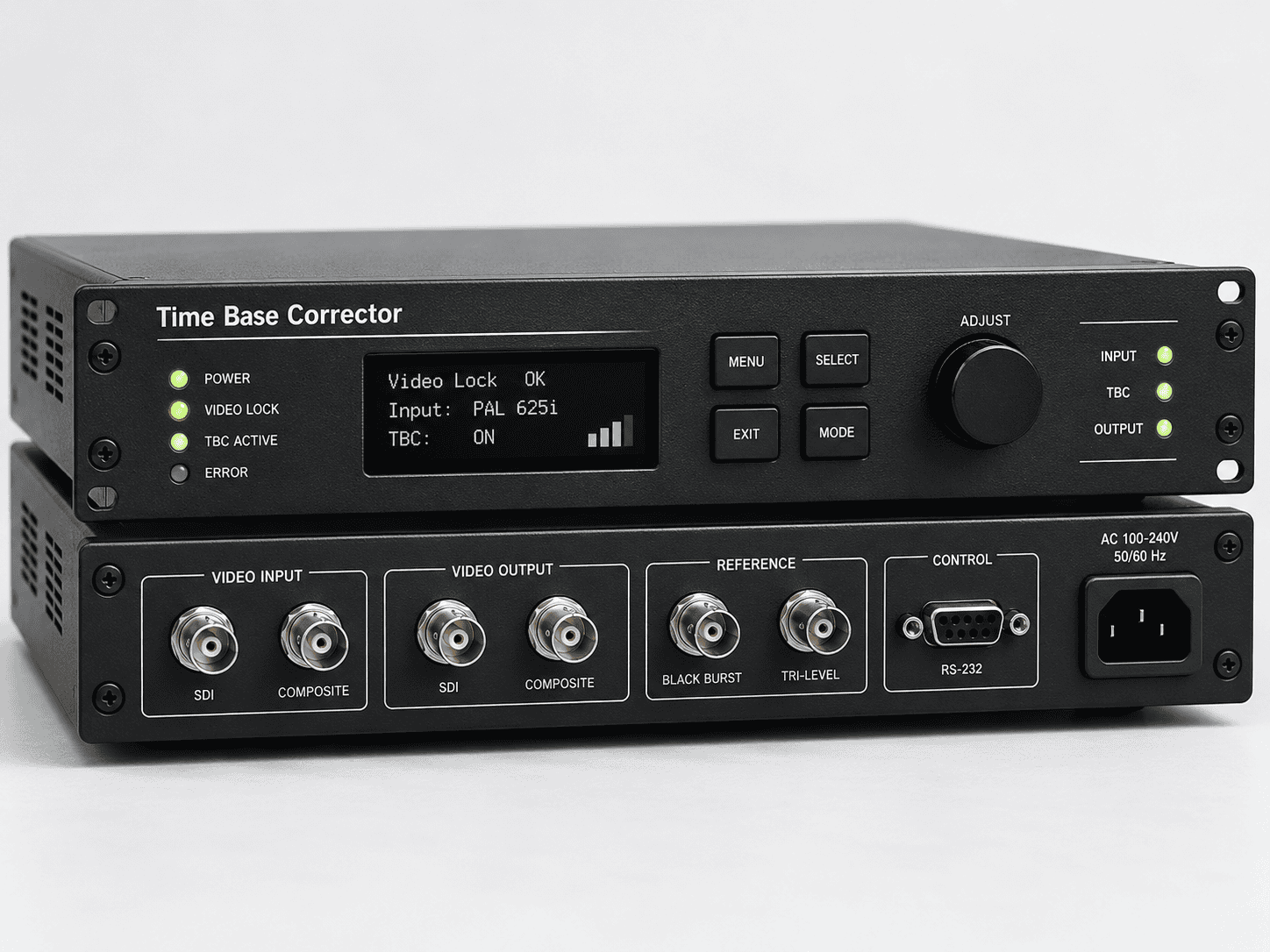
Analogue videotapes do not always output perfectly stable video timing.
Ageing tapes, mechanical tolerances and the nature of VHS recording can cause the signal to shift or fluctuate.
A time base corrector, or TBC, helps stabilise video timing before capture.
Depending on the equipment and type of correction, it can help reduce problems such as:
- unstable horizontal positioning
- frame timing errors
- dropped or repeated frames during capture
- synchronisation problems
- loss of capture lock
A TBC does not restore missing picture detail or turn VHS into HD.
Its role is signal stability.
For difficult analogue material, stable playback can make a far greater difference than simply choosing a very high output bitrate.
DVD Cannot Improve the Resolution of VHS
VHS is a standard-definition analogue format.
Putting it onto DVD does not make it HD.
Likewise:
VHS → DVD → 1080p file
does not create genuine high-definition information.
You can use later processing to:
- reduce noise
- adjust colour
- improve contrast
- stabilise movement
- upscale the image for modern displays
but these are enhancement processes.
They should not be confused with recovering real picture detail that was never recorded on the tape.
A trustworthy conversion should preserve what exists in the source rather than pretend that a format change alone creates new resolution.
Does DVD Compress the Video?
Yes.
DVD-Video normally stores standard-definition video using MPEG-2 compression.
That means transferring analogue video to DVD involves:
analogue videotape → digital capture → MPEG-2 DVD encoding
Compression is not automatically a problem. Properly configured DVD video can reproduce VHS-family material very satisfactorily for normal viewing.
The risk comes from excessive compression.
If too much material is squeezed onto a single disc at a low bitrate, you may notice:
- blockiness
- smearing around movement
- loss of fine detail
- mosquito noise around edges
- poor rendering of analogue tape noise
Old VHS is particularly demanding to compress because analogue noise changes from frame to frame.
Trying to fit excessive running time onto one DVD can therefore reduce quality unnecessarily.
How Much Video Should Go on One DVD?
There is no single exact rule because picture complexity and encoding methods vary.
However, putting substantially more video onto a standard single-layer DVD generally requires greater compression.
This can become noticeable with:
- fast movement
- noisy VHS
- sports recordings
- handheld camcorder footage
- flashing lights
- detailed outdoor scenes
If picture quality matters, it is often better to use more than one disc rather than squeeze several hours onto a single DVD at a very low bitrate.
This matters especially when the original tapes contain irreplaceable recordings.
DVD or MP4: Which Gives Better Quality?
Neither format is automatically better.
Quality depends on:
- the original tape
- playback equipment
- capture method
- signal stability
- encoding settings
- amount of compression
A carefully created DVD can look better than a badly encoded MP4.
Likewise, a high-quality MP4 made directly from a good capture can preserve the recording extremely well while using less storage than older MPEG-2 encoding.
The major advantage of MP4 is therefore not that it magically improves the source. Its advantage is modern compatibility and efficient storage.
The Strongest Option: DVD and Digital Files Together
For many families, the most practical approach is not choosing between DVD and digital.
Have both.
You might keep:
- DVD copies for easy television viewing
- MP4 files for everyday access
- a high-quality master copy for preservation
- another backup stored separately
This gives older and younger family members different ways to view the same footage.
It also reduces dependence on any one device.
A DVD player can fail. A USB drive can fail. A computer can fail.
Multiple copies in different places reduce the chance that one problem destroys the entire archive.
What Video Formats Can Be Transferred?
Domestic collections contain far more than VHS.
Common formats include:
- VHS
- VHS-C
- S-VHS
- Video8
- Hi8
- Digital8
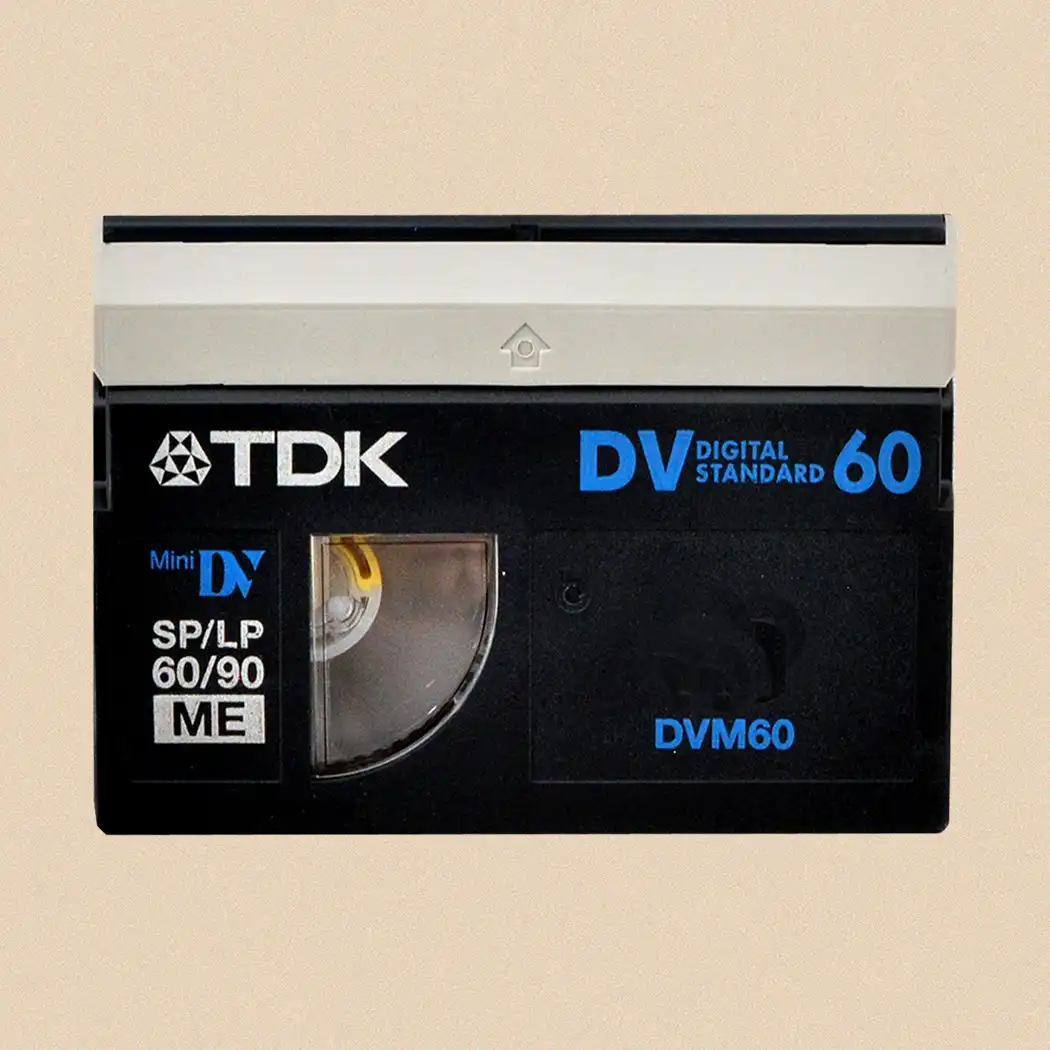
- MiniDV
- MicroMV
- Betamax
Professional and institutional collections may also contain formats such as:
- Betacam
- U-matic
- professional DV formats
These tapes are not interchangeable simply because some cassettes look similar.
For example, Video8, Hi8 and Digital8 use related cassette dimensions, but the recording system on the tape may be different.
Correct identification matters because playback with the wrong type of equipment may produce no picture or may fail to access the recording properly.
For mixed or unidentified collections, specialist conversion of older video formats can help avoid relying on one playback machine or output format.
What About MiniDV and Other Digital Tapes?
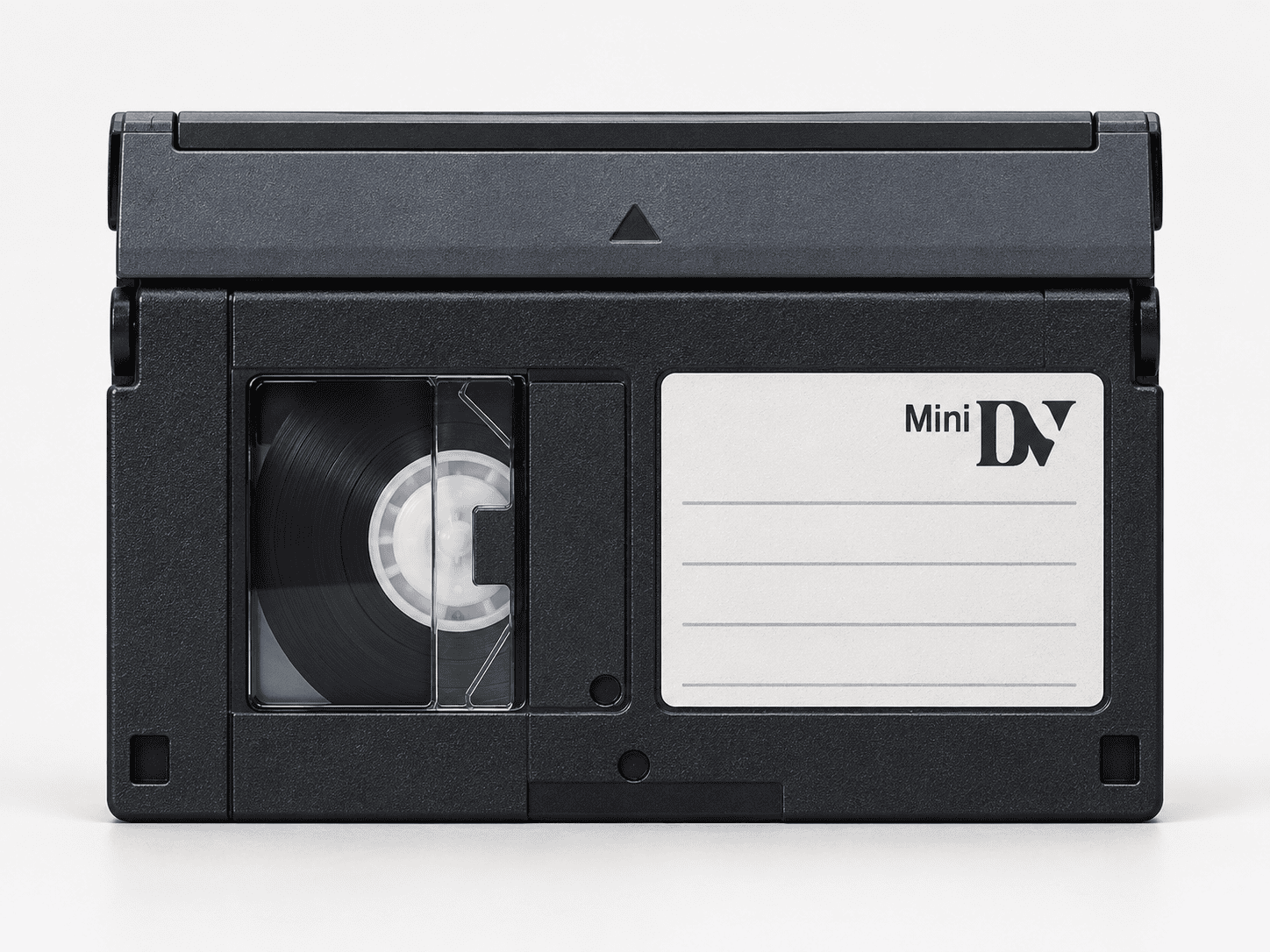
Not every videotape contains analogue video.
MiniDV and Digital8 can contain digital recordings.
Where possible, preserving the original digital data stream can be preferable to converting the tape through an unnecessary analogue stage.
A MiniDV recording, for example, should not automatically be treated in the same way as VHS simply because both come on magnetic tape.
Government digital-imaging guidance also notes that transcoding digital video from one format to another can result in quality reduction and loss of metadata.
This is why understanding the original format matters before deciding on the capture route.
Should You Keep the Original Tapes After Transfer?
Usually, yes.
Do not automatically discard the tapes once you have a DVD.
The original cassette remains the primary source.
Future equipment or restoration methods may recover the material differently, and mistakes can happen during any conversion.
Store tapes:
- upright where appropriate
- away from damp
- away from excessive heat
- away from strong magnetic fields
- in clean protective cases
- clearly labelled
Avoid touching exposed tape surfaces.
The National Archives advises that magnetic tape surfaces should not be touched and highlights the importance of appropriate storage and handling for removable media.
What If the Tape Has Mould?
Do not put a visibly mouldy cassette straight into a valuable VCR or camcorder.
Mould can contaminate the tape path, heads and internal mechanisms.
It can also spread to other tapes.
Likewise, stop if you notice:
- sticky tape
- broken cassette shells
- unusual resistance
- severe creasing
- loose tape
- squealing
- damaged reels
A damaged £10 cassette can damage a playback machine worth considerably more, and forcing the tape may destroy parts of the recording.
Problem tapes should be assessed before ordinary playback.
Should You Enhance Old Video During Transfer?
Enhancement can be useful, but keep preservation and restoration conceptually separate.
A good workflow may retain:
- a clean digital master
- a restored viewing version
- DVD or MP4 access copies
Possible restoration includes:
- colour correction
- noise reduction
- stabilisation
- careful sharpening
- audio improvement
- deinterlacing
- controlled upscaling
Avoid destructive processing that permanently replaces the only digital copy.
Professional standards in other video fields follow the same principle: preserve the original or pre-enhancement version so that later work does not depend solely on an altered copy.
How Should Digital Copies Be Named?
Good organisation becomes increasingly important once several tapes have been converted.
Avoid vague names such as:
Video001.mp4
Video002.mp4
Instead use descriptive names where the information is known:
Smith_Wedding_1994.mp4
France_Holiday_1998_Tape1.mp4
Christmas_2001.mp4
If dates remain uncertain, connect the file name to the physical cassette:
VHS_Box02_Tape07.mp4
This way, you can trace the digital file back to the original if you later discover more information.
How Many Backups Should You Keep?
For important family recordings, one copy is not a backup strategy.
A sensible minimum is:
- the main digital collection
- a separate local backup
- another copy stored elsewhere
The third copy could sit:
- on another hard drive
- with a trusted relative
- in reputable cloud storage
- on a professionally managed backup system
Periodically check that the files still open.
Digital preservation is not a single conversion event. It requires ongoing management as storage devices and file formats change.
The National Archives stresses routine quality checks, appropriate file formats and structured storage when managing digitised records.
Frequently Asked Questions About Video to DVD
Is it still worth transferring VHS to DVD?
Yes, if you value the convenience of a physical disc or want something that relatives can put directly into a DVD player.
For long-term flexibility, it is sensible to request digital files as well.
Is DVD better than USB?
They serve different purposes.
DVD is convenient for traditional disc playback. A USB drive containing MP4 files is easier to use with many modern televisions and computers.
Neither should be your only backup.
Will converting VHS to DVD improve the picture?
Not automatically.
A good transfer can reproduce the tape accurately, and restoration may improve certain faults, but the DVD format itself cannot create detail that was not recorded originally.
Can video tapes deteriorate?
Yes.
Magnetic tape, binder materials, cassette mechanisms and stored recordings can all deteriorate. Playback equipment is also becoming older and harder to maintain.
This makes timely digitisation sensible for recordings that matter.
Can I transfer VHS-C directly to DVD?
Yes, but VHS-C must first be played using compatible equipment. Some VHS-C tapes can use suitable adaptors with full-size VHS machines, while other workflows use dedicated VHS-C camcorders or decks.
Should I choose MP4 instead of DVD?
If you want only one modern delivery format, MP4 is generally more versatile.
If you have relatives who still prefer conventional DVD players, getting both MP4 files and DVDs offers a useful compromise.
Is DVD Still a Sensible Choice in 2026?
DVD remains useful, but its role has changed.
It is now better thought of as a viewing and access format rather than the sole long-term home for irreplaceable family video.
For someone who wants to put a disc into a player and watch an old wedding on television, DVD still works extremely well. For backup, sharing, editing and long-term migration, digital files provide much greater flexibility.
The strongest approach is therefore to capture the original tape carefully, retain a good digital master, create MP4 copies for modern use and add DVDs where they remain convenient.
For one or two straightforward tapes, DIY conversion may be practical. For valuable, fragile or mixed collections, it ultimately makes sense to use an experienced professional company accustomed to different tape formats and playback requirements, such as Supaphoto Ltd.