If you still have the original negatives, they will usually produce a higher-quality digital image than scanning the corresponding photographic prints. The negative is the earlier-generation source and often retains finer detail, a wider useful tonal range and more information for restoration. However, the print can sometimes be the better choice when the negative is damaged, missing or badly deteriorated.
| Source | Potential image quality | Main advantage | Main limitation |
|---|---|---|---|
| Original negative | Usually highest | Captures detail directly from the film | Requires specialist scanning |
| Original print | Good | Easy to scan and identify | Already one generation removed |
| Damaged negative | Variable | May still contain recoverable detail | Scratches, mould or curling can interfere |
| Well-preserved print with poor negative | Potentially better | May provide the cleanest surviving image | Less information than a good negative |
The important question is therefore not simply negative or print? It is which surviving original contains the most useful photographic information?
Why the Negative Usually Gives You More to Work With
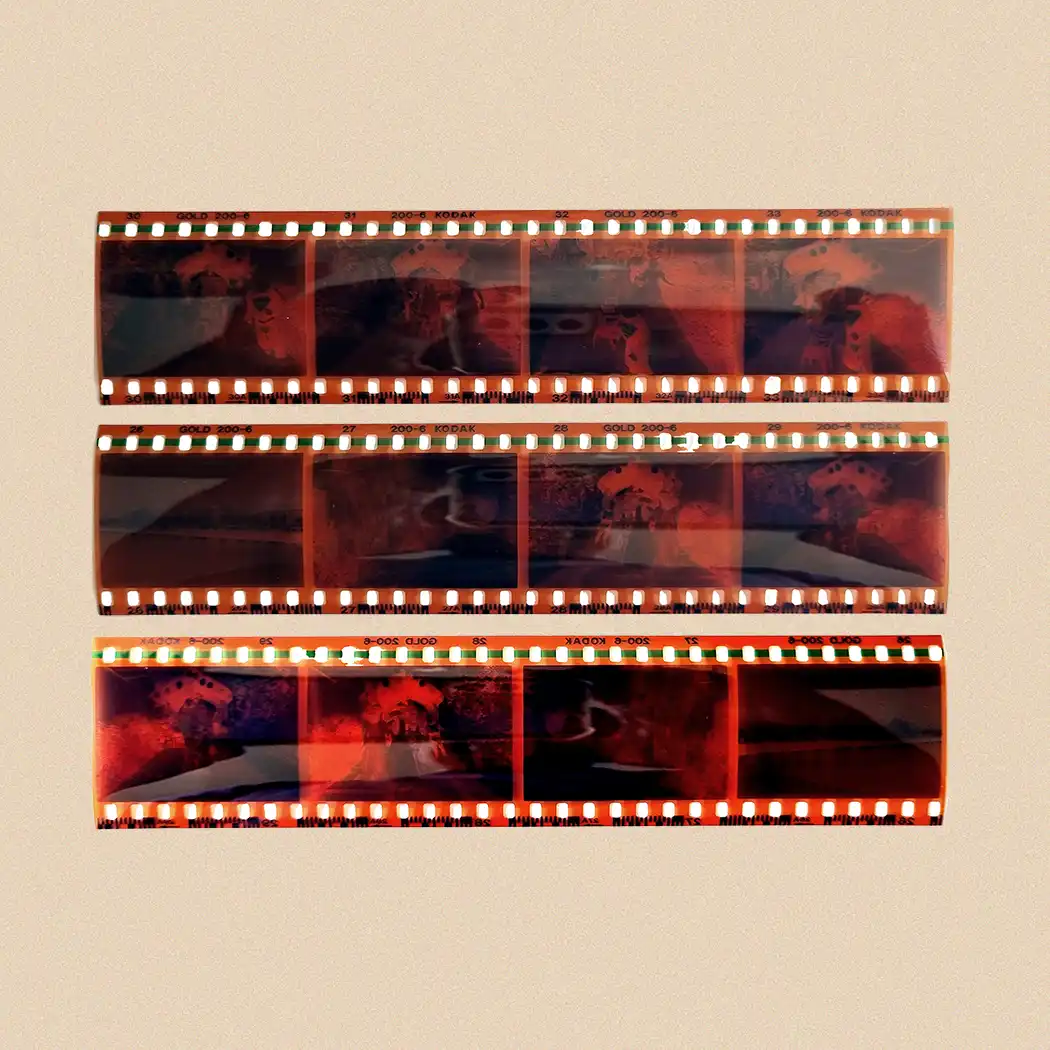
A photographic negative sits much closer to the moment when the camera captured the picture.
When somebody originally made a photographic print, they projected or exposed the negative onto light-sensitive paper. That extra reproduction stage could introduce:
- cropping
- changes in contrast
- colour shifts
- loss of highlight or shadow detail
- reduced sharpness
- dust marks
- processing variations
The print may look excellent, but it is still a reproduction of the information contained in the film.
When you convert film negatives to digital directly, you remove that intermediate generation. A suitable scanner captures the image information from the film itself before software reverses the tones and colours into a normal positive image.
This becomes particularly valuable if you want to enlarge an old photograph or carry out restoration.
A Print Doesn’t Always Show the Whole Photograph
One frequently overlooked advantage of scanning negatives is that they can reveal parts of an image that never appeared in the original print.
Traditional photographic printing often involved cropping. A high-street photo lab might have trimmed some of the image because the proportions of the negative did not perfectly match the photographic paper.
The person making the print might also have deliberately cropped the photograph.
When you return to the original negative, you may find:
- extra people close to the edge
- more of the surrounding landscape
- parts of buildings previously cropped out
- objects that help identify a location
- extra headroom or foreground
- a slightly different composition
For family-history photographs, seemingly minor details can become surprisingly important.
A road sign, shop name, vehicle registration, house number or person standing at the edge of the frame can sometimes help establish when or where a photograph was taken.
When Is Scanning the Print Actually Better?
Negatives have an image-quality advantage only when they remain in reasonable condition.
Sometimes the surviving print is the better source.
Choose the print, or at least compare both, when the negative has:
- deep scratches
- severe curling
- mould or fungal damage
- damaged emulsion
- major creases
- chemical deterioration
- missing sections
- heavy surface contamination
- become stuck to another material
A clean print may produce a more pleasing digital image than a badly damaged negative.
The sensible approach with an important photograph is not to follow an absolute rule. Compare the available originals and start with the version carrying the most usable information.
Why Negatives Need Much Higher Scanning Resolution
A typical photographic print might measure 6 × 4 inches. A 35mm negative frame is only around 36 × 24mm.
The same scene therefore occupies a much smaller physical area on the negative.
To extract useful detail from that small frame, the scanner needs to capture many more pixels per inch.
The National Archives recommends minimum capture resolutions of:
- 600 PPI for photographs
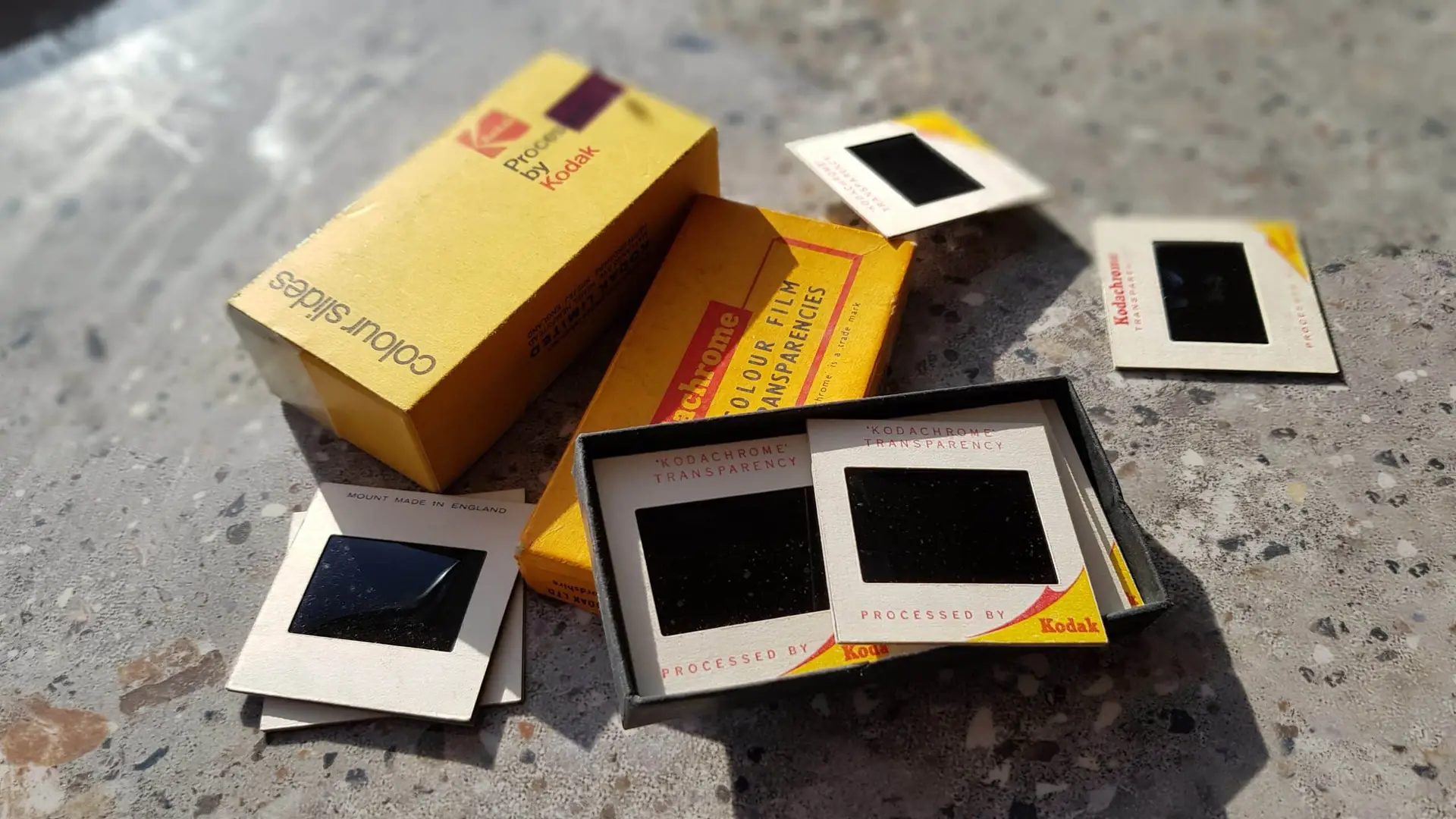
- 4,000 PPI for photographic transparencies
That does not mean simply selecting the highest number offered by any scanner will automatically create a superior picture.
Optical performance matters too. Some scanners advertise very high interpolated resolutions that create more pixels without capturing equivalent additional detail from the original film.
When comparing equipment, pay attention to genuine optical resolution rather than relying on the biggest figure in the specification.
What Types of Negatives Can Be Converted?
35mm is probably the format most people recognise, particularly when negatives appear as strips stored inside paper or transparent sleeves.
However, family collections can contain many other formats, including:
- 35mm negatives
- 110 film
- 126 film
- 120 medium-format film
- 220 roll film
- APS film
- large-format sheet film
- black-and-white negatives
- colour negatives
- older unusual film sizes
Larger negatives can potentially contain substantial detail because the camera recorded the photograph across a greater film area.
Do not throw away unfamiliar negatives simply because they do not fit a modern 35mm film holder. They may require different equipment, but the photographs can still be extremely valuable.
How Does a Scanner Turn a Negative Into a Normal Photograph?
A photographic negative contains reversed tonal information.
With black-and-white film, lighter areas of the original scene appear darker on the negative and darker areas appear lighter.
Colour negatives add another complication because their colour relationships also require conversion.
A film-scanning workflow therefore involves more than photographing the strip.
The general process is:
- Illuminate the negative evenly from behind.
- Capture the film at suitable resolution.
- Convert the negative image to a positive.
- Correct colour and tonal balance.
- Crop the frame accurately.
- Check focus and exposure.
- Remove appropriate dust and marks.
- Save a master file and any access copies.
The quality of the software conversion matters, particularly with colour negative film. Two scans of the same negative can look noticeably different depending on how the colour and exposure have been interpreted.
Can You Scan Negatives on an Ordinary Flatbed Scanner?
Only if the scanner supports transparent film.
A conventional document scanner illuminates paper from the same side that records the image. That works because a document reflects light.
A negative needs light to pass through the film.
A suitable flatbed therefore requires a transparency unit, usually built into the lid, together with holders that position the film at the correct height.
Dedicated film scanners use the same basic principle but are designed specifically around transparencies.
Placing negatives directly onto an ordinary office scanner without a transparency light source will not deliver the same result.
Dedicated Film Scanner or Transparency Flatbed?
Both can work well.
Dedicated Film Scanner
A good dedicated film scanner concentrates its optics and sensor on relatively small pieces of film.
Potential advantages include:
- strong effective resolution
- precise film positioning
- controlled backlighting
- good shadow detail
- specialist colour-negative conversion
- infrared dust and scratch detection on compatible film
The disadvantage is often speed. Scanning individual frames at high resolution can become very time-consuming.
Transparency-Capable Flatbed
A good photographic flatbed may accept several negatives at once and can also handle photographs and, depending on the model, larger film formats.
This makes it useful for mixed family archives.
However, quality varies considerably between models, and a flatbed designed primarily for documents should not automatically be assumed to perform like a dedicated film scanner.
Handle Negatives More Carefully Than Prints
It is remarkably easy to leave permanent marks on film.
The National Archives notes that photographic materials have a vulnerable image layer and that oils and salts from skin can react with it. It recommends nitrile or vinyl gloves for loose photographic material and careful handling by the edges. Its guidance on handling photographs and negatives also warns about abrasion, excessive light, heat and humidity.
When sorting negatives:
- hold film by the edges
- avoid touching the image area
- work on a clean surface
- keep drinks away
- do not scrape dirt away
- avoid forcing curled film flat
- keep strips in their existing order
- retain labelled sleeves and envelopes
Those old processing envelopes can contain useful dates and information, so do not separate them from the negatives until you have recorded what they say.
Dust Looks Much Bigger After Scanning
A speck of dust on a 35mm negative can look insignificant to the naked eye.
Once the image is enlarged on a large monitor, that speck may become very obvious.
Cleaning therefore forms an important part of negative scanning, but it needs restraint.
Remove loose dust with suitable photographic cleaning equipment rather than rubbing the film surface aggressively.
Some film scanners can use infrared information to identify dust and surface defects automatically. This can reduce the amount of manual retouching required, although the effectiveness depends on the film type and condition.
Do not assume that aggressive software cleaning is always desirable. Excessive processing can remove genuine fine detail along with scratches and dust.
TIFF or JPEG for Digitised Negatives?
For important negatives, it can make sense to retain a high-quality master and create smaller copies for everyday use.
TIFF
This is useful for:
- preservation masters
- extensive restoration
- repeated editing
- important historical photographs
- images intended for substantial enlargement
TIFF files can be much larger than JPEGs.
JPEG
JPEG works well for:
- sharing with family
- viewing on phones
- televisions
- digital photo frames
- online photo libraries
You do not necessarily have to choose one or the other.
A practical archive might contain a high-quality master file alongside JPEG access copies.
Should You Digitise the Negative and the Print?
For especially important photographs, there can be value in scanning both.
The negative might provide:
- additional detail
- a larger image area
- better enlargement potential
- more flexibility during restoration
The print might preserve:
- historical cropping
- handwritten information
- processing marks
- a particular colour interpretation
- signs of how the family originally viewed the photograph
The physical print itself can also be historically meaningful.
For example, a photograph with “Mum and Dad – Brighton 1967” written on the back contains information that the negative alone cannot provide.
Scanning the reverse therefore sometimes matters as much as scanning the front.
What About Faded or Colour-Shifted Negatives?
Digitisation can often improve photographs affected by moderate fading or colour imbalance.
Typical restoration work can include:
- adjusting colour balance
- recovering shadow detail
- correcting contrast
- reducing colour casts
- removing dust spots
- repairing minor scratches
- improving orientation and cropping
However, restoration cannot recover information that no longer survives in the film.
A good workflow retains the original digital capture before making substantial corrections. You then have both a faithful master and a restored interpretation.
For collections where image quality matters, specialist scanning for photographic negatives can also help with mixed formats, higher-resolution capture and consistent processing across a large archive.
Don’t Throw Away the Negatives Once They Are Digital
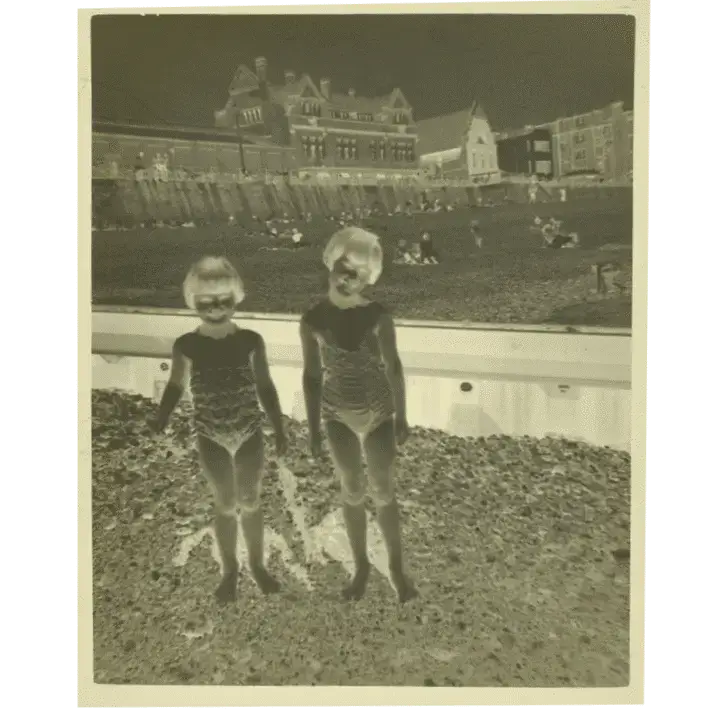
A digital file provides convenient access, not a reason to discard the original.
Keep the negatives after scanning whenever practical.
Future scanning and restoration technology may extract more information from the film than today’s equipment can. More importantly, digital files have vulnerabilities of their own.
Hard drives fail. USB sticks disappear. Files are deleted accidentally.
Maintain several copies of your digital archive, ideally with one copy stored separately from the others.
The negative then remains the original photographic source.
Frequently Asked Questions About Converting Negatives to Digital
Are negatives better quality than printed photographs?
Usually, yes. The negative is generally closer to the original camera capture, whereas a photographic print has already passed through another reproduction stage. A well-scanned negative therefore commonly offers greater potential detail and more flexibility for enlargement and restoration.
Is it worth scanning old negatives if I already have the prints?
It often is, particularly for important photographs.
The negative may contain additional edge detail, better tonal information and a sharper underlying image. Compare both when image quality matters.
What resolution should I use for negatives?
The appropriate resolution depends on the film size, scanner and intended use. As a useful preservation benchmark, The National Archives specifies a minimum of 4,000 PPI for photographic transparencies.
Can scratched negatives still be digitised?
Often, yes.
The resulting scan may require restoration, and severe scratches can permanently obscure information. Light scratches and dust can frequently be reduced digitally without changing the original film.
Can I convert negatives using my phone?
You can create basic copies by photographing a negative against an even light source and reversing it with software. This can be useful for identifying images.
For preservation, restoration or enlargement, a suitable film scanner normally provides much greater control and consistency.
Should I cut long strips of negatives apart?
Not simply to make scanning easier.
If the negatives remain in their original strips and order, preserving that sequence can help maintain their context. Avoid cutting film unless you have a clear reason and understand how it will be stored afterwards.
So, Should You Digitise the Negative or the Print?
Start with the negative whenever it survives in good condition and you want the best opportunity to capture the original photographic information. It normally gives you greater flexibility for enlargement, colour correction and restoration because it comes before the photographic print in the reproduction process.
Use the print when the negative has disappeared, deteriorated badly or no longer provides the cleanest usable source. For important family photographs, comparing or digitising both can preserve information that exists only in one version.
Whichever source you choose, good handling, appropriate resolution, careful quality control and multiple backups matter just as much as the scanner itself. For large, valuable or mixed collections, it ultimately makes sense to use an experienced professional company accustomed to handling original photographic film safely, such as Supaphoto Ltd.