

How to Repair a USB Drive and Protect the Files Stored on It
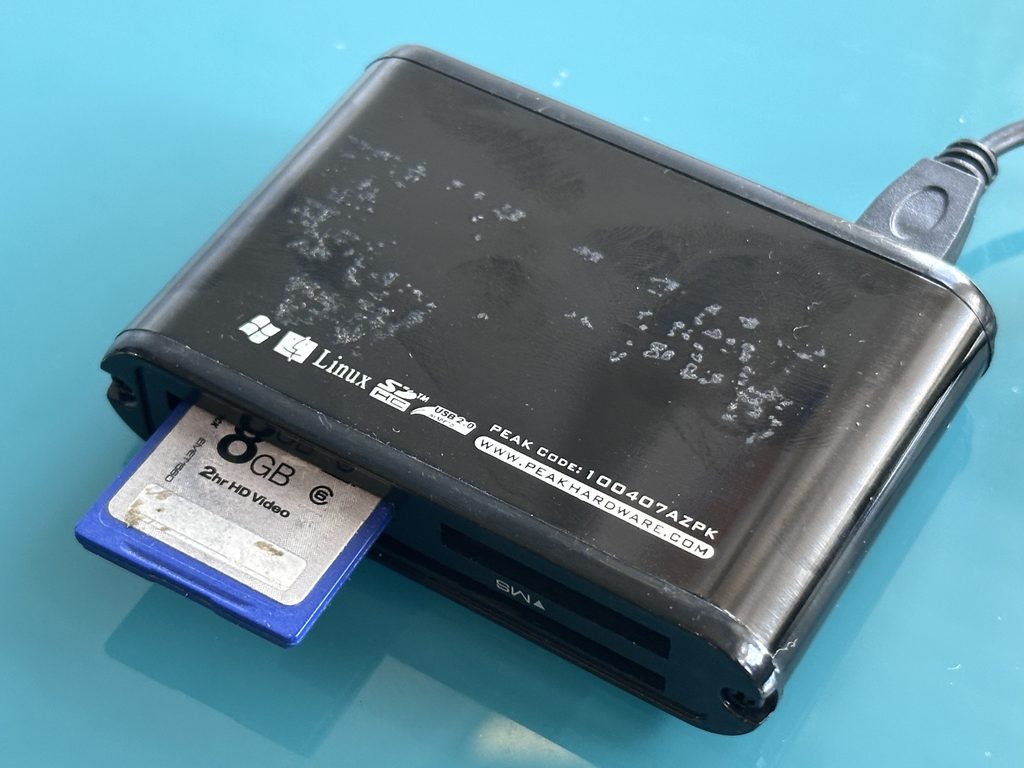
To repair a USB drive, first establish whether the problem is caused by the computer, connector, file system or the flash drive itself. If valuable files have disappeared, stop using the USB drive, do not format it when prompted and avoid writing new data. Physical or electronic faults may require specialist recovery rather than ordinary […]
Photo Recovery Service: How to Recover Lost or Deleted Photographs

A photo recovery service helps retrieve photographs that someone has deleted, lost after formatting, trapped on corrupted storage or made inaccessible by device failure. The most important first step is to stop using the affected card, drive or device. Further use can overwrite recoverable data and reduce the chances of retrieving your pictures. If photographs […]
Hard Drive Repair Service: What to Do When a Drive Fails
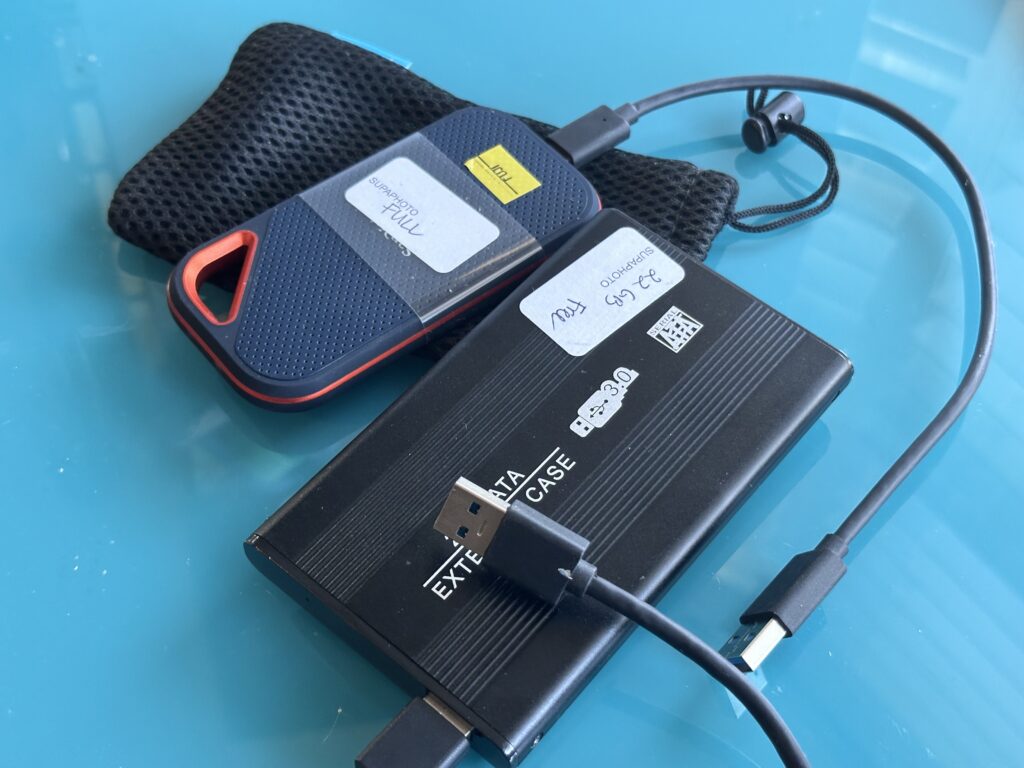
A hard drive repair service should first establish whether the problem is mechanical, electronic, firmware-related or logical. When valuable files are involved, prioritise recovering the data safely rather than returning a failing drive to everyday use. If a drive starts clicking, grinding or repeatedly disconnecting, switch it off and avoid repeated attempts to access it. […]
How to Recover an SD Card and Retrieve Lost Files
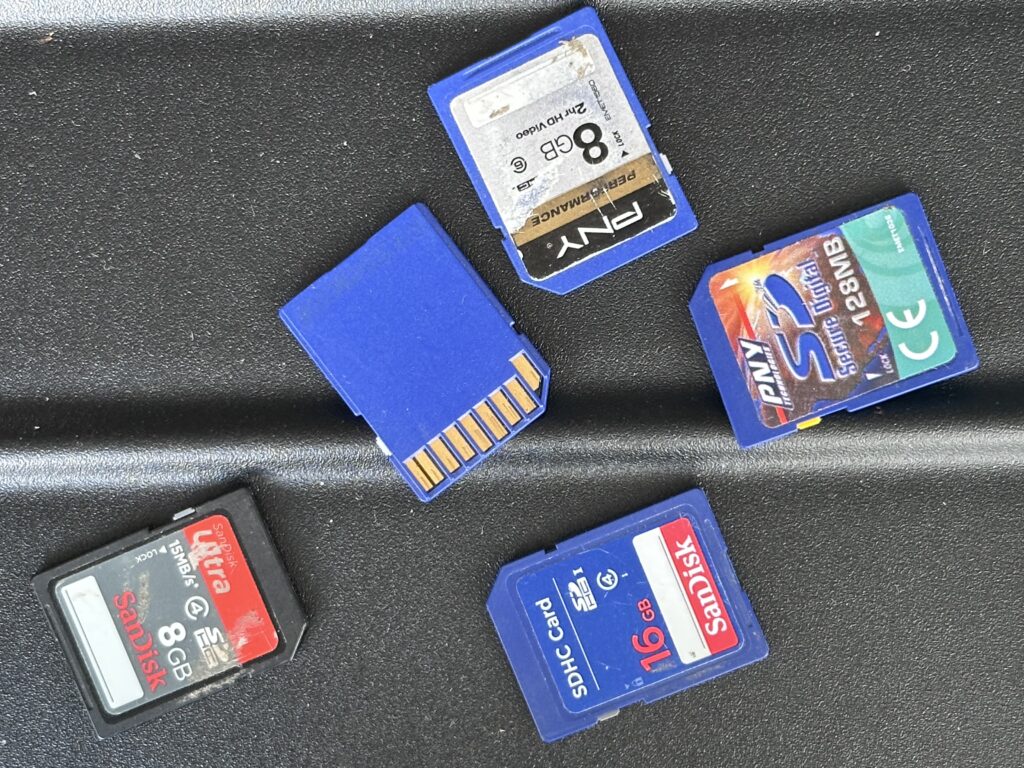
To recover an SD card, stop using it as soon as photographs, videos or files disappear. Do not take new pictures, copy new data onto the card or automatically accept a request to format it. Check the reader and connection first; if the card remains corrupted, unreadable or physically damaged, recovery may require specialist methods. […]
How to Transfer an External Hard Drive Safely
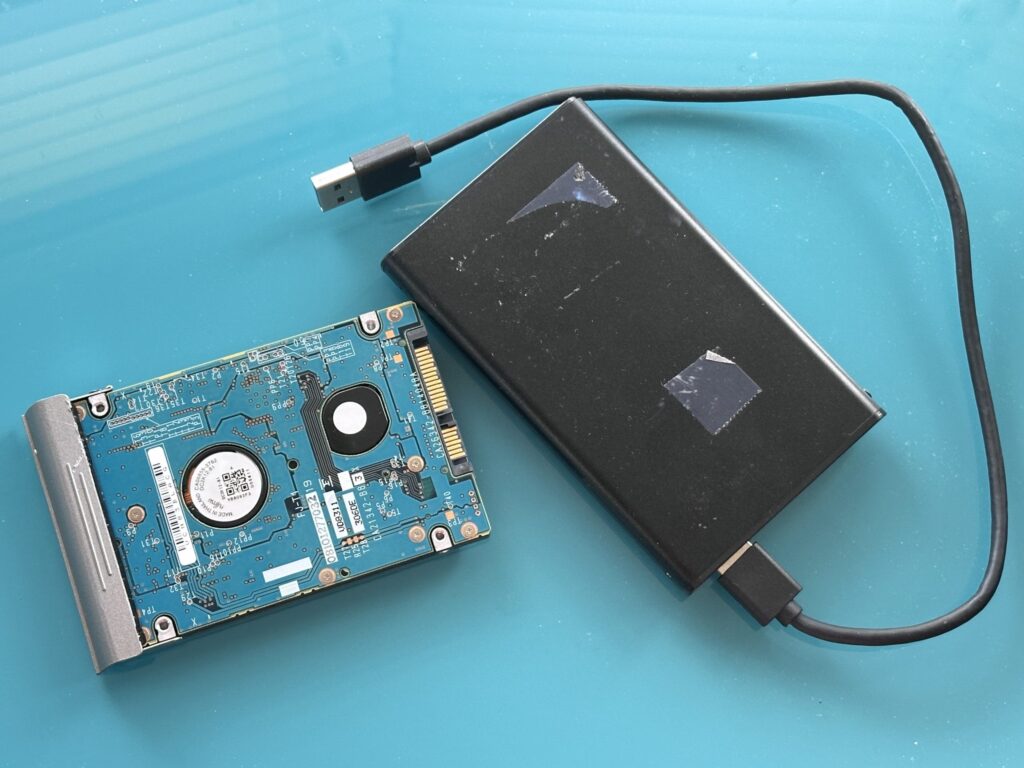
To transfer an external hard drive, connect the source drive to a compatible computer, copy its files to another drive or storage location, verify that important photographs, videos and documents transferred correctly, and retain the original until you have a separate backup. If the drive clicks, disconnects repeatedly or cannot be read, stop using it […]
How to Convert a USB Stick and Transfer Your Files Safely
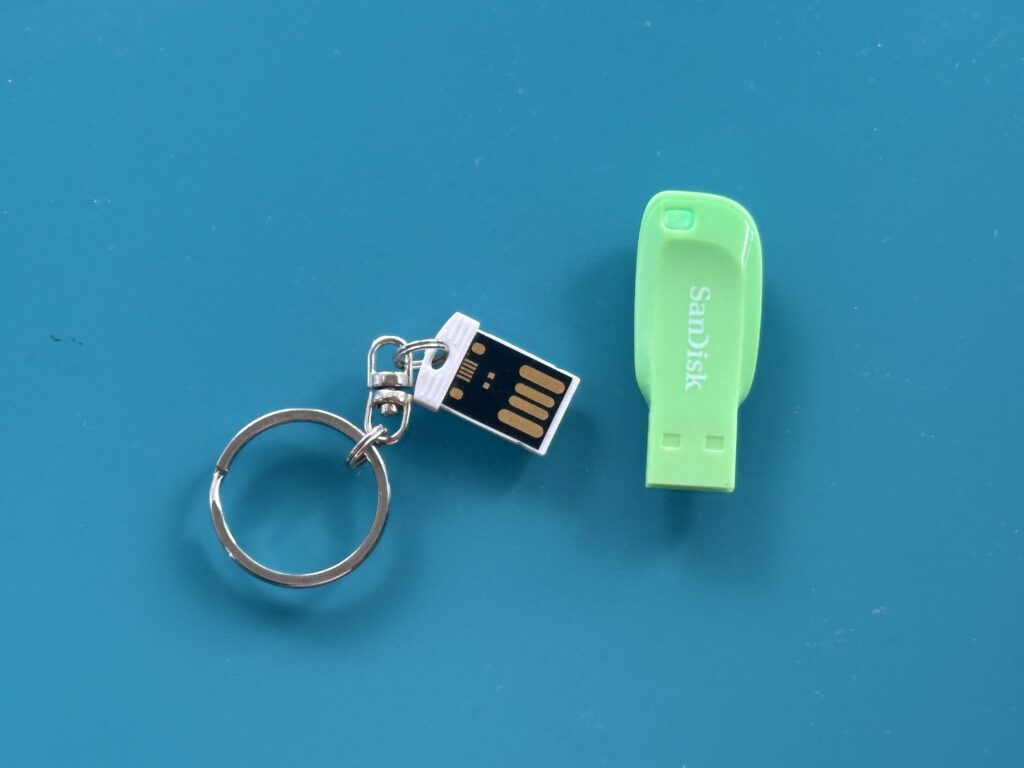
To convert a USB stick, first copy its photographs, videos, documents and other files to a computer or another suitable storage device. Check that the copied files open correctly, preserve the originals until the transfer is verified, and create at least one additional backup. If the USB stick is damaged or unreadable, avoid formatting it […]
How to Convert an SD Card and Safely Transfer Your Files
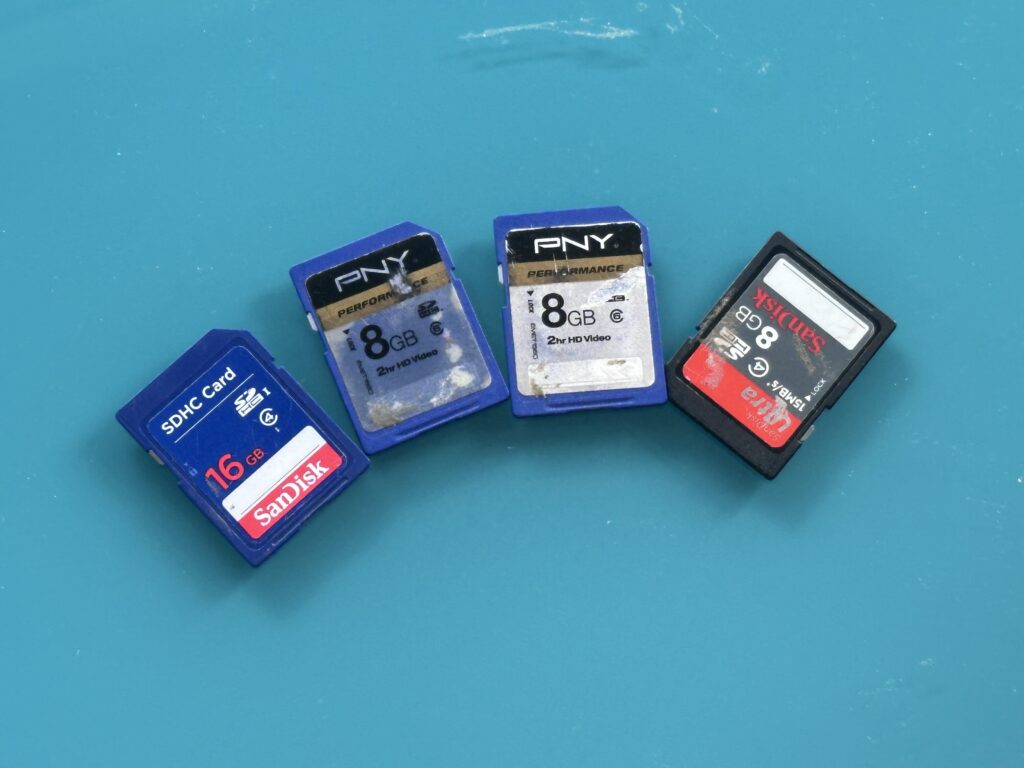
To convert an SD card, you normally copy its photographs, videos and other files onto a computer, USB drive or another modern storage location. Use a compatible SD card reader, copy rather than move the original files, check the transferred content, and make a second backup before deleting or formatting anything on the card. A […]
How to Convert a Memory Card and Preserve Your Files
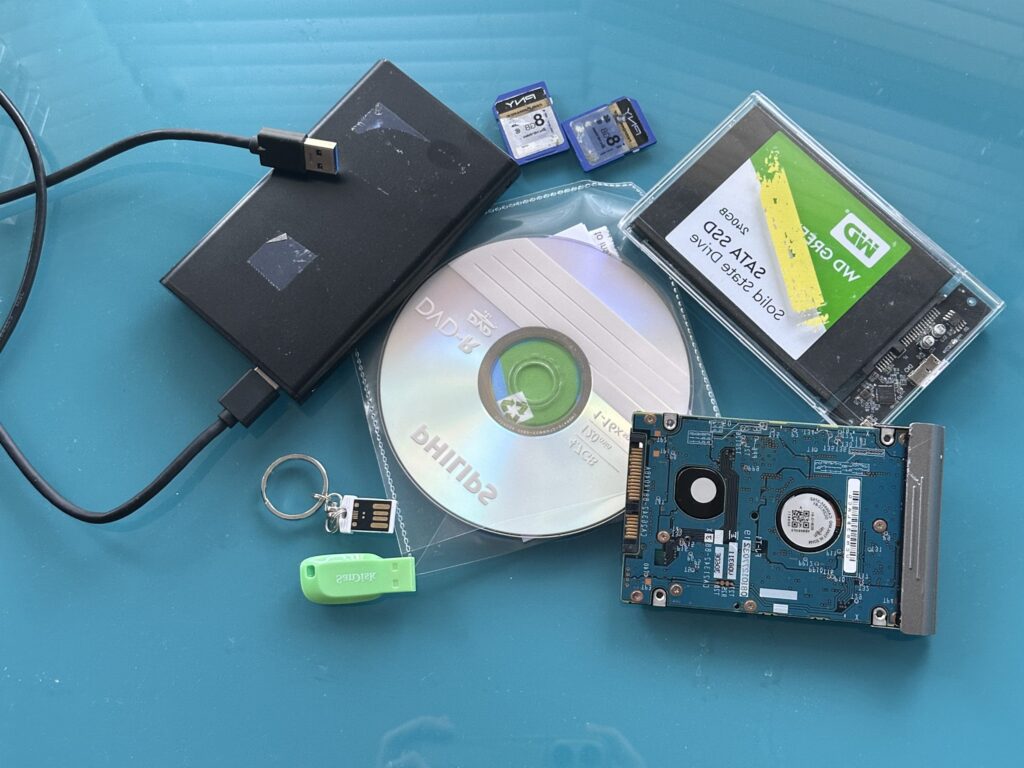
To convert a memory card, first copy its photographs, videos and other files to a computer or suitable storage device, verify that everything transferred correctly, and then create a second backup. If the card is damaged, corrupted or asks to be formatted, stop using it and consider recovery before attempting a normal transfer. A safe […]
How To Recover Data and Convert Old Storage Media
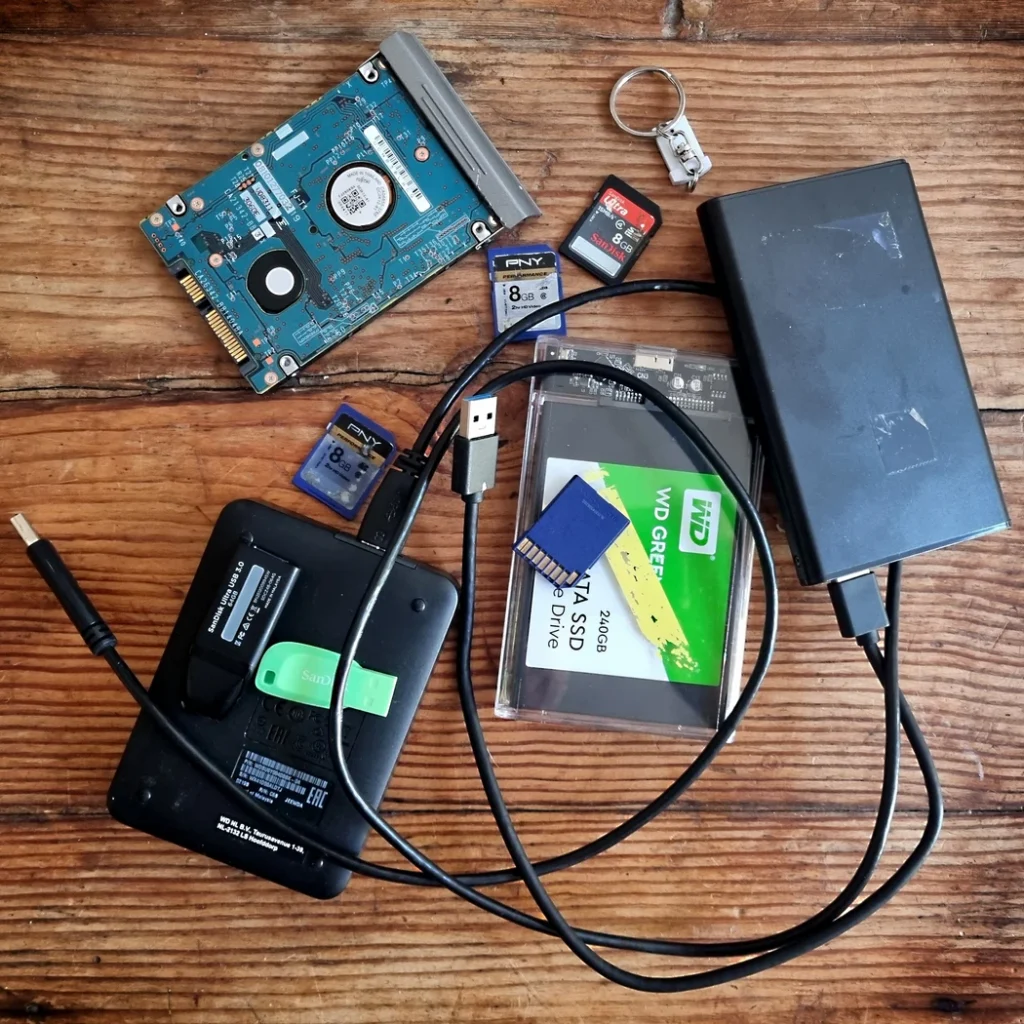
How to Recover Data and Convert Old Storage Media Old storage media can contain photographs, family videos, documents and other files that exist nowhere else. To convert storage media safely, the priority is to retrieve the original data without unnecessarily altering the source, check that the recovered files are complete, and then move them to […]

