
How To Connect SCART To Smart TV
Connecting SCART to a smart TV means using a suitable adapter or powered converter to turn an older analogue video signal into a format your modern television can display.
- SCART is an older analogue connection used by VHS players, DVD players, games consoles and set-top boxes.
- Most smart TVs no longer include a SCART socket.
- A powered SCART-to-HDMI converter is usually needed for HDMI-only televisions.
- A simple cable may not work because SCART and HDMI use different signal types.
- Test old equipment before playing valuable VHS tapes.
- Digitising old tapes is often safer than repeatedly playing them through ageing machines.

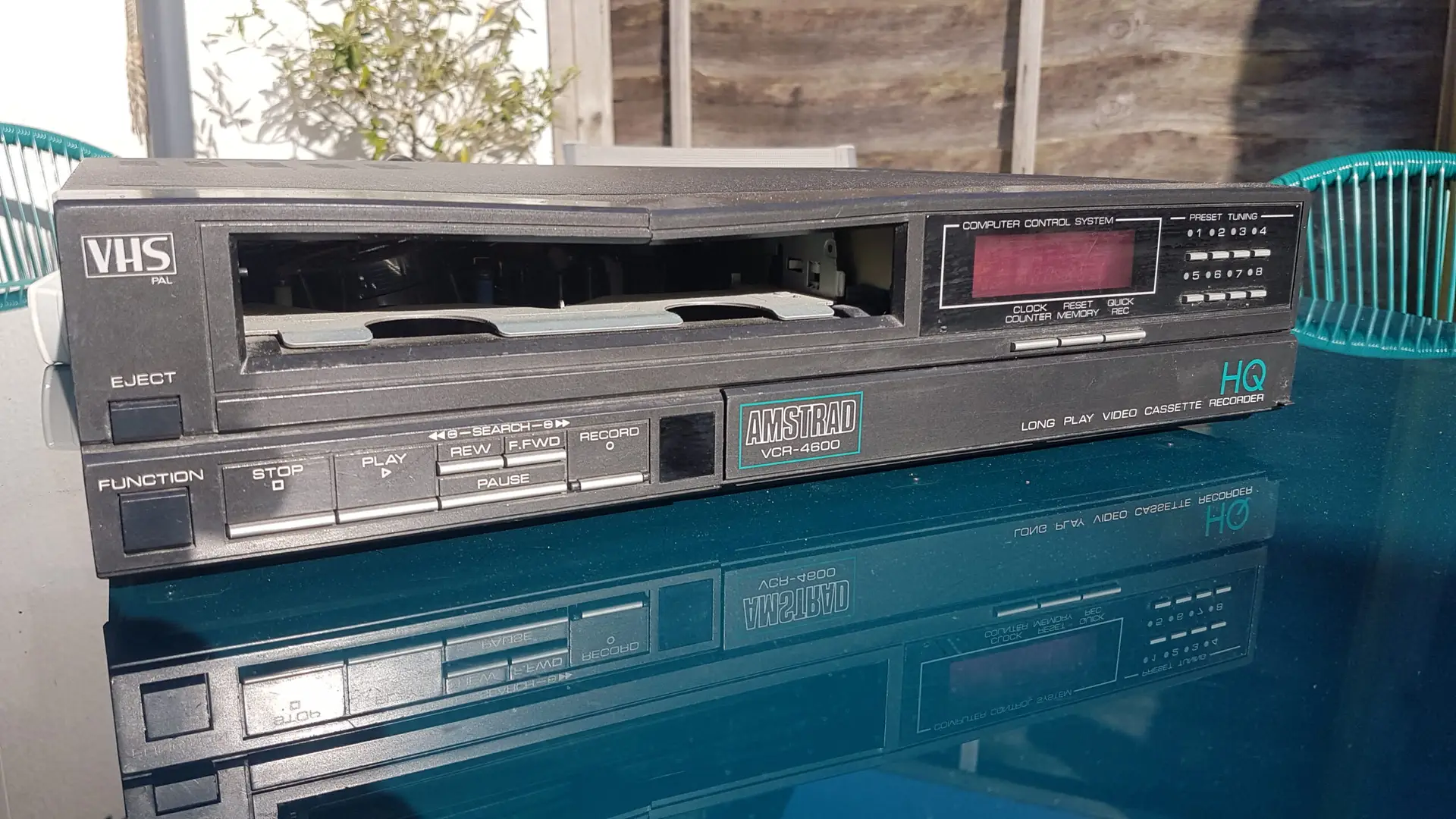
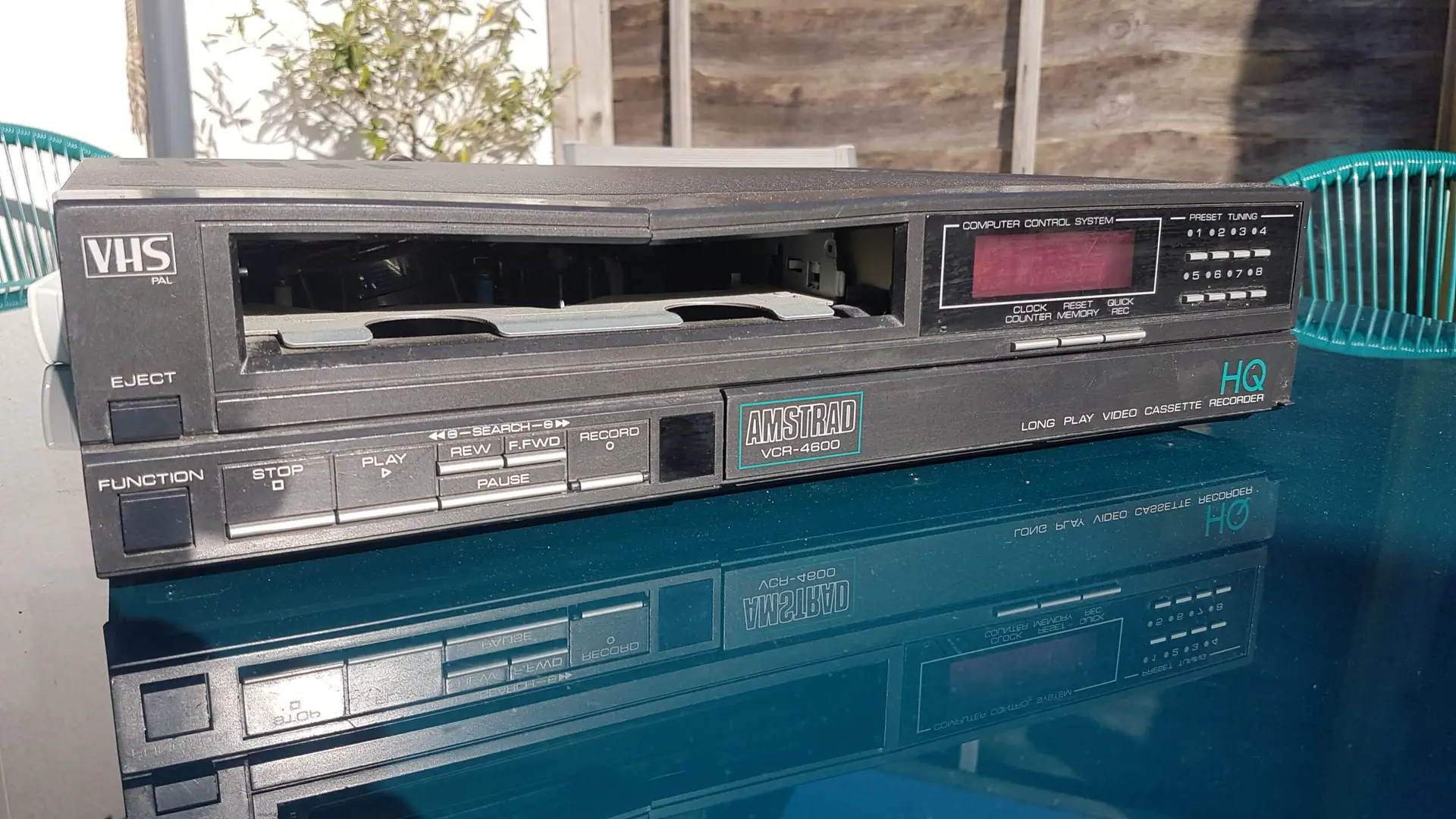
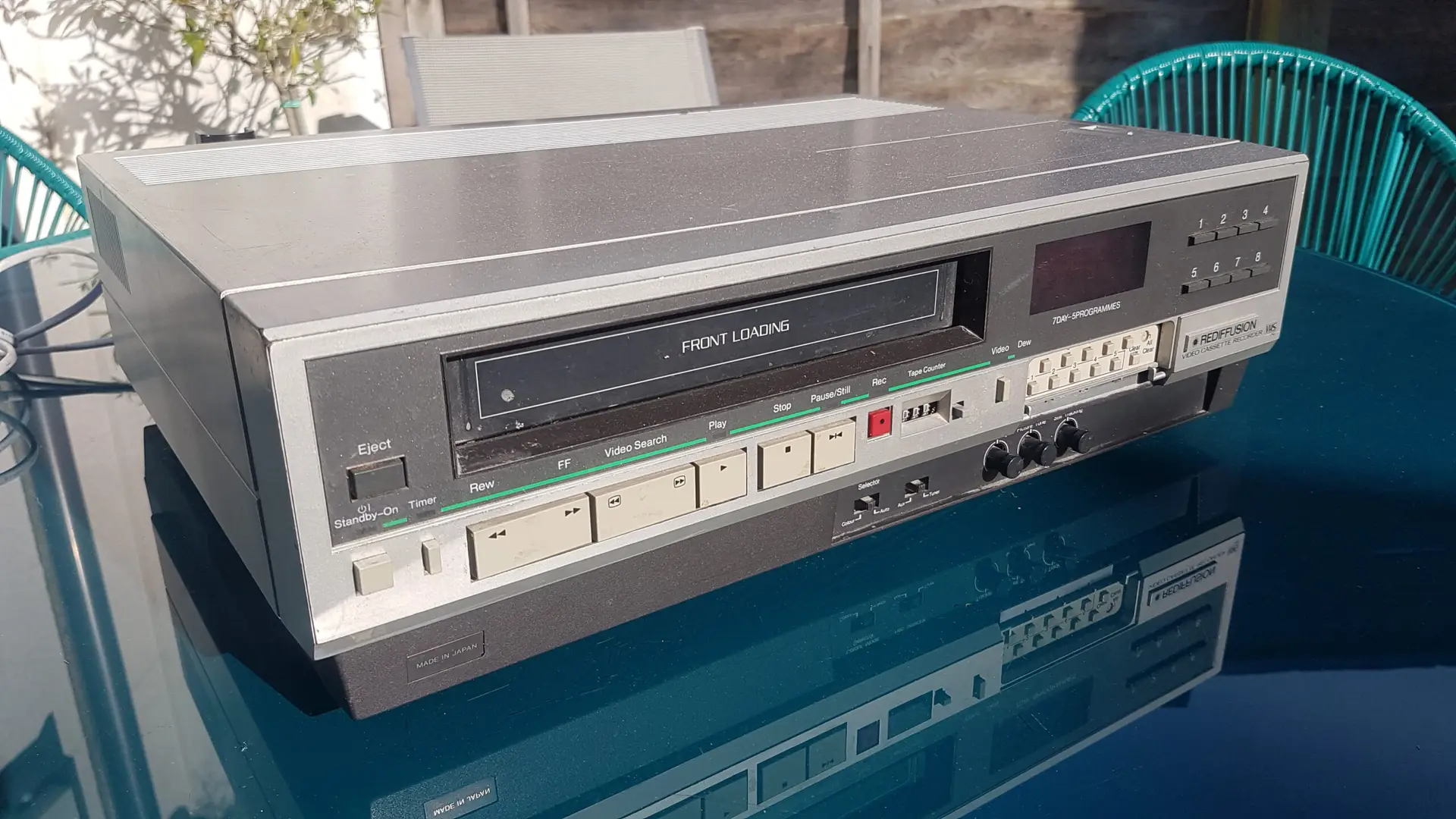
A SCART-to-HDMI converter can help older VHS players work with modern smart TVs.
© Image by Supaphoto
What Is SCART?
SCART is a large 21-pin connector once common on UK and European televisions, VHS players, DVD players, satellite boxes and older games consoles.
It carries analogue video and audio through one cable, which made it convenient before HDMI became the standard. Many people still have old devices with SCART outputs, but newer smart TVs often have HDMI instead.
That creates a common problem: your VHS player may only have SCART, while your smart TV may only accept HDMI.
Can You Plug SCART Straight Into HDMI?
Usually, no. SCART and HDMI are not the same type of signal.
SCART sends an analogue signal. HDMI uses a digital signal. A simple cable with SCART on one end and HDMI on the other will usually not convert the signal properly.
For most modern TVs, you need a powered SCART-to-HDMI converter box. This converts the analogue signal from your VHS player, DVD player or older device into a digital HDMI signal the TV can recognise.
What You Need To Connect SCART To A Smart TV
You will usually need:
- the old device, such as a VHS player
- a SCART cable
- a SCART-to-HDMI converter
- an HDMI cable
- USB or mains power for the converter
- a smart TV with HDMI input
- a test tape or disc
If your converter has a PAL/NTSC switch, choose PAL for most UK VHS tapes and UK equipment.
Step-by-Step: How To Connect SCART To Smart TV
Step 1: Turn Everything Off
Switch off the smart TV, VHS player and converter before connecting cables.
Step 2: Connect SCART To The Old Device
Plug the SCART cable into the SCART output on the VHS player, DVD player or set-top box.
Step 3: Connect SCART To The Converter
Plug the other end of the SCART cable into the SCART input on the converter box.
Step 4: Connect HDMI To The TV
Use an HDMI cable to connect the converter to one of the HDMI ports on your smart TV.
Step 5: Power The Converter
Most converters need USB or mains power. Without power, the TV will usually show “no signal”.
Step 6: Select The Correct HDMI Input
Use the Source, Input or Home button on your TV remote. Choose the HDMI port connected to the converter.
Step 7: Test Playback
Use an unimportant tape or disc first. Confirm that picture and sound work before using valuable recordings.
Expert Insight
If your adapter has an input/output switch, set it correctly. For VHS playback, the signal must travel from the VHS player to the TV.
Why Is There No Picture?
If the TV shows “no signal”, check these common issues:
- converter is not powered
- TV is on the wrong HDMI input
- SCART cable is loose
- adapter is the wrong direction
- old device is not outputting a signal
- VHS player or DVD player is faulty
- PAL/NTSC setting is wrong
- HDMI cable is faulty
Try another HDMI port and another cable before assuming the device is broken.
Why Is There Picture But No Sound?
No sound usually comes from a cable, converter or TV input issue.
Check that:
- the SCART plug is fully seated
- TV volume is not muted
- converter is powered
- HDMI cable is secure
- the original tape or disc has sound
- the converter supports audio output
With VHS, sound problems can also come from tape age, dirty heads or a worn playback machine.
Will SCART To HDMI Improve VHS Quality?
A converter helps your smart TV display the signal, but it does not turn VHS into HD.
VHS is a soft analogue format. Even with HDMI output, old tapes may still show:
- tracking lines
- fuzzy detail
- colour fade
- picture wobble
- tape noise
- muffled sound
- unstable playback
Some converters upscale the signal to 720p or 1080p, but this only changes the output size. It does not add lost detail or repair tape damage.
Expert Insight
A converter makes old video compatible with a modern TV. It does not restore damaged tape. If the recording is important, inspect the cassette before repeated playback.
SCART To HDMI Or RCA To HDMI?
Some VHS players have both SCART and red, white and yellow AV sockets.
SCART To HDMI
Often neat and simple because one cable carries picture and sound.
RCA To HDMI
Useful if your player has yellow, red and white outputs. Yellow carries video. Red and white carry sound.
Which Is Better?
For most family use, either can work. SCART is often simpler if your VHS player has a good SCART output. S-Video, if available, may give a cleaner picture, but not every player or converter supports it.
Can You Connect SCART To A Smart TV Without HDMI?
Some smart TVs still have older inputs through a small adapter socket. Check the TV manual or look for ports labelled AV, Component, Composite or EXT.
If your TV has an AV input, you may be able to use a SCART-to-RCA adapter. Make sure it is set to output from the VHS player to the TV.
However, many modern smart TVs only offer HDMI, so a powered SCART-to-HDMI converter is usually the most reliable option.
Be Careful With Old VHS Players
If you are connecting SCART because you want to watch old VHS tapes, take care before pressing play.
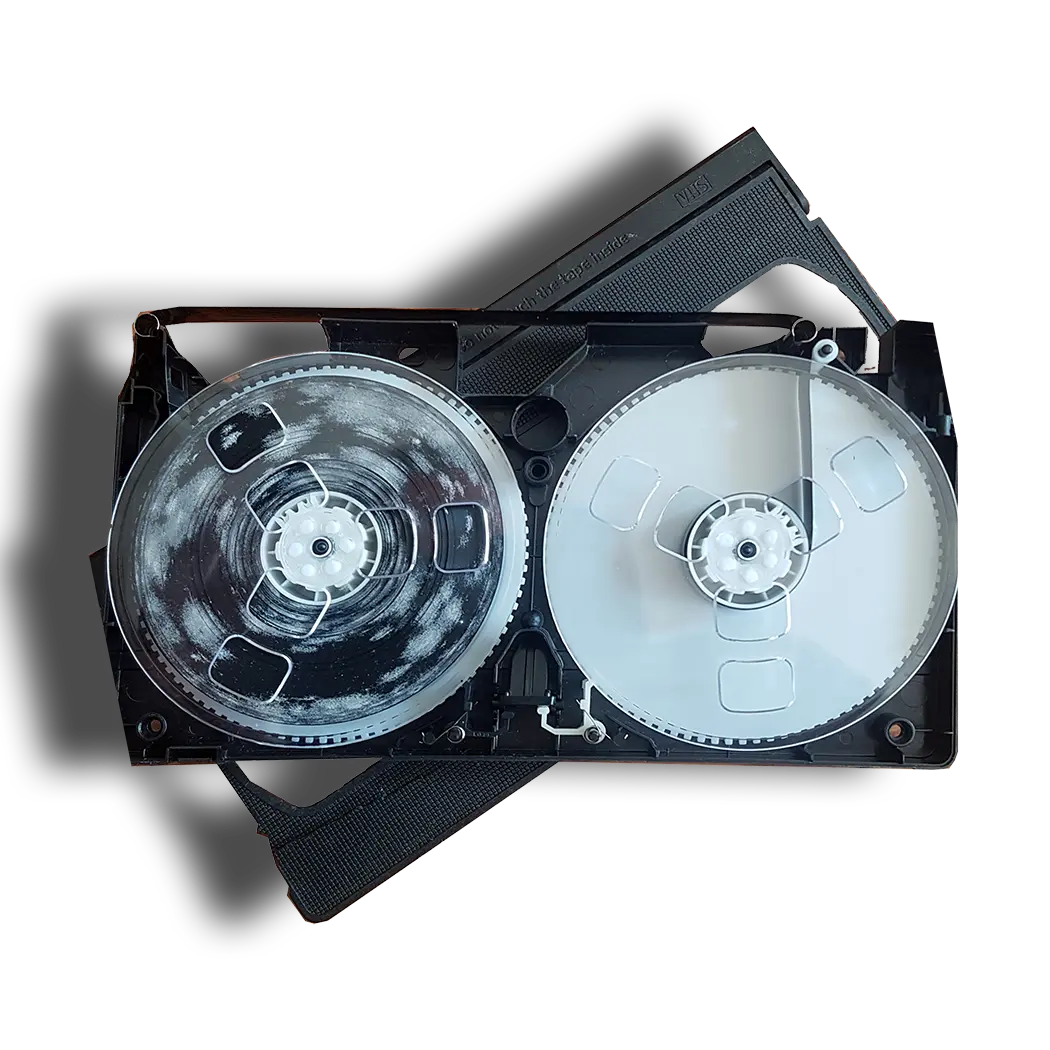
Many VHS players are now decades old. A machine can power on but still have dirty heads, worn belts or a faulty loading mechanism. A damaged machine can chew, crease or snap tape.
Before playing an important tape:
- test the player with an unimportant tape
- check the cassette for mould
- stop if the tape squeals or sticks
- do not force a stuck cassette
- avoid repeated playback of fragile tapes
- keep tapes away from damp and heat
Supaphoto’s video preservation specialists can inspect old tapes before transfer, which is especially useful if the recording is irreplaceable.
DIY VHS Digitisation Versus Professional Transfer
Connecting SCART to a smart TV is useful for viewing, but it does not preserve the tape. If the cassette contains family memories, digitisation is usually the better long-term option.
DIY Digitisation
To digitise VHS yourself, you need a working VHS player, cables, a capture device, computer software and storage space. The process happens in real time, so a two-hour tape takes at least two hours to capture.
Common DIY problems include:
- no sound
- wrong aspect ratio
- black and white picture
- dropped frames
- audio out of sync
- low-quality capture settings
- mould contamination
- tape damage from a faulty player
Professional Transfer
A professional service can reduce risk and save time.
Supaphoto Ltd works from a dedicated UK studio with experienced technicians, careful handling of originals, professional inspection, order tracking, specialist equipment, tape repair where appropriate, mould treatment and quality assurance.
If you want modern copies without relying on old machines and adapters, Supaphoto can help with converting VHS recordings to digital files.
Expert Insight
Archive best practice from organisations such as the British Film Institute and The National Archives supports careful inspection before playback. With old tapes, the first safe play may be your best chance to capture the recording.
SCART To Smart TV, DVD, USB Or Digital: Which Is Best?
Watching Through SCART-To-HDMI
Best for a quick viewing session if your VHS player and tapes are safe.
DVD Copy
Useful for relatives who prefer simple disc playback.
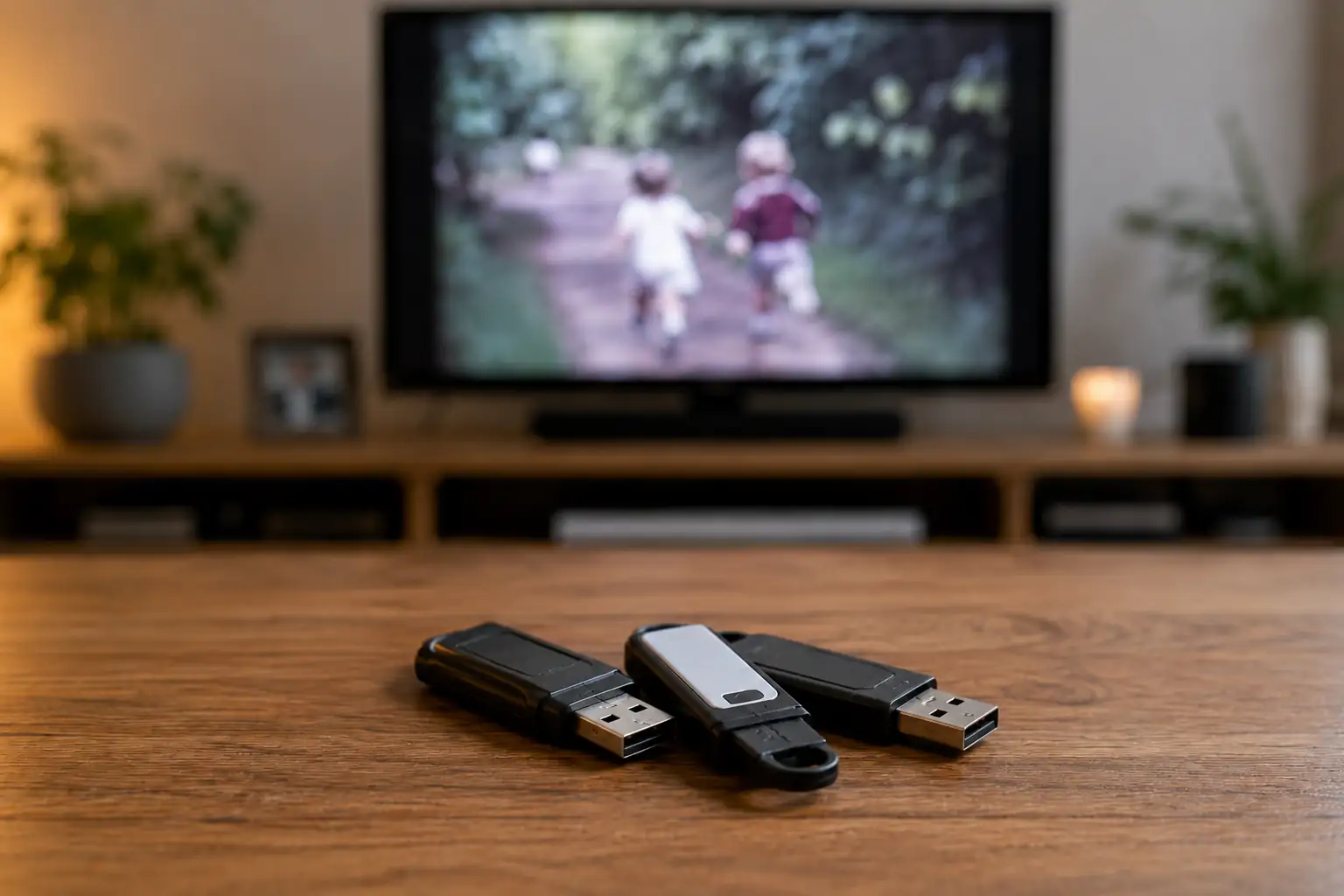
USB Copy
Convenient for many modern TVs, laptops and computers.
Digital Files
Best for long-term storage, sharing, editing and backing up.
For many families, digital files plus a USB or DVD viewing copy offer the most practical combination.
Project Ideas After Digitising Old VHS Tapes
| Project idea | What you can create | Best format |
|---|---|---|
| Family archive | Organised folders by year or event | Digital files |
| Birthday gift | Childhood clips edited into a short film | MP4 |
| Wedding anniversary | Preserved wedding footage | USB or DVD |
| Care home viewing | Easy playback copy for older relatives | DVD or USB |
| Family history project | Videos combined with scanned photos | Digital archive |
| Memory box | USB with videos, photos and notes | USB |
| Private sharing | Clips for family groups | MP4 |
For ideas on using old recordings creatively, Supaphoto’s inspiration section offers practical ways to bring forgotten memories back into family life.
FAQs About How To Connect SCART To Smart TV
How do I connect SCART to a smart TV?
Use a powered SCART-to-HDMI converter. Connect SCART from the old device to the converter, then HDMI from the converter to the TV.
Will a SCART to HDMI cable work?
Usually not. Most setups need a powered converter because SCART is analogue and HDMI is digital.
Why does my smart TV say no signal?
The converter may not be powered, the TV may be on the wrong HDMI input, or the adapter may be the wrong direction.
Does SCART carry sound?
Yes, SCART can carry both picture and sound if the cable, device and converter support it properly.
Can SCART give HD quality?
No. SCART is analogue standard-definition video. A converter may upscale the signal, but it cannot create true HD from VHS.
Is it better to digitise VHS tapes instead?
For important family recordings, yes. Digitising helps protect the footage and avoids relying on ageing VHS players, SCART cables and converters.
Conclusion
Learning how to connect SCART to smart TV is useful if you want to watch an old VHS player, DVD player or games console on a modern screen. In most cases, you need a powered SCART-to-HDMI converter, not just a simple cable.
If you are using SCART to watch old family VHS tapes, test your equipment carefully first. For valuable, damaged or mouldy tapes, professional digitisation is often the safer long-term choice.
Newsletter sign-up: Join the Supaphoto newsletter for practical tips on preserving old tapes, photos and family memories.
Request a quotation: Ask Supaphoto for a quote if you would like VHS tapes inspected and converted to DVD, USB or digital files.
Social media share or follow: Share this guide with someone trying to connect old equipment to a smart TV, or follow Supaphoto for more preservation advice.