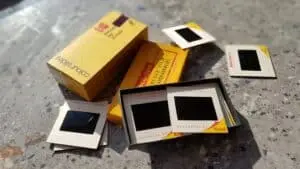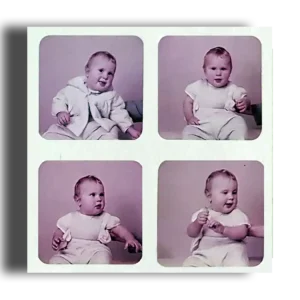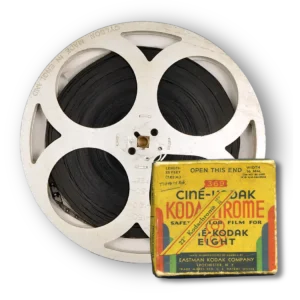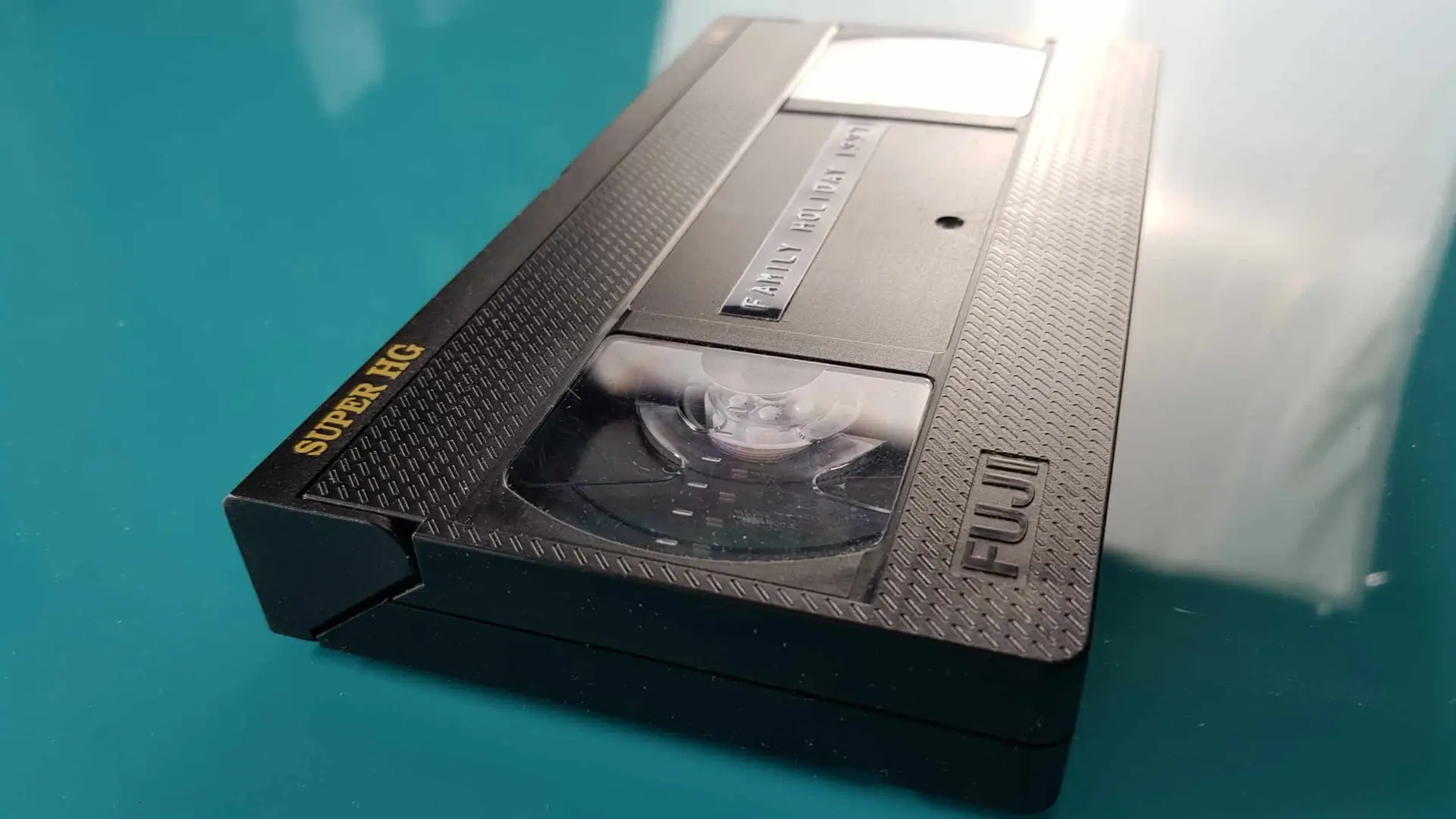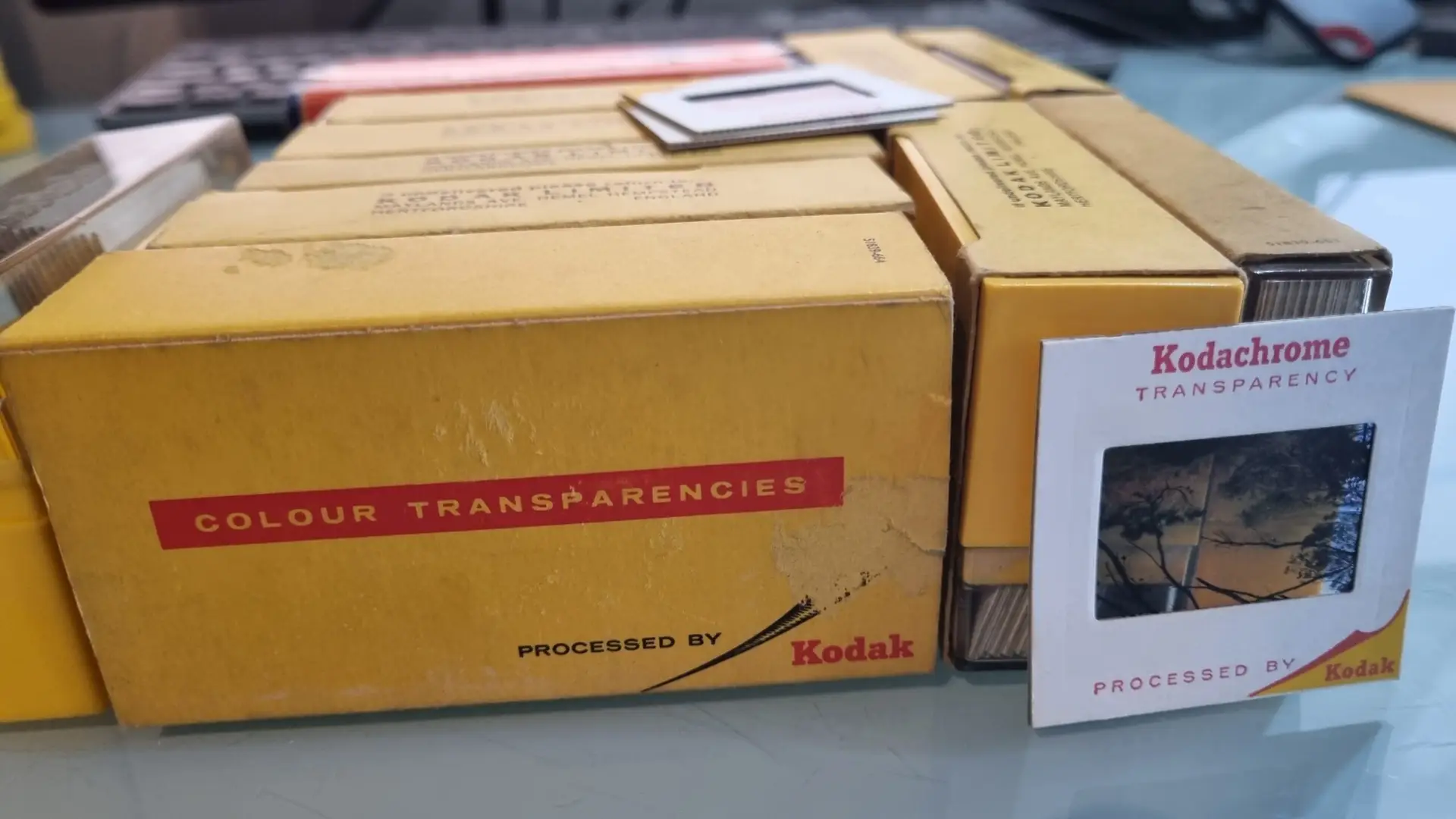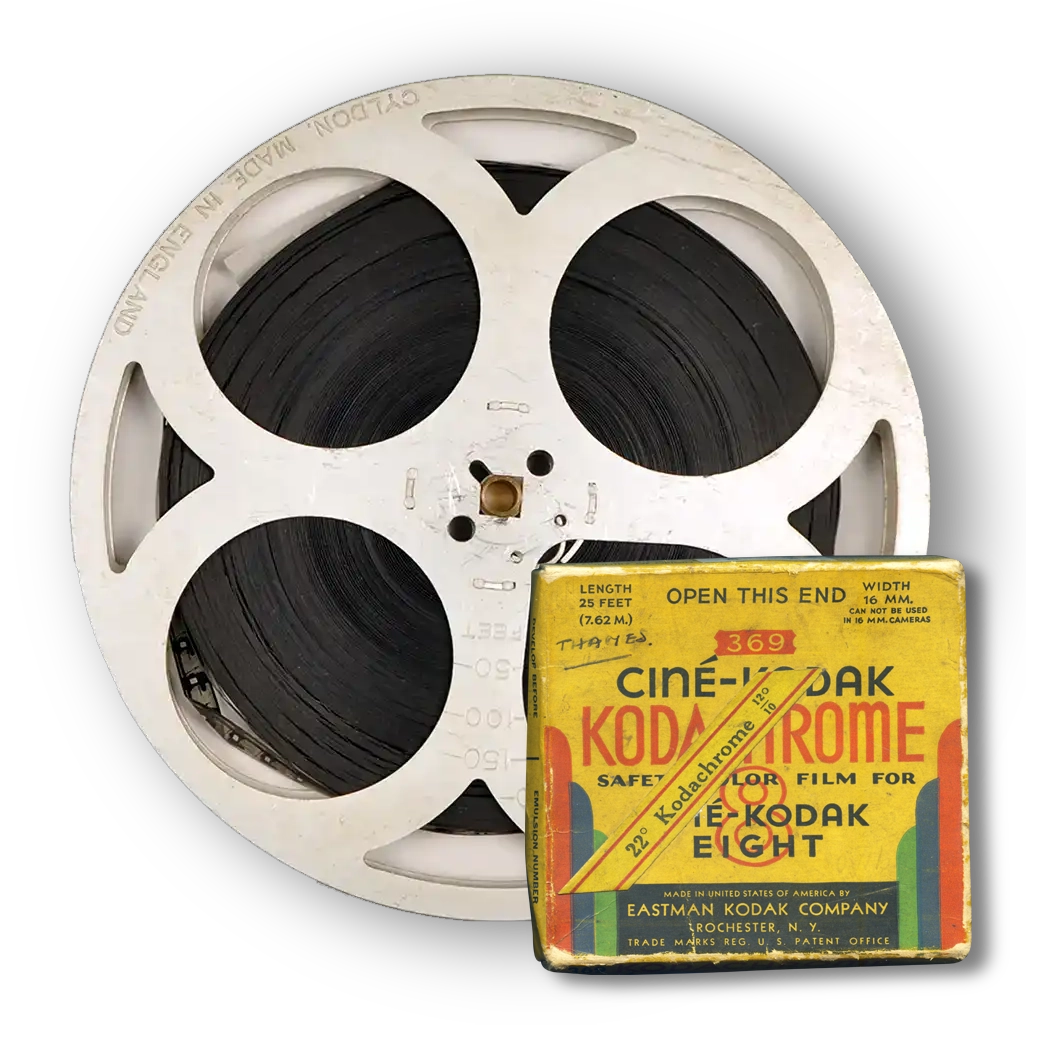

You do not need a projector to digitise slides. In fact, scanning the transparency itself normally produces a much better digital image than photographing a projected picture. You can use a smartphone with a light source, a flatbed scanner with a transparency unit, a dedicated film scanner, or a professional scanning service.
| Method | Image quality | Speed | Initial cost | Best suited to |
|---|---|---|---|---|
| Smartphone and light source | Basic to moderate | Fast | Low | Identifying and sharing slides |
| Flatbed transparency scanner | Good | Moderate | Moderate | Large DIY collections |
| Dedicated film scanner | Very good to excellent | Slow | Higher | Enthusiasts and smaller collections |
| Professional scanning | Very good to excellent | No DIY scanning time | Cost per slide | Important or large collections |
The best choice depends on how many slides you have, their condition and what you intend to do with the digital files.
Why You Don’t Need a Slide Projector
A projector was designed for viewing transparencies on a screen, not for making digital copies.
When you photograph a projected image, several additional components sit between the original transparency and your camera:
- the projector lamp
- the projector optics
- the screen or wall
- the camera lens
- the camera sensor
Each stage can affect sharpness, colour and contrast.
A textured wall can become visible in the photograph. An ageing projector lens can soften the image. The centre may appear brighter than the corners, while positioning your camera slightly off-centre can distort the rectangular frame.
Scanning the original transparency removes most of these variables because you capture the image directly from the film.
This is particularly important with irreplaceable family pictures. Your aim should be to recover as much useful information from the original as practical rather than simply creating something that resembles the projected image.
First, Find Out What Type of Slides You Have
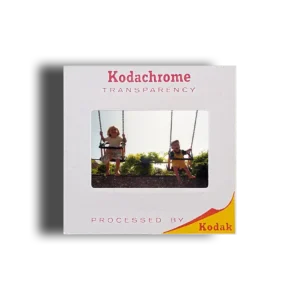
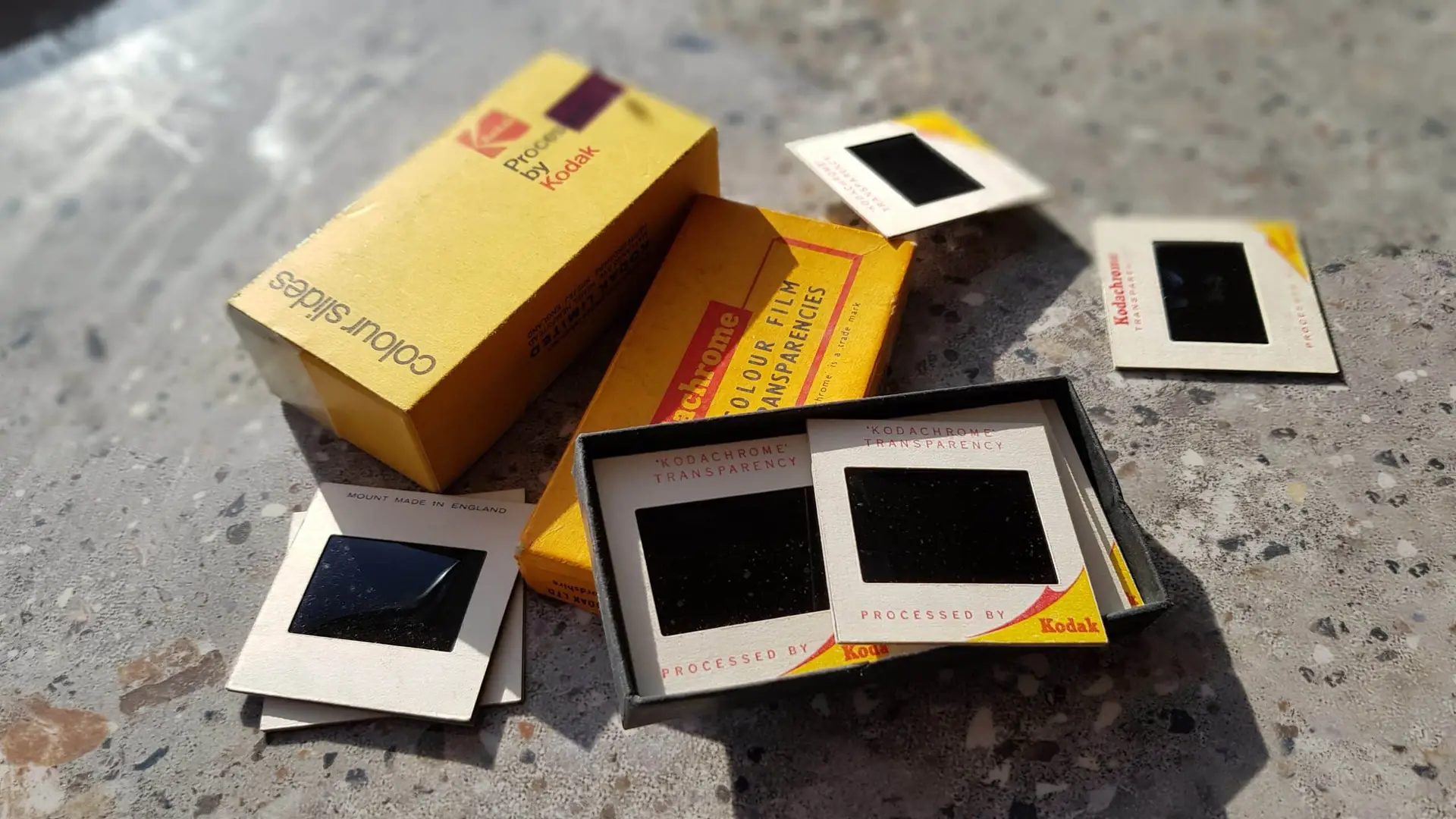
Many people use the term “slide” to describe any small transparency mounted in cardboard or plastic. However, collections can contain several formats.
Common examples include:
- 35mm mounted transparencies
- 126 slides
- 127 transparencies
- 110 slides
- 6 × 6 cm medium-format transparencies
- glass-mounted slides
- unmounted positive film
The familiar 35mm slide usually has a 35mm film transparency inside a mount measuring approximately 50 × 50mm.
Identifying the format matters because scanners and holders do not accept every type of mount. A scanner designed specifically for standard 35mm slides, for example, may not accept thicker glass mounts or larger medium-format transparencies.
Before buying equipment, measure unusual slides and check what your intended scanner can physically accommodate.
Option 1: Digitise Slides With a Smartphone
A modern smartphone provides the cheapest way to make basic digital copies.
You need:
- a smartphone with a reasonable camera
- a clean, even white light source
- a way to hold the slide flat
- a stable support for the phone
- a darkened surrounding area to reduce reflections
A lightbox works well, although a tablet or other illuminated screen displaying pure white can sometimes serve as a temporary solution.
How to Photograph a Slide With Your Phone
- Clean loose surface dust from the slide carefully.
- Place the transparency over an evenly illuminated white surface.
- Position the phone so its camera sits parallel with the slide.
- Prevent surrounding light from reflecting from the film.
- Fill as much of the camera frame as practical without losing focus.
- Lock focus and exposure where your phone allows it.
- Take the photograph.
- Crop away the mount afterwards.
- Adjust orientation and make restrained colour corrections if necessary.
Keeping the camera perfectly parallel matters. If one side sits closer to the slide than the other, the resulting image can become distorted or unevenly focused.
When Is Phone Capture Good Enough?
A phone is useful when your main objective is to:
- identify unknown slides
- send quick copies to relatives
- decide which images deserve higher-quality scanning
- catalogue a large unsorted collection
- create reference images
It is less suitable when you want to make large prints, carry out substantial restoration or preserve the maximum useful detail from an important original.
Think of smartphone capture as a convenient access method rather than automatically treating it as an archival master.
Option 2: Scan Slides With a Flatbed Scanner
A flatbed scanner can provide considerably better and more consistent results, but there is an important qualification: it must support transparency scanning.
An ordinary document scanner illuminates a photograph or document from below and records the reflected light. A transparency requires light to pass through the film.
Suitable flatbed models therefore incorporate a transparency unit, usually in the scanner lid, together with holders that position the slides correctly.
Simply placing slides on a conventional office flatbed scanner will not produce the same result.
What Resolution Should You Use for Slide Scanning?
Slides are physically small, so they need considerably higher scanning resolution than ordinary photographic prints.
The UK National Archives recommends a minimum capture resolution of 4,000 PPI for photographic transparencies, compared with 600 PPI for photographic prints. It also distinguishes PPI, which describes captured image resolution, from DPI, which more properly relates to printed output. Its digitisation guidance explains the distinction and recommended capture standards.
That does not mean every scanner advertising an extremely high number will reproduce that amount of real optical detail.
Manufacturers sometimes quote interpolated or theoretical resolutions alongside optical specifications. When comparing scanners, pay particular attention to optical resolution rather than assuming that the largest number on the box must produce the best image.
Higher resolution also creates larger files and longer scanning times.
Flatbed Scanner Advantages
A transparency-capable flatbed makes particular sense if you have hundreds of slides and enjoy doing the work yourself.
Advantages include:
- scanning several slides together
- relatively consistent illumination
- greater control over settings
- support for some negatives as well as slides
- better potential quality than quick smartphone copying
The disadvantages are mainly time and equipment.
Every transparency still needs loading, scanning, checking, naming and saving. Multiply those steps by 1,000 slides and what initially seems like a small scanning job can become a considerable project.
Option 3: Use a Dedicated Film Scanner
A dedicated film scanner captures transparencies using equipment designed specifically for film.
Depending on the model, it may offer:
- high optical resolution
- better shadow and highlight reproduction
- dedicated slide holders
- multi-pass scanning
- infrared-based dust and scratch detection
- greater manual control over exposure and colour
This can produce excellent results.
However, dedicated scanners can also be slower than expected. Some accept one mounted transparency at a time, so scanning a large family collection involves substantial manual handling.
Older high-quality film scanners also remain popular with enthusiasts, but buying discontinued hardware can introduce other problems, including driver compatibility, ageing mechanical components and difficulty obtaining repairs.
For a handful of treasured slides, the time investment may feel worthwhile. For several thousand, it is worth calculating how many evenings you genuinely want to spend operating the scanner.
What About Cheap USB Slide Scanners?
Low-cost slide scanners can look attractive because they often promise fast conversion with almost no technical knowledge.
Many behave more like small digital cameras than conventional scanners: an internal sensor photographs the transparency through a fixed optical system.
They can be useful for quickly viewing old collections. However, quality varies significantly between devices.
Before buying one, check:
- genuine optical resolution
- sensor resolution rather than interpolated output
- supported slide sizes
- maximum mount thickness
- file formats
- exposure controls
- reviews showing full-resolution samples
Do not judge performance purely by a large megapixel number printed on the packaging.
If you only want to discover what is on several hundred slides, a simple device may be perfectly adequate. If those slides contain unique family history, you may prefer to use it for selection and have the most important frames captured at higher quality.
Phone vs Flatbed vs Dedicated Scanner
The right choice becomes easier once you consider what you want from the finished files.
| Requirement | Phone | Flatbed | Dedicated film scanner | Professional scanning |
|---|---|---|---|---|
| Quickly identify images | Excellent | Good | Fair | Not necessary |
| Low initial cost | Excellent | Fair | Poor | No equipment purchase |
| Good colour consistency | Fair | Good | Very good | Very good |
| High-resolution capture | Limited | Good | Excellent | Excellent |
| Large collections | Labour intensive | Reasonable | Labour intensive | Excellent |
| Fragile or unusual slides | Limited | Depends on holder | Depends on model | Usually preferable |
| DIY control | Excellent | Excellent | Excellent | Limited |
| Minimal personal time | Poor | Poor | Poor | Excellent |
There is no universally correct method. A box of 30 slides and an archive of 5,000 slides present very different problems.
Why Dust Becomes Such a Problem When You Scan Old Slides
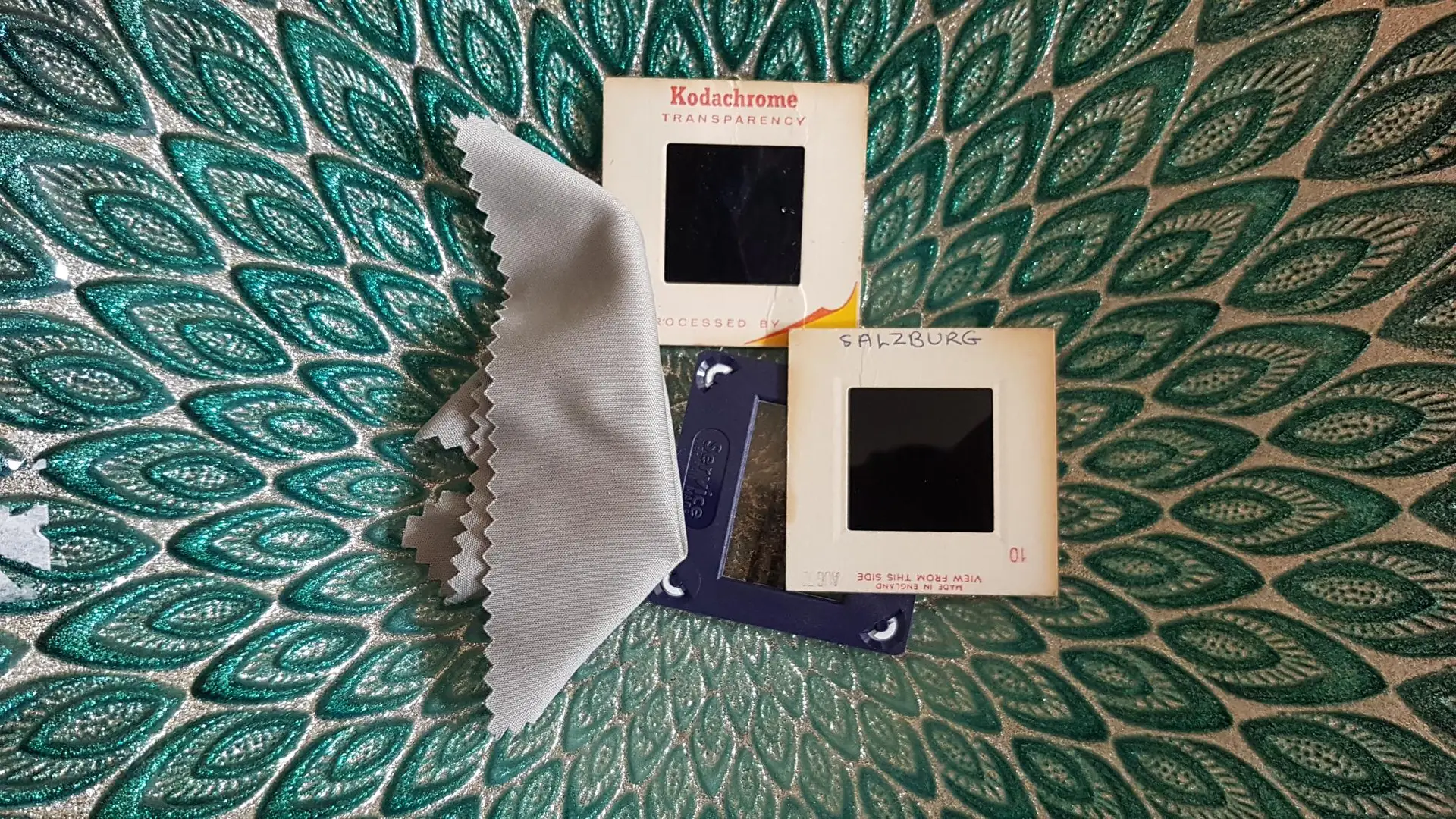
Tiny pieces of dust that barely show when holding a slide up to the light can become conspicuous after enlargement.
Before scanning:
- use a clean working area
- hold slides by their mounts
- avoid touching the film surface
- remove loose particles gently with suitable photographic cleaning equipment
- never scrape stubborn marks from the emulsion
The US National Archives advises careful handling of originals during digitisation and retaining the physical originals afterwards because digital copies introduce their own preservation risks. Its family archive guidance also stresses avoiding damage during the digitisation process.
If a transparency shows mould, emulsion damage, moisture marks or separation inside a glass mount, avoid experimental cleaning methods until you understand the material involved.
Can Software Restore Faded Slides?
Software can improve many ageing transparencies, but it cannot recreate unlimited information.
Useful corrections may include:
- colour balance
- brightness
- contrast
- mild fading
- dust spots
- scratches
- orientation
- cropping
Colour shifts are common in older film collections because different dyes and film stocks age differently.
A good workflow keeps the original scan and creates the restored version separately. That way, future editing never depends solely on today’s interpretation of how the picture should look.
For particularly valuable collections, specialist slide digitisation and image restoration can combine high-resolution capture with correction while retaining the character of the original photograph.
Don’t Automatically Throw the Slides Away After Scanning
Digitisation makes photographs far easier to view, duplicate and share, but the digital file should not automatically replace the physical original.
Keep important slides in suitable storage after conversion.
Digital storage has different vulnerabilities. Hard drives fail, accounts become inaccessible and files can be accidentally overwritten or deleted.
A sensible family archive contains multiple digital copies, ideally with one stored separately from your main computer.
The physical transparency then remains an additional original source should you ever want to rescan it with improved technology.
How Should You Name the Digital Files?
A folder containing 2,000 files called IMG0001, IMG0002 and IMG0003 may technically preserve the photographs but does little to preserve their meaning.
If the slides already have dates, numbers or written descriptions, capture that information while you work.
For example:
1978_France_Holiday_001.jpg
1978_France_Holiday_002.jpg
Or, if the collection remains unidentified:
Box03_Tray02_001.tif
This keeps the digital sequence connected to the physical collection.
Do not feel you have to identify every relative before beginning. Maintaining the existing order is more important than delaying the whole project while trying to identify every face.
When Does Professional Slide Scanning Make More Sense?
Professional scanning becomes particularly useful when you have:
- hundreds or thousands of transparencies
- valuable family photographs
- badly faded images
- mixed slide formats
- glass-mounted transparencies
- dirty or damaged material
- a requirement for high-resolution files
- little time for DIY scanning
It also removes the need to buy specialist equipment for what may be a one-off project.
When comparing providers, ask what resolution they capture at, whether they scan the actual transparency directly, what file formats they provide, how they handle colour correction and whether you receive your originals back.
Do not compare services solely on their lowest advertised price per slide. The quality of capture, handling and resulting files matters far more when the photograph cannot be replaced.
Frequently Asked Questions About Digitising Slides
Can I digitise slides using just my phone?
Yes. Place the slide in front of an even white light source and photograph it square-on. This works well for identification and casual sharing, although a good film scanner normally captures more useful detail and gives greater control over image quality.
Is a flatbed scanner good enough for 35mm slides?
A quality flatbed with a genuine transparency unit can produce good results. An ordinary reflective office scanner cannot properly scan transparencies because the film needs illumination from behind.
Is 600 PPI enough for slides?
Not if your goal is to preserve substantial detail from a small transparency. Photographic transparencies require much higher capture resolutions than prints. The National Archives specifies a minimum 4,000 PPI for photographic transparencies in its digitisation guidance.
Can I photograph slides against a window?
You can create a basic reference copy this way, but daylight changes constantly and the background may not illuminate the slide evenly. A controlled light source produces more consistent results.
Should I use JPEG or TIFF?
JPEG files are compact, convenient and easy to share. TIFF is useful for high-quality master files and extensive editing because it can avoid the additional lossy compression associated with repeatedly editing JPEGs.
A common approach is to retain a high-quality master and create JPEG copies for phones, televisions and sharing.
Should I digitise every slide?
Not necessarily. Quickly reviewing or photographing the collection first can help identify duplicates, accidental exposures and pictures you genuinely do not want.
However, be cautious about discarding apparently unimportant family photographs. A picture that means little to you today may contain a house, relative, vehicle, location or other detail that becomes historically interesting later.
Which Slide Digitisation Method Should You Choose?
For quick identification and casual sharing, a smartphone and an even light source can work surprisingly well. A transparency-capable flatbed provides a practical DIY route for larger collections, while a good dedicated film scanner offers greater potential quality if you have the patience to use it.
For large, mixed, fragile or particularly important collections, professional scanning avoids buying specialist equipment and can produce consistent results across hundreds or thousands of images.
Whichever method you choose, capture the transparency itself rather than relying on a projected image, retain the original slides and keep several copies of the resulting files. If the collection contains irreplaceable family history, it ultimately makes sense to entrust it to an experienced company accustomed to handling and digitising this material, such as Supaphoto Ltd.