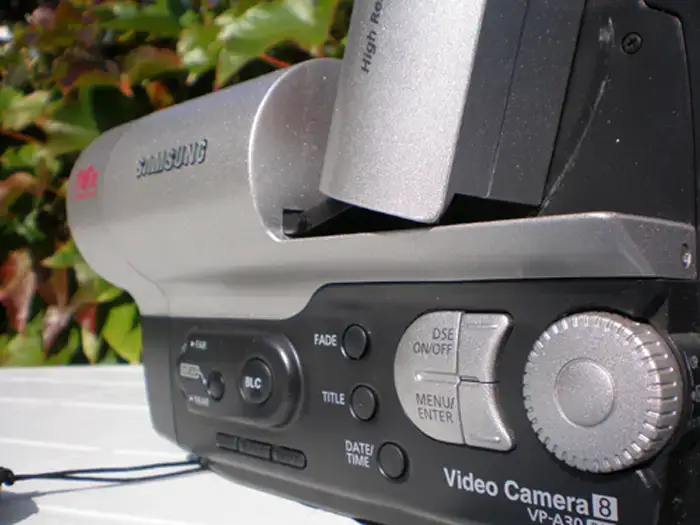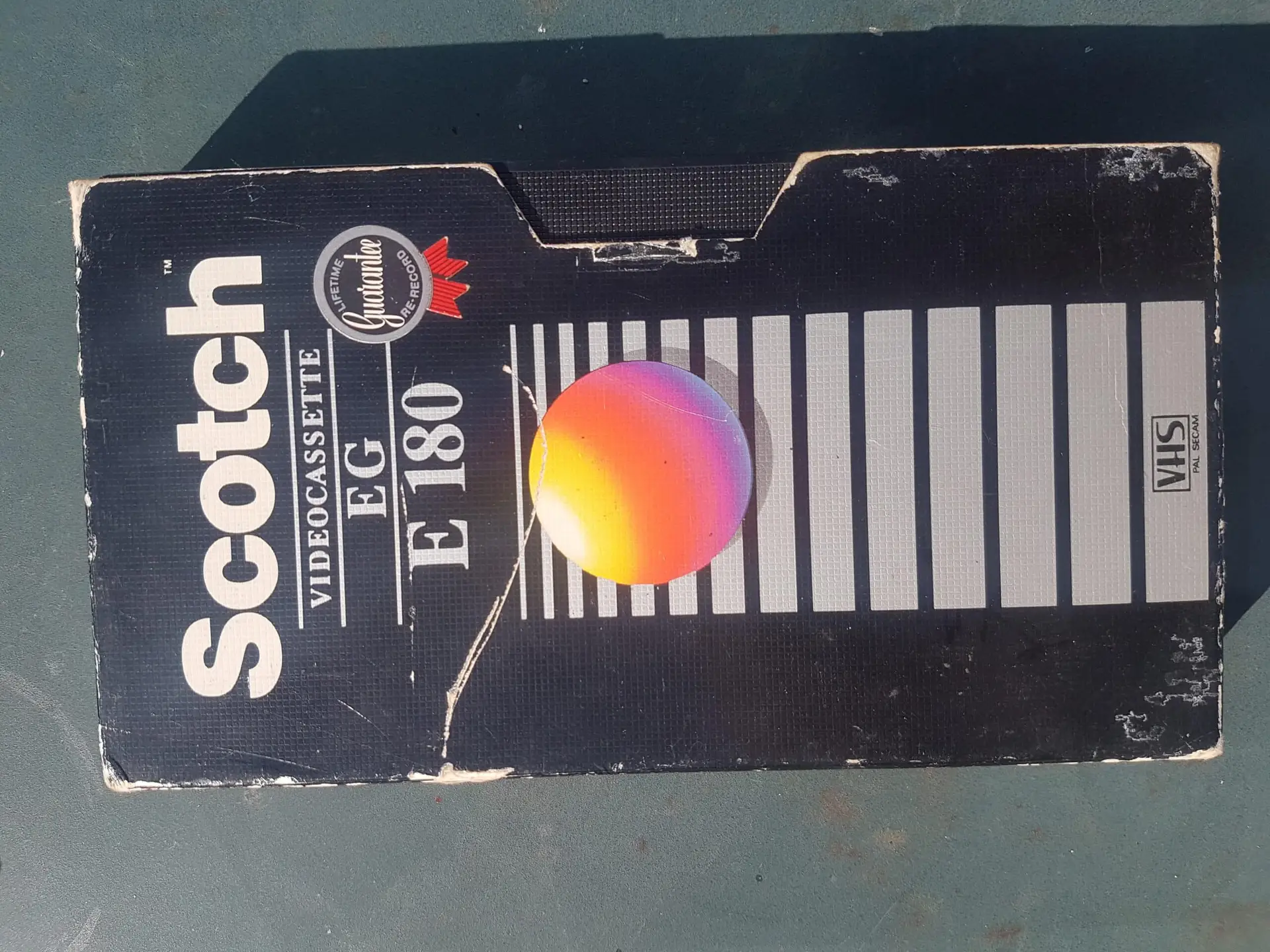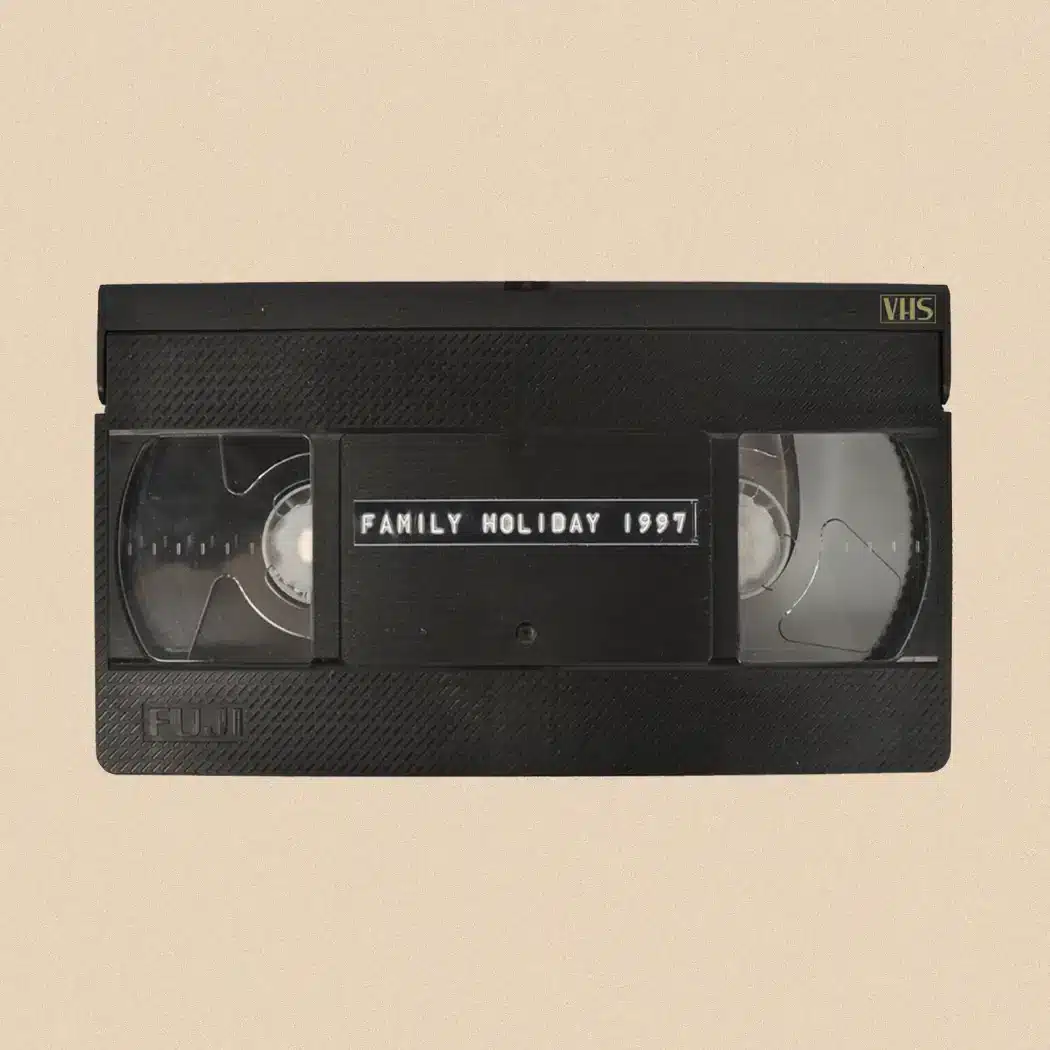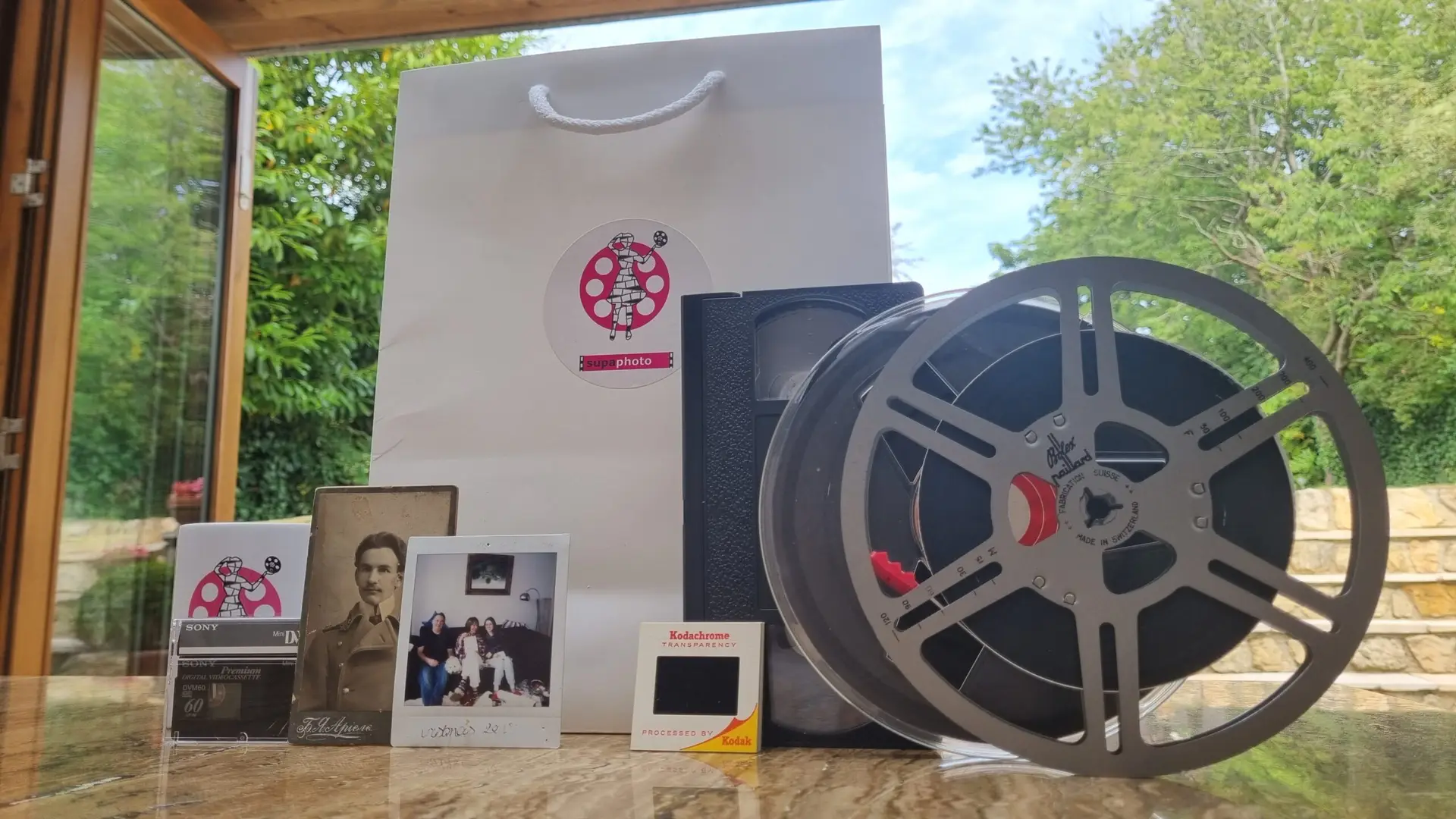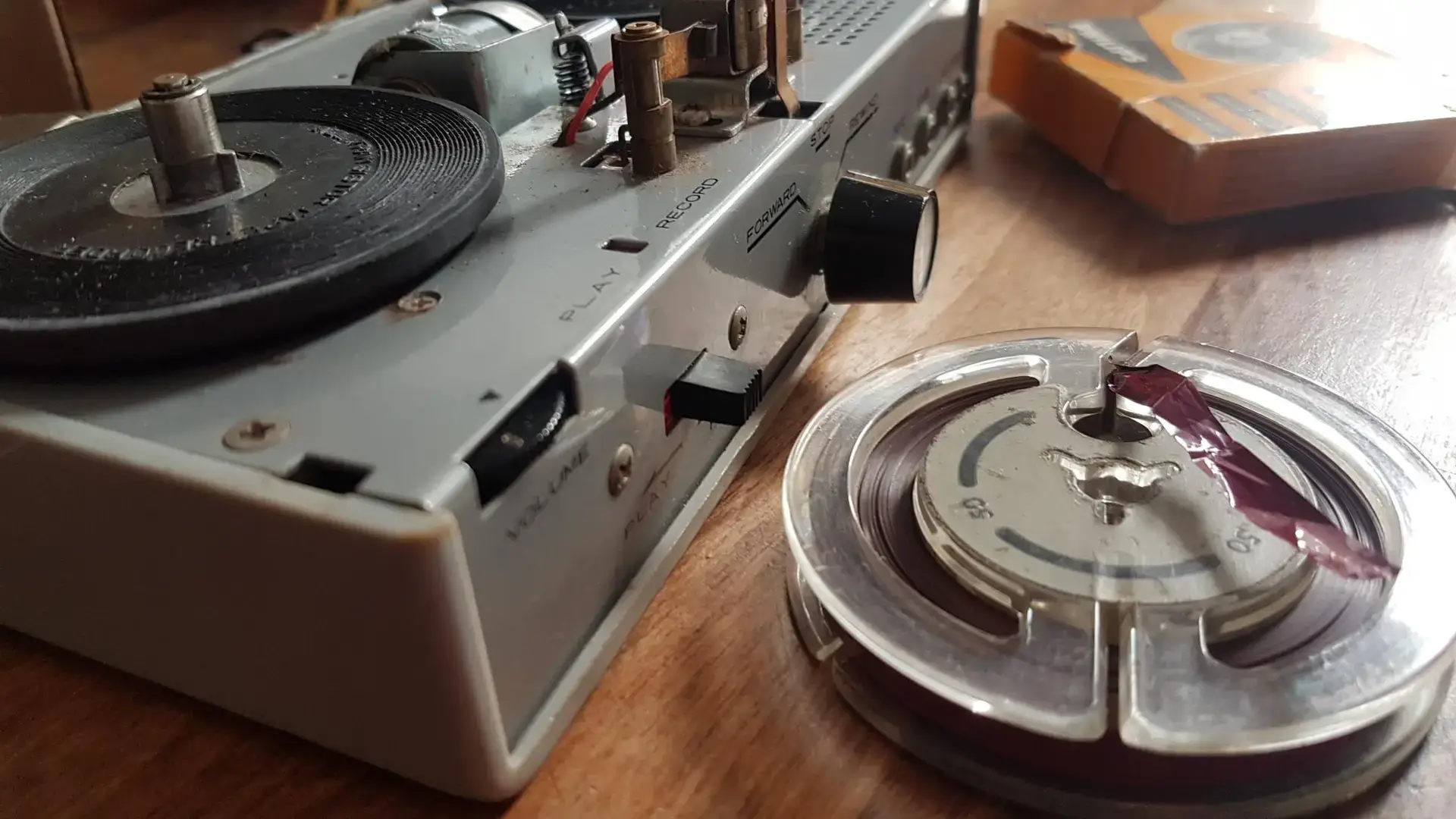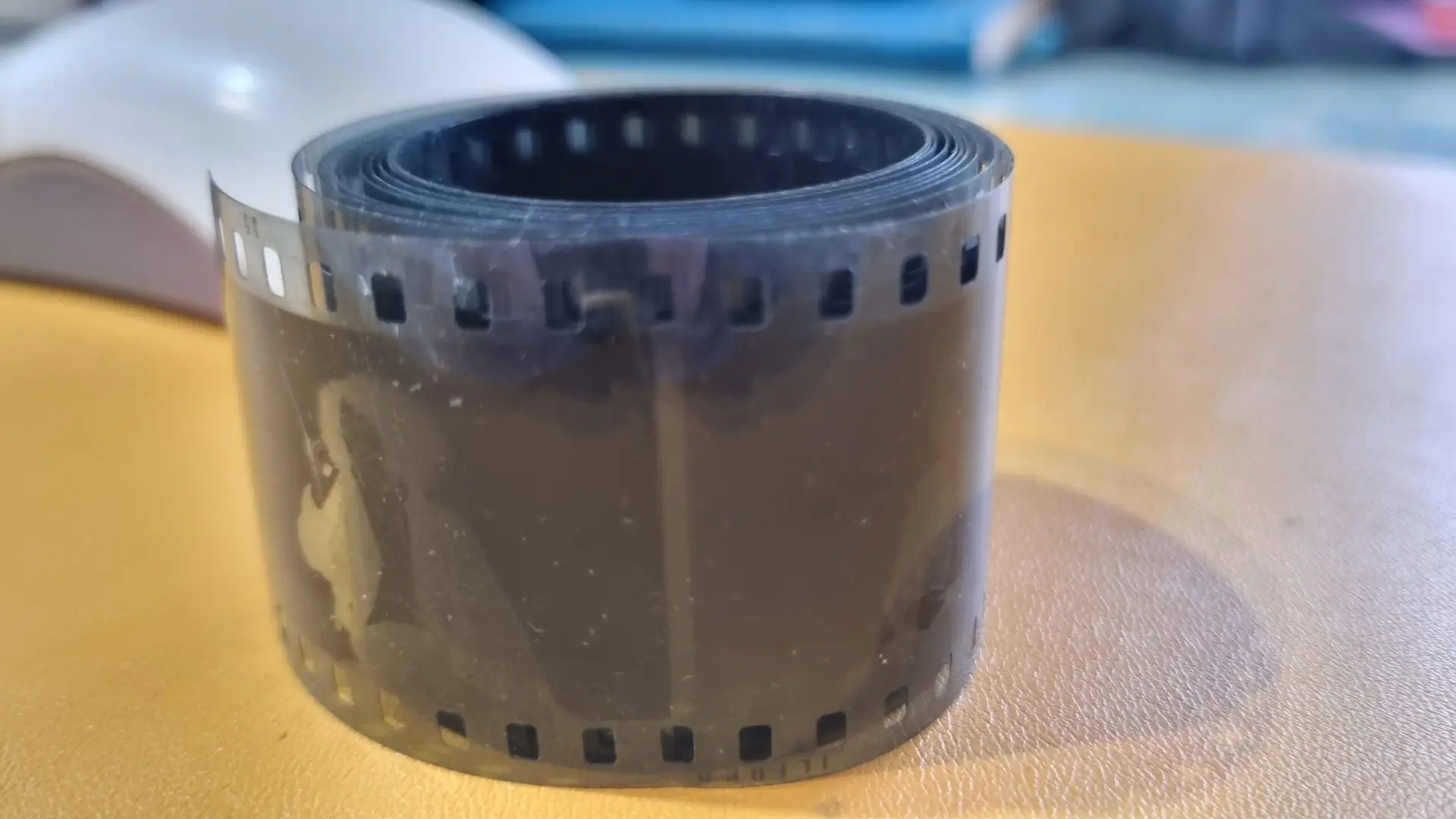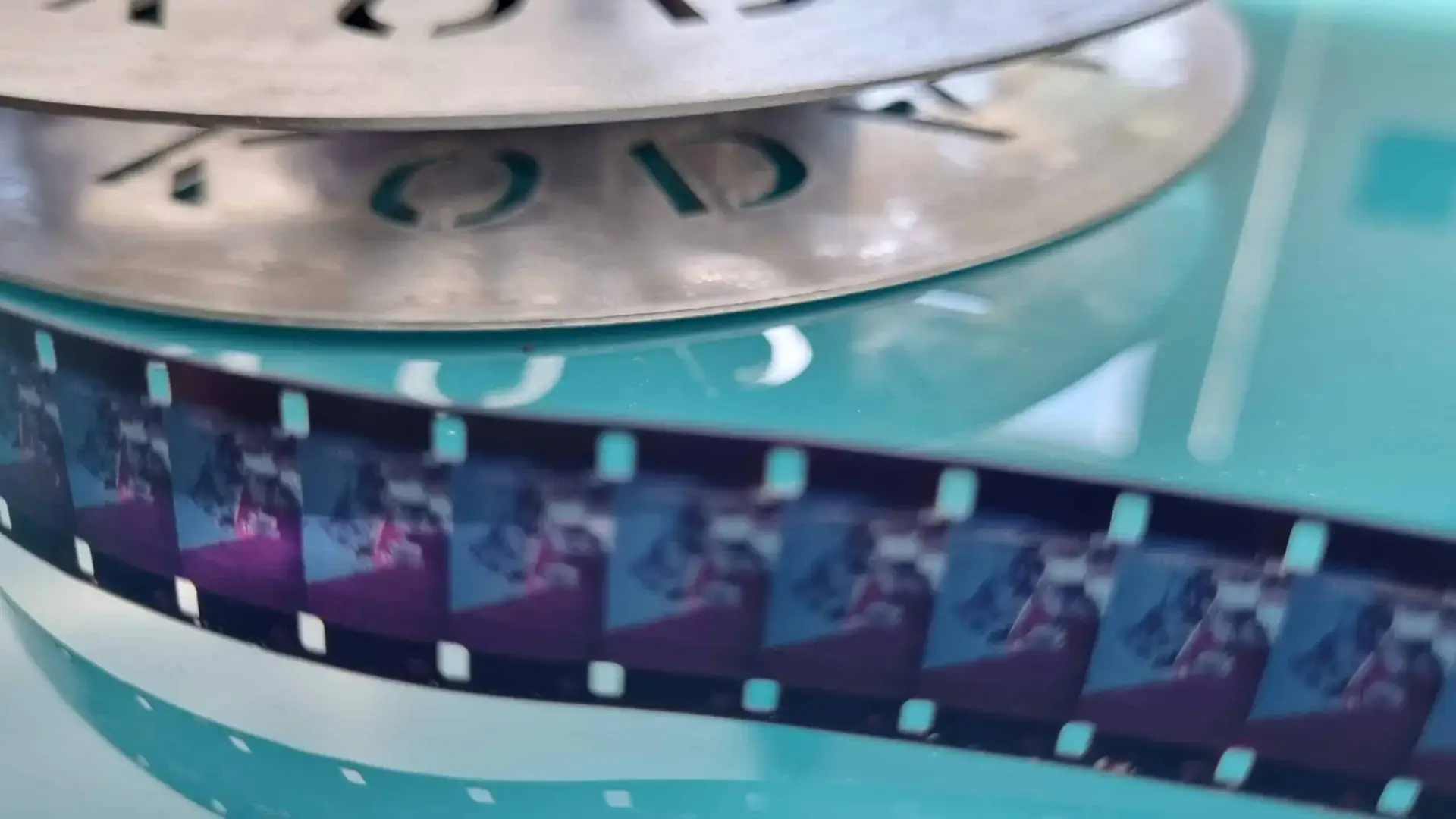

Identifying old tapes is usually easiest by looking at the size and shape of the cassette, the markings on its case and the type of camcorder or recorder it came from. Standard VHS is large, VHS-C is smaller, while Video8, Hi8 and MiniDV use much smaller camcorder cassettes. The format determines which equipment is needed for playback or transfer.
How Can I Identify an Old Video Tape?
If you have inherited a box of unlabeled videotapes, start with the physical cassette rather than trying to play it.
The most useful clues are:
- Cassette size
- Shape and design
- Logos or format names
- Labels written by the original owner
- Any information on the case
- The camcorder or video recorder originally used
- Whether the tape is analogue or digital
The National Archives recommends using identifying markings where available and examining the physical characteristics of video media when the format is not immediately obvious.
A quick comparison is useful:
| Format | Typical appearance | Common use | Recording type |
|---|---|---|---|
| VHS | Large, rectangular cassette | Home recording, television, camcorders | Analogue |
| VHS-C | Small version of a VHS cassette | Compact camcorders | Analogue |
| Video8 | Small camcorder cassette | 8mm camcorders | Analogue |
| Hi8 | Small camcorder cassette, similar to Video8 | Higher-quality analogue camcorders | Analogue |
| MiniDV | Small digital camcorder cassette | Digital camcorders | Digital |
There are other formats too, including S-VHS, S-VHS-C and Digital8. Therefore, the cassette’s physical appearance can narrow down the possibilities, but markings on the cassette or information about the original camcorder can be important when making a final identification.
What Does a VHS Tape Look Like?
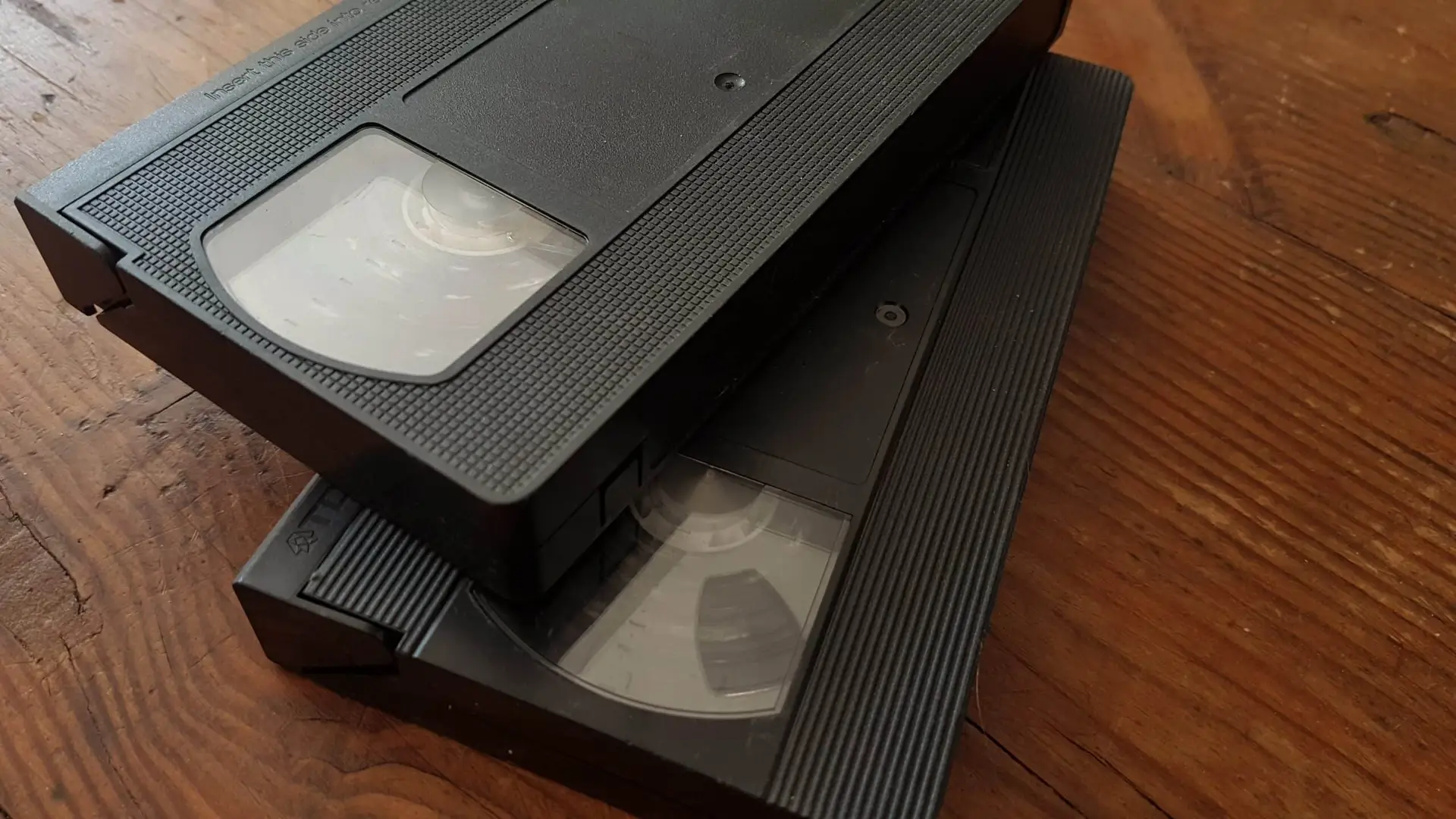
A standard VHS cassette is the largest of the five formats covered here.
It has a familiar rectangular plastic housing with a protective flap covering the tape at the front. A standard VHS cassette is approximately 18.7 cm wide, 10.2 cm high and 2.5 cm thick, according to the Canadian Conservation Institute.
The front of the cassette will often have a large label area where the owner or manufacturer could identify the recording.
You may see markings such as:
- VHS
- HQ
- E-120
- E-180
- T-120
- S-VHS
The exact markings can vary according to the manufacturer and television standard. For UK tapes, labels beginning with E are commonly associated with PAL or SECAM tape lengths, while T designations are associated with NTSC tapes.
Don’t assume that the label alone tells you what is recorded on the cassette. A commercially produced VHS film, a home recording and a family camcorder recording can all use the same basic cassette format.
The Canadian Conservation Institute’s technical guidance identifies standard VHS as a half-inch magnetic tape format and distinguishes it from the smaller VHS-C format.
What Does VHS-C Look Like?
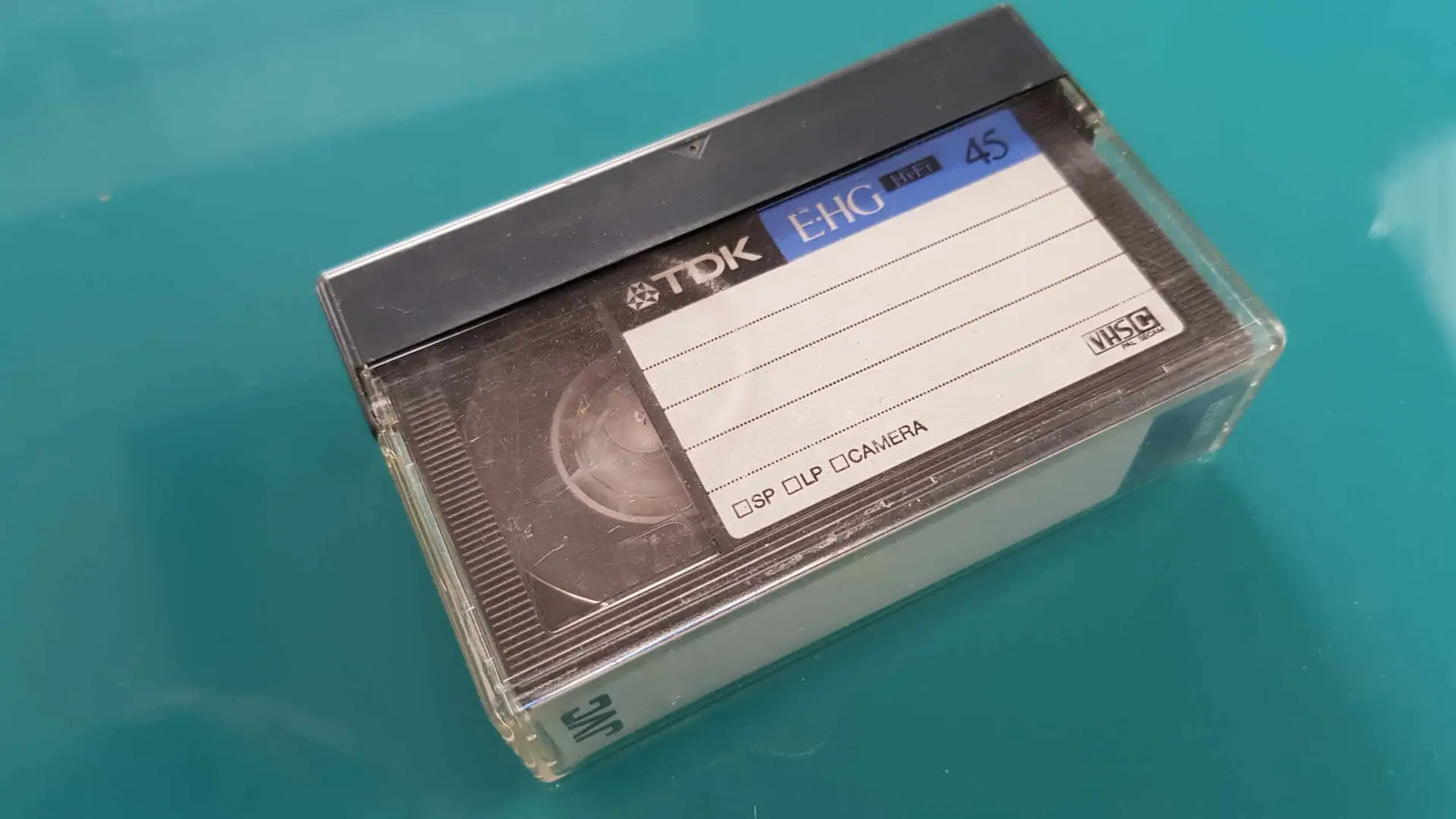
VHS-C stands for VHS Compact.
It was designed for smaller camcorders and uses the same basic VHS tape technology in a much smaller cassette housing.
This is one of the easiest formats to confuse with other camcorder tapes because the cassette is considerably smaller than standard VHS.
A VHS-C cassette is approximately 9.2 cm by 5.5 cm by 2 cm, making it roughly half the width of a standard VHS cassette.
One useful identifying feature is the cassette’s overall shape: it resembles a compact version of a VHS cassette rather than the narrow rectangular design associated with Video8, Hi8 or MiniDV.
VHS-C was designed to work with VHS equipment using an appropriate adapter cassette. However, the fact that a VHS-C cassette physically fits inside an adapter does not mean every VHS machine will necessarily be suitable for every recording.
If you have an unfamiliar VHS-C tape, identifying the format first is preferable to experimenting with old equipment.
How Do I Tell Video8 and Hi8 Apart?
Video8 and Hi8 are particularly easy to confuse.
Both use small 8mm camcorder cassettes, and their physical appearance is very similar. The difference is primarily the recording format rather than a dramatically different cassette shape.
The Library of Congress identifies 8mm and Hi-8 as separate videotape formats, with both using small cassettes designed for consumer camcorders.
Video8
Video8 is an analogue 8mm videotape format developed for compact camcorders.
A Video8 cassette is considerably smaller than VHS or VHS-C. It was used extensively in consumer camcorders and family video recording.
Hi8
Hi8 is an enhanced version of the 8mm family of analogue video formats.
The cassette itself can look extremely similar to Video8, so simply looking at the dimensions may not be enough to establish whether an individual cassette contains Video8 or Hi8 material.
Look for:
- Video8 printed on the cassette or case
- Hi8 or Hi-8 markings
- The original camcorder model
- Information written on the cassette case
- Manufacturer documentation
The distinction matters because playback compatibility can depend on the equipment. Sony’s documentation, for example, shows that some Hi8 camcorders can play both Video8 and Hi8 recordings, while compatibility varies between individual models.
For this reason, don’t assume that any camcorder with an 8mm cassette slot can play every 8mm-family recording.
What Does a MiniDV Tape Look Like?
MiniDV tapes are small cassettes designed for digital video recording.
They are noticeably smaller than VHS and VHS-C and are commonly associated with compact digital camcorders from the late 1990s and 2000s.
Sony documentation identifies MiniDV as a recording medium used in its digital camcorders. A typical MiniDV cassette is small enough to fit comfortably in the hand and has a different, more compact design from an analogue Video8 or Hi8 cassette.
Look for markings such as:
- MiniDV
- DV
- Digital Video
- HDV
The important point is that MiniDV is a digital format, unlike standard VHS, VHS-C, Video8 and Hi8.
That distinction affects how the recording is accessed and transferred. A MiniDV cassette generally requires compatible DV equipment rather than a conventional VHS VCR.
Sony’s transfer guidance also illustrates this difference: MiniDV and Digital8 recordings can use an i.LINK/FireWire connection for digital transfer on compatible equipment, whereas analogue Video8 and Hi8 recordings require an analogue capture method.
VHS vs VHS-C vs Video8 vs Hi8 vs MiniDV
If you are sorting a collection, the following checklist can help:
Large cassette → probably VHS
If the cassette is the familiar large rectangular size used by home VCRs, it is likely to be standard VHS or a related full-size VHS format such as S-VHS.
Check the markings before assuming it is standard VHS.
Small VHS-shaped cassette → probably VHS-C
If it looks like a scaled-down VHS cassette, VHS-C is a strong possibility.
Check for VHS-C or S-VHS-C markings.
Small 8mm camcorder cassette → Video8 or Hi8
If the cassette is a narrow camcorder-style cartridge and marked Video8 or Hi8, you have an 8mm-family format.
If there are no markings, identifying the original camcorder can help.
Small digital camcorder cassette → probably MiniDV
If the cassette is a small digital-video cartridge and marked MiniDV, DV or HDV, it belongs to the DV family.
The original camcorder is particularly useful here because some visually similar small cassettes belong to different formats.
Does the Tape Size Tell Me Which Camcorder I Need?
It gives you an important clue, but it does not always tell you the complete story.
Different recording standards can use similar-looking physical media. Playback compatibility can also vary between machines.
For example, Sony states that MiniDV camcorders play MiniDV tapes, while many Digital8 camcorders can play Video8 and Hi8 tapes as well as Digital8 recordings. However, Sony also notes that some Digital8 models are not backwards compatible.
This is why identifying the recording format is more important than simply finding a machine into which the cassette physically fits.
If the tape contains irreplaceable family footage, avoid repeated attempts to find a compatible player by trial and error.
What If I Cannot Identify the Tape?
If there are no useful markings, start by photographing the cassette and checking:
- The front
- The back
- The spine
- The cassette window
- Any original case
- Labels written by the previous owner
- The make and model of the original camcorder, if known
Do not remove the tape from its housing just to determine the format.
The National Archives’ guidance on identifying video formats makes the same basic point: physical characteristics and manufacturer or creator markings can help identify an unknown format, but handling should be kept careful, particularly where the tape contains important material.
If you still cannot identify it, professional identification can be useful before attempting playback or transfer.
Can I Play an Old Tape to Find Out What It Is?
It is possible to identify some tapes from their playback equipment, but this is not the safest approach for valuable or fragile recordings.
An old cassette may have been stored for decades. Dust, debris, poor tape winding, deterioration or other physical problems can affect playback.
The Canadian Conservation Institute recommends inspecting tapes before playback and stresses the importance of clean, properly maintained equipment. Its guidance also explains that magnetic tape can deteriorate over time and that playback technology itself is becoming less readily available.
If a tape is visibly damaged, mouldy, sticky, shedding material or otherwise questionable, don’t use trial-and-error playback to identify it.
Why Does Identifying the Format Matter?
Knowing the format tells you what kind of playback or transfer equipment is required.
It can also help establish whether the recording is:
- Analogue or digital
- From a consumer camcorder or another source
- Compatible with equipment you already own
- Likely to require specialist equipment
- Suitable for straightforward transfer
- Potentially in need of assessment before playback
This becomes particularly important when a collection contains several different formats.
A box containing VHS, VHS-C, Video8, Hi8 and MiniDV cannot simply be processed using one universal cassette player.
Each format has its own recording and playback requirements.
Should Old Video Tapes Be Digitised?
If the recordings contain family memories, historical footage or other material you want to keep, digitisation can make them much easier to access.
This is particularly relevant because many older video formats depend on ageing playback equipment. The Canadian Conservation Institute notes that VHS has a finite lifespan and that the technology and expertise needed to maintain older playback equipment are becoming less available.
The National Archives similarly recommends reformatting magnetic audio and video material as part of preservation because different tape formulations can deteriorate and playback equipment can become obsolete.
Digitisation does not mean that the original cassette should automatically be discarded. Keeping the original can still be valuable, particularly where the recording has sentimental or historical significance.
What If My Old Tape Is Damaged?
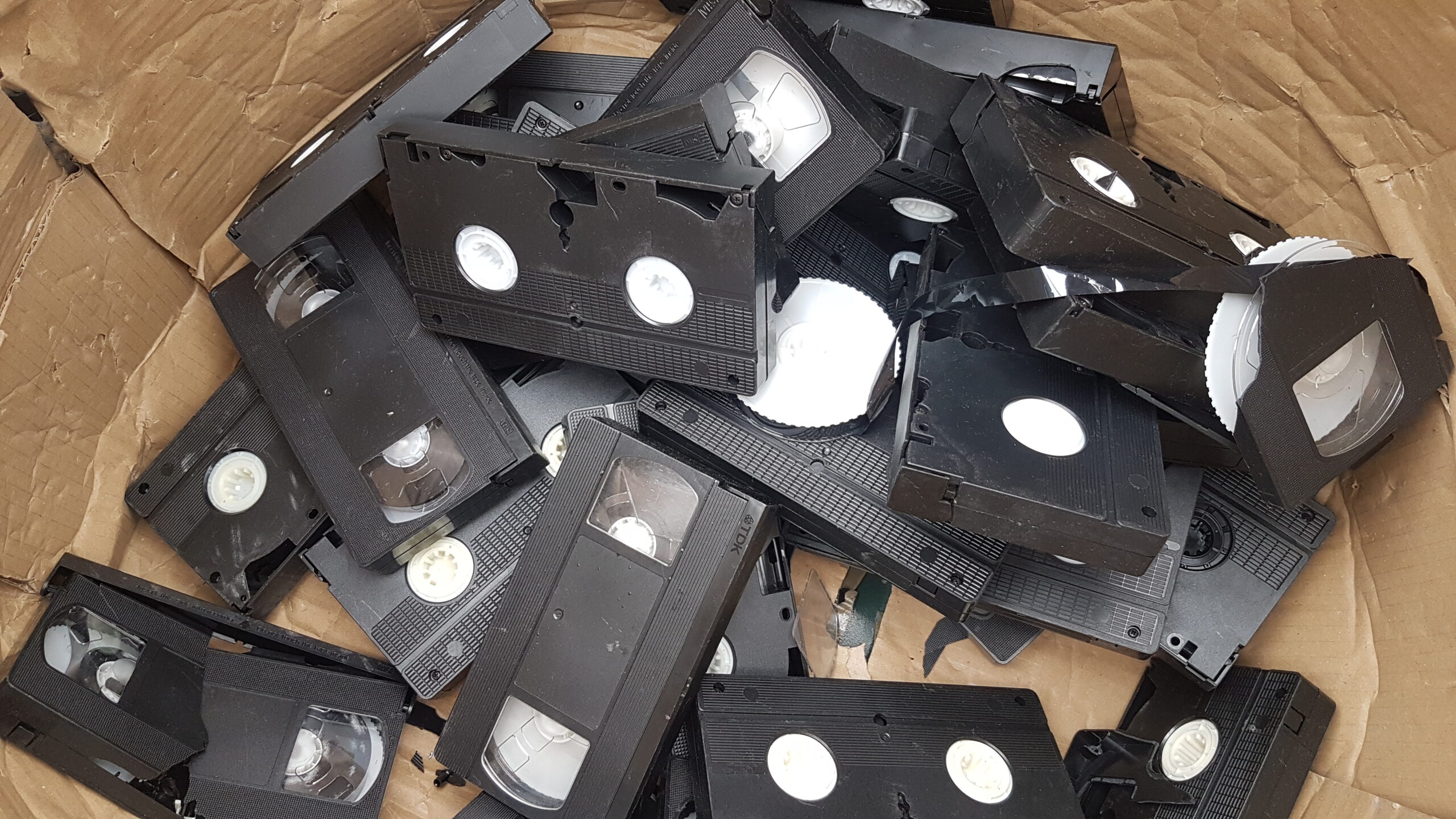
Format identification should come before attempting repair or playback when a tape shows obvious problems.
Look for signs such as:
- Mould
- Loose or slack tape
- Damaged cassette housing
- Tape visible outside the cassette
- Contamination
- Sticky or unusual tape movement
- Flaking or debris
- Water damage
- Labels or parts of the cassette becoming detached
The National Archives advises keeping magnetic tapes clean and maintaining playback equipment because dust, debris and deposits can interfere with subsequent playback.
If the tape is damaged or irreplaceable, professional assessment may be more appropriate than experimenting with an unfamiliar player.
How We Can Help With Old Video Tapes
If you have identified a collection of old videotapes but do not have suitable playback equipment, we provide video restoration services for older recordings.
The relevant service can be useful where the problem extends beyond simply knowing whether a cassette is VHS, VHS-C, Video8, Hi8 or another format. Assessment can help establish what is involved before attempting to access recordings that may be difficult to play.
For readers who have tapes that need more than straightforward identification, the video restoration service provides further information about the service and the types of video problems it addresses.
The most useful information to provide when asking about an old tape is the format marking, photographs of the cassette and any details you have about the original camcorder or recorder.
How We Can Help With Old Video Tapes
If you have identified a collection of old videotapes but do not have suitable playback equipment, we provide video restoration services for older recordings.
The relevant service can be useful where the problem extends beyond simply knowing whether a cassette is VHS, VHS-C, Video8, Hi8 or another format. Assessment can help establish what is involved before attempting to access recordings that may be difficult to play.
For readers who have tapes that need more than straightforward identification, the video restoration service provides further information about the service and the types of video problems it addresses.
The most useful information to provide when asking about an old tape is the format marking, photographs of the cassette and any details you have about the original camcorder or recorder.
How Should I Store Old Video Tapes?
Once you have identified your tapes, good storage can help protect them while you decide what to do with the recordings.
The National Archives recommends storing magnetic video tapes vertically and in their boxes, rather than stacking them on top of one another. It also advises keeping magnetic tapes away from sources of electromagnetic fields and avoiding leaving tapes inside a VCR.
The Canadian Conservation Institute similarly recommends suitable storage conditions and careful handling of magnetic media.
For a home collection:
- Keep tapes in their protective cases.
- Store them upright.
- Keep them away from damp areas.
- Avoid direct sunlight and excessive heat.
- Keep them away from strong magnetic sources.
- Do not leave important tapes inside a VCR.
- Avoid unnecessary playback.
If the recordings matter to you, consider creating digital copies rather than relying indefinitely on the original cassette and ageing playback equipment.
Frequently Asked Questions
How can I tell if a tape is VHS or VHS-C?
A standard VHS cassette is much larger. VHS-C is a compact version designed for camcorders and is roughly half the width of a standard VHS cassette. Look for VHS or VHS-C markings where possible.
How do I tell Video8 from Hi8?
Both use small 8mm camcorder cassettes and can look very similar. Check the cassette, case and original camcorder for Video8 or Hi8 markings. The equipment required for playback can differ, so identification should not rely on cassette size alone.
Is MiniDV the same as Video8?
No. MiniDV is a digital video format, while Video8 is an analogue 8mm format. They use different recording systems and require different compatible equipment.
Can one camcorder play all 8mm tapes?
Not necessarily. Some camcorders can play more than one format, while others have more limited compatibility. Sony, for example, notes that some Digital8 camcorders can play Video8 and Hi8, but compatibility varies between models.
What should I do if I cannot identify an old tape?
Check the cassette and case for logos, format names and other markings, and identify the original camcorder if possible. If the tape is valuable or potentially fragile, avoid repeated trial-and-error playback and seek advice before using unfamiliar equipment.
TL;DR
Identifying old tapes starts with their physical size, shape and markings. Standard VHS is large, VHS-C is a smaller VHS-style cassette, Video8 and Hi8 use small 8mm camcorder cassettes, while MiniDV is a small digital-video cassette. Correct identification matters because each format requires compatible playback or transfer equipment.