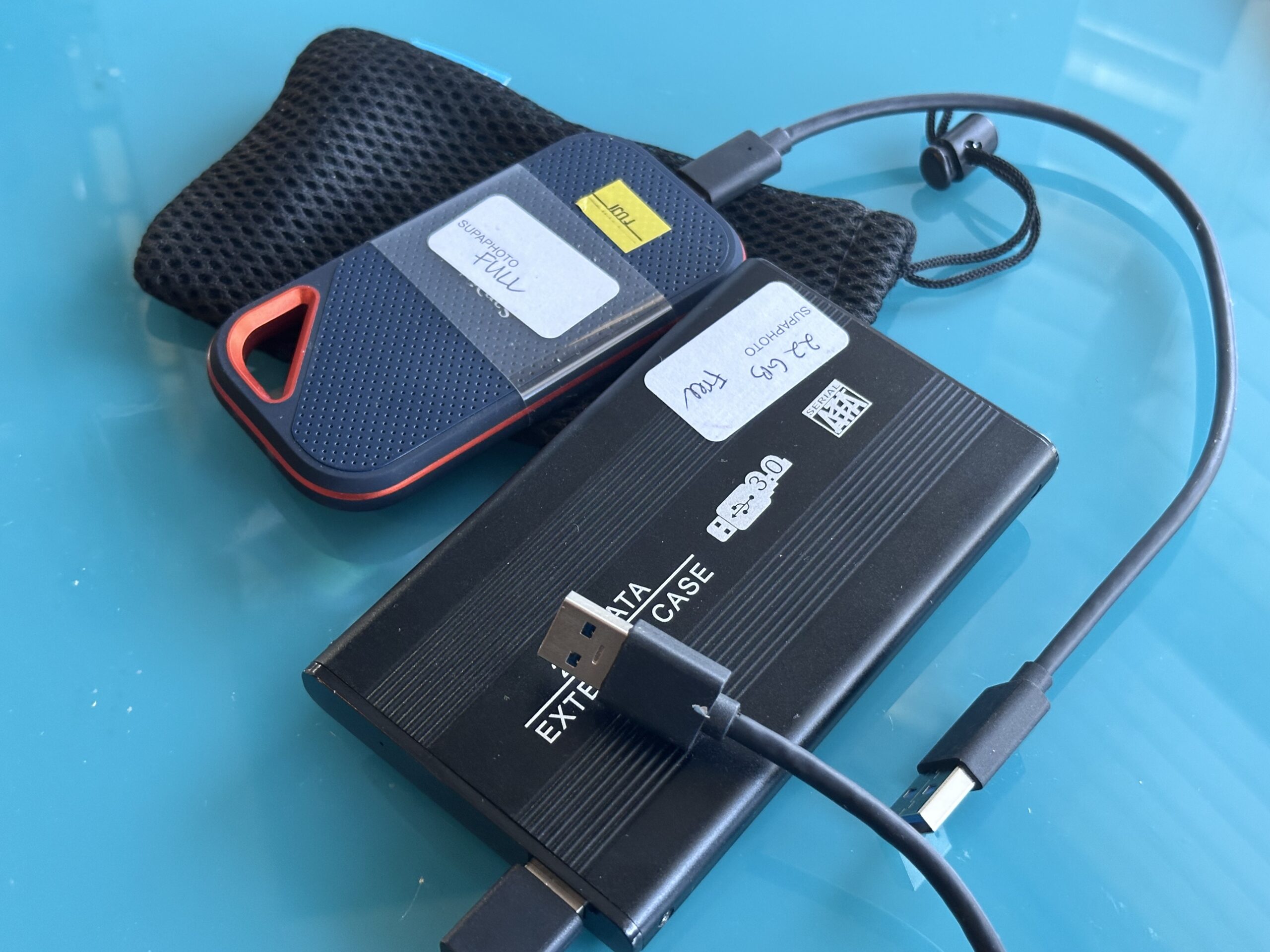

A hard drive repair service should first establish whether the problem is mechanical, electronic, firmware-related or logical. When valuable files are involved, prioritise recovering the data safely rather than returning a failing drive to everyday use. If a drive starts clicking, grinding or repeatedly disconnecting, switch it off and avoid repeated attempts to access it.
The safest response is usually:
- Stop using a drive showing serious failure symptoms.
- Do not format or initialise an unreadable drive.
- Avoid running repair software on a mechanically failing HDD.
- Record what happened immediately before the problem appeared.
- Have the fault properly diagnosed.
- Recover important data to separate healthy storage.
- Replace an unreliable drive rather than depending on it again.
Hard Drive Repair and Data Recovery Are Not Quite the Same Thing
“Hard drive repair” can mean two very different things.
If the drive itself contains no important information, repair might simply mean getting a computer working again by replacing a failed disk. But when a hard drive contains the only copy of family photographs, videos, documents or business files, data recovery becomes the priority.
Professional recovery may sometimes require temporarily repairing a hardware or firmware problem so that the drive becomes readable. The objective is then to extract the information, not necessarily to return the damaged HDD as a reliable everyday storage device.
This distinction is important because you should not automatically trust a hard drive again simply because you successfully retrieved its contents after a significant failure.
For important files held on a problematic disk, Supaphoto’s specialist hard drive assessment and data retrieval provides a route to recovering the contents and moving them onto safer storage.
Why Do Hard Drives Fail?
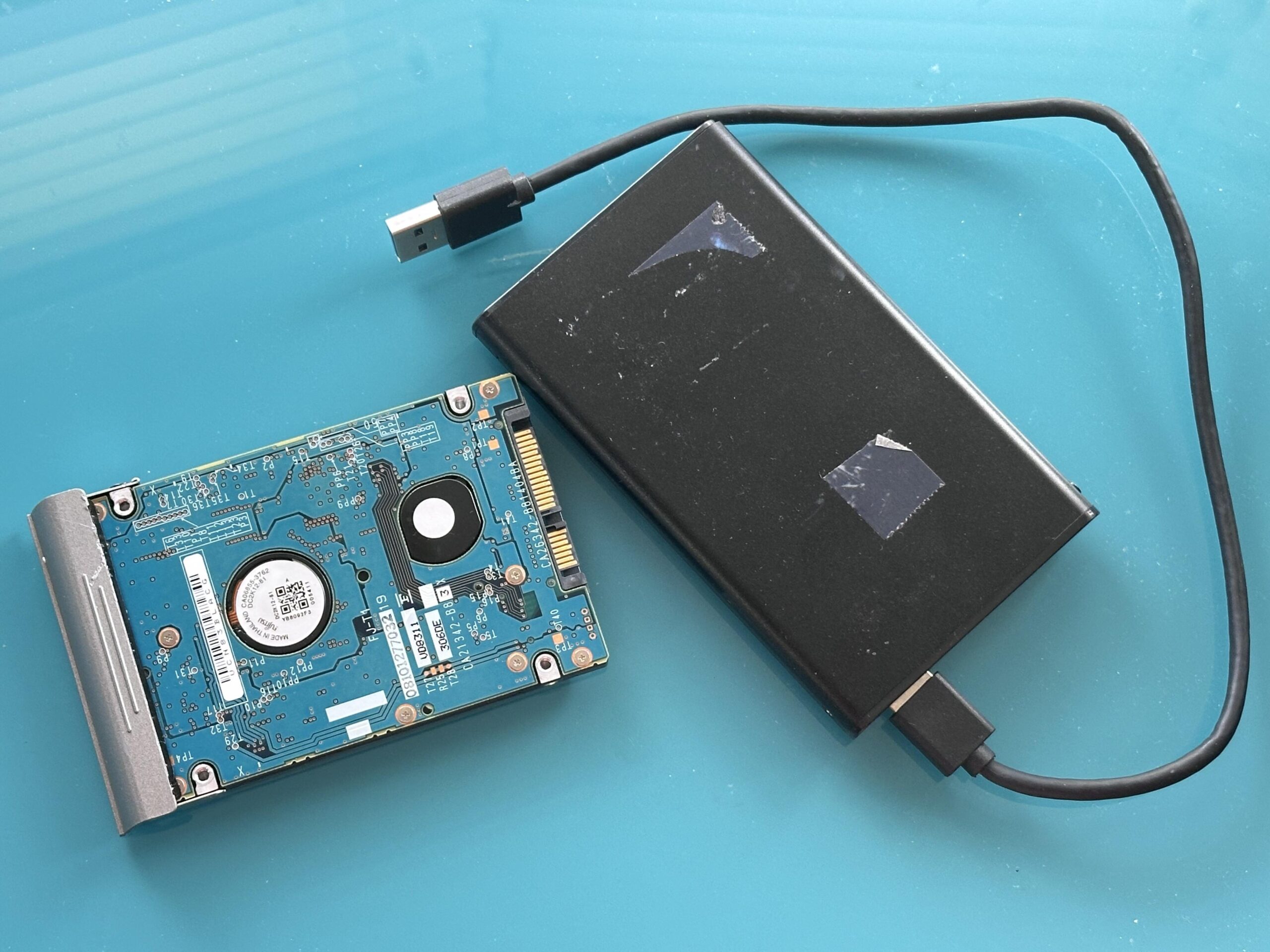
Traditional hard disk drives are complex mechanical and electronic devices. Inside an HDD, magnetic platters rotate while read/write heads access information stored on their surfaces.
Failures generally fall into several broad categories.
| Type of problem | Possible symptoms | Typical concern |
|---|---|---|
| Mechanical | Clicking, grinding, repeated spin-up | Heads, motor or other moving components |
| Electronic | Drive appears completely dead | PCB, power or electronic fault |
| Firmware | Drive spins but identifies incorrectly | Internal operating information |
| Logical | Missing folders, RAW volume, corrupted partition | File system or data structures |
| Bad sectors/read errors | Extremely slow access, freezing | Areas becoming difficult to read |
| Physical damage | Failure after impact or liquid exposure | Multiple components may be affected |
These categories can produce overlapping symptoms, so diagnosis matters. Current UK recovery specialists similarly distinguish mechanical, electronic, firmware and logical faults because each requires a different approach.
Warning Signs Your Hard Drive May Be Failing
Some symptoms justify much more caution than others.
Clicking, Ticking or Grinding
An unfamiliar repetitive mechanical noise from an HDD is a serious warning sign.
A clicking drive can indicate that its read/write mechanism is unable to operate normally. Continuing to restart or repeatedly access a mechanically damaged drive may increase the risk of further deterioration. UK recovery specialists consistently advise powering down drives that develop abnormal clicking or grinding noises rather than repeatedly testing them.
If you have important files on the drive, switch it off.
The Drive Becomes Extremely Slow
A failing disk may take unusually long to open folders, copy files or appear on the computer.
Slowness can have several causes, but repeated read errors and deteriorating sectors are among the possibilities. If a previously normal drive suddenly takes minutes to perform simple operations, don’t ignore the change.
The Drive Keeps Disconnecting
Intermittent disappearance can sometimes result from something simple such as a faulty USB cable or power supply, particularly with an external drive.
It can also indicate a more serious hardware problem.
Rule out straightforward external causes without repeatedly stressing a drive that is behaving abnormally.
The Computer Cannot Detect the Drive
A drive that does not appear normally could have an electronic, firmware, interface or mechanical problem.
“Not detected” does not automatically mean “no data”.
What Should You Do Immediately After a Hard Drive Failure?
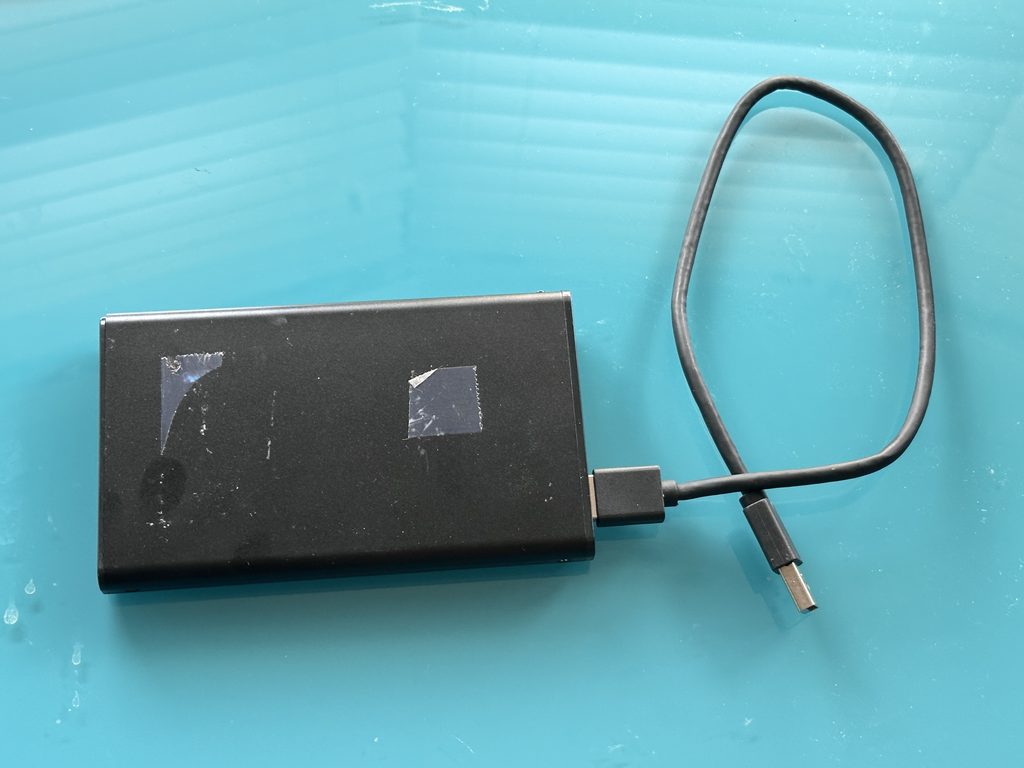
Your next actions can matter.
If the hard drive contains irreplaceable information, avoid treating it as an ordinary computer fault until you understand what has failed.
Stop if You Hear Abnormal Mechanical Noises
Turn off a clicking, grinding or repeatedly cycling HDD.
Don’t repeatedly power it on to see whether it has recovered.
Don’t Format the Drive
Windows or macOS may occasionally offer to initialise, erase or format storage it cannot interpret normally.
If you need the existing files, do not automatically accept.
Formatting prepares storage for use; it does not preserve inaccessible data and should not be your first step.
Don’t Save Anything New to It
If the fault involves deleted files, corruption or damaged file-system structures, writing new data to the source can complicate recovery.
Make Notes
Record useful information such as:
- whether you dropped the drive
- whether there was a power failure
- any unusual sounds
- error messages displayed
- whether you accidentally deleted files
- whether formatting occurred
- whether the drive has become progressively slower
- what recovery attempts you have already made
This information can help with diagnosis.
When Is DIY Hard Drive Repair Reasonable?
Simple checks can be appropriate when there are no signs of physical failure.
For an external drive, you might safely check:
- another known-good USB cable
- another compatible USB port
- the correct power supply
- another computer where appropriate
However, there is an important line between checking the connection and trying to repair the drive itself.
Do not open the sealed HDD enclosure. Hard disk mechanisms operate with extremely small tolerances, and internal work associated with mechanical data recovery requires specialist controlled conditions and equipment.
Likewise, file-system repair utilities are not substitutes for hardware recovery. Tools designed to modify logical structures can be inappropriate when the storage hardware itself is unstable.
Should You Run CHKDSK or Disk Repair Software?
Not automatically.
Utilities designed to correct file-system errors can modify structures on the disk. That may be acceptable in some situations involving healthy hardware and expendable data, but it is a different objective from preserving the original state for recovery.
If the drive is:
- clicking
- stalling
- repeatedly disconnecting
- producing read errors
- extremely slow
- physically damaged
avoid running intensive repair or recovery scans without understanding the underlying fault.
Current UK specialist guidance makes this distinction clearly: software may have a role in logical problems, whereas mechanically failing drives require a different recovery strategy.
When you have the only copy of an important archive, caution is usually more valuable than experimentation.
How Does Professional Hard Drive Recovery Work?
The exact process depends on the failure, but a well-controlled recovery workflow typically separates diagnosis, stabilisation, imaging and file extraction.
Diagnosis
The first objective is to establish what is wrong.
Is the problem mechanical? Is the drive’s electronics faulty? Is the disk healthy but its file system damaged?
Diagnosis determines what should happen next.
Stabilising the Drive
A mechanically or electronically faulty drive may require specialist intervention simply to make it sufficiently readable for data extraction.
This is not necessarily a permanent repair.
Think of it as creating the opportunity to recover the data.
Imaging or Cloning
Where possible, specialists commonly work towards creating a sector-level image or clone so that subsequent recovery work can take place against a copy rather than repeatedly stressing the original disk.
Specialist UK recovery laboratories describe read-only imaging and working from the resulting copy as established practices.
Recovering the Files
Once the system has read sufficient data, specialists can reconstruct file systems and folders where possible.
Save recovered material onto different healthy storage, not back onto the failing source.
Verification
Check important recovered files to establish whether they genuinely open and contain usable information.
A filename alone does not prove that the file is intact.
Can a Clicking Hard Drive Be Repaired?
Sometimes specialists can make a clicking drive sufficiently readable to recover its data, but you should not trust it for continued everyday use.
Clicking can indicate read/write head problems or other mechanical or firmware faults. The exact cause requires diagnosis.
If the data matters:
switch it off → avoid software scans → seek assessment.
Repeatedly powering the drive because it “worked for a few seconds last time” can be counterproductive.
What About a Dropped External Hard Drive?
Portable external HDDs are particularly vulnerable to impact because they contain moving mechanical components.
If you dropped a drive and it then started:
- clicking
- buzzing
- failing to spin normally
- disappearing from the computer
- producing errors
avoid further unnecessary power cycles.
Specialist UK recovery guidance identifies drops and impacts as common causes of mechanical faults in portable HDDs.
For a healthy older drive that simply needs moving onto newer storage, a managed transfer from portable storage is a different task from recovering a physically damaged disk.
Can You Recover Files From a Formatted Hard Drive?
Sometimes.
Formatting does not represent one single recovery scenario. The prospects depend on factors including:
- the type of format performed
- the file system
- subsequent use
- whether new information has overwritten previous data
- the health of the drive
The most important action after accidental formatting is to stop writing to the disk.
Do not reinstall applications, copy files onto it or repeatedly format it again.
Once new information has genuinely overwritten old data, software cannot simply reconstruct the original bytes from nothing.
Can Deleted Files Be Recovered?
Potentially.
When you delete a file, the file system often changes its records so it can reuse the storage space. Until new data overwrites the relevant areas, you may still recover some information
This is why continued use matters.
If you accidentally delete an important folder from a secondary hard drive, stop using that drive rather than filling it with new material.
Recovering data from a healthy disk is generally less complicated than recovering data from physically deteriorating hardware, but you should not guarantee any outcome without examining the circumstances.
HDD, SSD and External Drive Recovery Are Different
“Hard drive” is commonly used to describe several types of storage, but the underlying technology matters.
| Device | Technology | Typical recovery considerations |
|---|---|---|
| HDD | Magnetic rotating platters | Mechanical, firmware, electronic and logical faults |
| External HDD | HDD plus enclosure/interface | Adds cable, power and interface possibilities |
| SSD | NAND flash storage | Controller, electronic, flash and logical faults |
| Hybrid drive | Magnetic and flash technologies | Device-specific diagnosis required |
An SSD has no mechanical read/write heads or spinning platters, so clicking-head failures do not apply. However, SSDs can still fail.
This is another reason proper diagnosis should come before attempted repair.
How to Choose a Hard Drive Repair Service
When irreplaceable information is involved, don’t judge a service solely by how quickly somebody promises to “fix” the drive.
Useful questions include:
- Will the drive be diagnosed before work begins?
- Is data recovery the priority?
- Will the original be written to?
- Is an image or clone created where appropriate?
- How are mechanically damaged drives handled?
- How will recovered data be returned?
- How is confidential information protected?
- Will you know what has actually been recovered?
- Are costs explained before substantial work begins?
Trust signals frequently used by established UK recovery specialists include clear diagnostic processes, controlled handling, data-security information, written quotations and explanations of what happens to the source media.
A good provider should also set realistic expectations. No responsible service can guarantee recovery of every failed disk before assessing its condition.
Protecting Your Files After Recovery
Recovering the files solves the immediate problem. Preventing the next loss requires a backup strategy.
The National Archives identifies hard drive failure and data corruption as examples of technology failures that can cause loss of digital continuity.
After recovery:
- Save the recovered files onto healthy storage.
- Check important photographs, videos and documents.
- Create at least one additional copy.
- Keep copies in separate locations where practical.
- Replace the failed drive.
- Periodically check that backups remain accessible.
For mixed collections spread across several devices, bringing older digital storage into one managed archive can make future backup and organisation considerably easier.
Common Hard Drive Repair Mistakes
Repeatedly Restarting a Clicking Drive
If the drive is suffering mechanical damage, more running time may mean more stress on failing components.
Putting a Hard Drive in a Freezer
The so-called freezer trick is not an appropriate preservation method for an irreplaceable modern hard drive. Temperature changes can introduce additional physical risks, including condensation.
Opening the Drive at Home
Removing the HDD cover exposes precision internal components. Mechanical recovery work belongs in suitable specialist conditions.
Formatting Because Windows Suggests It
If the files matter, formatting an unreadable source is not the correct first response.
Recovering Files Onto the Same Disk
Recovered data belongs on separate healthy storage.
Repairing the Drive and Trusting It Again
A disk that required significant intervention to retrieve its data should generally be replaced rather than returned to duty as the sole home of important files.
Frequently Asked Questions About Hard Drive Repair
Can a damaged hard drive be repaired?
Some faults can be repaired or stabilised sufficiently to recover the data. Whether the drive should then be reused is a separate question; significant failures usually make replacement the more sensible choice.
How do I know if my hard drive has mechanically failed?
Clicking, grinding, repeated spin-up attempts and abnormal noises can indicate mechanical trouble. Switch the drive off and seek diagnosis if important files are stored on it.
Can a hard drive that isn’t detected be recovered?
Potentially. Non-detection can result from electronic, mechanical, firmware, interface or other problems. It does not automatically mean the stored data has disappeared.
Can a completely dead hard drive be recovered?
Sometimes. A drive that appears completely dead may have an electronic fault, although other failures can produce similar symptoms. Diagnosis is required before recovery prospects can be assessed.
Is data recovery the same as repairing a hard drive?
No. Repair focuses on correcting a fault; data recovery focuses on retrieving information. Specialists may temporarily repair a failed drive only far enough to read and image its contents.
Should I keep using a drive with bad sectors?
A growing number of read errors or bad sectors can indicate deterioration. Back up important information promptly and replace questionable storage rather than relying upon it.
Can an old external hard drive be transferred without repairing it?
Yes, if it remains healthy and readable. Its files can normally be copied onto current storage without repairing the original hardware.
Recover the Data First, Replace the Failed Drive Second
The most important principle behind a hard drive repair service is simple: when the files matter, protect the data before worrying about making the old hardware useful again.
A healthy drive with a connection problem may need little more than straightforward troubleshooting. A corrupted file system requires a different approach. A dropped or clicking HDD needs much greater caution.
Recognising that difference can prevent a recoverable situation from becoming unnecessarily difficult.
If your disk contains irreplaceable photographs, home videos, documents or other files, our specialist help for damaged or failing hard drives can assess the problem, recover accessible data and transfer it onto safer storage.