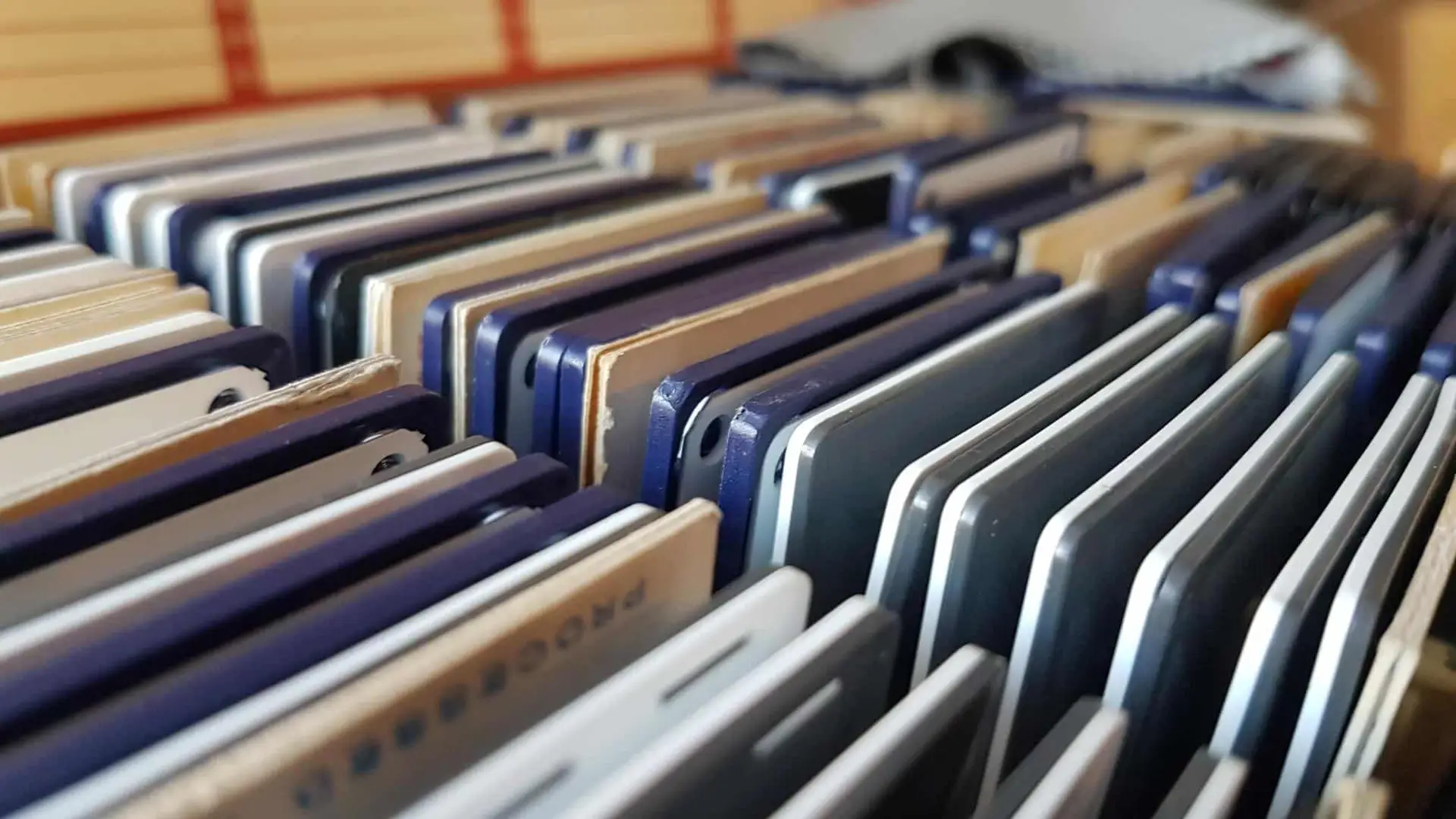

35mm slides with mould are not necessarily beyond saving. If mould is only affecting the surface, some slides may still be recoverable, but mould can damage the photographic emulsion and leave permanent marks. The safest approach is to avoid unnecessary handling or projection, isolate affected slides and consider professional assessment and digitisation.
What causes mould on 35mm slides?
Mould is encouraged by moisture, humidity and poor storage conditions. Photographic materials contain gelatin, which forms part of the image-bearing emulsion and can provide a suitable nutrient source for fungal growth. The Canadian Conservation Institute notes that mould growth on photographic materials is associated with environmental conditions including relative humidity and temperature.
This means a box of 35mm slides stored for decades in a damp loft, garage, cellar or cupboard may be more vulnerable than slides kept in a stable, dry environment.
Mould does not necessarily mean the entire slide has been destroyed. The extent of the damage depends on factors such as:
- How long the mould has been present
- Whether the mould is still active
- How deeply it has affected the emulsion
- The humidity and temperature of the storage environment
- Whether slides have become stuck together
- Whether the photographic image has already been chemically or physically damaged
- How carefully the slides are handled from this point onwards
The Canadian Conservation Institute explains that photographic materials can suffer both chemical and physical deterioration, and that high humidity can soften gelatin and encourage mould growth.
What does mould on a 35mm slide look like?
Mould can appear as white, grey or otherwise discoloured growth on the surface of a slide. Depending on the condition, it may look like spots, patches, a haze or a fine web-like growth.
However, not every mark on an old slide is mould.
Dust, fingerprints, scratches, deterioration of the film or mount, chemical staining and colour fading can all produce visible defects. Looking at a slide through a projector can also make relatively minor surface contamination appear much more noticeable.
If you are uncertain whether you are looking at mould, avoid trying to scrape or wipe the mark away simply to find out. The emulsion is delicate, and unnecessary contact can make an existing problem worse.
The National Archives explains that photographic materials have image-bearing layers that are vulnerable to abrasion and can be damaged by inappropriate handling.
Can mouldy 35mm slides be saved?
Often, there is still a possibility of recovering useful images from mouldy 35mm slides, but the result depends on the condition of the original.
There is an important distinction between removing mould and repairing the damage caused by mould.
Cleaning may remove some surface contamination, but it cannot necessarily reverse damage that has already occurred within the photographic emulsion. The Canadian Conservation Institute warns that once active mould has infested photographic materials, removing it can be difficult without causing further damage.
A slide may therefore fall into several broad categories:
| Condition | What it may mean |
|---|---|
| Light surface contamination | The underlying image may remain largely intact |
| Visible mould with staining | The image may still be recoverable, but marks may remain |
| Extensive mould growth | More careful assessment is required |
| Mould combined with damaged emulsion | Some image information may already be permanently lost |
| Slides stuck together | Separating them can risk further damage |
| Severe deterioration | Professional conservation or specialist assessment may be appropriate |
This is why a photograph that looks badly affected at first glance should not automatically be considered worthless — but neither should mould damage be assumed to be completely reversible.
Should you clean mouldy slides yourself?
For valuable or irreplaceable 35mm slides, DIY cleaning is not usually the first step I would recommend.
Photographic film is made from several layers, including the film base and image-bearing emulsion. The emulsion can be vulnerable to abrasion, moisture and unsuitable cleaning methods.
The Canadian Conservation Institute specifically advises caution with photographic materials and states that more extensive cleaning and repair should be referred to a professional conservator where appropriate. It also warns against using water on mould-affected photographs because mould may have made the photographic emulsion water-soluble.
Avoid experimenting with:
- Household cleaning sprays
- Water or damp cloths
- Disinfectants
- Bleach
- Solvents chosen without specialist knowledge
- Abrasive cloths
- Cotton buds rubbed across the image
- Scraping mould from the film
- Repeated projection to see whether the slide still works
A cleaning method that is suitable for a household surface is not automatically suitable for a photographic emulsion.
What about simply brushing the mould off?
This is another situation where caution is worthwhile.
Loose dust on photographic materials can sometimes be dealt with using appropriate conservation techniques, but mould is different. Disturbing mould can spread spores, while rubbing the surface can damage the emulsion.
The Canadian Conservation Institute recommends specific procedures and precautions for mould-affected photographic collections rather than treating mould as ordinary surface dust.
If a collection has obvious mould growth, particularly if several slides are affected, it is sensible to avoid unnecessary handling and seek specialist advice.
What should you do if you discover mould on your 35mm slides?
Start with a simple inspection rather than attempting to clean them immediately.
1. Keep affected slides separate
If mould is visible, separate the affected material from unaffected parts of the collection where practical. This helps prevent unnecessary contact between affected and unaffected items.
Do not mix visibly mouldy slides back into a clean box.
2. Avoid unnecessary handling
Handle slides as little as possible and avoid touching the image area. The National Archives highlights the vulnerability of photographic image layers to oils, salts and abrasion from handling.
3. Do not put them straight into a projector
Projection involves physical movement through equipment and repeated handling. If the slide is contaminated, damaged or deteriorating, there is little benefit in repeatedly running it through a projector simply to check whether the image is still visible.
If the images are important, consider digitisation as a way of gaining access to them without relying on repeated projection.
4. Photograph or document the condition
If you are dealing with a larger collection, it can be useful to record which boxes or groups of slides have visible mould before moving them around.
This can help you keep affected material separate and identify which slides should receive attention first.
5. Consider professional assessment
Professional assessment becomes particularly sensible when:
- The slides contain irreplaceable family photographs
- Mould is clearly visible
- Slides are stuck together
- The film surface appears damaged
- The slides are becoming brittle or warped
- You are unsure how to identify the problem
- The collection has been stored somewhere damp
- You want to digitise the slides without risking further damage
Why digitising mouldy 35mm slides can be worthwhile
Digitisation does not repair the original slide, but it can make the image much easier to access and share.
A professional scanning process can capture the image from the original transparency and produce a digital file that can be viewed on a computer or other modern device. The resulting file can then be backed up and shared without repeatedly handling the physical slide.
Supaphoto’s slide digitisation service covers 35mm slides and describes the process as individually checking slides before scanning, with dust removal where needed and digital conversion into formats including JPEG and TIFF.
Supaphoto’s 35mm slide digitisation service
However, digitisation should not be regarded as a magic solution for severe physical deterioration. If mould has permanently affected the emulsion, a scan cannot recreate photographic information that has already been lost.
The objective is instead to capture as much of the surviving image as reasonably possible.
Can a scanner remove mould from a slide?
A scanner cannot physically remove mould from the original.
It may be possible for digital restoration techniques to reduce the visual impact of certain marks in the resulting image, but this is different from cleaning or conserving the physical slide.
This distinction matters because a digital copy and the original transparency are two different things. The Canadian Conservation Institute notes that digitised photographs provide convenient access but should not automatically be regarded as replacements for the originals.
For an important family collection, therefore, it makes sense to think about both preservation of the original slides and creation of good digital copies.
What happens to a mouldy slide during professional digitisation?
The exact workflow will depend on the condition of the collection and the service being used, but a sensible process begins with assessment rather than immediately feeding every slide into scanning equipment.
A professional workflow may involve:
- Inspection – identifying the format and assessing the condition.
- Separation – identifying slides that require particular care.
- Preparation – dealing appropriately with surface contamination where this is possible.
- Scanning – capturing the surviving photographic image.
- Image processing – applying appropriate adjustments where available.
- Quality checking – checking the resulting digital images.
- Digital delivery – supplying the converted images in the agreed format.
- Return of originals – retaining the physical slides as part of the original collection.
Not every mould-affected slide will require exactly the same treatment. Condition should determine the appropriate approach.
How should you store 35mm slides after discovering mould?
The most useful long-term step is to address the environmental conditions that allowed the mould to develop.
High relative humidity can soften photographic gelatin and encourage mould growth. The Library of Congress recommends controlled humidity for photographic collections and warns that high temperature and humidity accelerate deterioration.
The Canadian Conservation Institute similarly recommends stable environmental conditions and explains that temperature and humidity fluctuations can contribute to deterioration.
For a household collection:
- Keep slides away from damp areas.
- Avoid storing them in basements, garages, lofts or places with significant humidity fluctuations.
- Keep them away from direct sunlight.
- Use suitable photographic storage enclosures.
- Avoid tightly packing damaged slides together.
- Do not return visibly mouldy material to a clean collection without appropriate treatment.
- Keep the storage environment stable rather than allowing large temperature and humidity changes.
If mould has appeared because the storage environment is damp, simply cleaning the slides without changing the storage conditions may not solve the underlying problem.
Why digitisation should not mean throwing the slides away
Once a collection has been digitised, there can be a temptation to dispose of the originals.
For historically or personally important 35mm slides, that is not necessarily advisable. The original transparency is the source material from which the digital copy was created, and it may contain characteristics or information that are difficult to reproduce completely.
The Canadian Conservation Institute specifically points out that digitised images are not replacements for original photographic materials.
If the physical slides remain stable and can be safely retained, keeping the originals alongside properly backed-up digital copies provides two different forms of preservation.
Get Your Professional 35mm Slide Digitisation Here
We provide a slide-to-digital conversion service covering 35mm slides. Its service information explains that slides are checked before scanning and that the resulting images can be supplied as digital files, with options including JPEG and TIFF.
For a collection showing signs of deterioration, the useful first question is not simply whether every slide can be made perfect. It is whether the photographic information that remains can be captured safely and effectively.
If you have a collection of 35mm slides affected by mould, damage or age, you can find out more about converting slides to digital and consider whether professional digitisation is appropriate for your collection.
Get Your Professional 35mm slide digitisation Here
We provides a slide-to-digital conversion service covering 35mm slides. Its service information explains that slides are checked before scanning and that the resulting images can be supplied as digital files, with options including JPEG and TIFF.
For a collection showing signs of deterioration, the useful first question is not simply whether every slide can be made perfect. It is whether the photographic information that remains can be captured safely and effectively.
If you have a collection of 35mm slides affected by mould, damage or age, you can find out more about converting slides to digital and consider whether professional digitisation is appropriate for your collection.
TL;DR
Mouldy 35mm slides can sometimes be saved, particularly when the photographic image remains intact, but mould can permanently damage the emulsion. Avoid aggressive DIY cleaning, minimise handling and consider professional assessment and digitisation before further deterioration occurs.
Frequently Asked Questions
Can mould permanently damage 35mm slides?
Yes. Mould can affect the gelatin-based photographic emulsion and, when growth is established, damage may remain even after the mould itself has been dealt with.
Can I clean mould from 35mm slides at home?
It is better not to experiment with household cleaning products or wet cleaning methods. Photographic emulsions can be particularly vulnerable to moisture and abrasion, so valuable or irreplaceable slides may warrant professional assessment.
Should I project mouldy slides?
It is generally sensible to avoid unnecessary projection of visibly mouldy or damaged slides. Repeated handling and movement through equipment can add physical stress, while projection does not address the underlying mould problem.
Can mouldy slides still be digitised?
They may be, depending on their physical condition. Digitisation can capture surviving image information, but it cannot restore photographic detail that mould has already destroyed.
How should mouldy slides be stored?
Keep them away from damp conditions and separate visibly affected material from unaffected slides where practical. Stable temperature and humidity are important because high humidity can encourage mould and contribute to deterioration.
Should I throw away mouldy slides after digitising them?
Not necessarily. A digital copy provides convenient access, but the original transparency remains the source material. If the original can be safely retained, keeping it can be an important part of preserving the collection.