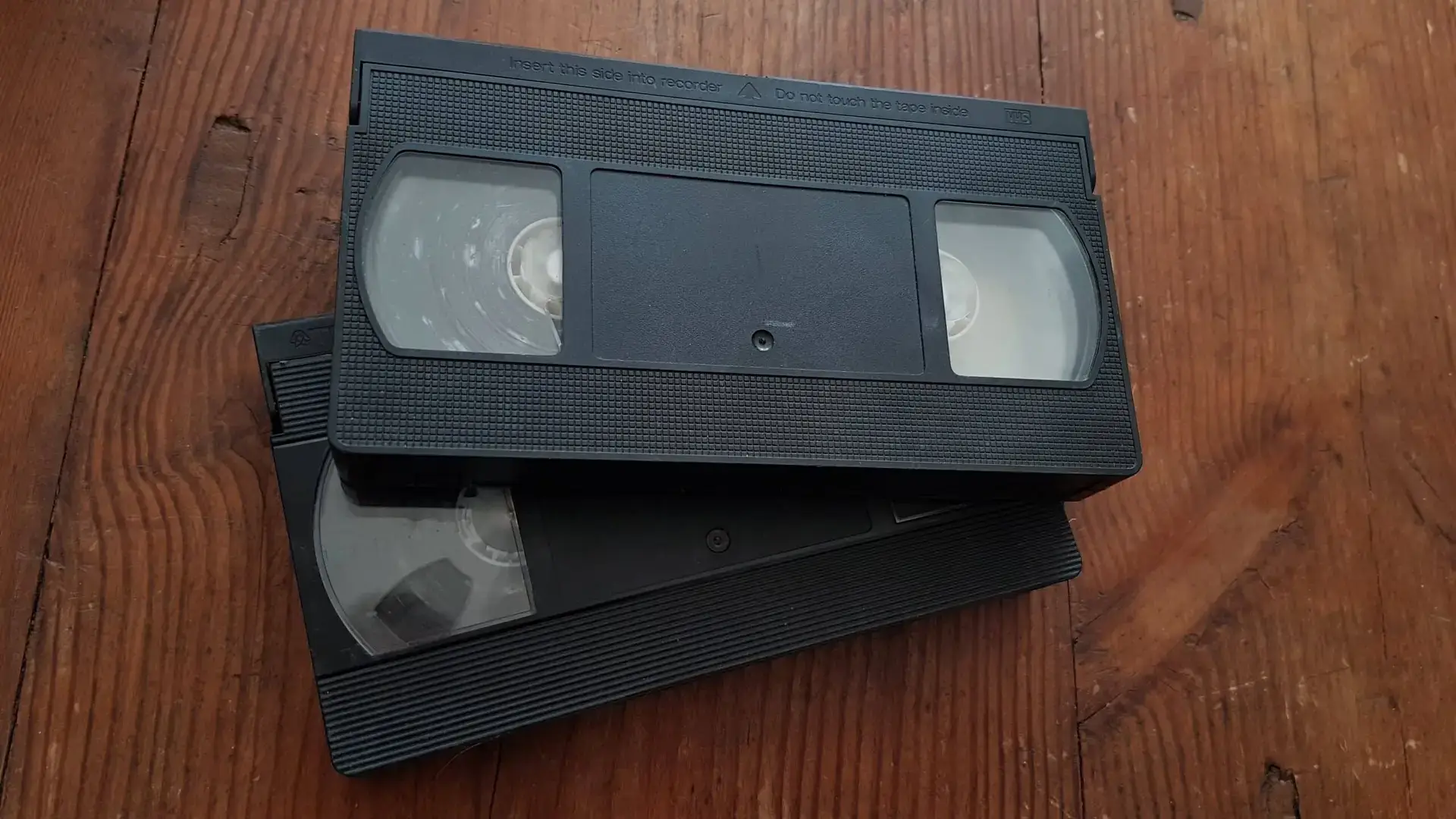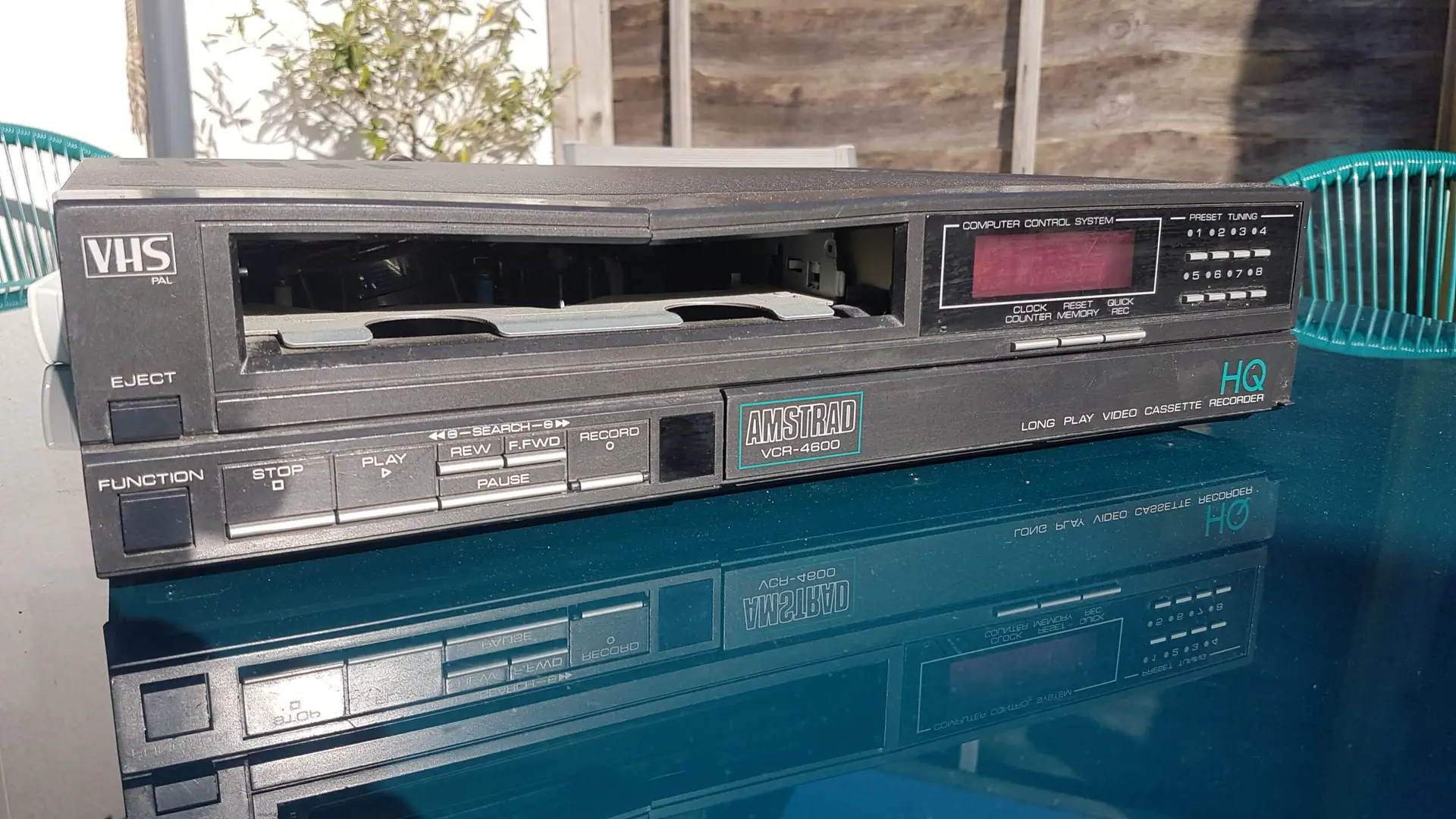

A VHS tape can produce a clear picture while giving you little or no sound for several reasons. The problem may be the VCR, audio connections, playback settings or the tape itself. In some cases, the recording is still there and can be recovered by using the correct playback method or professional transfer equipment.
Why does a VHS tape have picture but no sound?
When a VHS tape displays a picture but remains silent, it does not necessarily mean that the audio recording has disappeared.
There are several possible causes:
- The VCR is selecting the wrong audio track.
- The red and white audio connections are incorrect, loose or faulty.
- The television or amplifier is set to the wrong input.
- The VCR’s audio playback circuitry or heads have a problem.
- The tape’s audio recording has deteriorated or been damaged.
- The particular VCR cannot properly read the audio recorded on that tape.
- The original recording may have had an audio problem when it was made.
This distinction matters because a VHS tape can contain usable picture information even when the audio cannot be heard during normal playback.
Sony’s VCR troubleshooting guidance, for example, recommends checking the audio/video connections, selecting the correct TV input, checking available audio-monitor settings and testing another prerecorded tape before assuming the VCR itself requires servicing.
The first thing to check: is the problem the VHS player?
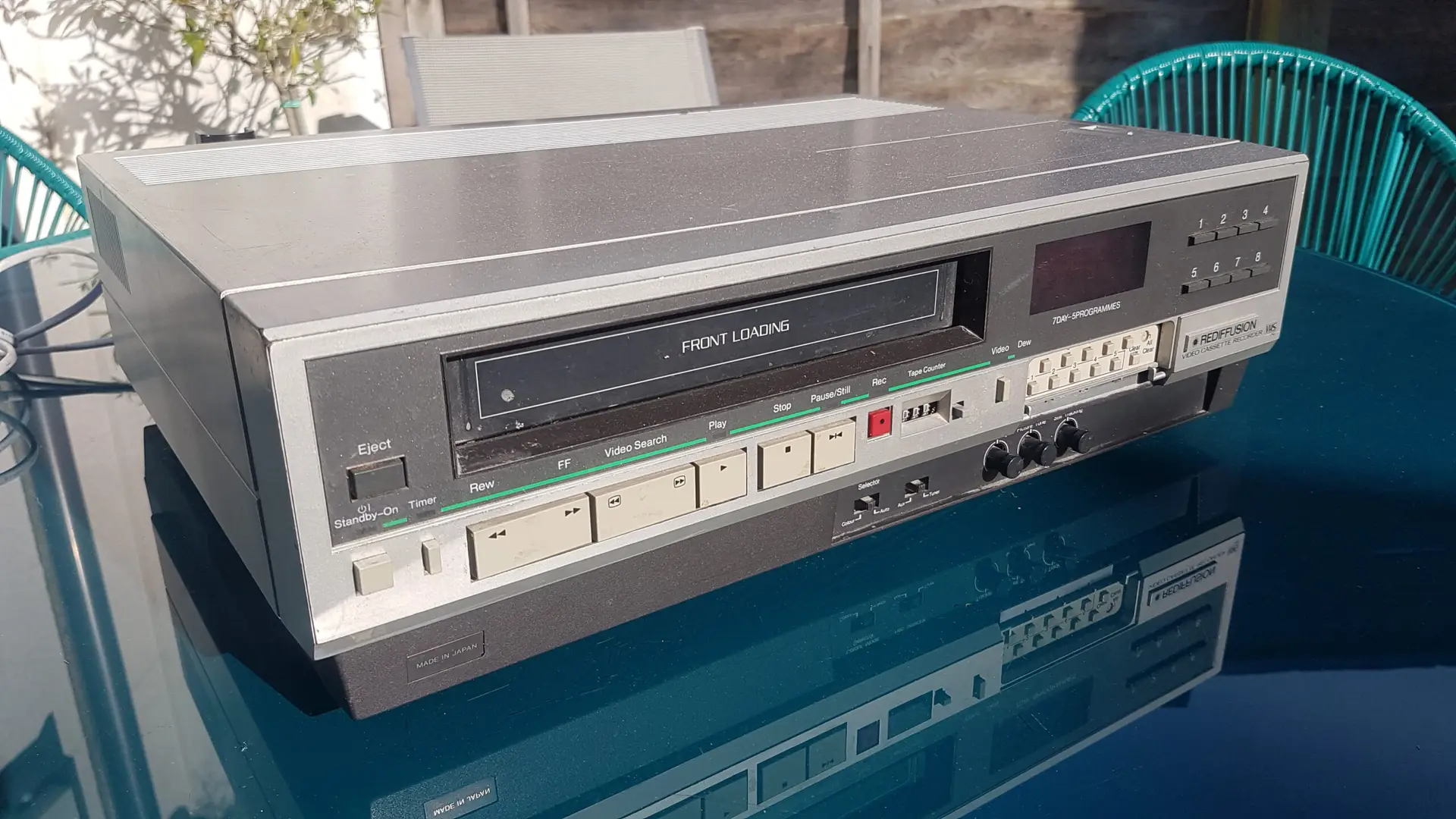
Before assuming that your VHS cassette is damaged, establish whether the problem occurs with the VHS player itself.
Try these straightforward checks:
- Play another known-good VHS tape.
If another tape produces both picture and sound, the problem is more likely to be associated with the original cassette or its recording. - Check the audio cables.
Traditional analogue connections normally use separate video and audio connections. The familiar red and white plugs carry the right and left audio channels, while yellow is normally used for composite video. - Check the television’s input.
Make sure the TV is displaying the input connected to the VCR. - Check the VCR’s audio settings.
Some VHS players allow different audio playback modes to be selected. If the machine has an Audio Monitor, Audio Select, Hi-Fi/Normal or similar control, check the instruction manual for its function. Sony specifically recommends cycling through available audio options where this feature is provided. - Listen carefully to the tape.
Complete silence is different from intermittent sound, severe hiss, distorted speech or sound that cuts in and out. These symptoms can point towards different playback problems.
If several tapes all produce picture but no sound on the same VHS player, the player, connections or television become more likely causes.
VHS audio is not always as simple as it looks
One reason VHS audio problems can be confusing is that VHS recordings can use different audio systems.
Some VHS recordings have a linear audio track, while later Hi-Fi VHS equipment added a separate Hi-Fi audio system. The Hi-Fi system records audio using the helical-scan recording system alongside the video information, while the linear track is recorded along the edge of the tape.
This means a VHS cassette can potentially contain audio information that one playback method fails to reproduce correctly.
A particularly useful test on a compatible VCR is therefore to check whether the machine provides a choice between Hi-Fi and normal, linear or mono audio. If the tape contains a usable linear soundtrack but the VCR is failing to reproduce its Hi-Fi audio correctly, changing the playback mode may reveal sound that was already present on the cassette.
The exact controls vary between VCRs, so check the manual for your particular model rather than assuming that every machine uses the same terminology.
Why can the picture work when the sound does not?
The picture and audio are recorded and reproduced through different parts of the VHS system. Consequently, a fault affecting audio does not automatically destroy the video signal.
This is one reason a cassette can appear to be working normally because the picture is visible while the audio has become difficult to reproduce.
It is also why a silent VHS tape should not immediately be treated as a tape containing no audio.
Could the audio track itself be damaged?
Yes.
Magnetic tape can deteriorate over time, and poor storage, contamination, physical damage and repeated playback can all affect the ability to reproduce a recording.
The National Archives notes that magnetic videotape can suffer dimensional changes that interfere with playback and recommends using appropriate, well-maintained equipment. It also advises limiting the number of times an original tape is played.
Signs that the problem may be associated with the cassette rather than simply the connections include:
- Sound that repeatedly cuts in and out.
- Audio that is badly distorted.
- Very weak or muffled sound.
- A tape that plays normally on one machine but not another.
- Visible contamination or debris inside the cassette.
- A tape that has previously suffered damage or poor storage.
- A tape that causes unusual mechanical behaviour during playback.
A damaged tape should not simply be played repeatedly in the hope that the sound will return.
The Library of Congress advises keeping playback equipment clean and well maintained and notes that cleaning magnetic tape itself is a delicate procedure that should be undertaken by a preservation specialist.
Can VHS audio be recovered?
Sometimes, yes.
The important question is whether usable audio information is still present on the tape and whether the playback equipment can reproduce it.
There are several possibilities.
The audio is present but the VCR is not reading it correctly
This is one of the more straightforward situations. A different compatible VCR or a different audio playback setting may reproduce a soundtrack that was missing on the original machine.
This is particularly relevant with older recordings where the condition of the tape and compatibility between the cassette and playback deck can affect the result.
The audio is present but the tape needs specialist handling
If the cassette has physical problems, contamination or other deterioration, repeatedly putting it through a domestic VCR is unlikely to be a sensible way of investigating it.
Professional audiovisual preservation guidance recommends appropriate playback equipment and careful handling of magnetic tape. The National Archives specifically advises against playing tapes that are visibly dusty, dirty or contaminated without seeking specialist guidance.
The original recording contains no usable audio
There is also a harder limitation: if the audio was never recorded, has been completely erased or has deteriorated beyond recoverability, a transfer cannot recreate information that is no longer present.
Digital restoration can sometimes improve an existing recording, but it cannot manufacture an original soundtrack that has been permanently lost.
Should you keep trying different VHS players?
Trying a different compatible player can be useful as a diagnostic step, particularly if you have access to a known-working machine.
However, there is a difference between testing a tape once or twice and repeatedly playing an irreplaceable original.
Every playback involves mechanical contact and movement of the tape. The National Archives recommends limiting the number of times significant original tapes are played and prioritising reformatting where appropriate.
If the recording contains something that cannot be replaced — such as family events, weddings, children’s recordings or important historical material — it makes sense to stop experimenting once basic checks have been exhausted.
A specialist transfer service may be able to assess the tape and determine whether the problem is with the recording, playback or both.
What should you avoid doing?
If a VHS tape has important recordings and no sound, avoid turning a simple diagnostic problem into a physical tape problem.
Do not:
- Open the cassette unless you know how to handle videotape safely.
- Touch the magnetic tape unnecessarily.
- Use household cleaning products on the cassette or tape.
- Force a cassette into a VCR.
- Repeatedly rewind and replay a problematic tape.
- Keep using a VCR that is visibly damaging or catching the tape.
- Attempt to repair broken tape with ordinary household adhesive or tape.
The National Archives specifically advises against attempting to repair or splice broken magnetic tape without appropriate training and recommends consulting an audiovisual preservation specialist instead.
If the tape is visibly dirty or contaminated, do not assume that putting it into another VCR is a safe way to test it.
Could a professional VHS transfer recover the sound?
Potentially, depending on what remains on the original tape.
A professional transfer is different from simply connecting a domestic VHS player to a television. The aim is to obtain the best practical reproduction of the recording from the physical original, while taking its condition into account.
A typical assessment may consider:
- The condition of the cassette
- The VHS format and recording
- Whether the tape plays safely
- The picture and audio signals being reproduced
- Whether an alternative playback approach is appropriate
- The quality of the resulting digital capture
- Whether further restoration is appropriate
This approach is particularly relevant where the tape contains valuable recordings but normal domestic playback is producing a picture without sound.
The Library of Congress notes that when an audiovisual item cannot be played because of damage, professional audiovisual preservation providers may be able to make the media playable so that it can be reformatted into a digital form.
When is professional assessment worth considering?
You do not necessarily need professional help because one VHS tape has no sound. Basic checks such as trying another tape, checking the connections and reviewing the VCR’s audio settings are reasonable.
Professional assessment becomes more relevant when:
- The tape is irreplaceable.
- The VCR appears to be damaging or struggling with the cassette.
- The tape has visible contamination or physical damage.
- Sound disappears intermittently.
- Several VCRs produce different results.
- The recording is important enough that you do not want to keep experimenting.
- You no longer have suitable VHS equipment.
- You want to create a digital copy rather than continue relying on ageing playback equipment.
The objective should be to preserve the information that remains while minimising unnecessary handling of the original.
VHS Digitisation Can Remove the Need for an Ageing VHS Player
If your main reason for investigating a silent VHS tape is that you want to watch old recordings again, digitisation can provide another route.
Our VHS transfer services cover VHS and several other videotape formats. This service provides options including digital downloads, USB memory sticks and DVD, allowing transferred recordings to be viewed on modern devices without relying on the original VHS player.
The service information also explains that tapes are inspected and digitised, with original media returned afterwards.
For tapes where the main problem is not simply access but deterioration or a difficult playback issue, Supaphoto also provides a video restoration service. Its service information explains that tapes are inspected and that restoration options can be considered according to the condition and problems found.
What happens to the original VHS tape after digitisation?
Digitisation does not mean that the original cassette automatically becomes worthless.
The physical VHS tape is the original recording medium, while the digital version provides a more convenient way to access and share its contents. For particularly important recordings, keeping the original cassette in suitable conditions can still be worthwhile.
The Library of Congress recommends storing magnetic tape in a clean, cool and relatively dry, stable environment, away from direct light, radiators, vibration and strong magnetic fields. It also recommends storing cassettes appropriately and handling them by their outer shell rather than touching the tape itself.
For home collections, avoid places such as damp garages, lofts with extreme temperature changes or areas close to radiators and other heat sources.
Keep more than one copy of important digital recordings
Once a VHS recording has been digitised, consider how the digital file will be stored.
The National Archives recommends creating multiple copies and using different storage technologies or locations as part of digital preservation planning. It also points out that digital storage itself needs ongoing management rather than being treated as permanent simply because the content is no longer on tape.
For a family collection, this could mean keeping a main copy on a computer or external drive alongside another backup stored separately.
Can a VHS tape have picture but no sound because the recording was made that way?
Yes.
Not every apparent playback fault is caused by deterioration. A recording could have been made with an audio problem, an incorrect input, a muted source or another fault at the time of recording.
This is why it is useful to establish whether the problem affects:
- One tape or several tapes
- One VCR or several VCRs
- One section or the entire recording
- Hi-Fi playback or the linear soundtrack
- The tape itself or the connection between the VCR and television
A systematic check can prevent you from assuming that the original cassette has failed when the actual problem lies elsewhere.
TL;DR
A VHS Player can show a picture while producing no sound because of audio settings, connections, playback equipment or deterioration of the tape. Check the VCR and audio connections first, but if the recording is important or the tape is damaged, professional VHS transfer or restoration may be a safer way to determine whether the original sound can still be recovered.
Frequently Asked Questions
Why does my VHS tape have picture but no sound?
The cause could be the VCR’s audio settings, faulty or incorrectly connected audio cables, the television input, a problem with the VCR’s audio playback system or damage to the tape’s soundtrack. Testing another tape can help identify whether the problem follows the cassette or the equipment.
Can a VHS tape lose sound but keep the picture?
Yes. VHS video and audio are handled through different recording and playback systems, so a problem affecting audio does not necessarily prevent the picture from being reproduced.
Should I try another VHS player?
A different compatible VCR can be useful for diagnosis. However, avoid repeatedly playing an important or fragile tape. If the recording is irreplaceable, professional assessment may be more appropriate.
Can a damaged VHS tape with no sound be repaired?
It depends on what has happened to the recording. If usable audio information remains but the original VCR cannot reproduce it correctly, another playback approach may recover it. If the original audio information has been permanently lost, restoration cannot recreate it.
Is VHS digitisation better than continuing to use an old VCR?
Digitisation gives you a way to access the recording without relying on ageing VHS playback equipment every time you want to watch it. It can also reduce the need for repeated playback of the original tape.
Should I throw away the VHS tape after it has been digitised?
Not necessarily. If the recording is important, retaining the original cassette in suitable storage provides the physical source from which the digital copy was created. Digital files should also be backed up rather than treated as automatically permanent.
Final thoughts
A VHS tape that has a picture but no sound is not necessarily a lost recording. The fault may be surprisingly simple, particularly if the VCR is using the wrong audio mode or the connections are incorrect. If basic checks do not resolve the problem, however, repeatedly playing an important cassette is unlikely to be the best next step.
For valuable recordings, the more useful question is whether the audio information is still present and whether it can be reproduced safely. Professional VHS transfer or restoration can provide a way to investigate that problem while creating a digital copy that is easier to access on modern equipment.