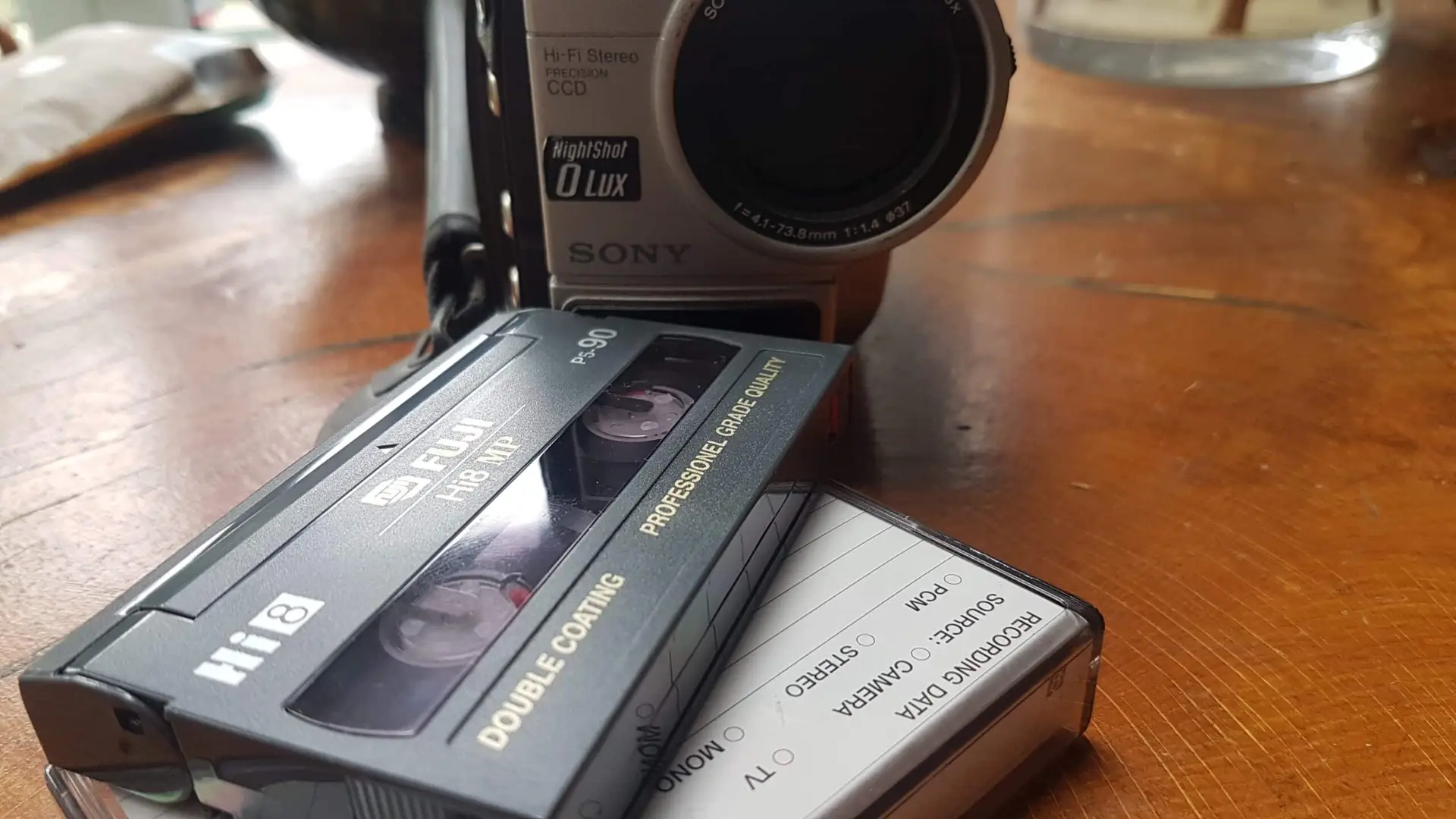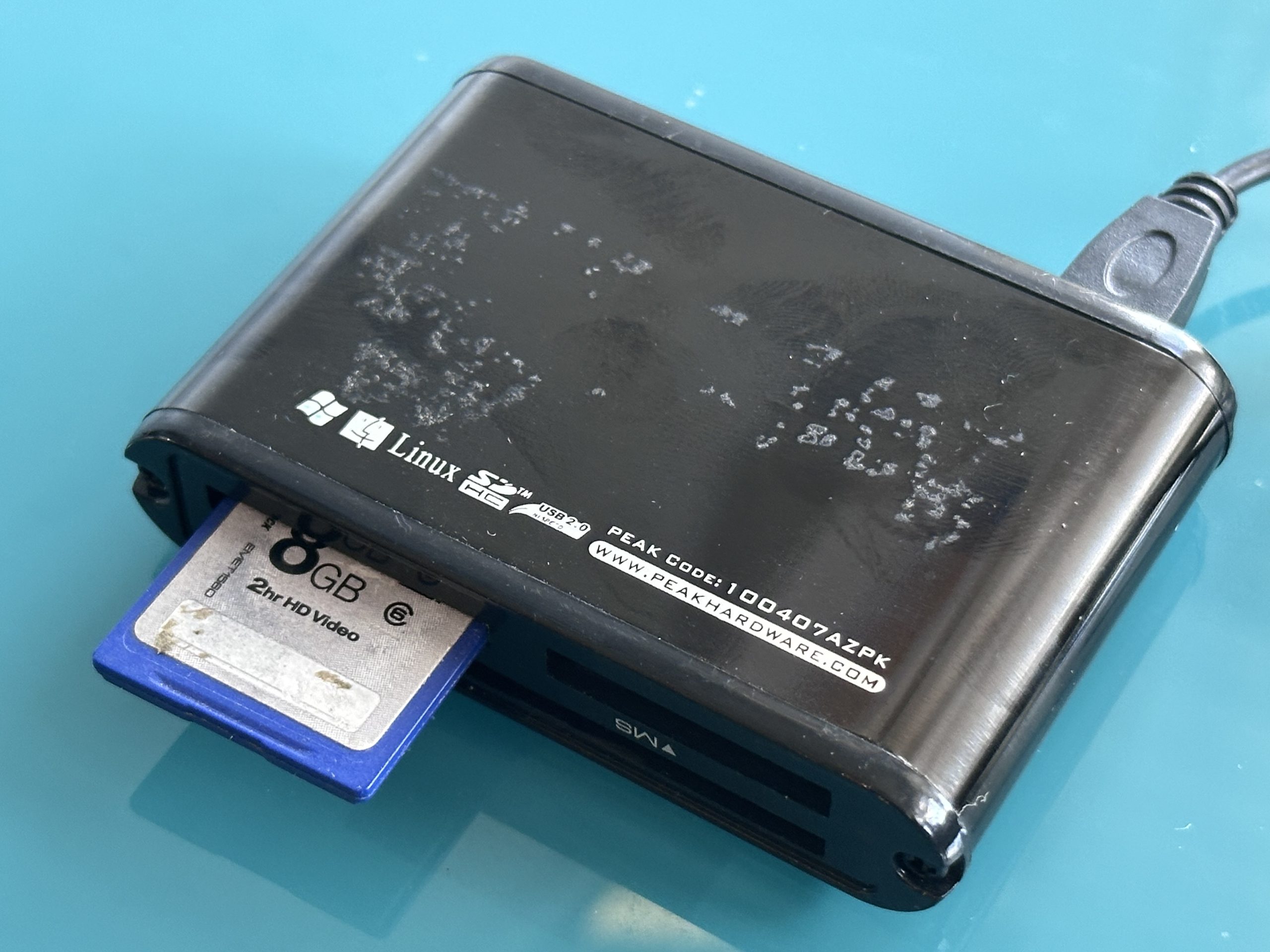

A photo recovery service helps retrieve photographs that someone has deleted, lost after formatting, trapped on corrupted storage or made inaccessible by device failure. The most important first step is to stop using the affected card, drive or device. Further use can overwrite recoverable data and reduce the chances of retrieving your pictures.
If photographs suddenly disappear:
- Stop using the affected storage immediately.
- Do not take more photographs on the same memory card.
- Do not format a card or drive when prompted.
- Check existing backups, cloud storage and deleted-item folders first.
- Avoid saving recovered photographs back onto the source media.
- Seek specialist help if the device has suffered damage, becomes unstable or remains unreadable.
- Back up successfully recovered images onto separate storage.
Why Do Digital Photographs Disappear?
Digital photographs can disappear even when the camera, memory card or computer seemed to work normally moments earlier. Sometimes, someone accidentally deletes the photographs. In other cases, the files become corrupted, inaccessible or lost because of a storage problem. The photographs may still remain on the storage medium, but the device can no longer locate or access them correctly.
Common causes include:
- accidental deletion
- formatting a memory card
- file-system corruption
- removing a card while a camera is writing data
- interrupted transfers
- failing SD or microSD cards
- damaged USB sticks
- hard drive faults
- damaged storage connectors
- accidental folder deletion
- device failure
- lost partitions
- physical damage to storage media
The correct response depends heavily on what happened to the photographs and where you stored them..
A healthy SD card containing accidentally deleted JPEGs presents a different recovery problem from a dropped external hard drive that has started clicking.
Deleted Does Not Always Mean Irretrievably Gone
One of the most useful things to understand about digital photo recovery is the difference between deleting a file and overwriting its underlying data.
On some storage systems, deleting a photograph removes or changes the information used to locate the file and makes its storage space available for reuse. Some of the original data may therefore remain until something else uses that space.
This is why you should stop using affected media immediately.
Imagine accidentally deleting photographs from a camera card halfway through a holiday. Continuing to shoot hundreds of new photographs on that card can reuse storage areas associated with the deleted files.
Recovery becomes much less straightforward once other data has genuinely overwritten the original files.
Storage technology, device and deletion method all affect the outcome, so nobody should promise recovery simply because someone recently deleted a file.
Check the Simple Places Before Attempting Recovery
Not every missing photograph requires specialist intervention.
Before running recovery software or altering the original storage, check whether another copy already exists.
Look in:
- your computer’s Recycle Bin or Trash
- cloud photo libraries
- phone or tablet backups
- synchronised folders
- previous computer backups
- external backup drives
- camera import folders
- another memory card
- shared family folders
The National Cyber Security Centre’s backup guidance specifically recommends checking recycle-bin and file-history functions when you accidentally delete files.
If a complete backup exists, restoring that copy is preferable to attempting unnecessary recovery from the original device.
What If Your Memory Card Asks You to Format It?
A camera or computer may display messages such as:
- “Card error”
- “Memory card cannot be read”
- “You need to format the disk”
- “Card not formatted”
- “Unsupported file system”
Do not automatically format a card containing photographs you need.
The message means the device cannot use the storage normally; it does not establish that the photographs themselves have disappeared.
Formatting changes the storage structure and prepares the media for subsequent use. It should not be your first troubleshooting action when your objective is preserving existing photographs.
Remove the card safely and avoid further writes.
If the card is corrupted or cannot be accessed normally, consider a specialist assessment of an unreadable SD card rather than repeatedly trying to make the camera accept it.
Can You Recover Photos From a Formatted Memory Card?
Sometimes.
Recovery prospects depend on the type of formatting, the storage technology and, crucially, what has happened since.
A formatting operation does not necessarily overwrite every byte of previous image data. As a result, you can sometimes retrieve photographs after accidentally formatting a memory card.
However, you should never interpret this as a guarantee.
If you accidentally format a camera card:
- stop taking photographs
- remove the card
- do not format it again
- do not copy new files onto it
- preserve it for recovery
Continuing to use the card is one of the most avoidable mistakes following accidental formatting.
Photo Recovery Depends on the Storage Device
Photographs can live on many different types of digital storage, and the technology influences the recovery process.
| Storage device | Common photo-loss problem | Important first action |
|---|---|---|
| SD card | Deletion, formatting, corruption | Stop using the card |
| microSD card | Corruption or physical damage | Remove safely where possible |
| USB stick | Deletion or electronic failure | Avoid writing new data |
| External HDD | Logical or mechanical failure | Stop if abnormal noises occur |
| SSD | Logical/electronic problems | Minimise further use |
| Computer HDD | Deletion or disk failure | Avoid unnecessary writes |
| Phone storage | Deletion/device problems | Check backups first |
| Camera storage | Files inaccessible | Stop shooting |
This is why “recover my photographs” is only the starting point. A specialist also needs to understand where you stored the photographs and what happened immediately before they disappeared.
Recovering Photos From an SD or Memory Card
Memory cards are among the most common sources of lost photographs because cameras continually write, delete and reorganise files on them.
If photographs disappear:
Stop Shooting
Every new photograph creates additional data. If deleted material remains recoverable, continued use may reduce that possibility.
Remove the Card Safely
Once you recognise a problem, take the card out of normal use.
Don’t Experiment With Formatting
If a computer asks to format the card, cancel the request when the existing pictures matter.
Don’t Recover Onto the Same Card
Save any successfully retrieved images onto a different storage device.
When a healthy memory card simply contains photographs you want moved into a more accessible form, a transfer from memory card to computer is a migration task rather than data recovery.
Recovering Photos From a Hard Drive
Hard drives introduce another set of risks because traditional HDDs contain precision mechanical components.
Photographs may become inaccessible because of:
- accidental deletion
- file-system corruption
- partition problems
- bad sectors or read errors
- electronics failure
- firmware problems
- mechanical failure
- impact damage
If the drive works normally and the loss appears purely logical, recovery may be possible without physical intervention.
If an HDD starts clicking, grinding, repeatedly spinning up or disappearing from the computer, however, stop treating it as a simple deleted-file problem.
Repeated power cycles and long software scans can be inappropriate for mechanically unstable hardware.
For valuable photo collections on a problematic disk, specialist assistance with a failing hard drive may help establish whether the storage requires recovery rather than ordinary file transfer.
What About Photos Lost From a USB Stick?
USB flash drives use solid-state memory rather than the rotating magnetic platters found in conventional HDDs.
Photo loss can result from:
- accidental deletion
- formatting
- corrupted file systems
- damaged USB connectors
- controller problems
- electronic failure
If the stick remains readable after accidental deletion, stop copying information onto it.
If you physically bend or damage the connector, repeatedly plugging it into different computers is not a sensible way to diagnose the problem. Physical pressure can worsen an existing connection problem.
You can instead move old photo collections from healthy USB media onto more convenient digital storage before the device becomes another forgotten source of family photographs.
Can RAW Camera Photographs Be Recovered?
Potentially, yes.
Professional and enthusiast cameras may save photographs as JPEGs, RAW files or both. Common camera RAW formats include proprietary formats associated with individual manufacturers as well as DNG.
Recovery should therefore not assume that every missing photograph ends in .jpg.
A photo recovery assessment may need to identify:
- JPEG
- HEIF/HEIC
- TIFF
- DNG
- manufacturer-specific RAW formats
- associated video files
Where the original file system has suffered severe damage, you may not always recover filenames, dates or folder organisation, even when you can retrieve usable image data.
This distinction matters: recovering the photograph itself and reconstructing its original filename and folder position are separate outcomes.
The National Archives maintains technical information about digital file formats specifically because identifying formats and understanding their software dependencies are important parts of keeping digital information accessible over time.
Corrupted Photograph or Corrupted Storage?

These are different problems.
A corrupted storage device may prevent access to many otherwise intact photographs.
A corrupted image file may be retrievable from the storage but still fail to display correctly.
Possible symptoms of a damaged photograph include:
- only part of the picture displaying
- unexpected blocks or bands
- incorrect colours
- the image viewer reporting an error
- a thumbnail appearing while the full image fails
- an apparently normal filename with a zero or implausible file size
Photo recovery should therefore include verification. Finding 5,000 filenames is less useful if nobody checks whether the important images actually open.
DIY Photo Recovery or Professional Recovery?
The right decision depends largely on the value of the photographs and the condition of the storage.
| Situation | DIY may be reasonable | Professional assessment preferable |
|---|---|---|
| Copy exists in Recycle Bin | ✓ | |
| Cloud backup exists | ✓ | |
| Simple accidental deletion on healthy media | Possibly | |
| Formatted card with irreplaceable photos | ✓ | |
| Card not detected | ✓ | |
| Physically broken card | ✓ | |
| Clicking hard drive | ✓ | |
| Damaged USB connector | ✓ | |
| Only copy of wedding/family photographs | ✓ |
DIY recovery software is not inherently wrong. The problem is using it without understanding whether the underlying storage is healthy.
A software scan cannot repair every electrical or mechanical failure. Equally, professional hardware intervention is unnecessary if your missing photograph is sitting safely in a cloud recycle bin.
How a Professional Photo Recovery Service Works
The precise workflow depends on the media and fault, but a careful recovery process should protect the source as far as practicable.
1. Establish What Happened
Useful information includes the device type, how the photographs disappeared, whether the media was formatted and what has happened since.
2. Assess the Storage
The objective is to distinguish logical data loss from physical, electronic or mechanical failure.
3. Preserve the Source
Where appropriate, recovery specialists may create an image or clone of readable storage and perform subsequent analysis against that copy rather than continually changing or accessing the original.
4. Identify Recoverable Files
The recovery process may search file-system information and, where appropriate, recognise image data from its underlying file structure.
5. Check the Results
Recovered photographs should be opened and assessed rather than counted solely by filename.
6. Return Them on Healthy Storage
Recovered files should be copied to another suitable storage location rather than placed back onto the problematic original.
What Information Should You Provide With a Recovery Job?
A little background can make diagnosis easier.
Where possible, record:
- the camera or device used
- storage type and capacity
- approximate number of missing photographs
- whether video is also required
- what happened immediately before the loss
- whether the media was formatted
- whether new photographs were subsequently taken
- whether recovery software has already been used
- any physical damage
- important file types, particularly RAW formats
Don’t perform additional experiments simply to provide these answers. If you don’t know, say so.
Common Photo Recovery Mistakes
Taking More Photographs
Continuing to shoot after accidental deletion may overwrite recoverable data.
Formatting an Unreadable Card
A formatting prompt is not proof that the card is empty.
Saving Recovery Results Onto the Source
Recovered photographs belong on separate healthy storage.
Repeatedly Scanning Failing Hardware
A mechanically unstable HDD needs a different approach from a healthy card containing deleted files.
Assuming a Thumbnail Means the Original Is Safe
A thumbnail may be a small preview rather than the full-resolution photograph.
Using the Recovered Device Again
If a storage device failed unexpectedly, replacing it is generally preferable to trusting it with another irreplaceable collection.
What Should You Do After Your Photos Are Recovered?
Recovery solves today’s emergency. Good digital preservation reduces the chance of repeating it.
First, keep the recovered files exactly as returned until you have checked them and created additional copies.
Then organise them into a sensible structure using dates, events or subjects. Avoid immediately renaming thousands of files before establishing that your backups are secure.
For important family photographs, consider keeping:
- a main working collection
- a separate local backup
- an additional off-site or cloud copy
The NCSC recommends storing backups separately and specifically suggests considering both cloud and removable-media copies for irreplaceable photographs and videos. It also recommends checking that backups genuinely contain the information you expect. (good backup practice for important photographs)
If you want a convenient physical viewing copy after files have been safely retrieved, photographs and videos from compatible cards can also be transferred from memory card to DVD.
Frequently Asked Questions About Photo Recovery
Can permanently deleted photos be recovered?
Sometimes. Recovery depends on the storage technology, how deletion occurred and whether the underlying data has subsequently been overwritten. Stop using the affected device as soon as the loss is discovered.
Can photos be recovered after formatting an SD card?
Potentially. Some formatting operations leave recoverable image data behind. Do not continue shooting or writing new files to the card after accidental formatting.
Can photos be recovered from a damaged memory card?
In some cases, yes. Physical, electronic and logical faults require different recovery techniques, so the card needs to be assessed before the prospects can be established.
Can old photos be recovered from a hard drive?
Potentially, provided the relevant data remains accessible or recoverable. A mechanically failing hard drive requires considerably more caution than a healthy disk containing accidentally deleted files.
Will recovered photos retain their original filenames?
Not always. If file-system information has been lost, the image data may sometimes be recovered without the original filename, date or folder structure.
Can videos be recovered at the same time?
Potentially, yes. Cameras and phones frequently store photographs and video on the same media. Video recovery can be more complicated where recordings are fragmented, incomplete or interrupted while being written.
Can corrupted photographs be repaired?
Sometimes, depending on which parts of the image file remain intact. Recovering a damaged file from storage and repairing corruption within the photograph are separate processes.
Recover the Photograph, Then Protect the Memory
When photographs disappear, speed matters less than making the right first decision. Stop using the affected storage, avoid formatting it and do not keep experimenting when physical failure is suspected.
The goal of a photo recovery service should be broader than simply producing a list of recovered filenames. Important photographs need to be retrieved as safely as possible, checked for usability and moved onto dependable storage.
For deleted, corrupted or inaccessible image collections, Supaphoto’s specialist help retrieving lost digital photographs can assess the storage and recover accessible pictures onto safer media.
Once those photographs are back, don’t recreate the original problem by keeping the only copy in one place. Digital photographs deserve the same care as physical family albums: organise them, preserve the best available originals and maintain independent backups. The National Archives’ digital preservation guidance provides a useful wider perspective on maintaining continued access to digital information over time.